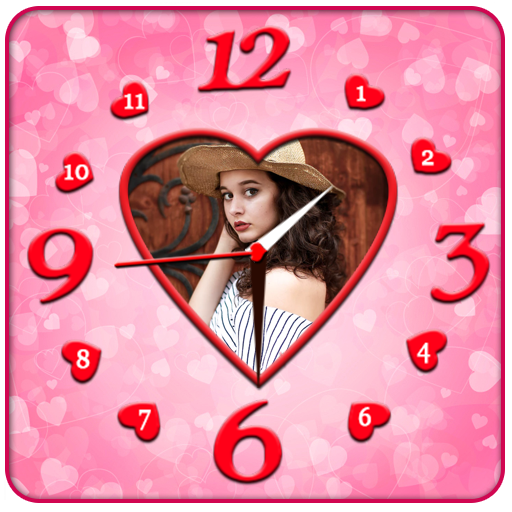
Photo Clock Live Wallpaper PC
Galaxy Launcher
Photo Clock Live Wallpaper'i GameLoop Emulator ile PC'ye indirin
PC'de Photo Clock Live Wallpaper
Galaxy Launcher geliştiricisinden gelen Photo Clock Live Wallpaper, geçmişte Android systerm üzerinde çalışıyor.
Artık Photo Clock Live Wallpaper'i PC'de GameLoop ile sorunsuz bir şekilde oynayabilirsiniz.
GameLoop kitaplığından veya arama sonuçlarından indirin. Artık yanlış zamanda pile bakmak veya sinir bozucu aramalar yapmak yok.
Photo Clock Live Wallpaper bilgisayarın keyfini büyük ekranda ücretsiz olarak çıkarın!
Photo Clock Live Wallpaper Tanıtım
Here You can get all collection of clocks and you can modify clocks,Backgrounds and change settings what ever you want.
We are Offering 60+ different clocks and more than 50 Backgrounds.
It is Providing Four Different Types of clock Options:
1:Photo On Clock
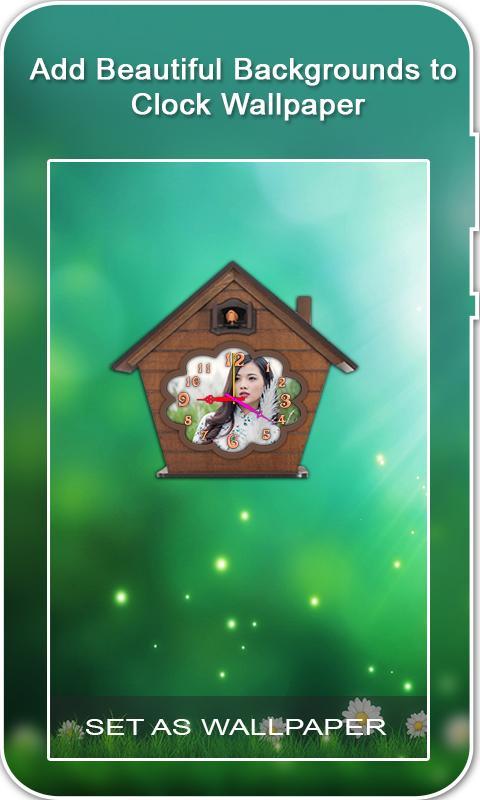
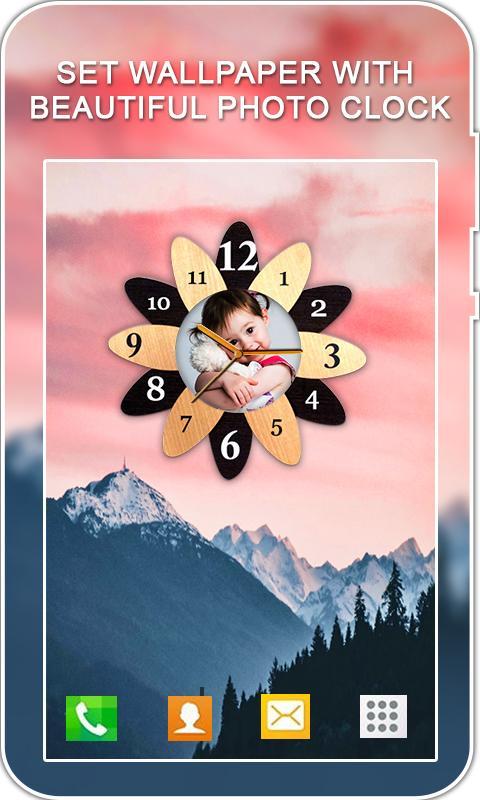
* Here You can Change Multiple Number of Awesome Clocks And You can edit your Photo on Clock.
* You can give Background What Ever you want it may be normal background or custom background or gradient colour or normal colour.
* Write Text On Screen with Multiple Number of Fonts and variety of colours.
* If You want Animation on Screen , In Setting You can select Snow Animation, Bubble Animation.....
2:Digital Clock
* You can give Background What Ever you want it may be normal background or custom background or gradient colour or normal colour.
* Here In Options You can Change the clock Size ,Alignment, Date Format and brightness.
* You can change the colour of The Digital Clock with Shadow.
* If You want Animation on Screen , You can Select Flying Birds ,Butterfly's, Bubble Animation etc.
3: Analog Clock
* You can give Background What Ever you want it may be normal background or custom background or gradient colour or normal colour.
* Here In Colours option You can Change the colour of Hands , Numbers , Dial etc.
* in options You Can Change the clock Style,Size,Align etc..
* If You want Animation on Screen , You can Select Flying Birds ,Butterfly's, Bubble Animation etc.
4:Modern Clock
* Here You can Change Multiple Number of Awesome Clocks.
* You can give Background What Ever you want it may be normal background or custom background or gradient colour or normal colour.
* Adjust Blur of Screen.
* Move the position of clock and Zoom that by touching.
* If You want Animation on Screen , In Setting You can select Snow Animation, Bubble Animation.....
Ön izleme
Etiketler
Art-&Bilgi
geliştirici
Galaxy Launcher
En Son Sürüm
1.0
Son güncelleme
2018-10-01
Kategori
Art-design
üzerinde mevcut
Google Play
Daha fazla göster
PC'de GameLoop ile Photo Clock Live Wallpaper nasıl oynanır
1. Resmi web sitesinden GameLoop'u indirin, ardından GameLoop'u kurmak için exe dosyasını çalıştırın.
2. GameLoop'u açın ve “Photo Clock Live Wallpaper”i arayın, arama sonuçlarında Photo Clock Live Wallpaper'i bulun ve “Yükle”ye tıklayın.
3. GameLoop'ta Photo Clock Live Wallpaper oynamanın keyfini çıkarın.
Minimum requirements
OS
Windows 8.1 64-bit or Windows 10 64-bit
GPU
GTX 1050
CPU
i3-8300
Memory
8GB RAM
Storage
1GB available space
Recommended requirements
OS
Windows 8.1 64-bit or Windows 10 64-bit
GPU
GTX 1050
CPU
i3-9320
Memory
16GB RAM
Storage
1GB available space