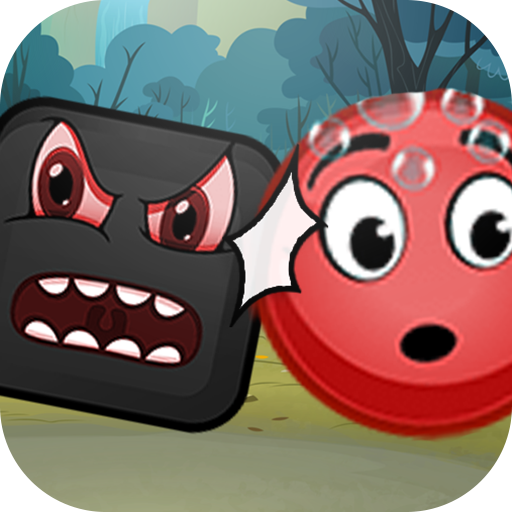
Red Ball Adventure - Ball Bounce Game PC
Dreamtiiw Apps
Red Ball Adventure - Ball Bounce Game'i GameLoop Emulator ile PC'ye indirin
PC'de Red Ball Adventure - Ball Bounce Game
Dreamtiiw Apps geliştiricisinden gelen Red Ball Adventure - Ball Bounce Game, geçmişte Android systerm üzerinde çalışıyor.
Artık Red Ball Adventure - Ball Bounce Game'i PC'de GameLoop ile sorunsuz bir şekilde oynayabilirsiniz.
GameLoop kitaplığından veya arama sonuçlarından indirin. Artık yanlış zamanda pile bakmak veya sinir bozucu aramalar yapmak yok.
Red Ball Adventure - Ball Bounce Game bilgisayarın keyfini büyük ekranda ücretsiz olarak çıkarın!
Red Ball Adventure - Ball Bounce Game Tanıtım
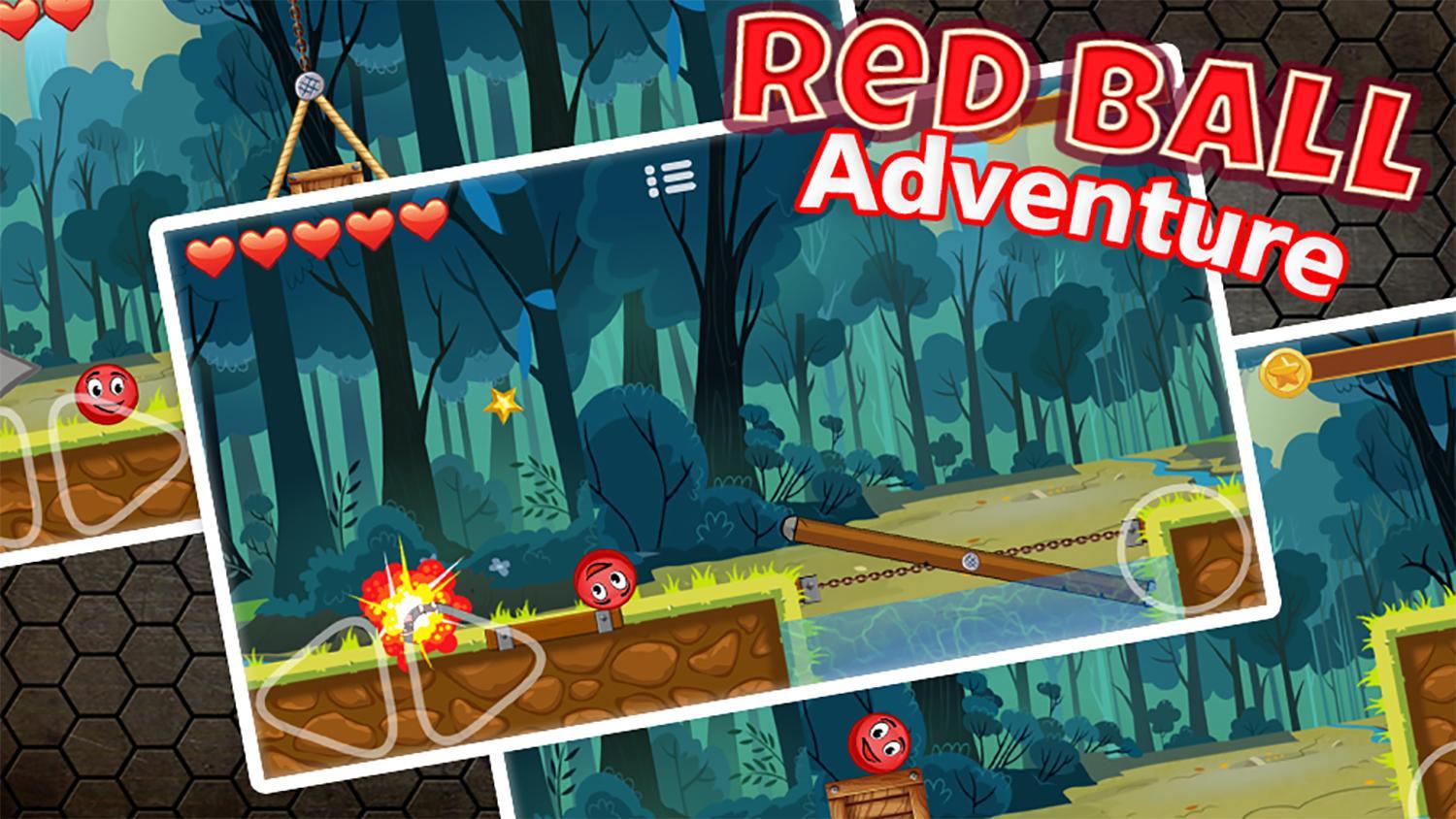
Are you crazy fans of adventure game red ball or blue ball ?
Are you love bounce ball classic game ?
This game made for you : "Red Ball Adventure : Ball Bounce Game"
Also all kind bounce game fans may love the red ball.
Red ball is a little character and hero ball in his own world.
One day redball realizes that the tree in front of his house is lost. Go with redball in this world and find the truth behind the lost tree.
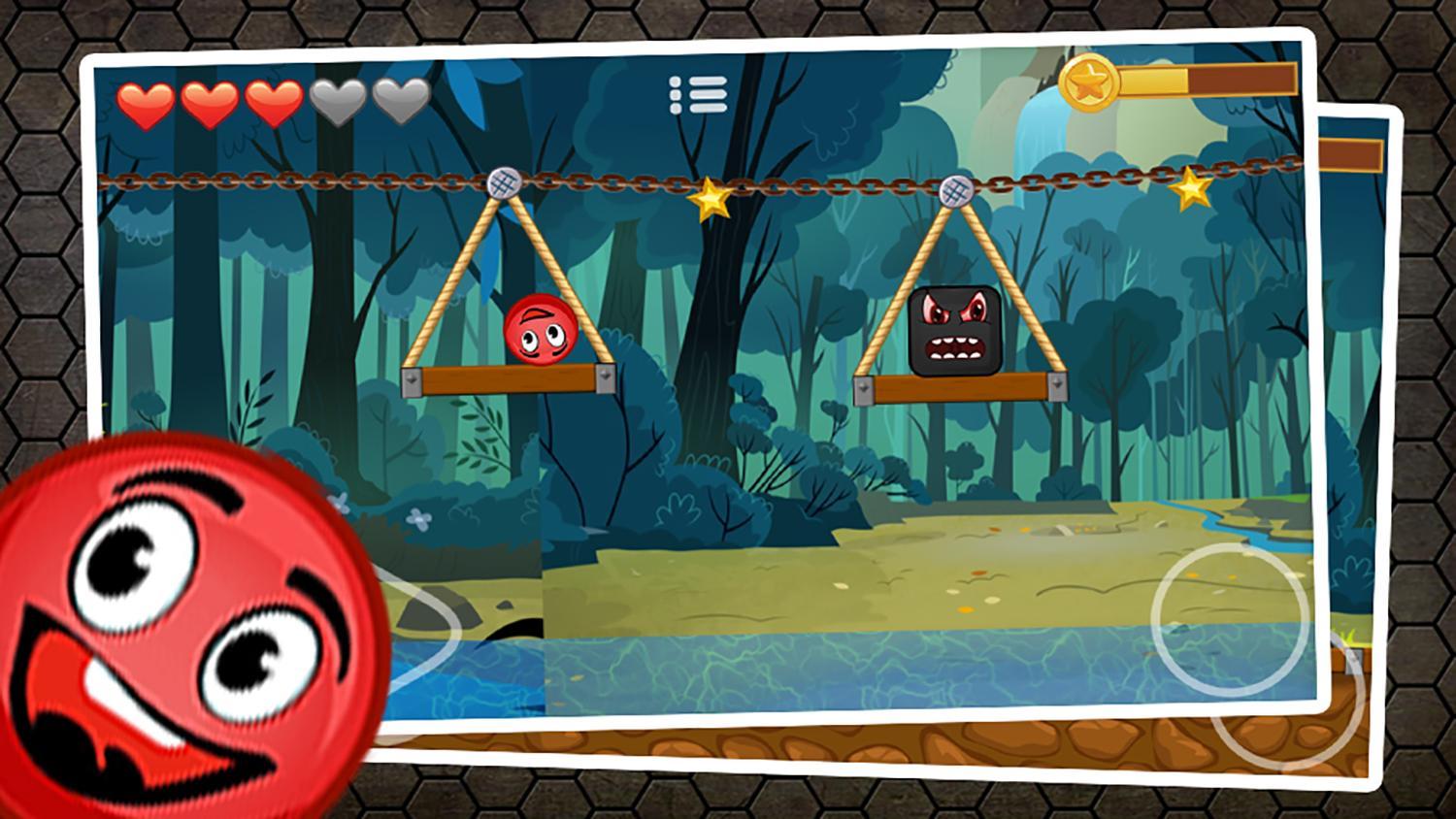
In this game, red ball need fight with Bad Guy and completed adventure. Red Ball can solve this problem with your help. The New version of old classic Red Ball Adventures from 1990.
"Red Ball Adventure : Ball Bounce Game" designed to fit both mobile phones and tablets with Hd resolution.
Ön izleme
Bilgi
geliştirici
Dreamtiiw Apps
En Son Sürüm
1.0
Son güncelleme
2017-11-30
Kategori
Macera
üzerinde mevcut
Google Play
Daha fazla göster
PC'de GameLoop ile Red Ball Adventure - Ball Bounce Game nasıl oynanır
1. Resmi web sitesinden GameLoop'u indirin, ardından GameLoop'u kurmak için exe dosyasını çalıştırın.
2. GameLoop'u açın ve “Red Ball Adventure - Ball Bounce Game”i arayın, arama sonuçlarında Red Ball Adventure - Ball Bounce Game'i bulun ve “Yükle”ye tıklayın.
3. GameLoop'ta Red Ball Adventure - Ball Bounce Game oynamanın keyfini çıkarın.
Minimum requirements
OS
Windows 8.1 64-bit or Windows 10 64-bit
GPU
GTX 1050
CPU
i3-8300
Memory
8GB RAM
Storage
1GB available space
Recommended requirements
OS
Windows 8.1 64-bit or Windows 10 64-bit
GPU
GTX 1050
CPU
i3-9320
Memory
16GB RAM
Storage
1GB available space