
Video Velocity-Slow mo Fast mo PC
Grade Star Apps
ดาวน์โหลด Video Velocity-Slow mo Fast mo บนพีซีด้วย GameLoop Emulator
Video Velocity-Slow mo Fast mo บน PC
Video Velocity-Slow mo Fast mo มาจากผู้พัฒนา Grade Star Apps ที่เคยรันบนระบบปฏิบัติการ Android มาก่อน
ตอนนี้คุณสามารถเล่น Video Velocity-Slow mo Fast mo บนพีซีด้วย GameLoop ได้อย่างราบรื่น
ดาวน์โหลดในไลบรารี GameLoop หรือผลการค้นหา ไม่ต้องสนใจแบตเตอรี่หรือโทรผิดเวลาอีกต่อไป
เพียงเพลิดเพลินกับ Video Velocity-Slow mo Fast mo PC บนหน้าจอขนาดใหญ่ฟรี!
Video Velocity-Slow mo Fast mo บทนำ
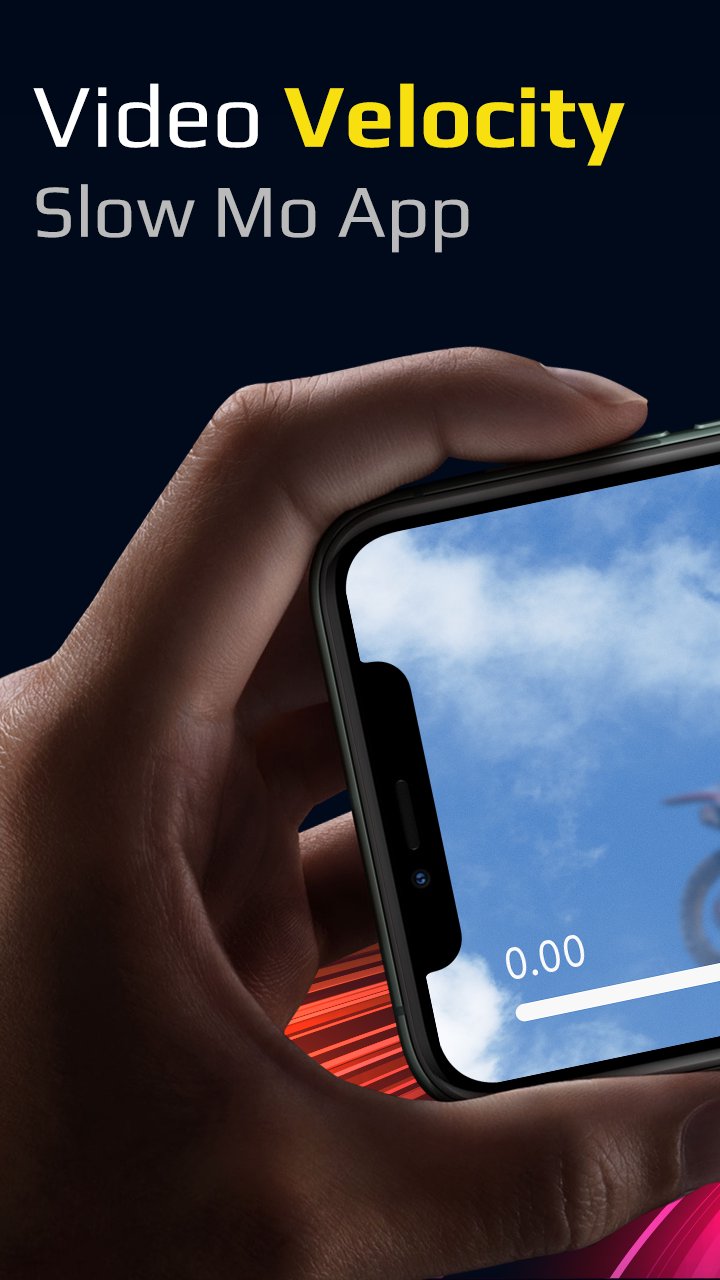
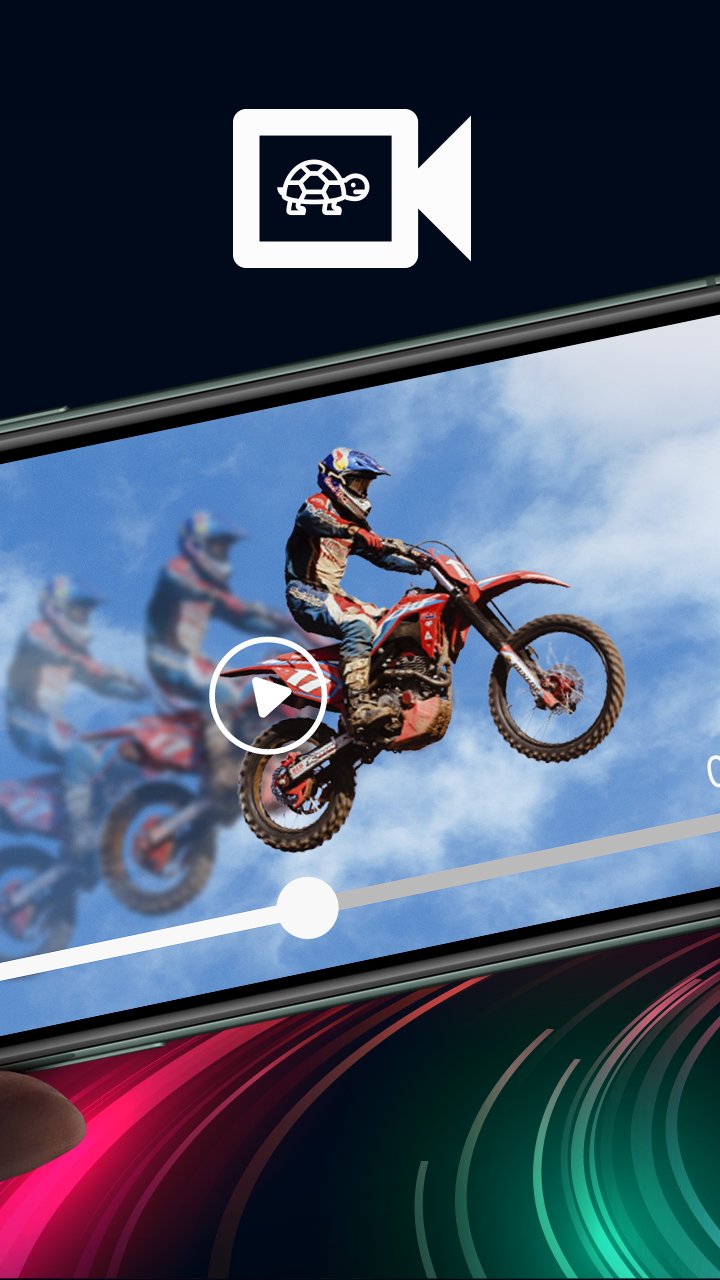
Video Velocity or Slow Motion Fast Motion Video app lets you create a slow motion video as well as fast forward video. Slow motion video editor can easily create slow-mo and fast motion effect. You can slow down the playback speed of the video and also fast forward the video playback rate.
Slow down videos
To make slow mo effect, select the speed you want, support 0.1x, 0.2x, 0.25x, 0.3x, 0.4x, 0.5x, 0.6x, 0.8x, 0.9x, 0.95x
Fast forward videos
To make fast motion effect, just select the supported fast speed 1.25x, 1.5x, 1.75x, 2.0x, 2.5x, 3.0x, 4.0x, 5.0x, 6.0x, 7.0x, 8.0x, 10.0x to speed up video.
Watch videos in slow motion and fast motion. Simple user interface and easy to use as well! Shoot, edit, and share videos on any social networking platforms in a stunning smooth slow motion. Slow Motion Camera supports all type of popular video formats including AVI, 3GP, MKV, TS, MPG , M4V, MOV, MP4, WMV and more.
§ FEATURES §
• Slow motion video and Fast motion video with live preview in video player during editing.
• Change resolution of video.
• Speed up video up to 10x
• Slow down video up to 0.1x
• Add Multiple Fast Motion, Slow Motion effect in the Same Video
• Add audio to video with audio trim feature before adding audio to video.
• Share screen after exporting video.
• My Creation
Get the all new Video Velocity - Slow mo, Fast mo Video app for FREE!!!
ดูตัวอย่าง
แท็ก
Video-Playersข้อมูล
นักพัฒนา
Grade Star Apps
เวอร์ชั่นล่าสุด
1.0
อัพเดทล่าสุด
2022-07-29
หมวดหมู่
Video-players-editors
มีจำหน่ายที่
Google Play
แสดงมากขึ้น
วิธีเล่น Video Velocity-Slow mo Fast mo ด้วย GameLoop บน PC
1. ดาวน์โหลด GameLoop จากเว็บไซต์ทางการ จากนั้นเรียกใช้ไฟล์ exe เพื่อติดตั้ง GameLoop
2. เปิด GameLoop และค้นหา "Video Velocity-Slow mo Fast mo" ค้นหา Video Velocity-Slow mo Fast mo ในผลการค้นหาแล้วคลิก "ติดตั้ง"
3. สนุกกับการเล่น Video Velocity-Slow mo Fast mo บน GameLoop
Minimum requirements
OS
Windows 8.1 64-bit or Windows 10 64-bit
GPU
GTX 1050
CPU
i3-8300
Memory
8GB RAM
Storage
1GB available space
Recommended requirements
OS
Windows 8.1 64-bit or Windows 10 64-bit
GPU
GTX 1050
CPU
i3-9320
Memory
16GB RAM
Storage
1GB available space