
Video to GIF PC
Photo Video Zone App
ดาวน์โหลด Video to GIF บนพีซีด้วย GameLoop Emulator
Video to GIF บน PC
Video to GIF มาจากผู้พัฒนา Photo Video Zone App ที่เคยรันบนระบบปฏิบัติการ Android มาก่อน
ตอนนี้คุณสามารถเล่น Video to GIF บนพีซีด้วย GameLoop ได้อย่างราบรื่น
ดาวน์โหลดในไลบรารี GameLoop หรือผลการค้นหา ไม่ต้องสนใจแบตเตอรี่หรือโทรผิดเวลาอีกต่อไป
เพียงเพลิดเพลินกับ Video to GIF PC บนหน้าจอขนาดใหญ่ฟรี!
Video to GIF บทนำ
Video to GIF
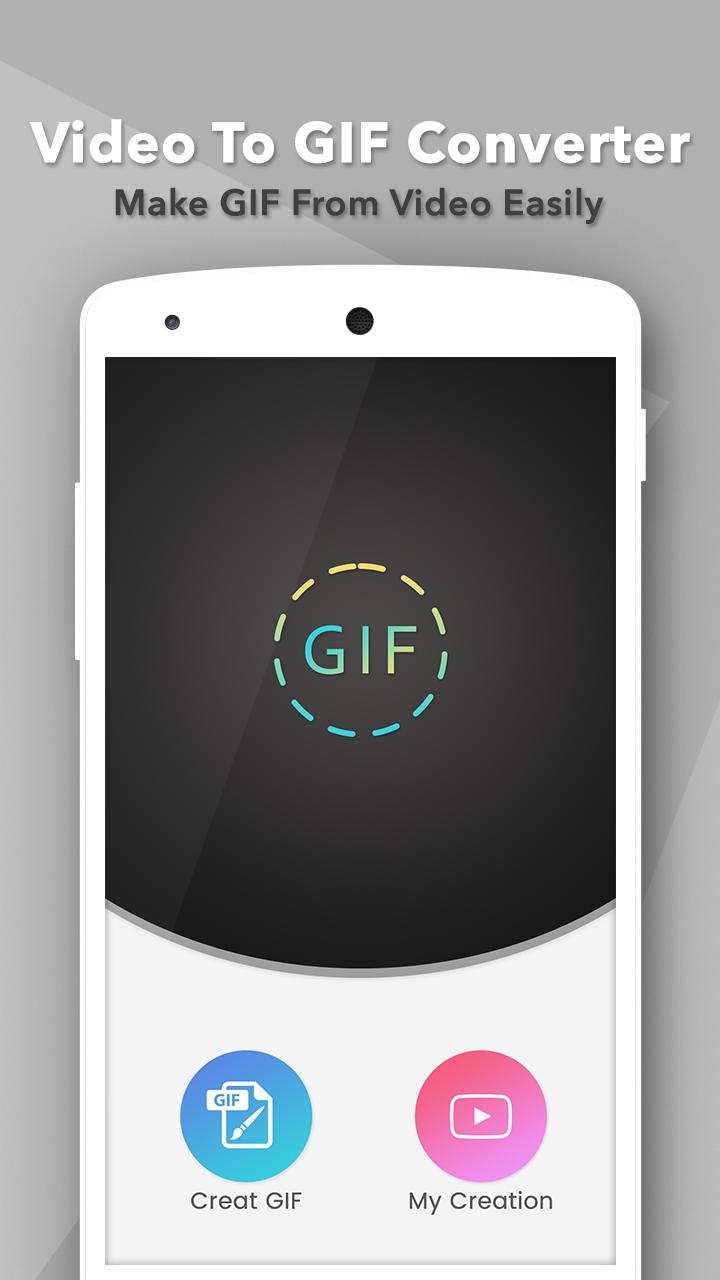
This app gives easy to convert animated gif from your video. Video to GIF is a must have app to extract part of a video to an animated GIF file. It can convert almost all popular video formats to gif, including AVI, MPEG, MOV, FLV, MP4, 3GP file extension video.
The interface is very user-friendly, easy-to-use and understands functionality. You will be able to trim your video and convert only a segment or part to an optimized small size gif as you like.
Best Features:
- Add multiple captions to GIFs or Videos
- Choose start to end point to convert gif
- Picture resizing and effects
- Easy to use and understand functionality
- Easy to create video to gif
- Easily Share Video via social platform
- Delete your creative video
- Save your creative video in my creation
If you like this app than don’t forget to give rate & review also.
Thanks for your support…
ดูตัวอย่าง

ข้อมูล
นักพัฒนา
Photo Video Zone App
เวอร์ชั่นล่าสุด
1.6
อัพเดทล่าสุด
2021-01-13
หมวดหมู่
Video-players-editors
มีจำหน่ายที่
Google Play
แสดงมากขึ้น
วิธีเล่น Video to GIF ด้วย GameLoop บน PC
1. ดาวน์โหลด GameLoop จากเว็บไซต์ทางการ จากนั้นเรียกใช้ไฟล์ exe เพื่อติดตั้ง GameLoop
2. เปิด GameLoop และค้นหา "Video to GIF" ค้นหา Video to GIF ในผลการค้นหาแล้วคลิก "ติดตั้ง"
3. สนุกกับการเล่น Video to GIF บน GameLoop
Minimum requirements
OS
Windows 8.1 64-bit or Windows 10 64-bit
GPU
GTX 1050
CPU
i3-8300
Memory
8GB RAM
Storage
1GB available space
Recommended requirements
OS
Windows 8.1 64-bit or Windows 10 64-bit
GPU
GTX 1050
CPU
i3-9320
Memory
16GB RAM
Storage
1GB available space