SSSTikTok: Video Downloader PC
Snaptik App - Official
ดาวน์โหลด SSSTikTok: Video Downloader บนพีซีด้วย GameLoop Emulator
SSSTikTok: Video Downloader บน PC
SSSTikTok: Video Downloader มาจากผู้พัฒนา Snaptik App - Official ที่เคยรันบนระบบปฏิบัติการ Android มาก่อน
ตอนนี้คุณสามารถเล่น SSSTikTok: Video Downloader บนพีซีด้วย GameLoop ได้อย่างราบรื่น
ดาวน์โหลดในไลบรารี GameLoop หรือผลการค้นหา ไม่ต้องสนใจแบตเตอรี่หรือโทรผิดเวลาอีกต่อไป
เพียงเพลิดเพลินกับ SSSTikTok: Video Downloader PC บนหน้าจอขนาดใหญ่ฟรี!
SSSTikTok: Video Downloader บทนำ
SSSTikTok is one of the most popular online video downloaders that can help you save HD videos from TikTok without watermark with the highest quality possible.
Download TikTok videos (Musically) Without Watermark for FREE
SSSTikTok is one of the best TikTok Downloader available online to download video tiktok without a watermark. You are not required to install any software on your computer or mobile phone, all that you need is a TikTok video link, and all the processing is done on our side so you can be one click away from downloading videos to your devices.
Download TikTok videos, Musically videos on any devices that you want: mobile, PC, or tablet. TikTok only allows users to download videos by its application and downloaded videos contain the watermark.
No watermark for better quality, which most of the tools out there can't.
Download by using your browsers: We want to keep things simple for you. No need to download or install any software. We make an application (Download SSSTikTok for android) for this purpose as well you can install whenever you like.
How to download TikTok Videos without watermark?
Find the Video: Click Share of your video and at the Share options, find Copy Link button.
Paste URL: Paste the TikTok link into the input field above and hit the "download" button.
Download the Video: Wait for our server to do its job and then, save the video to your device.
Does this service needs any money after some Downloads limit ?
No, this service is Totally Free and has no limit to download.
Where are TikTok videos saved after being downloaded ?
Videos usually saved under "Downloads" folder but you may used Save As Option and changed it to another one you can make a simple Check on Windows by Pressing [ CTRL+J ] and if you are using MAC you can Press [ Shift+Command+J ] in your Browser to view your download history.
Does this website keep a copy of videos or downloaded videos or search history ?
This servce is offcially not associated with TikTok. It does not host or entertain any pirated or copyright content on its server and all the videos that are downloaded are done directly from their CDN servers on to the respective user machine.
Can i download tiktok videos on iPhone / iPad / iPod ?
Yes ,As due to Apple security policy, iOS users starting with the 12th version can't download videos directly from the browser, they need to install the "Documents by Readdle" app from the AppStore, after that they must follow these intstructions:
Copy the link of any TikTok video via TikTok app, and launch Documents by Readdle app.
In the bottom right corner of the screen, you will see a web browser icon. Tap it.
When the browser is open, go to Savetik.app and paste the link of the video in the text field, and tap the download button.
Can i download tiktok videos on Android phones ?
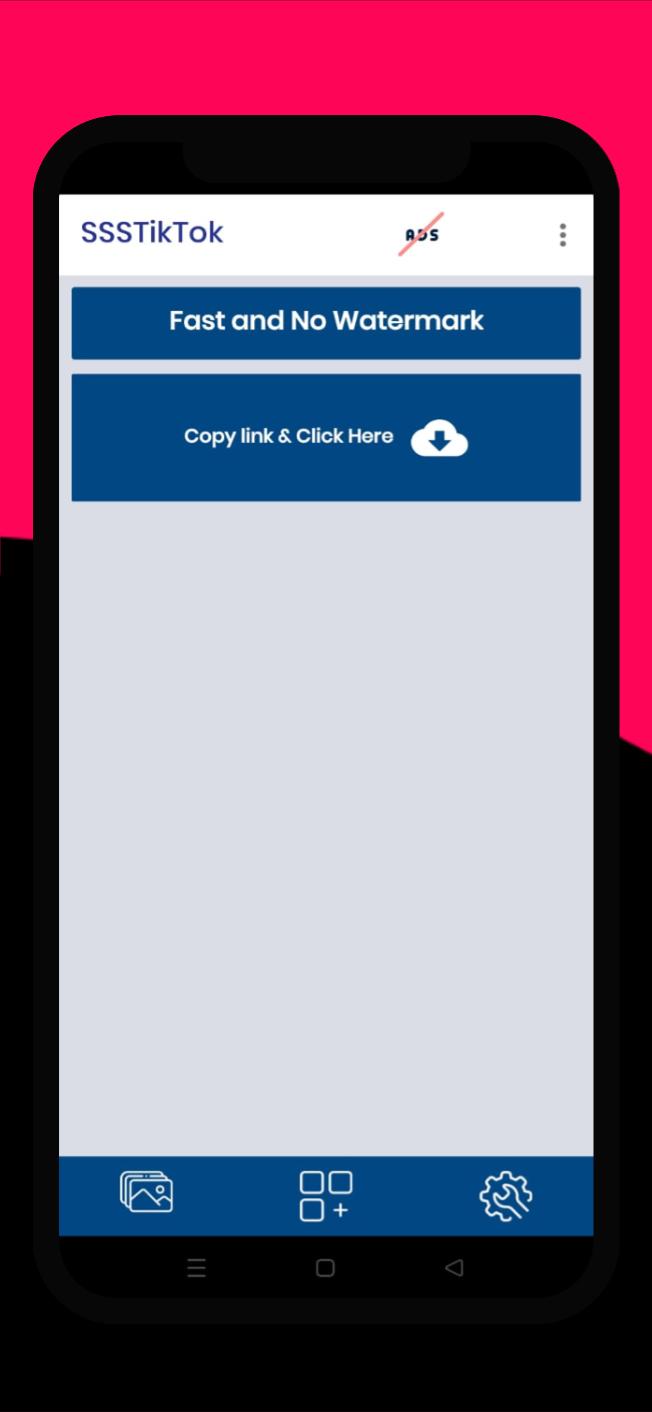
Yes, but it’s better to use SSSTikTok App to download no-watermark TikTok videos on your Android phone. check out our App, It's Faster and 100% Free:
ดูตัวอย่าง

แท็ก
Video-Playersข้อมูล
นักพัฒนา
Snaptik App - Official
เวอร์ชั่นล่าสุด
1.0.0
อัพเดทล่าสุด
2022-08-27
หมวดหมู่
Video-players-editors
มีจำหน่ายที่
Google Play
แสดงมากขึ้น
วิธีเล่น SSSTikTok: Video Downloader ด้วย GameLoop บน PC
1. ดาวน์โหลด GameLoop จากเว็บไซต์ทางการ จากนั้นเรียกใช้ไฟล์ exe เพื่อติดตั้ง GameLoop
2. เปิด GameLoop และค้นหา "SSSTikTok: Video Downloader" ค้นหา SSSTikTok: Video Downloader ในผลการค้นหาแล้วคลิก "ติดตั้ง"
3. สนุกกับการเล่น SSSTikTok: Video Downloader บน GameLoop
Minimum requirements
OS
Windows 8.1 64-bit or Windows 10 64-bit
GPU
GTX 1050
CPU
i3-8300
Memory
8GB RAM
Storage
1GB available space
Recommended requirements
OS
Windows 8.1 64-bit or Windows 10 64-bit
GPU
GTX 1050
CPU
i3-9320
Memory
16GB RAM
Storage
1GB available space