
Square Blur Video Editor - Crop, Cut & Blur Video PC
Photo Editor & Video Maker Zone
ดาวน์โหลด Square Blur Video Editor - Crop, Cut & Blur Video บนพีซีด้วย GameLoop Emulator
Square Blur Video Editor - Crop, Cut & Blur Video บน PC
Square Blur Video Editor - Crop, Cut & Blur Video มาจากผู้พัฒนา Photo Editor & Video Maker Zone ที่เคยรันบนระบบปฏิบัติการ Android มาก่อน
ตอนนี้คุณสามารถเล่น Square Blur Video Editor - Crop, Cut & Blur Video บนพีซีด้วย GameLoop ได้อย่างราบรื่น
ดาวน์โหลดในไลบรารี GameLoop หรือผลการค้นหา ไม่ต้องสนใจแบตเตอรี่หรือโทรผิดเวลาอีกต่อไป
เพียงเพลิดเพลินกับ Square Blur Video Editor - Crop, Cut & Blur Video PC บนหน้าจอขนาดใหญ่ฟรี!
Square Blur Video Editor - Crop, Cut & Blur Video บทนำ
Want to create blurry videos to share on social media application ?
Want to crop & crop specific part from videos ?
Want to create blur video background with customization tools ?
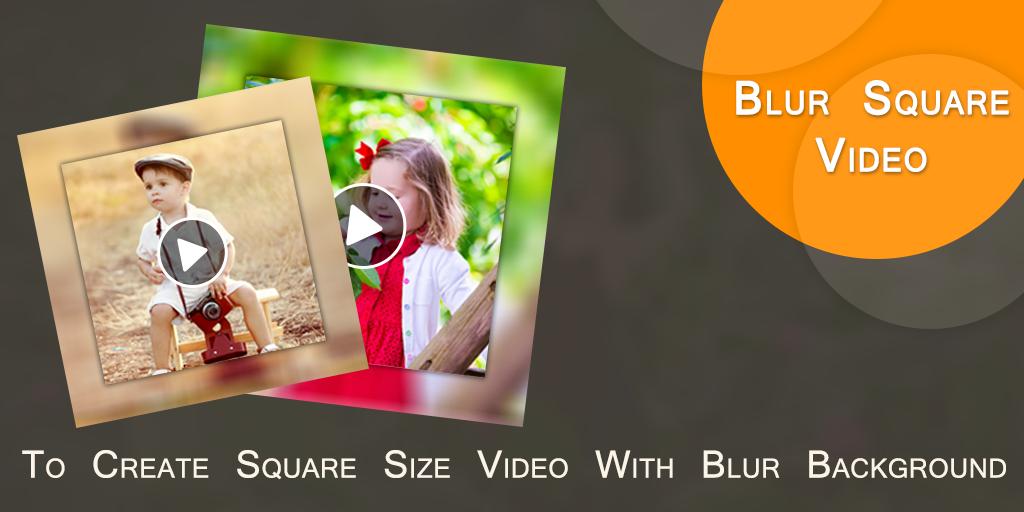
Square Blur Video Editor is an useful application which helps to create square size blur video for you.
Now your background video became totally blur.
Features :-
* Now create square size video with blur background.
* You can also create no crop blur video background also.
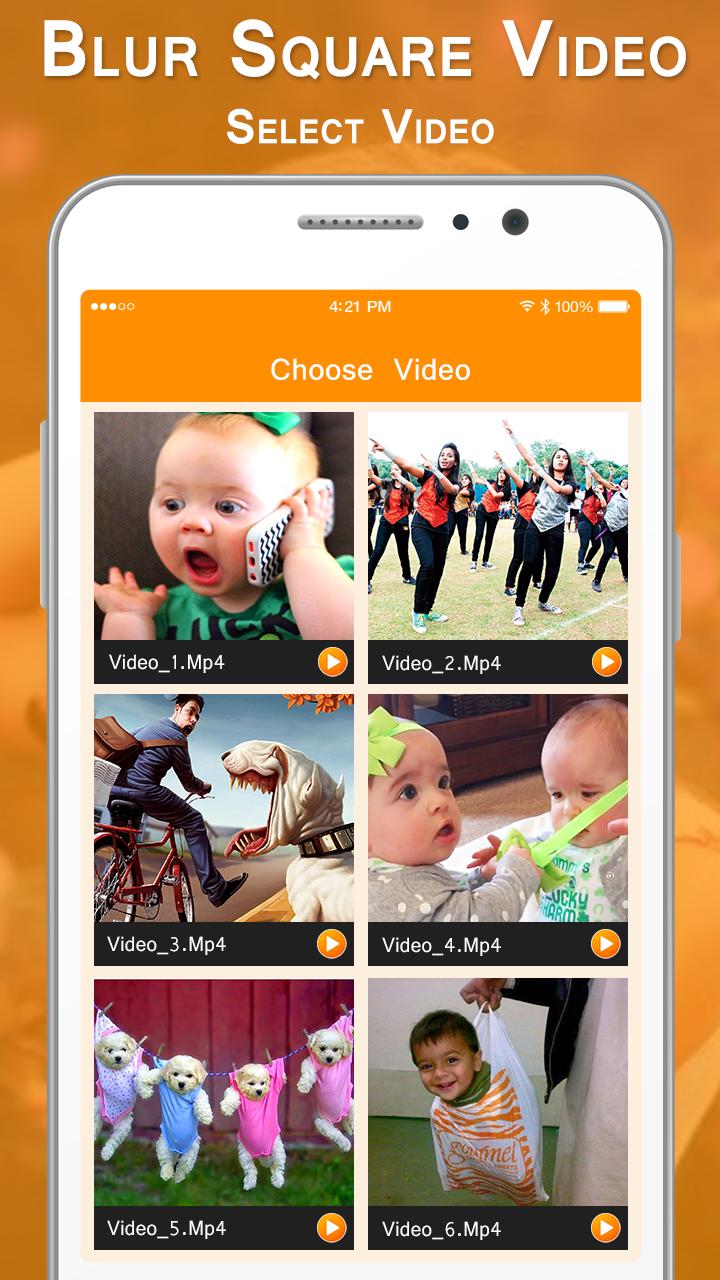
* Select video from custom gallery provided here.
* Easy to cut/ remove unused part from video.
* Easy to crop video for specific part of video.
* You can adjust blur opacity.
* Here you can crop or cut video at the same time.
* Add your own music from your album.
* Remove old music or you can create mute video also.
* Easy preview any time to play here how your Blur Square Video looks like
* One click to save final created Square Blur Video in your phone storage.
* Share blur videos with your friends.
In short you can create Square Blur Video in just a simple steps :-
- Select a video.
- Cut or crop video.
- Set video background's blur ratio.
- Add or remove music.
- Easy preview.
- One click to save & share Square Blur Video.
Square Blur Video Editor - Crop, Cut & Blur Video, is an useful application to create square size video with blur background as well as no crop blur videos.
ดูตัวอย่าง
ข้อมูล
นักพัฒนา
Photo Editor & Video Maker Zone
เวอร์ชั่นล่าสุด
1.3
อัพเดทล่าสุด
2021-03-11
หมวดหมู่
Video-players-editors
มีจำหน่ายที่
Google Play
แสดงมากขึ้น
วิธีเล่น Square Blur Video Editor - Crop, Cut & Blur Video ด้วย GameLoop บน PC
1. ดาวน์โหลด GameLoop จากเว็บไซต์ทางการ จากนั้นเรียกใช้ไฟล์ exe เพื่อติดตั้ง GameLoop
2. เปิด GameLoop และค้นหา "Square Blur Video Editor - Crop, Cut & Blur Video" ค้นหา Square Blur Video Editor - Crop, Cut & Blur Video ในผลการค้นหาแล้วคลิก "ติดตั้ง"
3. สนุกกับการเล่น Square Blur Video Editor - Crop, Cut & Blur Video บน GameLoop
Minimum requirements
OS
Windows 8.1 64-bit or Windows 10 64-bit
GPU
GTX 1050
CPU
i3-8300
Memory
8GB RAM
Storage
1GB available space
Recommended requirements
OS
Windows 8.1 64-bit or Windows 10 64-bit
GPU
GTX 1050
CPU
i3-9320
Memory
16GB RAM
Storage
1GB available space