
sPlayer PC
s-joys Co.,Ltd.
ดาวน์โหลด sPlayer บนพีซีด้วย GameLoop Emulator
sPlayer บน PC
sPlayer มาจากผู้พัฒนา s-joys Co.,Ltd. ที่เคยรันบนระบบปฏิบัติการ Android มาก่อน
ตอนนี้คุณสามารถเล่น sPlayer บนพีซีด้วย GameLoop ได้อย่างราบรื่น
ดาวน์โหลดในไลบรารี GameLoop หรือผลการค้นหา ไม่ต้องสนใจแบตเตอรี่หรือโทรผิดเวลาอีกต่อไป
เพียงเพลิดเพลินกับ sPlayer PC บนหน้าจอขนาดใหญ่ฟรี!
sPlayer บทนำ
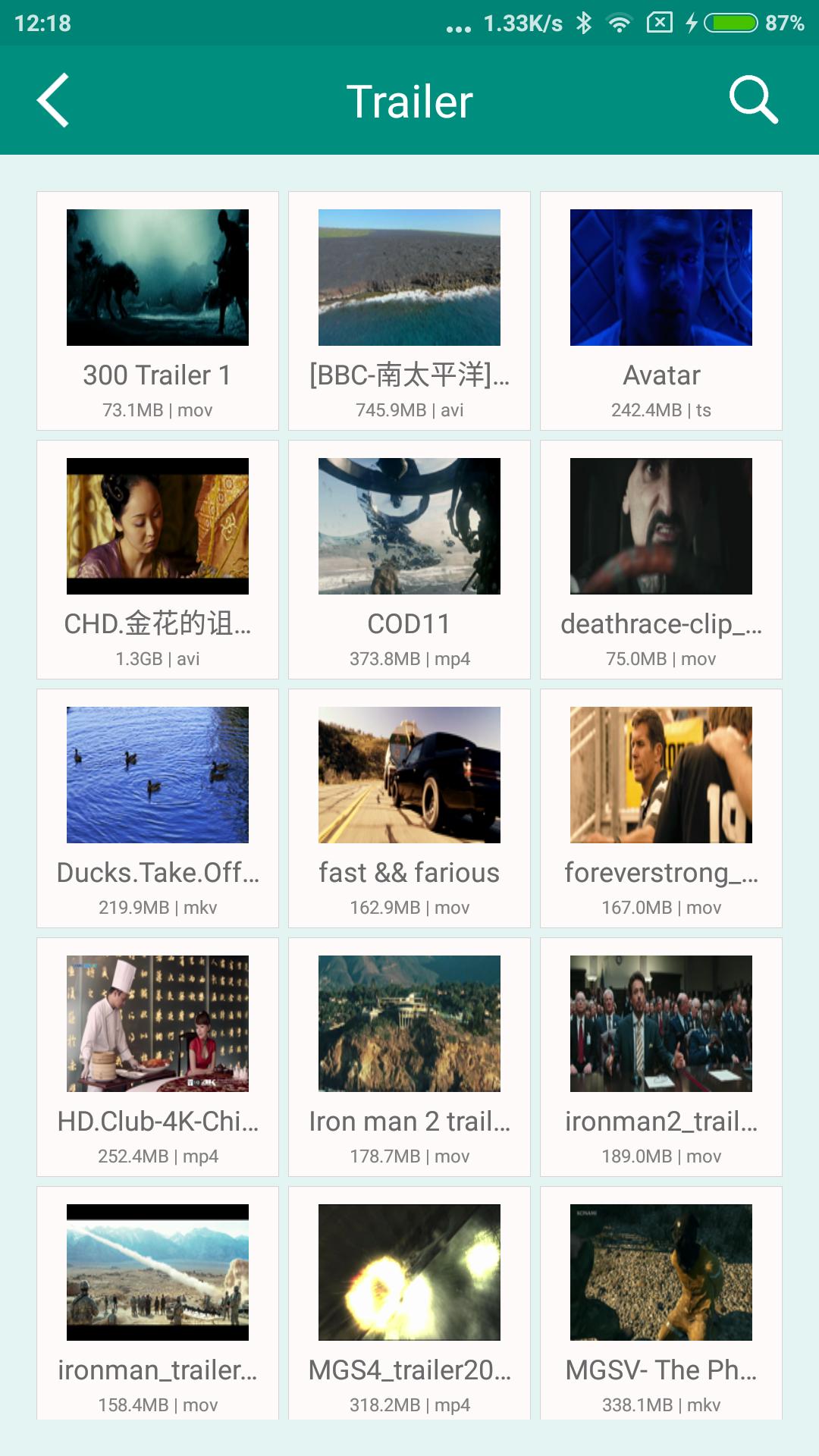
sPlayer is a professional media player, simple but powerful, support all audio and video formats, praised on the multiple platforms, it will offers excellently video experience on Android devices !
0. A clean player:
* No ads.
* No iAP.
1. A Best Player:
* Hardware acceleration.
* Built-in audio enhancement.
* Multi soundtrack selection.
* Embedded/External subtitle-track selection
* Support subtitle effective.
* Subtitle synchronization.
* Support for external subtitle font selection.
* 0.5x-2.0x playback speed control.
* 0.5x-5.0x screen zoom.
* Media preview in seeking.
* Supported video formats : MP4, MOV, MKV, AVI, WMV, FLV, RMVB, ASF,OGV and so on.
* Supported audio formats : MP3, WAV, WMA, FLAC, APE and so on.
* Support subtitle format : SRT, SSA, ASS.
* Supported image formats : JPG, PNG, BMP,TIFF etc.
2. Convenient access nearby devices:
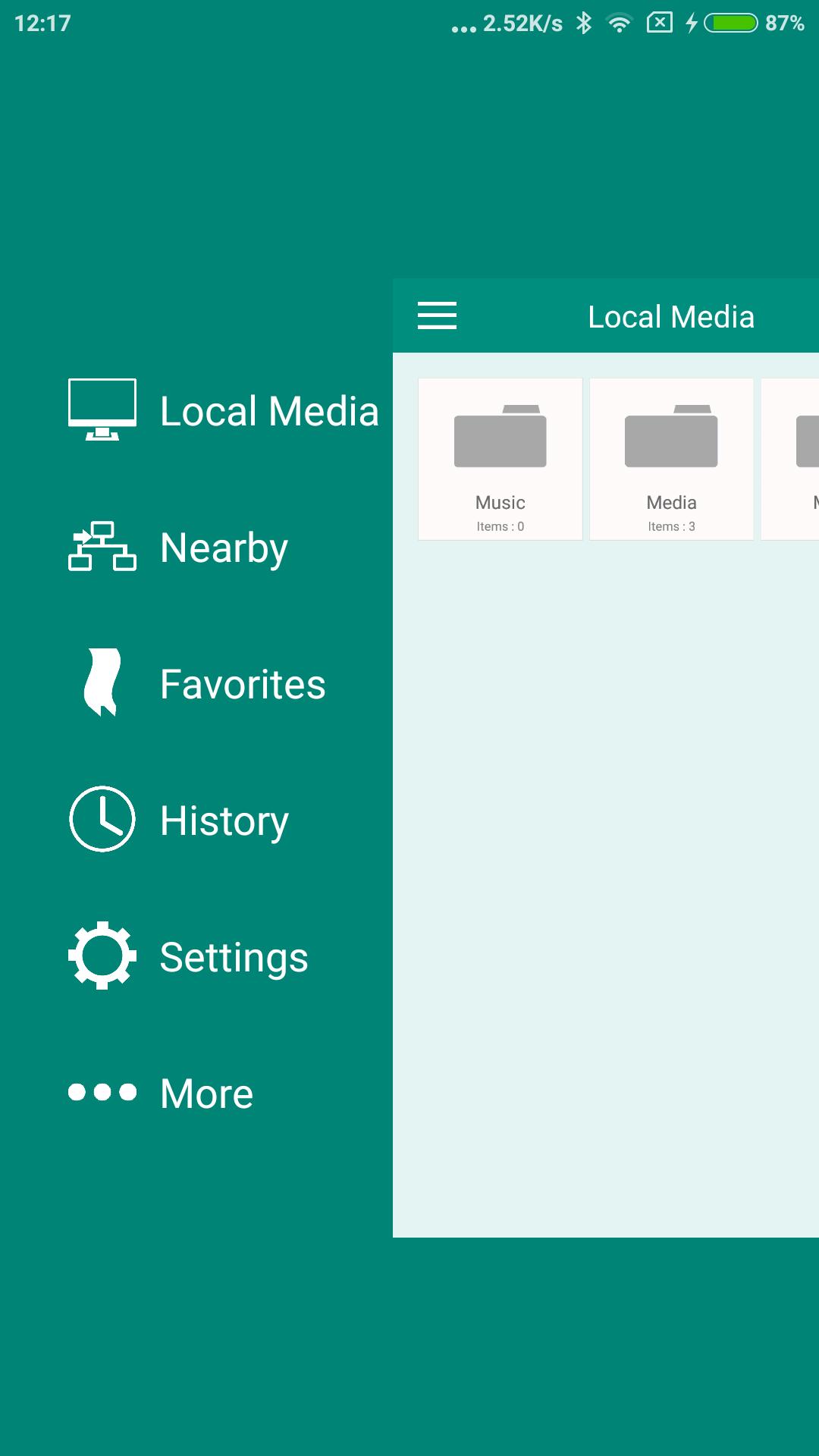
* Direct access to audio, video, streaming playlist and subtitle from your PC / Server / NAS, and without any waiting.
* Can play from external USB storage.
* Download media files/folders directly to your device via SMB/CIFS/UPnP.
* UPnP/DLNA playback and auto discovery.
3. Efficient media management capabilities:
* Support different folders organized in the same management framework, delete, move, rename or create folder.
* Convenient to preview streaming media list files (m3u8, pls, txt...).
* Create, preview and modify streaming playlist directly on the device.
4. Really simple control experience:
* Drag horizontally: adjust the playback position.
* Drag vertically on the left side of the screen: adjust the volume.
* Drag vertically on the right side of the screen: Adjust the brightness.
* Pinch on the screen: screen size adjustment.
* Double click: play/pause.
* also support the screen lock to prevent some mis-op while playing.
Finally, we hope to hear your suggestions and comments, contact us at support@s-joys.com.
ดูตัวอย่าง
ข้อมูล
นักพัฒนา
s-joys Co.,Ltd.
เวอร์ชั่นล่าสุด
1.1.100
อัพเดทล่าสุด
2019-04-05
หมวดหมู่
Video-players-editors
มีจำหน่ายที่
Google Play
แสดงมากขึ้น
วิธีเล่น sPlayer ด้วย GameLoop บน PC
1. ดาวน์โหลด GameLoop จากเว็บไซต์ทางการ จากนั้นเรียกใช้ไฟล์ exe เพื่อติดตั้ง GameLoop
2. เปิด GameLoop และค้นหา "sPlayer" ค้นหา sPlayer ในผลการค้นหาแล้วคลิก "ติดตั้ง"
3. สนุกกับการเล่น sPlayer บน GameLoop
Minimum requirements
OS
Windows 8.1 64-bit or Windows 10 64-bit
GPU
GTX 1050
CPU
i3-8300
Memory
8GB RAM
Storage
1GB available space
Recommended requirements
OS
Windows 8.1 64-bit or Windows 10 64-bit
GPU
GTX 1050
CPU
i3-9320
Memory
16GB RAM
Storage
1GB available space