Prism TV PC
CenturyLink, Inc
ดาวน์โหลด Prism TV บนพีซีด้วย GameLoop Emulator
Prism TV บน PC
Prism TV มาจากผู้พัฒนา CenturyLink, Inc ที่เคยรันบนระบบปฏิบัติการ Android มาก่อน
ตอนนี้คุณสามารถเล่น Prism TV บนพีซีด้วย GameLoop ได้อย่างราบรื่น
ดาวน์โหลดในไลบรารี GameLoop หรือผลการค้นหา ไม่ต้องสนใจแบตเตอรี่หรือโทรผิดเวลาอีกต่อไป
เพียงเพลิดเพลินกับ Prism TV PC บนหน้าจอขนาดใหญ่ฟรี!
Prism TV บทนำ
Watch and manage CenturyLink Prism® TV on your favorite mobile device.
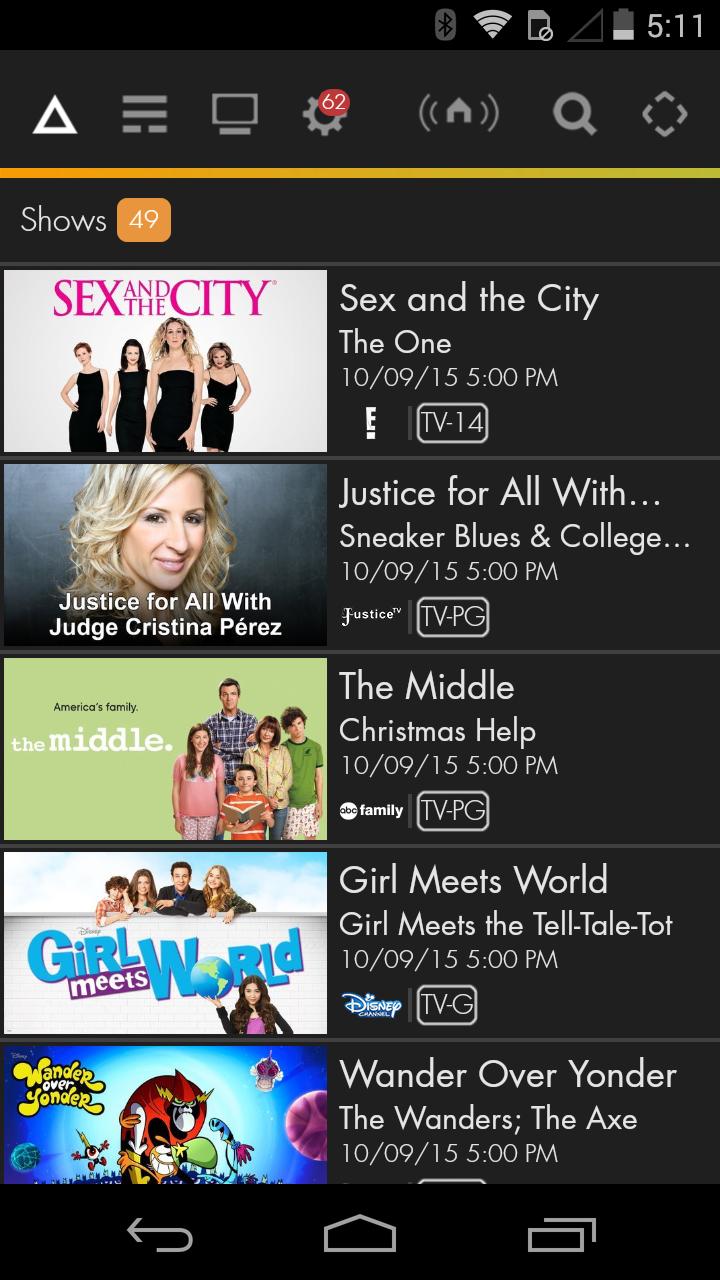
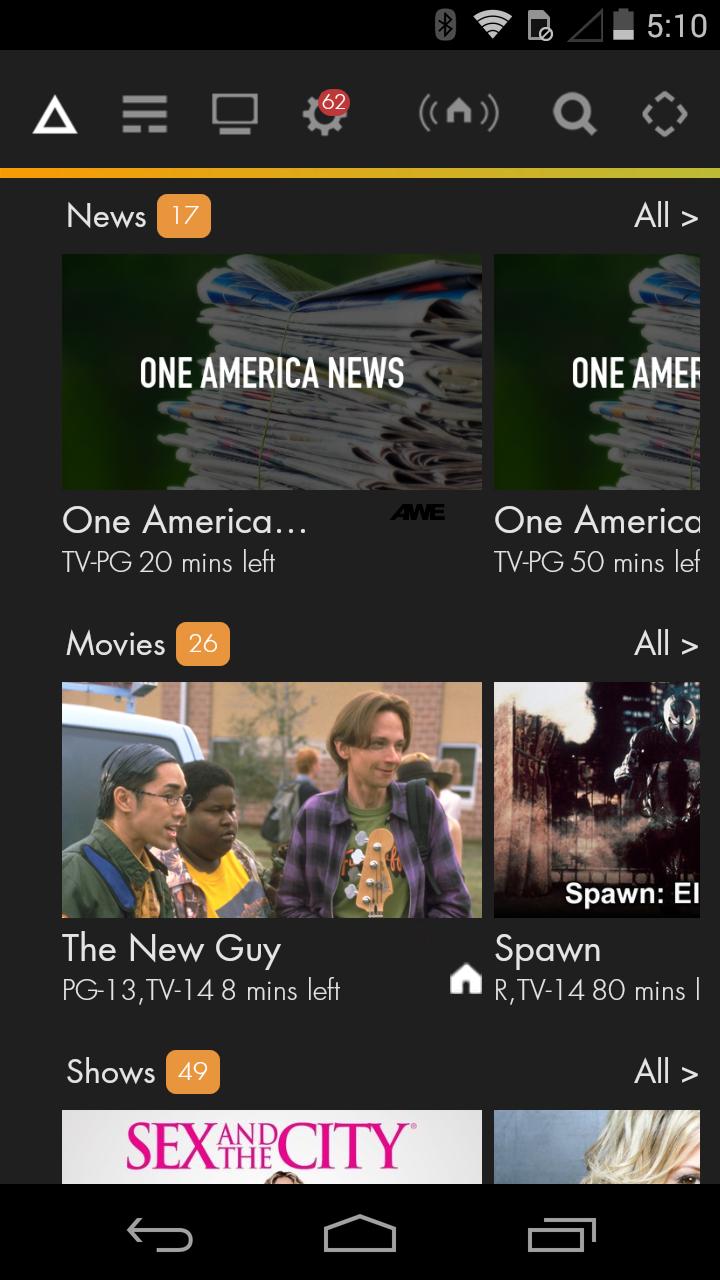
• The Prism TV app allows you to watch live TV on your mobile device, in and out of your home.
• Stream popular shows from the Prism TV On Demand library.
• Control your settop box from your mobile app when in the home
• Easily View and Search TV Listings for All Channels.
• Manage and schedule recordings on your DVR (Whole Home DVR subscription required).
• Manage the content your kids can watch with parental controls.
• Post to Facebook, access Twitter or send an email to let your friends know what you’re watching.
• Helpful FAQs and troubleshooting steps.
• Prism TV app is included in Prism TV subscriptions.
• Requirements:
• Android phone or tablet with Android 2.3 or higher and minimum resources of a 1 GHz processor and 512 MB of memory.
• Prism video service and a subscription to one or more eligible channels.
• CenturyLink.net email address and password.
Support Resources:
• Create or retrieve CenturyLink user credentials at www.centurylink.net
• Technical Support Resources: Prism help at www.centurylink.net
NOTE: Currently CenturyLink does not have rights to all shows available on mobile devices. CenturyLink is adding shows routinely as access becomes available from our content providers.
CenturyLink Prism service may not be available everywhere. Prism TV app may not be available with all mobile operating systems. Terms and conditions apply. Contact CenturyLink for details.
ดูตัวอย่าง
ข้อมูล
นักพัฒนา
CenturyLink, Inc
เวอร์ชั่นล่าสุด
4.1.2
อัพเดทล่าสุด
2018-01-19
หมวดหมู่
Video-players-editors
มีจำหน่ายที่
Google Play
แสดงมากขึ้น
วิธีเล่น Prism TV ด้วย GameLoop บน PC
1. ดาวน์โหลด GameLoop จากเว็บไซต์ทางการ จากนั้นเรียกใช้ไฟล์ exe เพื่อติดตั้ง GameLoop
2. เปิด GameLoop และค้นหา "Prism TV" ค้นหา Prism TV ในผลการค้นหาแล้วคลิก "ติดตั้ง"
3. สนุกกับการเล่น Prism TV บน GameLoop
Minimum requirements
OS
Windows 8.1 64-bit or Windows 10 64-bit
GPU
GTX 1050
CPU
i3-8300
Memory
8GB RAM
Storage
1GB available space
Recommended requirements
OS
Windows 8.1 64-bit or Windows 10 64-bit
GPU
GTX 1050
CPU
i3-9320
Memory
16GB RAM
Storage
1GB available space