
Halo Video Player PC
Bahria Studio
ดาวน์โหลด Halo Video Player บนพีซีด้วย GameLoop Emulator
Halo Video Player บน PC
Halo Video Player มาจากผู้พัฒนา Bahria Studio ที่เคยรันบนระบบปฏิบัติการ Android มาก่อน
ตอนนี้คุณสามารถเล่น Halo Video Player บนพีซีด้วย GameLoop ได้อย่างราบรื่น
ดาวน์โหลดในไลบรารี GameLoop หรือผลการค้นหา ไม่ต้องสนใจแบตเตอรี่หรือโทรผิดเวลาอีกต่อไป
เพียงเพลิดเพลินกับ Halo Video Player PC บนหน้าจอขนาดใหญ่ฟรี!
Halo Video Player บทนำ
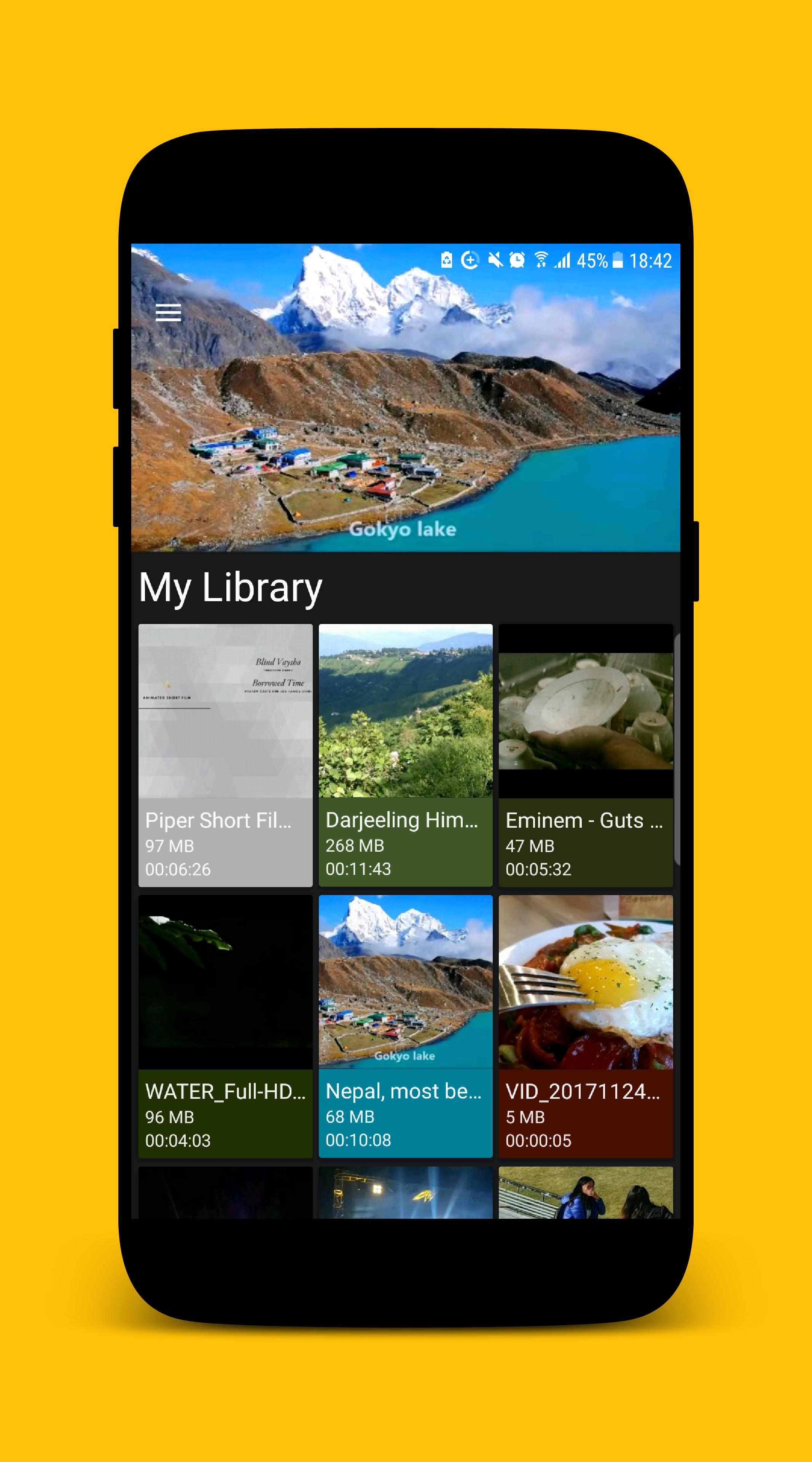
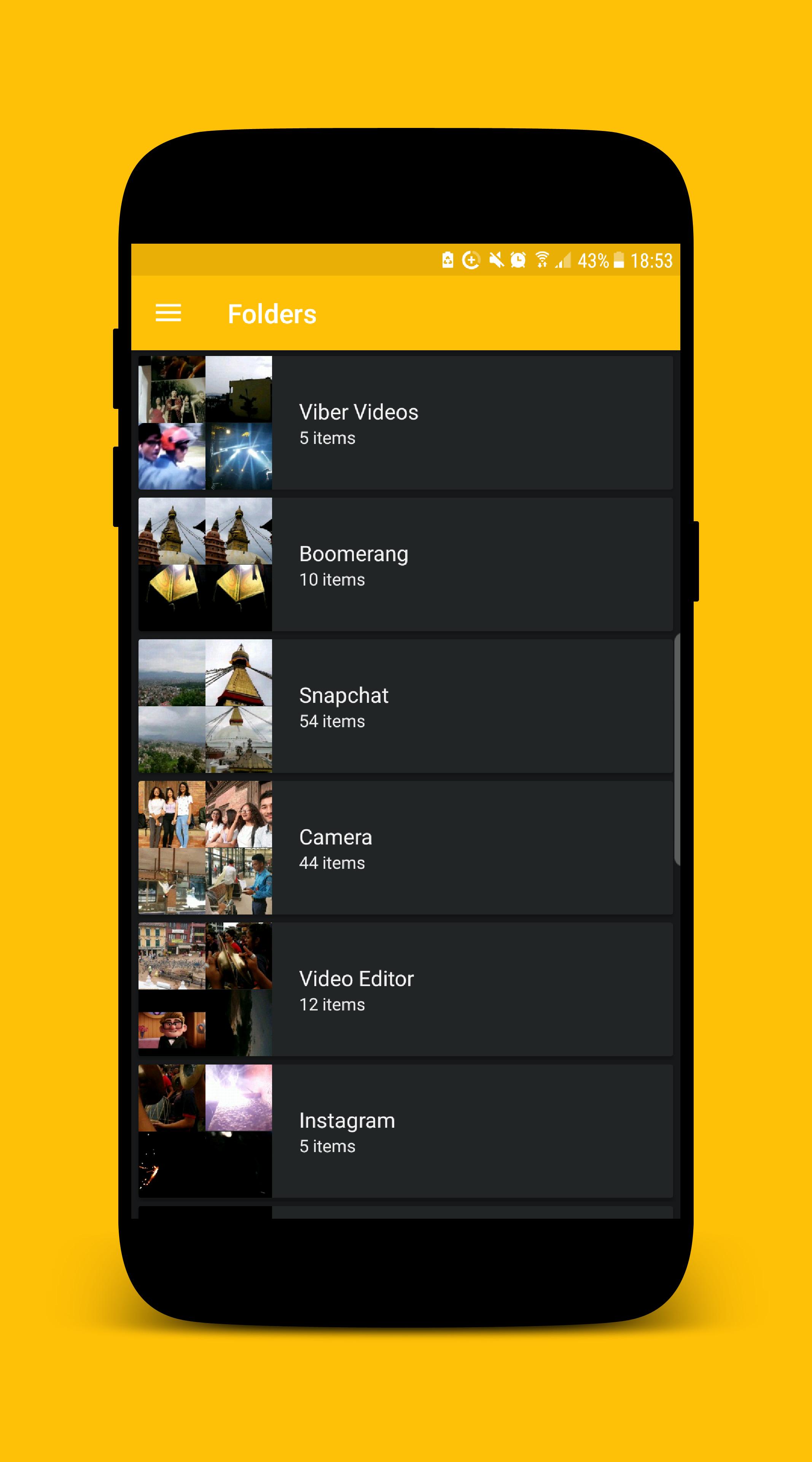
MP4 Video Player for Android is a free Multimedia player which allows you to browse and play all the popular video formats on your phone or tablet smoothly and control the seek, brightness and volume easily.
KEY FEATURES
• Supports all popular video formats.
• Built-in powerful video manager.
• Gesture to seek the video.
• Gesture to control the volume.
• Gesture to control the brightness.
• Provides 'Hide Video' mode which hides the video from the videos list inside the app. (The video file will still be visible while exploring using other apps.)
We ensure you will love this MP4 Video Player after using it. If you are looking for an MP4 video player with a better user experience and user interface MP4 Video Player is the best choice for you.
If you face any problem while using MP4 Video Player app or want to request new features or just want to say hello, then feel free to contact us, we will try our best to make you happy.
Thank you for using MP4 Video Player.
ดูตัวอย่าง
ข้อมูล
นักพัฒนา
Bahria Studio
เวอร์ชั่นล่าสุด
2.0.1
อัพเดทล่าสุด
2017-12-26
หมวดหมู่
Video-players-editors
มีจำหน่ายที่
Google Play
แสดงมากขึ้น
วิธีเล่น Halo Video Player ด้วย GameLoop บน PC
1. ดาวน์โหลด GameLoop จากเว็บไซต์ทางการ จากนั้นเรียกใช้ไฟล์ exe เพื่อติดตั้ง GameLoop
2. เปิด GameLoop และค้นหา "Halo Video Player" ค้นหา Halo Video Player ในผลการค้นหาแล้วคลิก "ติดตั้ง"
3. สนุกกับการเล่น Halo Video Player บน GameLoop
Minimum requirements
OS
Windows 8.1 64-bit or Windows 10 64-bit
GPU
GTX 1050
CPU
i3-8300
Memory
8GB RAM
Storage
1GB available space
Recommended requirements
OS
Windows 8.1 64-bit or Windows 10 64-bit
GPU
GTX 1050
CPU
i3-9320
Memory
16GB RAM
Storage
1GB available space