Airtel Remote Control PC
Will Power
ดาวน์โหลด Airtel Remote Control บนพีซีด้วย GameLoop Emulator
Airtel Remote Control บน PC
Airtel Remote Control มาจากผู้พัฒนา Will Power ที่เคยรันบนระบบปฏิบัติการ Android มาก่อน
ตอนนี้คุณสามารถเล่น Airtel Remote Control บนพีซีด้วย GameLoop ได้อย่างราบรื่น
ดาวน์โหลดในไลบรารี GameLoop หรือผลการค้นหา ไม่ต้องสนใจแบตเตอรี่หรือโทรผิดเวลาอีกต่อไป
เพียงเพลิดเพลินกับ Airtel Remote Control PC บนหน้าจอขนาดใหญ่ฟรี!
Airtel Remote Control บทนำ
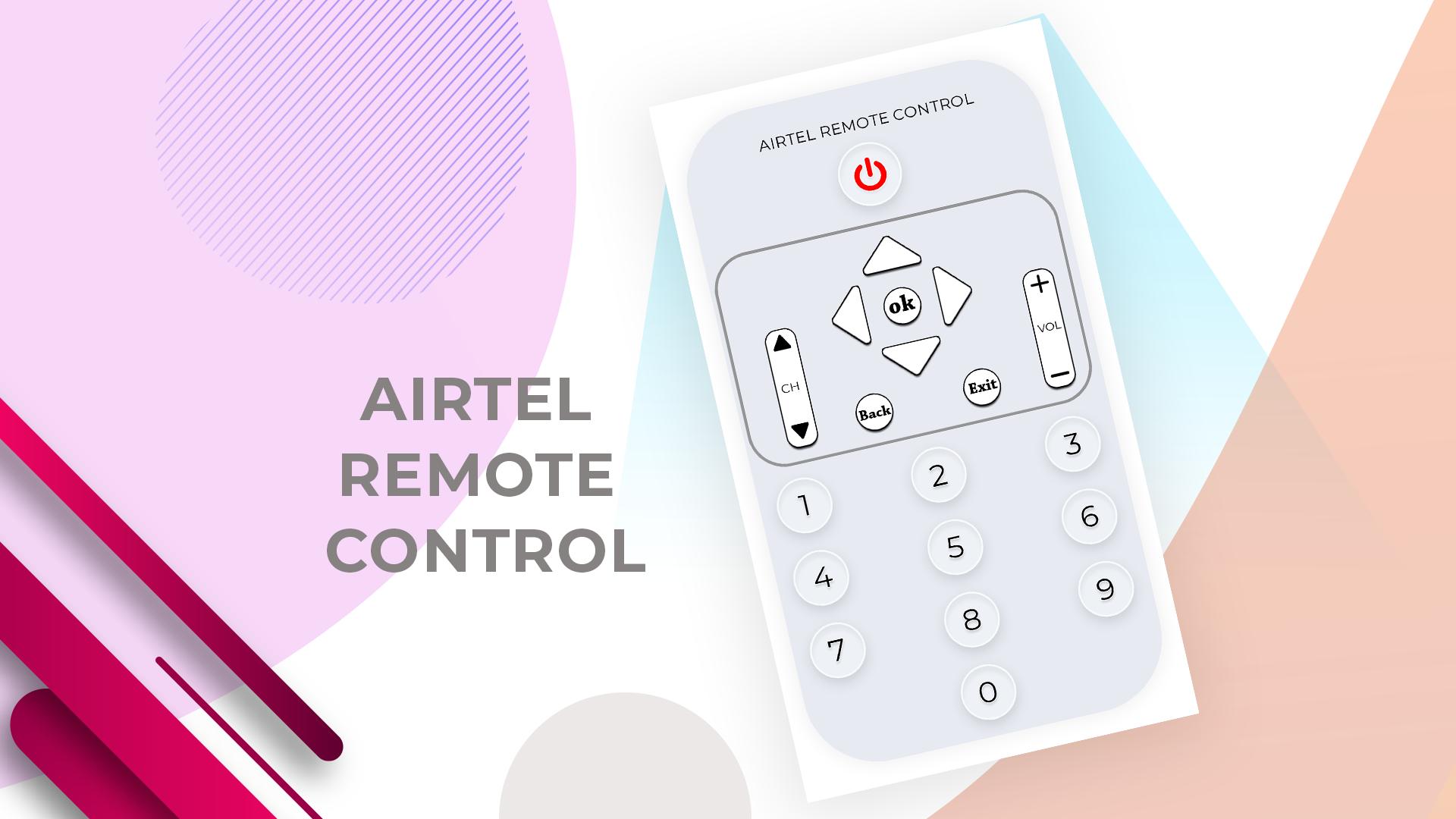
Easily change your smartphone into a remote control with using this Airtel Remote Control app. Lost your remote by mistake.? no worries install this application and convert your smartphone into TV Remote Control without paying any little amount. It is work same as like your TV remote just need to keep your WIFI connection same and it will connect automatically with your TV.
Airtel Remote Control with use anytime this remote just connect device same WIFI connection and start to control your TV with a smartphone. Are you looking best TV controller app to control your babies while they are watching a cartoon on TV..? Just install this app and convert your mobile into TV remote Control. App with easy to handle your TV with mobile.
FEATURES
FREE to use
Use this remote in emergency situations
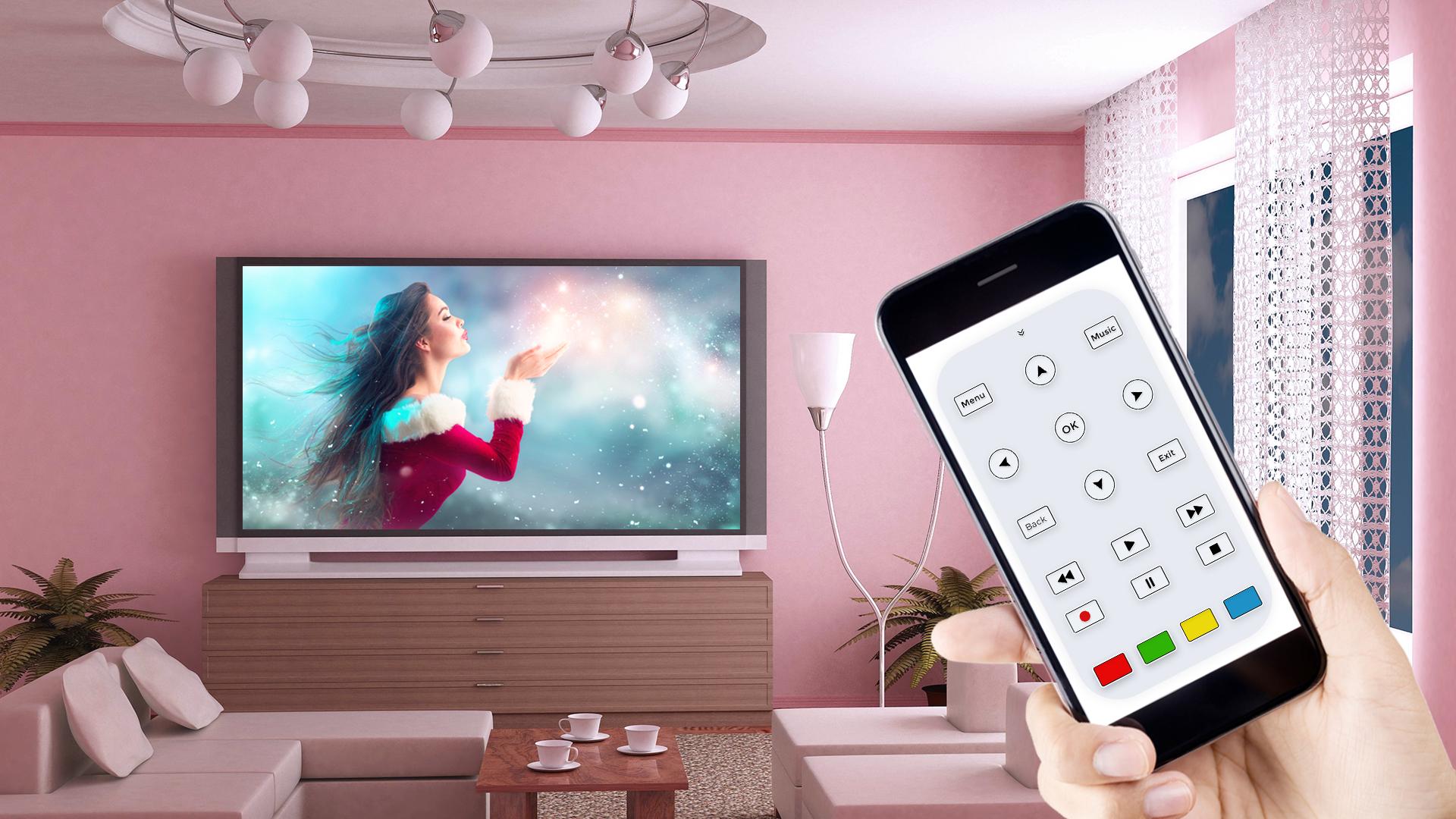
Change mobile into the TV remote
Nice design with Simple Interface
Handle Airtel TV with mobile remote
Allow getting remote of Airtel TV
Awesome Features of Remote Control for Tv
Power ON / OFF Control buttons
Easy to volume up/down
TV remote all keys
ดูตัวอย่าง
ข้อมูล
นักพัฒนา
Will Power
เวอร์ชั่นล่าสุด
1.0
อัพเดทล่าสุด
2019-08-17
หมวดหมู่
เครื่องมือ
มีจำหน่ายที่
Google Play
แสดงมากขึ้น
วิธีเล่น Airtel Remote Control ด้วย GameLoop บน PC
1. ดาวน์โหลด GameLoop จากเว็บไซต์ทางการ จากนั้นเรียกใช้ไฟล์ exe เพื่อติดตั้ง GameLoop
2. เปิด GameLoop และค้นหา "Airtel Remote Control" ค้นหา Airtel Remote Control ในผลการค้นหาแล้วคลิก "ติดตั้ง"
3. สนุกกับการเล่น Airtel Remote Control บน GameLoop
Minimum requirements
OS
Windows 8.1 64-bit or Windows 10 64-bit
GPU
GTX 1050
CPU
i3-8300
Memory
8GB RAM
Storage
1GB available space
Recommended requirements
OS
Windows 8.1 64-bit or Windows 10 64-bit
GPU
GTX 1050
CPU
i3-9320
Memory
16GB RAM
Storage
1GB available space