WiFi Connect - Share WiFi & Hotspot PC
Scorpion Infosoft
ดาวน์โหลด WiFi Connect - Share WiFi & Hotspot บนพีซีด้วย GameLoop Emulator
WiFi Connect - Share WiFi & Hotspot บน PC
WiFi Connect - Share WiFi & Hotspot มาจากผู้พัฒนา Scorpion Infosoft ที่เคยรันบนระบบปฏิบัติการ Android มาก่อน
ตอนนี้คุณสามารถเล่น WiFi Connect - Share WiFi & Hotspot บนพีซีด้วย GameLoop ได้อย่างราบรื่น
ดาวน์โหลดในไลบรารี GameLoop หรือผลการค้นหา ไม่ต้องสนใจแบตเตอรี่หรือโทรผิดเวลาอีกต่อไป
เพียงเพลิดเพลินกับ WiFi Connect - Share WiFi & Hotspot PC บนหน้าจอขนาดใหญ่ฟรี!
WiFi Connect - Share WiFi & Hotspot บทนำ
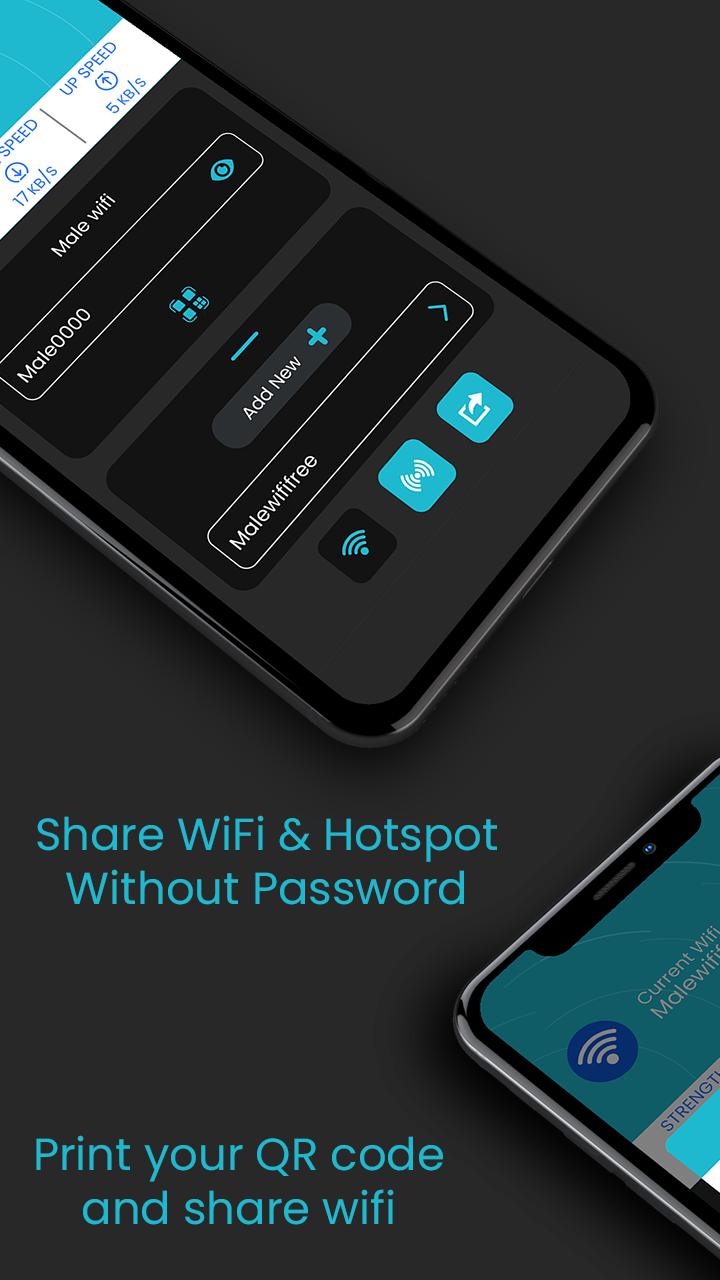
WiFi Connect: Share Wi-Fi and Hotspot let user to share their WiFi or Hotspot with others through one simple QR code. No worries about giving sensitive information to others.
Just share the code and let your friend connect to WiFi or hotspot immediately.
User also can generate and get print out of QR code for same. This will be an great for restaurants , café, coffee shops and other venue that offers WiFi. Users can simply scan a QR code and get connect to it.
It's usual that many user may have same password with their different account and may not like to share their password so WiFi Connect may be the best solution.
How this works?
Just add credentials for the first time to a connected WiFi and that's all.
1. Add your WiFi password just once.
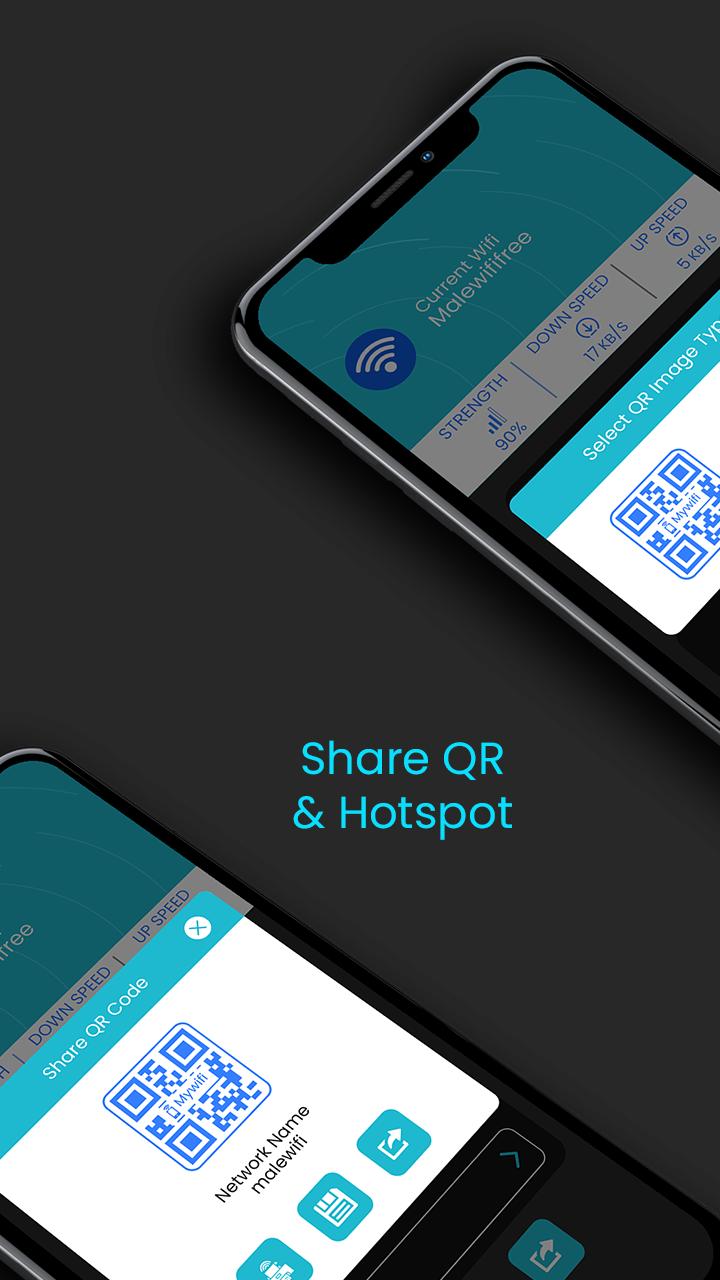
2. Click on QR code to generate QR code and share it.
Easily Manage WIFI Networks
Add and connect your WiFi network. User also can modify or remove existing Wi-Fi network within the app itself.
Share WIFI or Hotspot QR Code
Allow your friends to connect with your WiFi or hotspot just by scanning QR code and without knowing real password.
Save or Print QR Code
Save and get print out of saved connections for venues or event. Just display it at your your café, hotel or any other venues.
Download the app and create your QR code today.
ดูตัวอย่าง
ข้อมูล
นักพัฒนา
Scorpion Infosoft
เวอร์ชั่นล่าสุด
1.8
อัพเดทล่าสุด
2021-06-20
หมวดหมู่
เครื่องมือ
มีจำหน่ายที่
Google Play
แสดงมากขึ้น
วิธีเล่น WiFi Connect - Share WiFi & Hotspot ด้วย GameLoop บน PC
1. ดาวน์โหลด GameLoop จากเว็บไซต์ทางการ จากนั้นเรียกใช้ไฟล์ exe เพื่อติดตั้ง GameLoop
2. เปิด GameLoop และค้นหา "WiFi Connect - Share WiFi & Hotspot" ค้นหา WiFi Connect - Share WiFi & Hotspot ในผลการค้นหาแล้วคลิก "ติดตั้ง"
3. สนุกกับการเล่น WiFi Connect - Share WiFi & Hotspot บน GameLoop
Minimum requirements
OS
Windows 8.1 64-bit or Windows 10 64-bit
GPU
GTX 1050
CPU
i3-8300
Memory
8GB RAM
Storage
1GB available space
Recommended requirements
OS
Windows 8.1 64-bit or Windows 10 64-bit
GPU
GTX 1050
CPU
i3-9320
Memory
16GB RAM
Storage
1GB available space