
Vsmart Gallery PC
VinSmart
ดาวน์โหลด Vsmart Gallery บนพีซีด้วย GameLoop Emulator
Vsmart Gallery บน PC
Vsmart Gallery มาจากผู้พัฒนา VinSmart ที่เคยรันบนระบบปฏิบัติการ Android มาก่อน
ตอนนี้คุณสามารถเล่น Vsmart Gallery บนพีซีด้วย GameLoop ได้อย่างราบรื่น
ดาวน์โหลดในไลบรารี GameLoop หรือผลการค้นหา ไม่ต้องสนใจแบตเตอรี่หรือโทรผิดเวลาอีกต่อไป
เพียงเพลิดเพลินกับ Vsmart Gallery PC บนหน้าจอขนาดใหญ่ฟรี!
Vsmart Gallery บทนำ
Vsmart Gallery is where you can look back on your sweet memories in life. Simplicity, speed and effectiveness are our developers’ main goals.
Vsmart Gallery is unique among thousands of Android applications by:
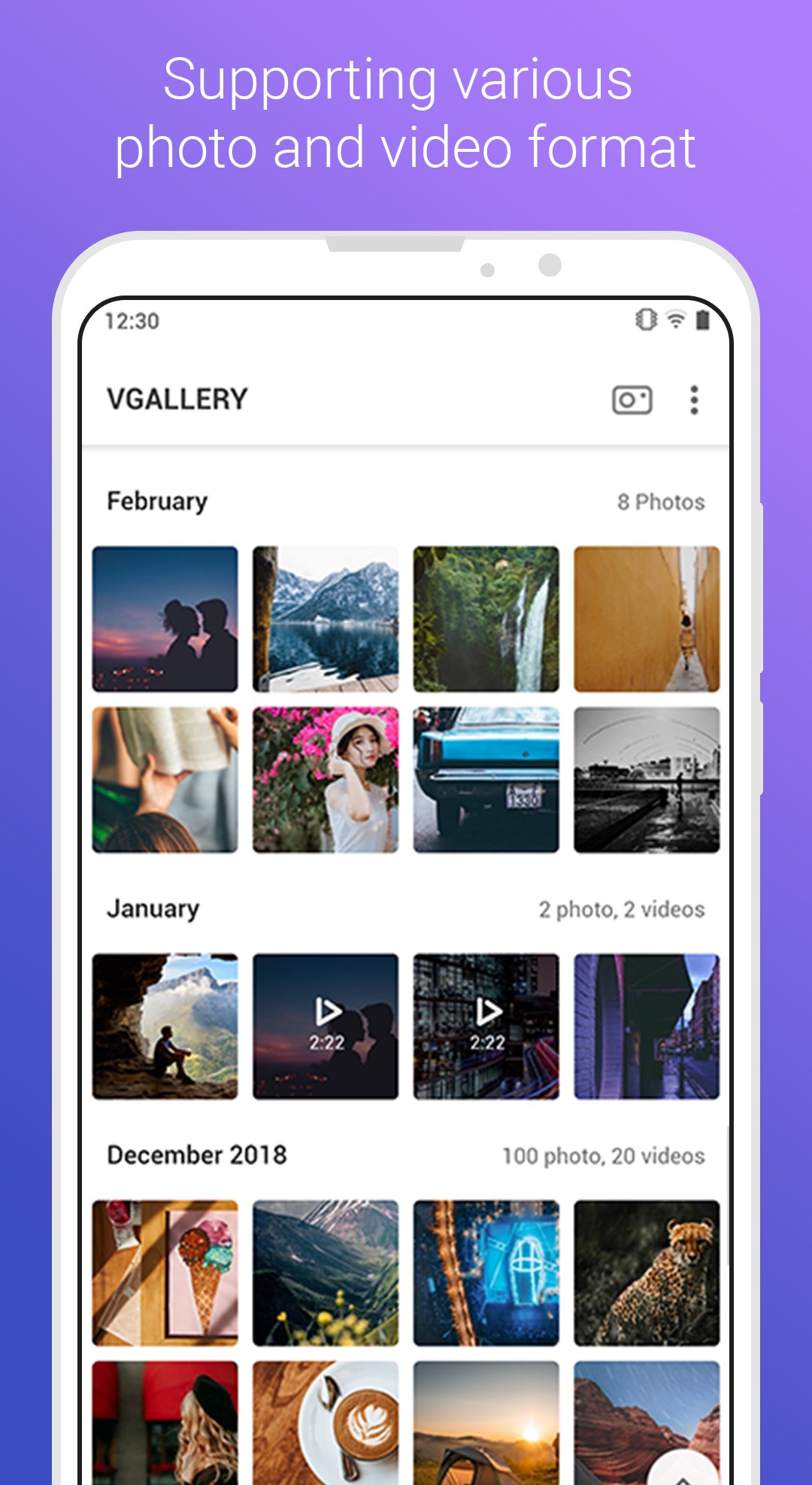
• Supporting various photo and video formats
• Allowing photo grouping by capture time and location
• Sharing your photos or albums to anyone
• Creating and managing your albums fast and easily
• Making impressive photo slideshow to relive your memories
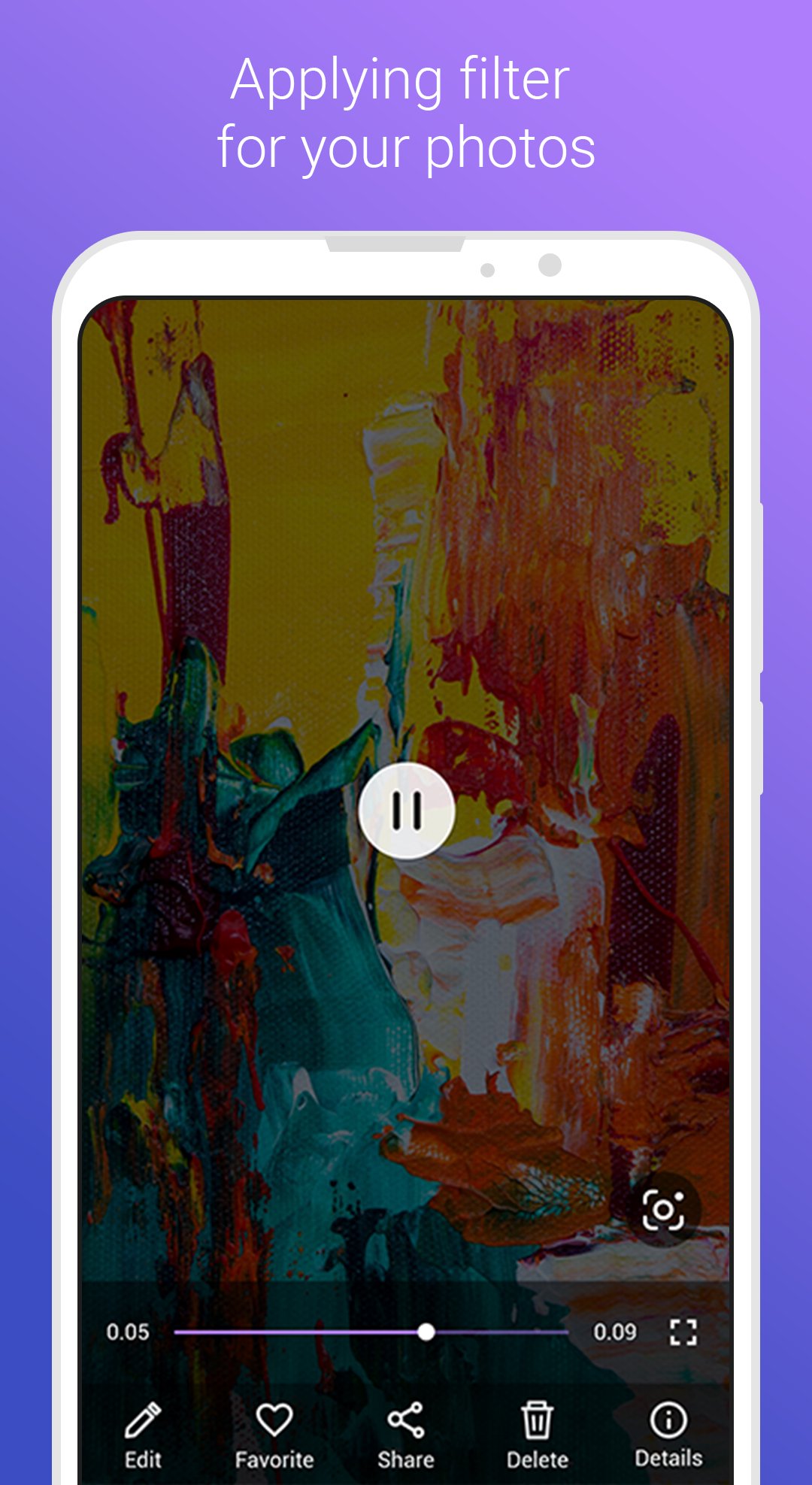
• Applying filter(s) for your photos using many effects, shapes, watermarks and more...
ดูตัวอย่าง
แท็ก
เครื่องมือข้อมูล
นักพัฒนา
VinSmart
เวอร์ชั่นล่าสุด
1.14.1
อัพเดทล่าสุด
2024-04-19
หมวดหมู่
เครื่องมือ
มีจำหน่ายที่
Google Play
แสดงมากขึ้น
วิธีเล่น Vsmart Gallery ด้วย GameLoop บน PC
1. ดาวน์โหลด GameLoop จากเว็บไซต์ทางการ จากนั้นเรียกใช้ไฟล์ exe เพื่อติดตั้ง GameLoop
2. เปิด GameLoop และค้นหา "Vsmart Gallery" ค้นหา Vsmart Gallery ในผลการค้นหาแล้วคลิก "ติดตั้ง"
3. สนุกกับการเล่น Vsmart Gallery บน GameLoop
Minimum requirements
OS
Windows 8.1 64-bit or Windows 10 64-bit
GPU
GTX 1050
CPU
i3-8300
Memory
8GB RAM
Storage
1GB available space
Recommended requirements
OS
Windows 8.1 64-bit or Windows 10 64-bit
GPU
GTX 1050
CPU
i3-9320
Memory
16GB RAM
Storage
1GB available space