
VIVE Guardian PC
HTC Corporation.
ดาวน์โหลด VIVE Guardian บนพีซีด้วย GameLoop Emulator
VIVE Guardian บน PC
VIVE Guardian มาจากผู้พัฒนา HTC Corporation. ที่เคยรันบนระบบปฏิบัติการ Android มาก่อน
ตอนนี้คุณสามารถเล่น VIVE Guardian บนพีซีด้วย GameLoop ได้อย่างราบรื่น
ดาวน์โหลดในไลบรารี GameLoop หรือผลการค้นหา ไม่ต้องสนใจแบตเตอรี่หรือโทรผิดเวลาอีกต่อไป
เพียงเพลิดเพลินกับ VIVE Guardian PC บนหน้าจอขนาดใหญ่ฟรี!
VIVE Guardian บทนำ
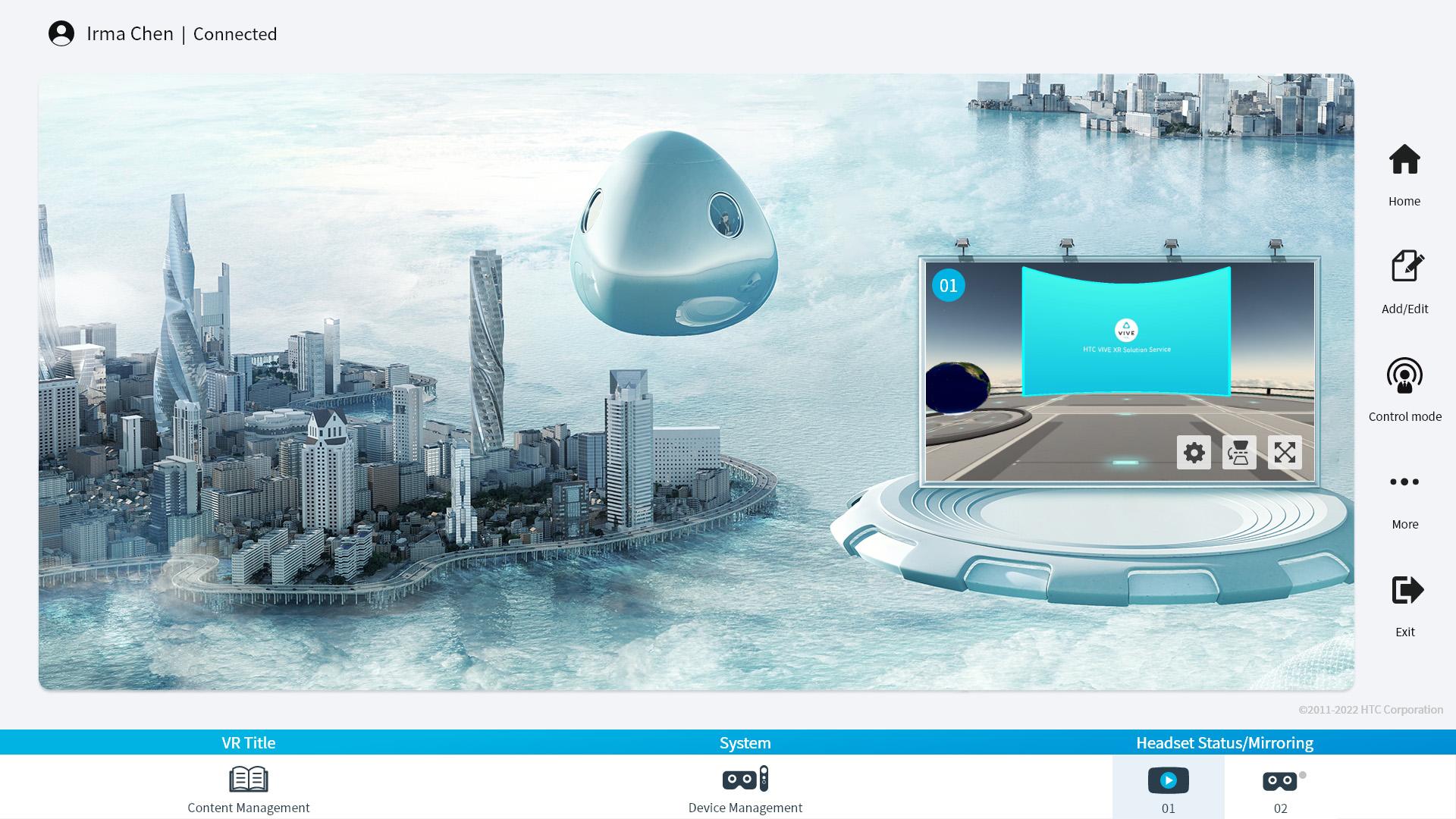
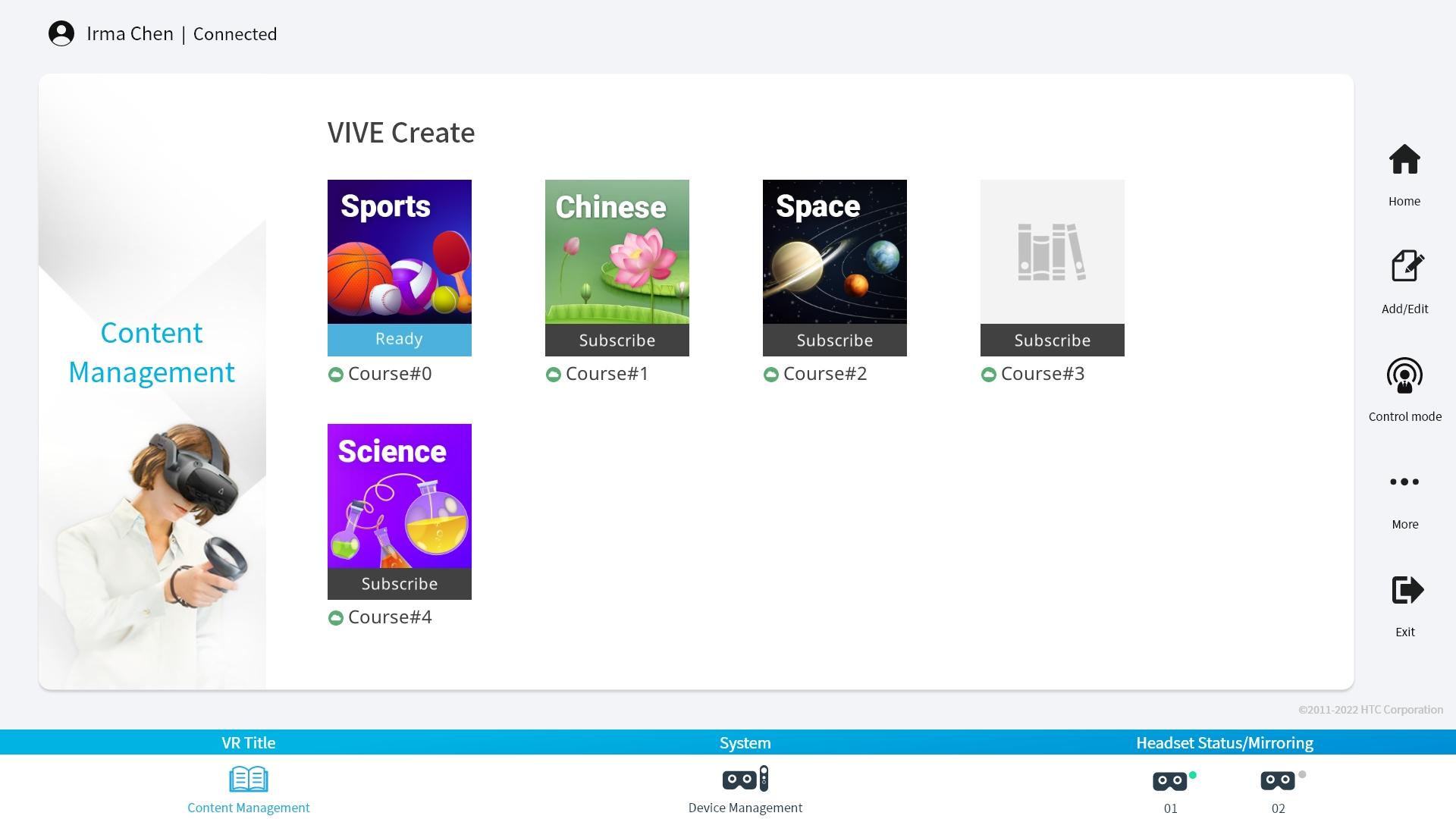
VIVE Guardian is a comprehensive solution to child safety problem in VR, featuring parental controls that help protect children from inappropriate VR content.
VIVE Guardian contains two content management modes: Assignment Mode, and Control Mode. In Assignment Mode, users can grant access to specific VR apps, and the headset wearer will then be allowed to freely explore within those apps. In Control Mode, a single experience, app or piece of content is launched and controlled exclusively by the parent or guardian.
User can also enable "Headset Mirroring" as soon as VIVE Guardian is connected with the VR headset. They are able to view in real-time, the VR screen of the wearer directly.
ดูตัวอย่าง
แท็ก
เครื่องมือข้อมูล
นักพัฒนา
HTC Corporation.
เวอร์ชั่นล่าสุด
1.0.3
อัพเดทล่าสุด
2022-06-23
หมวดหมู่
เครื่องมือ
มีจำหน่ายที่
Google Play
แสดงมากขึ้น
วิธีเล่น VIVE Guardian ด้วย GameLoop บน PC
1. ดาวน์โหลด GameLoop จากเว็บไซต์ทางการ จากนั้นเรียกใช้ไฟล์ exe เพื่อติดตั้ง GameLoop
2. เปิด GameLoop และค้นหา "VIVE Guardian" ค้นหา VIVE Guardian ในผลการค้นหาแล้วคลิก "ติดตั้ง"
3. สนุกกับการเล่น VIVE Guardian บน GameLoop
Minimum requirements
OS
Windows 8.1 64-bit or Windows 10 64-bit
GPU
GTX 1050
CPU
i3-8300
Memory
8GB RAM
Storage
1GB available space
Recommended requirements
OS
Windows 8.1 64-bit or Windows 10 64-bit
GPU
GTX 1050
CPU
i3-9320
Memory
16GB RAM
Storage
1GB available space