
US VPN - Proxy Server PC
CM Team
ดาวน์โหลด US VPN - Proxy Server บนพีซีด้วย GameLoop Emulator
US VPN - Proxy Server บน PC
US VPN - Proxy Server มาจากผู้พัฒนา CM Team ที่เคยรันบนระบบปฏิบัติการ Android มาก่อน
ตอนนี้คุณสามารถเล่น US VPN - Proxy Server บนพีซีด้วย GameLoop ได้อย่างราบรื่น
ดาวน์โหลดในไลบรารี GameLoop หรือผลการค้นหา ไม่ต้องสนใจแบตเตอรี่หรือโทรผิดเวลาอีกต่อไป
เพียงเพลิดเพลินกับ US VPN - Proxy Server PC บนหน้าจอขนาดใหญ่ฟรี!
US VPN - Proxy Server บทนำ
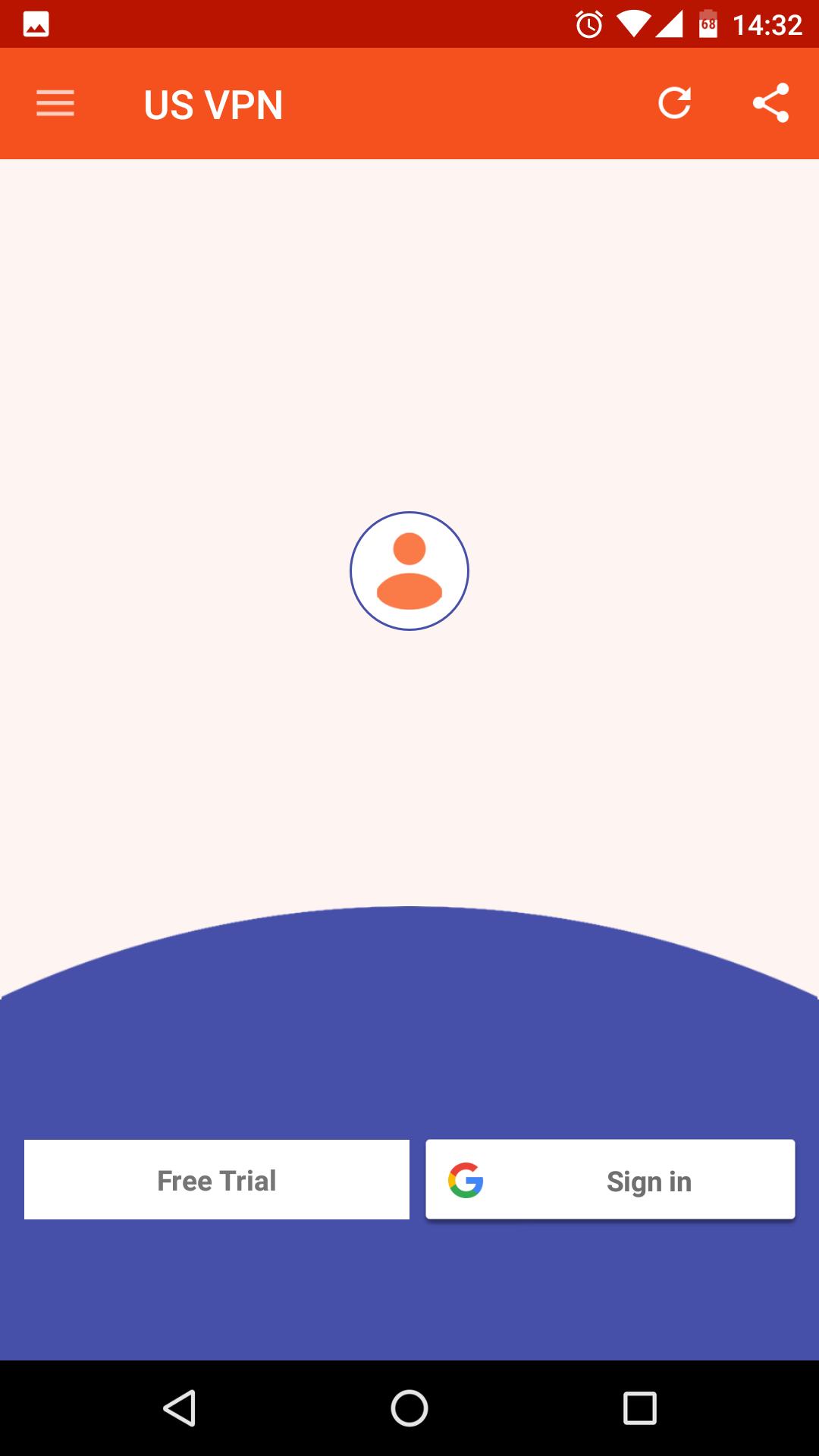
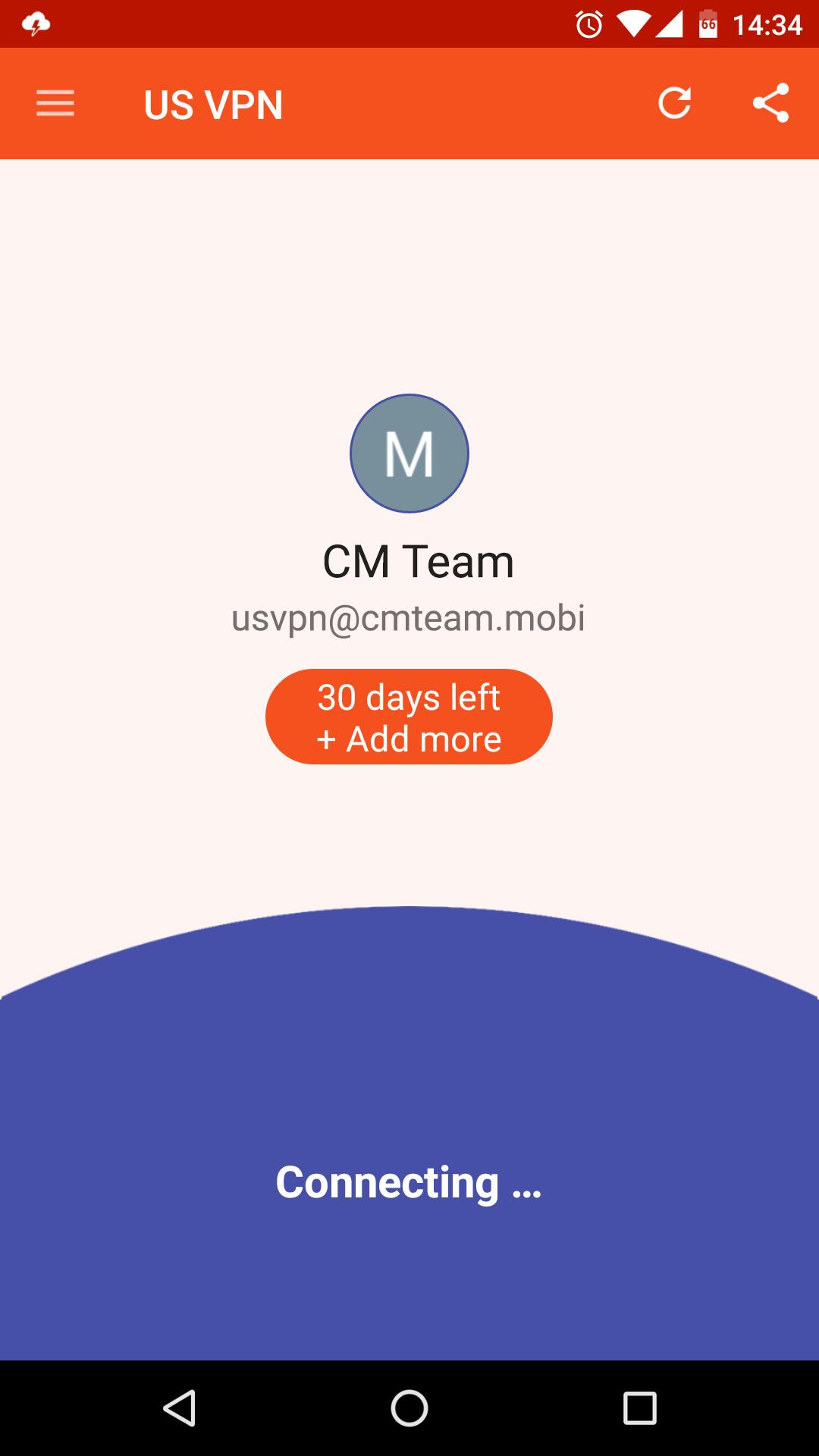
US VPN - The best free & unlimited vpn tunnel for android to unblock sites, watch online video, bypass blocked apps, secure WiFi hotspots and browse privately and anonymously.
Premium Features, All server in USA!
✓ Ultra-Fast
✓ Unlimited Bandwidth
✓ Easy to Use
✓ Friendly interface
✓ No Logs: That means, that you're absolutely anonymous and protected while using our app.
Unblock the web!
✓ Unblock websites and apps such as Viber, Skype, Youtube, Whatsup, Google, Netflix, etc...
One click connection
✓ Just one tap to get the best VPN service ever!
Protect Privacy and Security
✓ Enjoy private browsing.
✓ Protect data privacy, personal information security and internet security while VPN Robot is on.
✓ Protect your network traffic under public WiFi hotspot browse anonymously and securely without being tracked.
✓ Encrypts data using OpenVPN protocols (TCP/UDP).
Notice
✓ Please don't download BitTorrent, any P2P will get account blocked!
Support
Email to us: cmlab.contactinfo@gmail.com
Fanapge: https://www.facebook.com/cmteam.mobi
ดูตัวอย่าง
ข้อมูล
นักพัฒนา
CM Team
เวอร์ชั่นล่าสุด
3.2.190227
อัพเดทล่าสุด
2019-02-27
หมวดหมู่
เครื่องมือ
มีจำหน่ายที่
Google Play
แสดงมากขึ้น
วิธีเล่น US VPN - Proxy Server ด้วย GameLoop บน PC
1. ดาวน์โหลด GameLoop จากเว็บไซต์ทางการ จากนั้นเรียกใช้ไฟล์ exe เพื่อติดตั้ง GameLoop
2. เปิด GameLoop และค้นหา "US VPN - Proxy Server" ค้นหา US VPN - Proxy Server ในผลการค้นหาแล้วคลิก "ติดตั้ง"
3. สนุกกับการเล่น US VPN - Proxy Server บน GameLoop
Minimum requirements
OS
Windows 8.1 64-bit or Windows 10 64-bit
GPU
GTX 1050
CPU
i3-8300
Memory
8GB RAM
Storage
1GB available space
Recommended requirements
OS
Windows 8.1 64-bit or Windows 10 64-bit
GPU
GTX 1050
CPU
i3-9320
Memory
16GB RAM
Storage
1GB available space