
Easy Touch 2019, Assistive Touch & Virtual Home PC
Studio Support Team
ดาวน์โหลด Easy Touch 2019, Assistive Touch & Virtual Home บนพีซีด้วย GameLoop Emulator
Easy Touch 2019, Assistive Touch & Virtual Home บน PC
Easy Touch 2019, Assistive Touch & Virtual Home มาจากผู้พัฒนา Studio Support Team ที่เคยรันบนระบบปฏิบัติการ Android มาก่อน
ตอนนี้คุณสามารถเล่น Easy Touch 2019, Assistive Touch & Virtual Home บนพีซีด้วย GameLoop ได้อย่างราบรื่น
ดาวน์โหลดในไลบรารี GameLoop หรือผลการค้นหา ไม่ต้องสนใจแบตเตอรี่หรือโทรผิดเวลาอีกต่อไป
เพียงเพลิดเพลินกับ Easy Touch 2019, Assistive Touch & Virtual Home PC บนหน้าจอขนาดใหญ่ฟรี!
Easy Touch 2019, Assistive Touch & Virtual Home บทนำ
- Notice:
Some new advance function such as Capture Screenshot, Power popup...only support high software version 5.0 and up.
If your phone dose not supported please do not give bad review.
Thank for your support
- Easy Touch 2018 for Android
You can use Easy Touch 2018 to control your device.
Easy Touch 2018 is also an ideal app to protect the physical buttons for Android device!
-This app uses the Device Administrator permission.
-This app uses Accessibility services : to force stop app drawing battery, back function, show popup shutdown function.
- Touch Max with many function
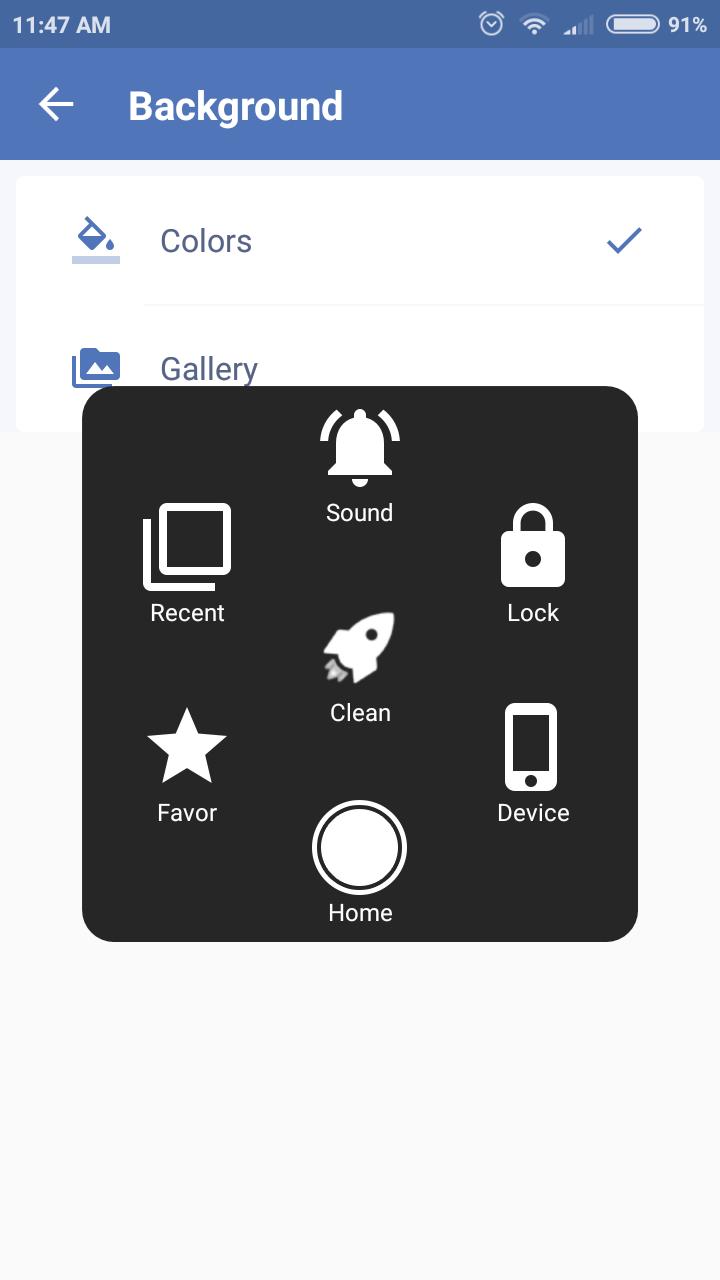
✔ Screenshot, screen capture (OS 5.0 or above)
✔ Home button
✔ Back button
✔ Lock screen
✔ Open recent task
✔ Go to all settings very quick with a touch
✔ Clear ram, boost speed, one touch boost
✔ Airplane mode
✔ Open Notification
✔ Power popup
✔ Volume up & down
✔ Location (GPS)
✔ Flashlight
✔ Wi-Fi
✔ Bluetooth
✔ Brightness
✔ Ringer mode (normal, vibrate, silent)
✔ Screen rotation
✔ Data usage
✔ Open all application on your device
- Opition
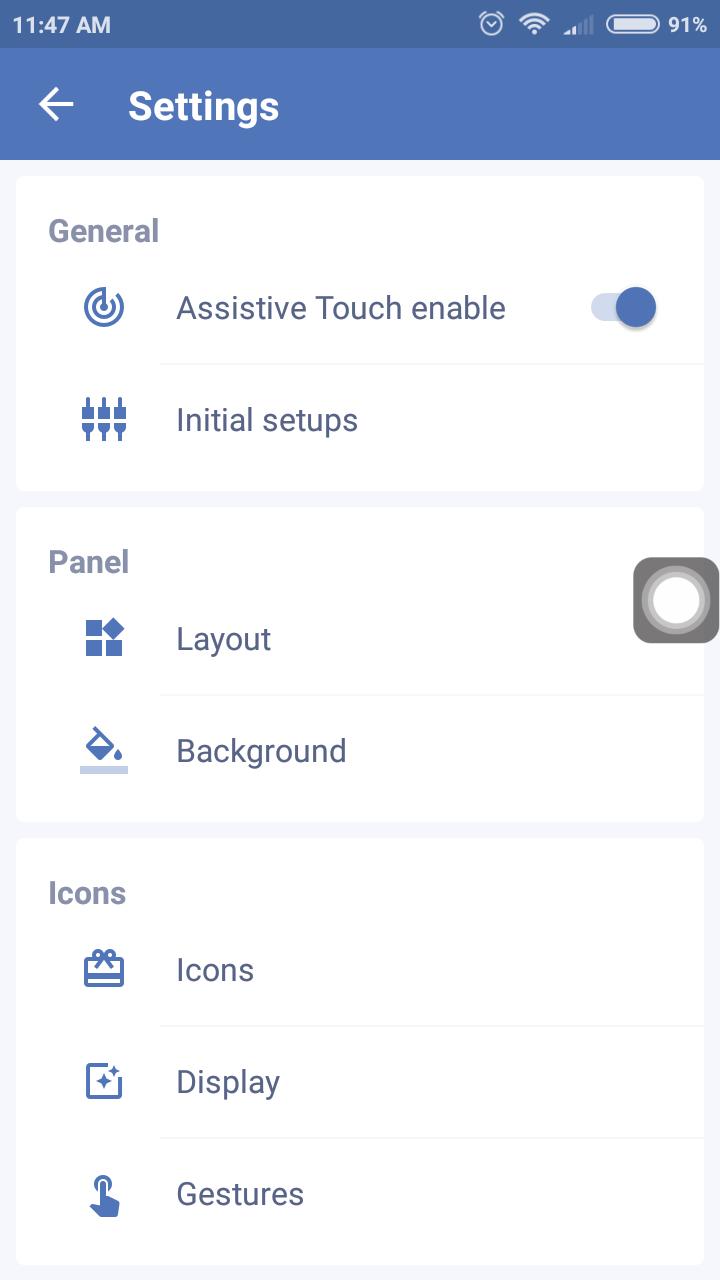
✔ You can change icon of Easy Touch 2018 with many pretty icons with many colors
✔ Funny with more themes. You can change colour or theme from your gallery.
- Feedback
✔ If Easy Touch 2018 is useful with you, please give us a nice review and 5 Stars
Thank you very much!
ดูตัวอย่าง
ข้อมูล
นักพัฒนา
Studio Support Team
เวอร์ชั่นล่าสุด
1.4
อัพเดทล่าสุด
2019-02-21
หมวดหมู่
เครื่องมือ
มีจำหน่ายที่
Google Play
แสดงมากขึ้น
วิธีเล่น Easy Touch 2019, Assistive Touch & Virtual Home ด้วย GameLoop บน PC
1. ดาวน์โหลด GameLoop จากเว็บไซต์ทางการ จากนั้นเรียกใช้ไฟล์ exe เพื่อติดตั้ง GameLoop
2. เปิด GameLoop และค้นหา "Easy Touch 2019, Assistive Touch & Virtual Home" ค้นหา Easy Touch 2019, Assistive Touch & Virtual Home ในผลการค้นหาแล้วคลิก "ติดตั้ง"
3. สนุกกับการเล่น Easy Touch 2019, Assistive Touch & Virtual Home บน GameLoop
Minimum requirements
OS
Windows 8.1 64-bit or Windows 10 64-bit
GPU
GTX 1050
CPU
i3-8300
Memory
8GB RAM
Storage
1GB available space
Recommended requirements
OS
Windows 8.1 64-bit or Windows 10 64-bit
GPU
GTX 1050
CPU
i3-9320
Memory
16GB RAM
Storage
1GB available space