
Stay Awake - Keep Screen On PC
Itsasoftware
ดาวน์โหลด Stay Awake - Keep Screen On บนพีซีด้วย GameLoop Emulator
Stay Awake - Keep Screen On บน PC
Stay Awake - Keep Screen On มาจากผู้พัฒนา Itsasoftware ที่เคยรันบนระบบปฏิบัติการ Android มาก่อน
ตอนนี้คุณสามารถเล่น Stay Awake - Keep Screen On บนพีซีด้วย GameLoop ได้อย่างราบรื่น
ดาวน์โหลดในไลบรารี GameLoop หรือผลการค้นหา ไม่ต้องสนใจแบตเตอรี่หรือโทรผิดเวลาอีกต่อไป
เพียงเพลิดเพลินกับ Stay Awake - Keep Screen On PC บนหน้าจอขนาดใหญ่ฟรี!
Stay Awake - Keep Screen On บทนำ
Are you annoyed that the screen turns off at the wrong time?
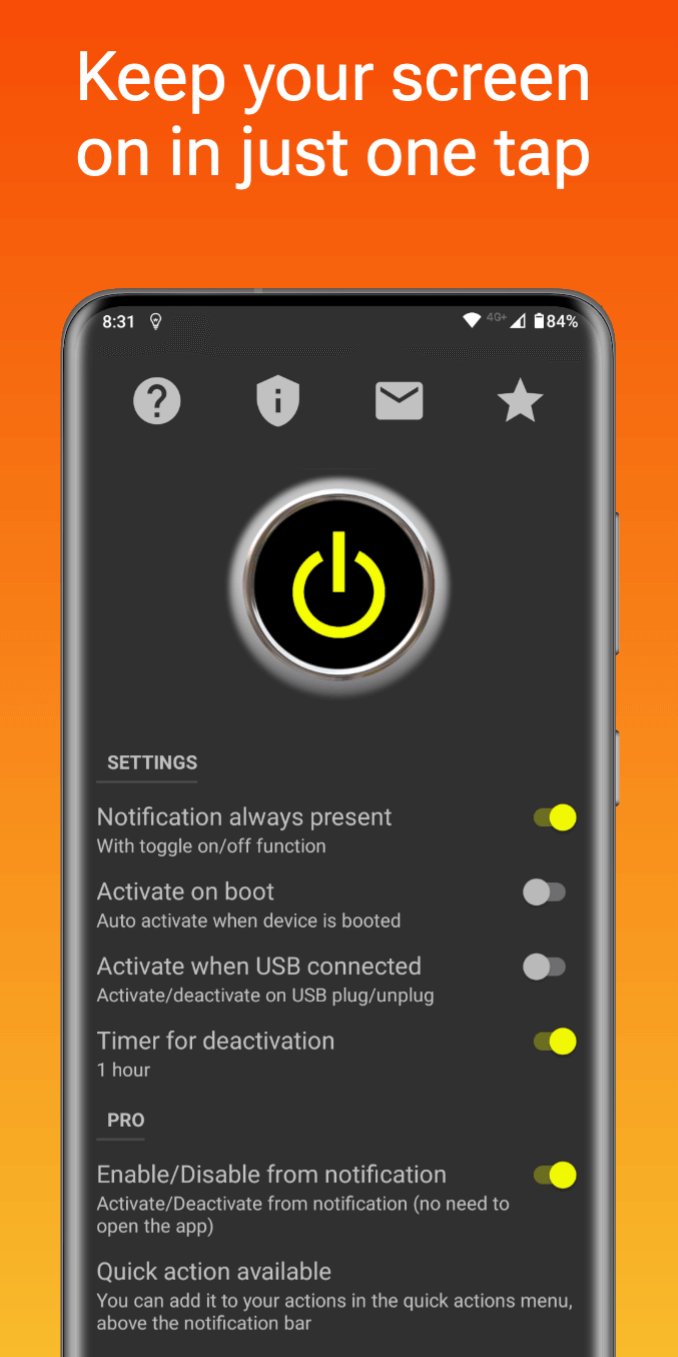
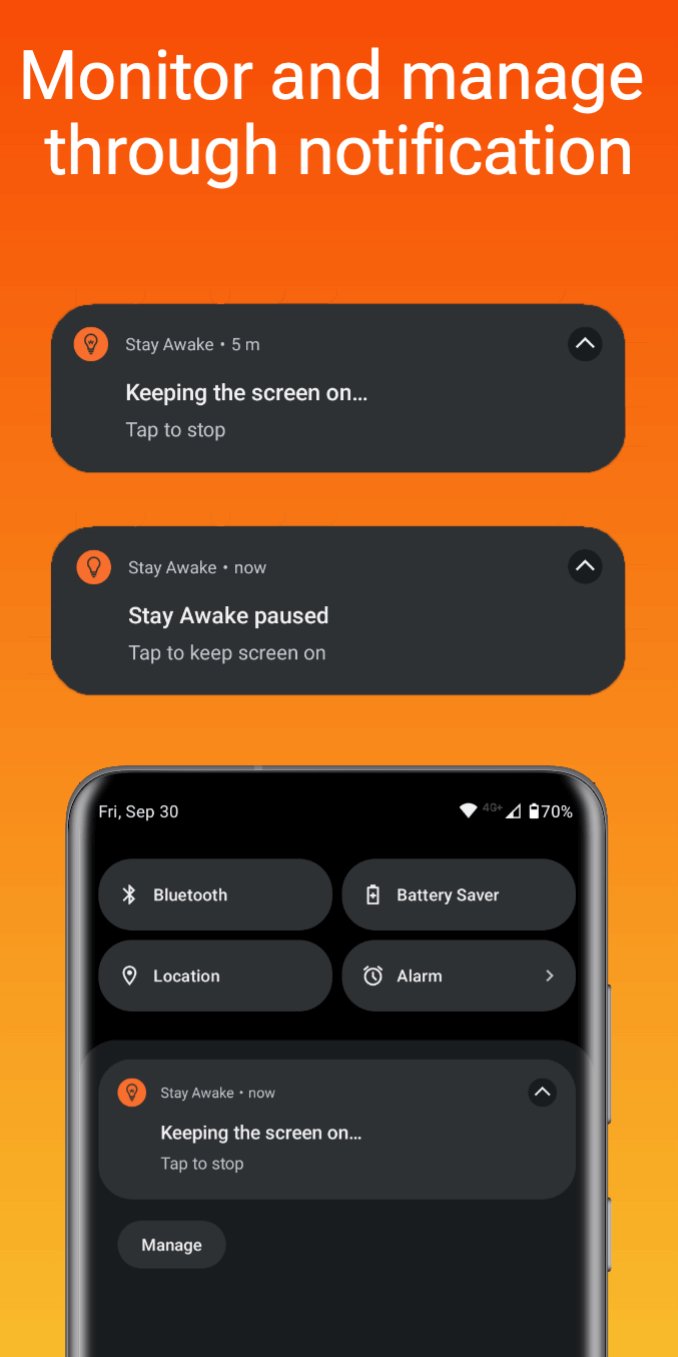
This app will solve your problem by keeping your screen on when you need it, allowing you to control the status with a dedicated notification.
Features
• Open the app directly from the notification
• Set auto-start when device boots up
• Set auto-toggle when the USB cable is plugged/unplugged
• Use timer function for auto-deactivation.
Pro
• Choose the apps that keep the screen on
• Toggle status directly from the notification without open the app (Extra-Fast)
• Quick action available: add it to your actions in the quick actions menu above the notification bar
• Home screen widget
• No advertisements
Ideal for reading, watching videos, presentations and much more!
ดูตัวอย่าง
แท็ก
เครื่องมือข้อมูล
นักพัฒนา
Itsasoftware
เวอร์ชั่นล่าสุด
4.1.1
อัพเดทล่าสุด
2025-10-16
หมวดหมู่
เครื่องมือ
มีจำหน่ายที่
Google Play
แสดงมากขึ้น
วิธีเล่น Stay Awake - Keep Screen On ด้วย GameLoop บน PC
1. ดาวน์โหลด GameLoop จากเว็บไซต์ทางการ จากนั้นเรียกใช้ไฟล์ exe เพื่อติดตั้ง GameLoop
2. เปิด GameLoop และค้นหา "Stay Awake - Keep Screen On" ค้นหา Stay Awake - Keep Screen On ในผลการค้นหาแล้วคลิก "ติดตั้ง"
3. สนุกกับการเล่น Stay Awake - Keep Screen On บน GameLoop
Minimum requirements
OS
Windows 8.1 64-bit or Windows 10 64-bit
GPU
GTX 1050
CPU
i3-8300
Memory
8GB RAM
Storage
1GB available space
Recommended requirements
OS
Windows 8.1 64-bit or Windows 10 64-bit
GPU
GTX 1050
CPU
i3-9320
Memory
16GB RAM
Storage
1GB available space