
Status Keeper PC
App Cornor
ดาวน์โหลด Status Keeper บนพีซีด้วย GameLoop Emulator
Status Keeper บน PC
Status Keeper มาจากผู้พัฒนา App Cornor ที่เคยรันบนระบบปฏิบัติการ Android มาก่อน
ตอนนี้คุณสามารถเล่น Status Keeper บนพีซีด้วย GameLoop ได้อย่างราบรื่น
ดาวน์โหลดในไลบรารี GameLoop หรือผลการค้นหา ไม่ต้องสนใจแบตเตอรี่หรือโทรผิดเวลาอีกต่อไป
เพียงเพลิดเพลินกับ Status Keeper PC บนหน้าจอขนาดใหญ่ฟรี!
Status Keeper บทนำ
How to Use?
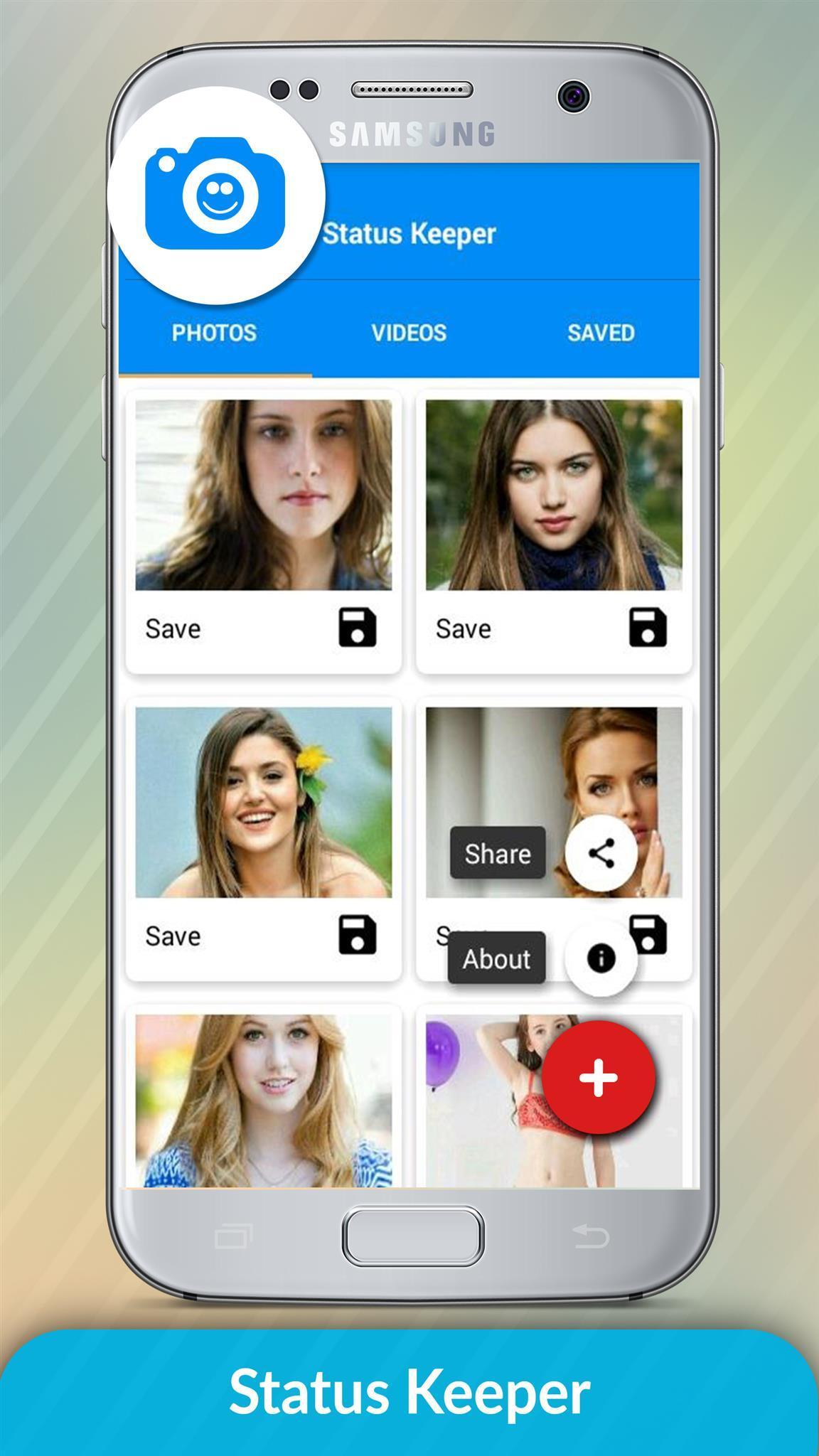
1 - Check the Desired Status/Story...
2 - Open Status Keeper, Click on any Image or Video to View...
3 - Click the Save Button...
That's where we get in. Status Keeper works as a WhatsApp status downloader, or Whatsapp status saver. With a single touch, save all your favorites statuses.
You can choose either to preview, share as a media to all available platforms on your device or download directly to your gallery.
All that in a simple, beautiful and intuitive interface. Once you load it, you know exactly where to go ;)
*Very minimal ads, nothing disturbing, we know you don't like too much of them, Promise!
story keeper
status downloader
story downloader
share status
repost status
share Whatsapp status
repost Whatsapp status
save status
download WhatsApp status
download WhatsApp story
The Status Keeper Status Image/Video is Instantly saved to your Gallery! 😉😃
Notable Status Keeper Features:
* Multi Save, Delete, Repost / Share, Delete,
* Easy Repost even without Saving,
* Easy & Fast Saving,
* Built-in Image Viewer & Video Player,
* Easy Navigation!
Status Keeper app is an independent one and is not affiliated with any 3rd Party including Whatsapp Inc.
Status Keeper not use to clone or hack anything it just display downloaded files in app.
======================
Contact Us
Email: conorapp@gmail.com
ดูตัวอย่าง
ข้อมูล
นักพัฒนา
App Cornor
เวอร์ชั่นล่าสุด
1.0.1
อัพเดทล่าสุด
2018-11-17
หมวดหมู่
เครื่องมือ
มีจำหน่ายที่
Google Play
แสดงมากขึ้น
วิธีเล่น Status Keeper ด้วย GameLoop บน PC
1. ดาวน์โหลด GameLoop จากเว็บไซต์ทางการ จากนั้นเรียกใช้ไฟล์ exe เพื่อติดตั้ง GameLoop
2. เปิด GameLoop และค้นหา "Status Keeper" ค้นหา Status Keeper ในผลการค้นหาแล้วคลิก "ติดตั้ง"
3. สนุกกับการเล่น Status Keeper บน GameLoop
Minimum requirements
OS
Windows 8.1 64-bit or Windows 10 64-bit
GPU
GTX 1050
CPU
i3-8300
Memory
8GB RAM
Storage
1GB available space
Recommended requirements
OS
Windows 8.1 64-bit or Windows 10 64-bit
GPU
GTX 1050
CPU
i3-9320
Memory
16GB RAM
Storage
1GB available space