Reverse image Search: by image PC
Astray Apps
ดาวน์โหลด Reverse image Search: by image บนพีซีด้วย GameLoop Emulator
Reverse image Search: by image บน PC
Reverse image Search: by image มาจากผู้พัฒนา Astray Apps ที่เคยรันบนระบบปฏิบัติการ Android มาก่อน
ตอนนี้คุณสามารถเล่น Reverse image Search: by image บนพีซีด้วย GameLoop ได้อย่างราบรื่น
ดาวน์โหลดในไลบรารี GameLoop หรือผลการค้นหา ไม่ต้องสนใจแบตเตอรี่หรือโทรผิดเวลาอีกต่อไป
เพียงเพลิดเพลินกับ Reverse image Search: by image PC บนหน้าจอขนาดใหญ่ฟรี!
Reverse image Search: by image บทนำ
Having a lot of unknown pictures in your phone gallery? Want to know about these pictures? If yes, then install this Reverse image Search through photo: Search by image app and start finding similar images by using our reverse image search app.
search by image app: similar photo finder
Reverse image search involves choosing an image and using a search engine to find the same image against your uploaded image across the globe. Reverse image search is a search engine technology that takes an image file as input query and returns results related to the image.
What’s amazing in this Reverse image Search: by image app?
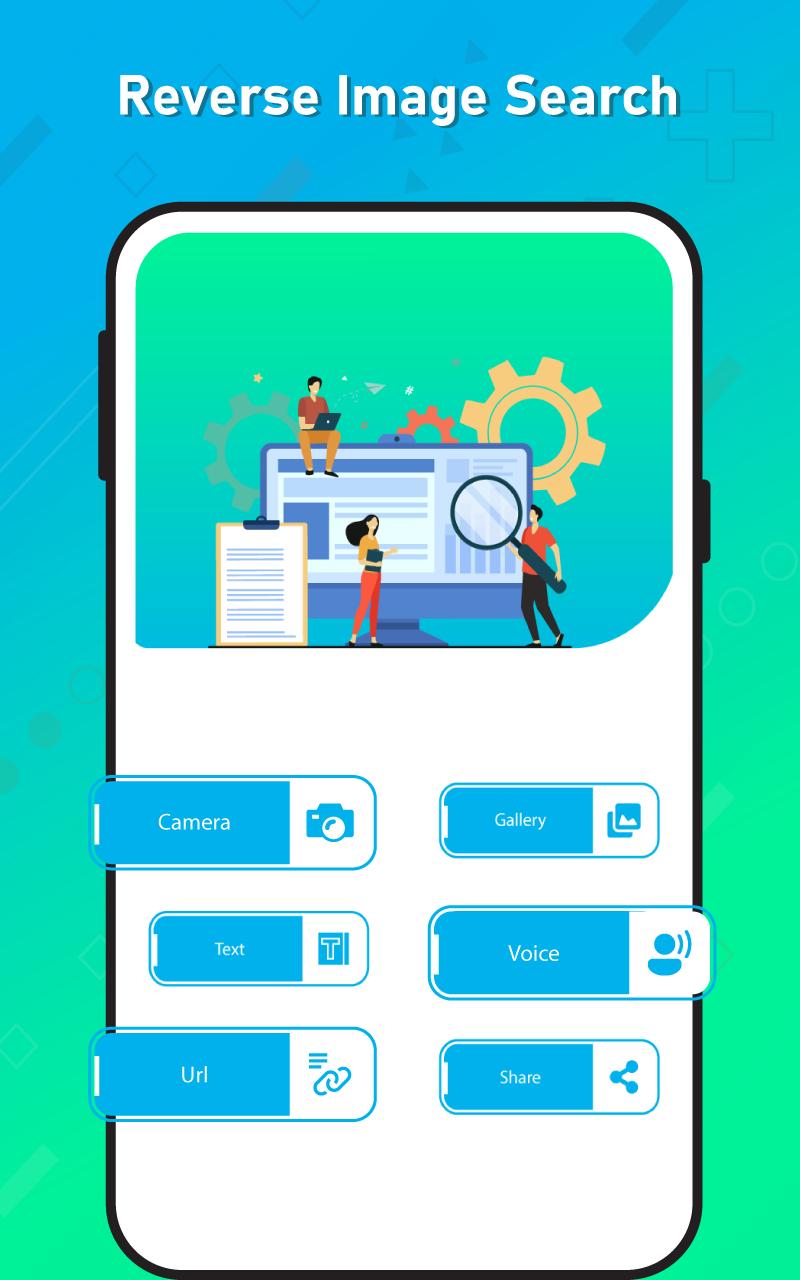
Take picture from camera for image search
Pick photo from gallery
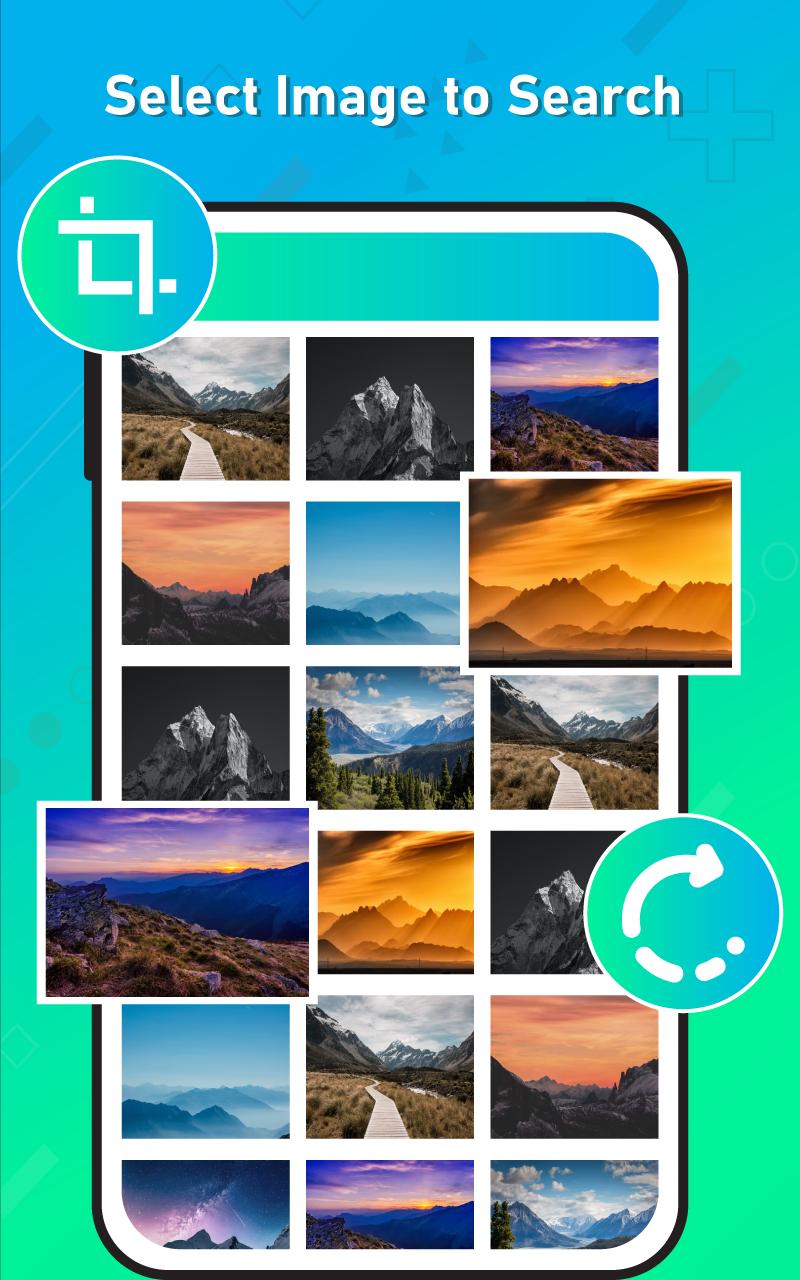
Crop and rotate pictures for accurate results
Voice search and text search
reverse photo search engine: similar image finder
Reverse image search is very unique and helpful app. You can higher resolution versions of images through this image search finder app. By using our photo search engine app, you can find thousands of images by uploading only single image. You can find information about unidentified products and other objects by uploading pictures of that product.
Why this Reverse image Search through photo: Search by image app?
For easily search similar images on internet, we developed this Reverse image Search through photo: Search by image app which having the ability to find similar search of images on internet for you. Mostly people love to see different pictures. You can explore some new images using this search engine by image: reverse image search app.
Main features of this Reverse image Search through photo: Search by image app
Quick reverse photo search
Do image search through URL
Crop and rotate pictures for reverse image search
Do image search through text
Easy to use this search engine by image app
Do image search through voice
Capture photos from camera and pick photos from gallery for image search.
Search by voice: reverse image lookup
Our photo search engine app offers you a feature of search by voice, by which you can find images on internet by input your voice. Our photo search engine has a strong search engine which instantly dig photos on internet and give your results what you want.
Search by URL: reverse image search app
Search your images by pasting URL with the help of this search by image app. Image search is an important tool for finding similar and accurate results on internet.
Search through camera and gallery: Reverse Image Search
Mostly it happens that we find something weird instantly and don’t know about it. Our search by picture: Reverse Image Search app offers you to quickly capture photo through camera and upload on search engine for more details.
Search through voice: reverse image search engine
Typing takes a lot of time instead of voice input, our Search by Image: Reverse Image Search app has the ability to do voice search to find images instead of typing.
How this Reverse image Search through photo: Search by image app works?
Download and install this Reverse image Search: by image app.
Open this Reverse image Search through photo: Search by image app.
By pressing camera button, you can click photo and instantly do image search.
Press gallery button for picking photo through gallery.
Paste your URLs, for image search
Press text button for search through text.
By pressing voice button, you can give voice input for image search.
Privacy note for this Reverse image Search through photo: Search by image app
Search by picture: Reverse Image Search is not taking your any personal information and not collecting your any personal data from you side. Reverse image search app is safe and secure and not share anything to third party
ดูตัวอย่าง
แท็ก
เครื่องมือข้อมูล
นักพัฒนา
Astray Apps
เวอร์ชั่นล่าสุด
1.0.2
อัพเดทล่าสุด
2022-07-13
หมวดหมู่
เครื่องมือ
มีจำหน่ายที่
Google Play
แสดงมากขึ้น
วิธีเล่น Reverse image Search: by image ด้วย GameLoop บน PC
1. ดาวน์โหลด GameLoop จากเว็บไซต์ทางการ จากนั้นเรียกใช้ไฟล์ exe เพื่อติดตั้ง GameLoop
2. เปิด GameLoop และค้นหา "Reverse image Search: by image" ค้นหา Reverse image Search: by image ในผลการค้นหาแล้วคลิก "ติดตั้ง"
3. สนุกกับการเล่น Reverse image Search: by image บน GameLoop
Minimum requirements
OS
Windows 8.1 64-bit or Windows 10 64-bit
GPU
GTX 1050
CPU
i3-8300
Memory
8GB RAM
Storage
1GB available space
Recommended requirements
OS
Windows 8.1 64-bit or Windows 10 64-bit
GPU
GTX 1050
CPU
i3-9320
Memory
16GB RAM
Storage
1GB available space