
ReCall - The Call Recorder PC
NextGenXApps
ดาวน์โหลด ReCall - The Call Recorder บนพีซีด้วย GameLoop Emulator
ReCall - The Call Recorder บน PC
ReCall - The Call Recorder มาจากผู้พัฒนา NextGenXApps ที่เคยรันบนระบบปฏิบัติการ Android มาก่อน
ตอนนี้คุณสามารถเล่น ReCall - The Call Recorder บนพีซีด้วย GameLoop ได้อย่างราบรื่น
ดาวน์โหลดในไลบรารี GameLoop หรือผลการค้นหา ไม่ต้องสนใจแบตเตอรี่หรือโทรผิดเวลาอีกต่อไป
เพียงเพลิดเพลินกับ ReCall - The Call Recorder PC บนหน้าจอขนาดใหญ่ฟรี!
ReCall - The Call Recorder บทนำ
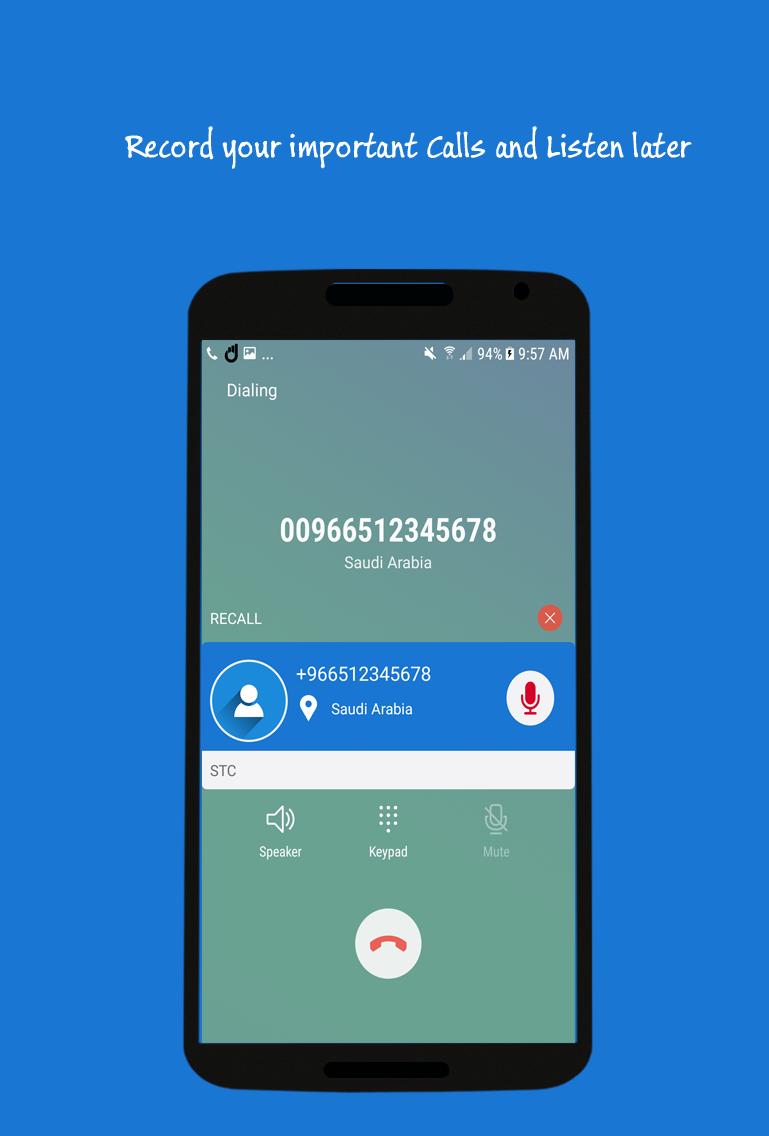
Record any phone call you want and choose which calls you want to save.
Features:
- Auto/Manual Incoming/Outgoing Call Recorder
- Displaying contact name and photo
- Play/ Delete recordings
- Share your recording
- Listen directly after call in After Call Dialog feature
- Control the recording while call in Call Recording Dialog
Note:
Some phones do not support call recording properly. This is due to capabilities of different chipset/CPU or Android version each brand/model have.
Legal:
Please check with local laws related to call recording in your country
ดูตัวอย่าง

ข้อมูล
นักพัฒนา
NextGenXApps
เวอร์ชั่นล่าสุด
1.9
อัพเดทล่าสุด
2019-01-03
หมวดหมู่
เครื่องมือ
มีจำหน่ายที่
Google Play
แสดงมากขึ้น
วิธีเล่น ReCall - The Call Recorder ด้วย GameLoop บน PC
1. ดาวน์โหลด GameLoop จากเว็บไซต์ทางการ จากนั้นเรียกใช้ไฟล์ exe เพื่อติดตั้ง GameLoop
2. เปิด GameLoop และค้นหา "ReCall - The Call Recorder" ค้นหา ReCall - The Call Recorder ในผลการค้นหาแล้วคลิก "ติดตั้ง"
3. สนุกกับการเล่น ReCall - The Call Recorder บน GameLoop
Minimum requirements
OS
Windows 8.1 64-bit or Windows 10 64-bit
GPU
GTX 1050
CPU
i3-8300
Memory
8GB RAM
Storage
1GB available space
Recommended requirements
OS
Windows 8.1 64-bit or Windows 10 64-bit
GPU
GTX 1050
CPU
i3-9320
Memory
16GB RAM
Storage
1GB available space