QR Code & Barcode Scanner PC
Easy To Use (OnMobi)
ดาวน์โหลด QR Code & Barcode Scanner บนพีซีด้วย GameLoop Emulator
QR Code & Barcode Scanner บน PC
QR Code & Barcode Scanner มาจากผู้พัฒนา Easy To Use (OnMobi) ที่เคยรันบนระบบปฏิบัติการ Android มาก่อน
ตอนนี้คุณสามารถเล่น QR Code & Barcode Scanner บนพีซีด้วย GameLoop ได้อย่างราบรื่น
ดาวน์โหลดในไลบรารี GameLoop หรือผลการค้นหา ไม่ต้องสนใจแบตเตอรี่หรือโทรผิดเวลาอีกต่อไป
เพียงเพลิดเพลินกับ QR Code & Barcode Scanner PC บนหน้าจอขนาดใหญ่ฟรี!
QR Code & Barcode Scanner บทนำ
QR X2 is a modern and free QR code scanner and barcode scanner app, with all the features you need.
Developed by a team of professional engineers, this is the smart QR code and barcode scanner app (easy to use) for Android phone that you can find on Google Play Store 👍 💪
Features:
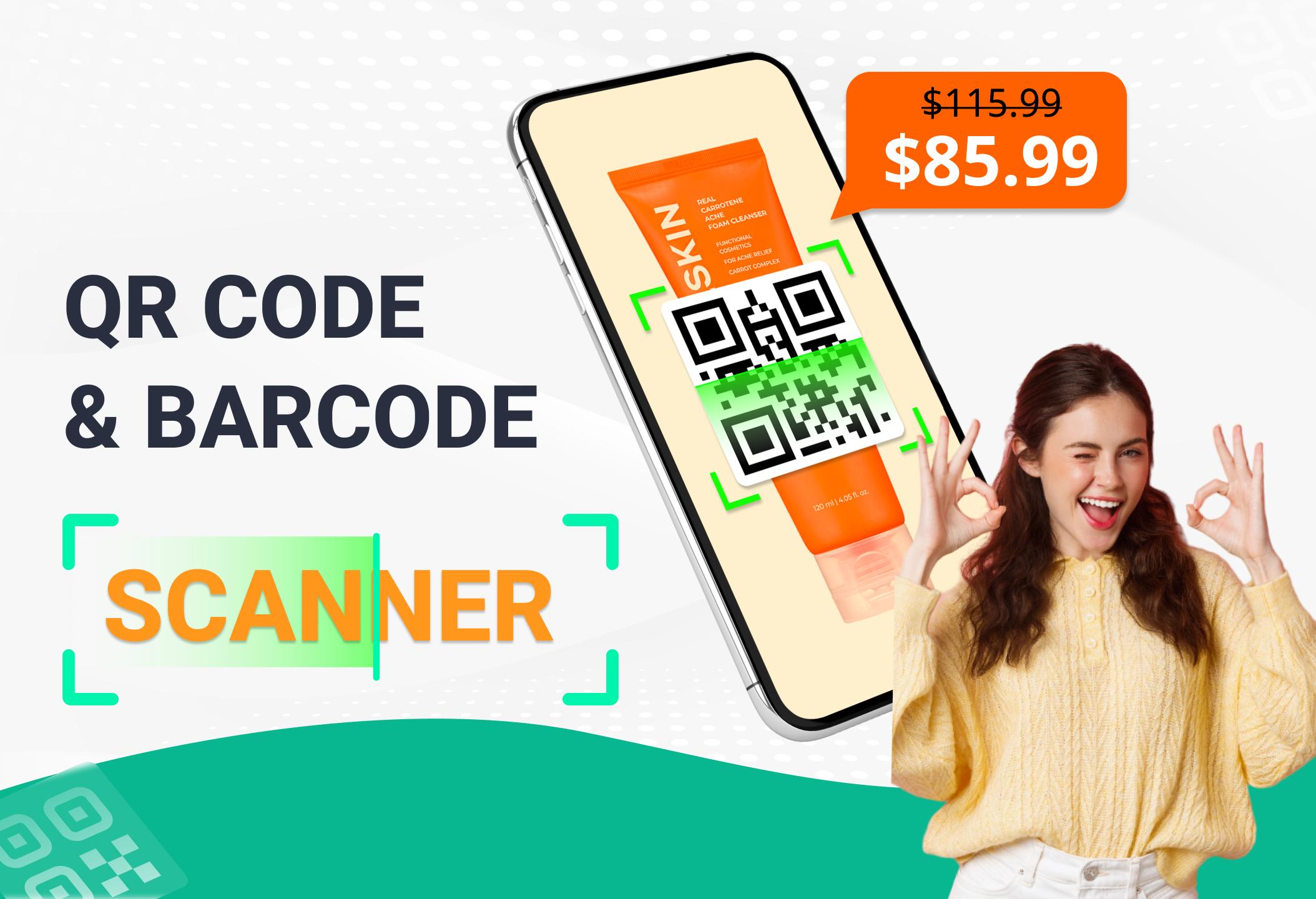
✓ Scan and read all types of QR / barcode including text, url, product, contact, email, location, Wi-Fi and many other formats.
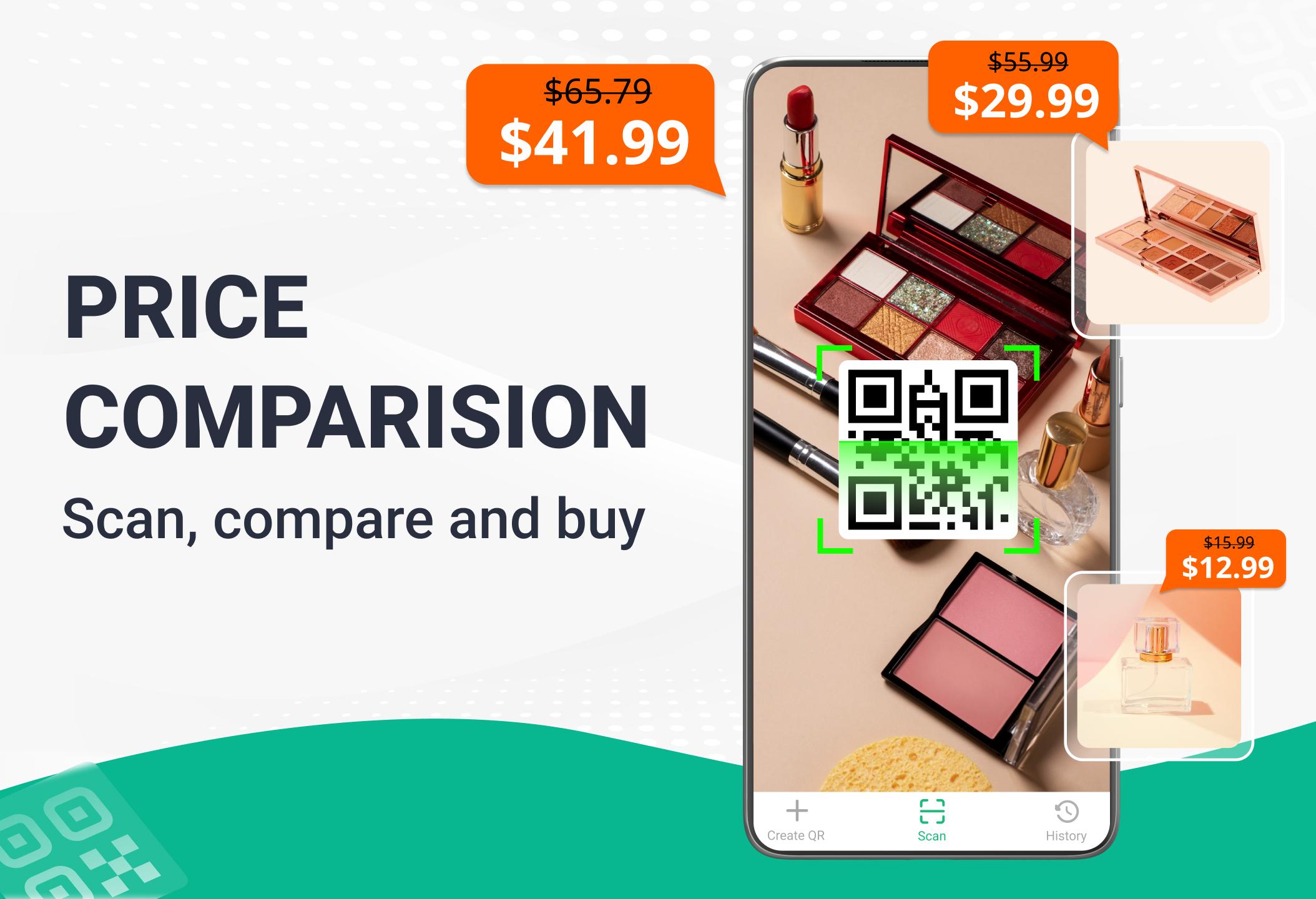
✓ Scan product barcodes in stores and compare prices online to save money.
Check product information quickly from popular online services: Amazon, eBay and Google - 100% FREE.
✓ Scan QR codes anywhere and receive information quickly.
✓ After scanning and automatically decoding, you will be given the relevant options to take the appropriate action. Helps you to check information and prices of products, open website URL, connect to WiFi, read vCards etc.
✓ View scan history easily, add annotation to results and can export to TXT, CSV files.
✓ Built-in FREE QR code generation, easy code storage and sharing after creation.
Try it now - the fastest QR code scanner & barcode scanner app.
📮 Contact us
Please contact the email below if you have any suggestions or feedback:
onmobivn@gmail.com
ดูตัวอย่าง
แท็ก
เครื่องมือข้อมูล
นักพัฒนา
Easy To Use (OnMobi)
เวอร์ชั่นล่าสุด
6.9.7
อัพเดทล่าสุด
2025-08-14
หมวดหมู่
เครื่องมือ
มีจำหน่ายที่
Google Play
แสดงมากขึ้น
วิธีเล่น QR Code & Barcode Scanner ด้วย GameLoop บน PC
1. ดาวน์โหลด GameLoop จากเว็บไซต์ทางการ จากนั้นเรียกใช้ไฟล์ exe เพื่อติดตั้ง GameLoop
2. เปิด GameLoop และค้นหา "QR Code & Barcode Scanner" ค้นหา QR Code & Barcode Scanner ในผลการค้นหาแล้วคลิก "ติดตั้ง"
3. สนุกกับการเล่น QR Code & Barcode Scanner บน GameLoop
Minimum requirements
OS
Windows 8.1 64-bit or Windows 10 64-bit
GPU
GTX 1050
CPU
i3-8300
Memory
8GB RAM
Storage
1GB available space
Recommended requirements
OS
Windows 8.1 64-bit or Windows 10 64-bit
GPU
GTX 1050
CPU
i3-9320
Memory
16GB RAM
Storage
1GB available space