Personalized Volume Control PC
Kumar.Studio
ดาวน์โหลด Personalized Volume Control บนพีซีด้วย GameLoop Emulator
Personalized Volume Control บน PC
Personalized Volume Control มาจากผู้พัฒนา Kumar.Studio ที่เคยรันบนระบบปฏิบัติการ Android มาก่อน
ตอนนี้คุณสามารถเล่น Personalized Volume Control บนพีซีด้วย GameLoop ได้อย่างราบรื่น
ดาวน์โหลดในไลบรารี GameLoop หรือผลการค้นหา ไม่ต้องสนใจแบตเตอรี่หรือโทรผิดเวลาอีกต่อไป
เพียงเพลิดเพลินกับ Personalized Volume Control PC บนหน้าจอขนาดใหญ่ฟรี!
Personalized Volume Control บทนำ
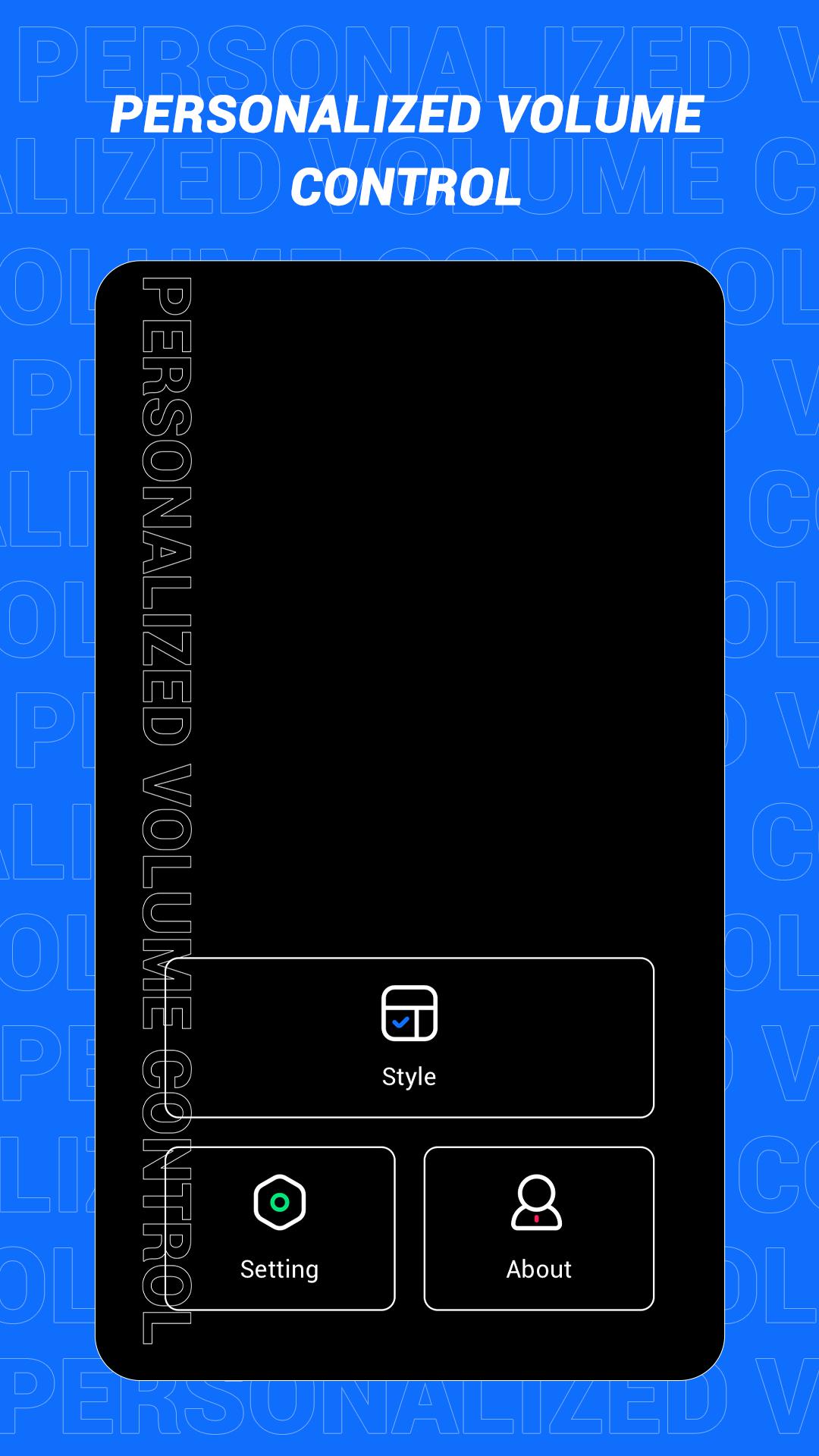
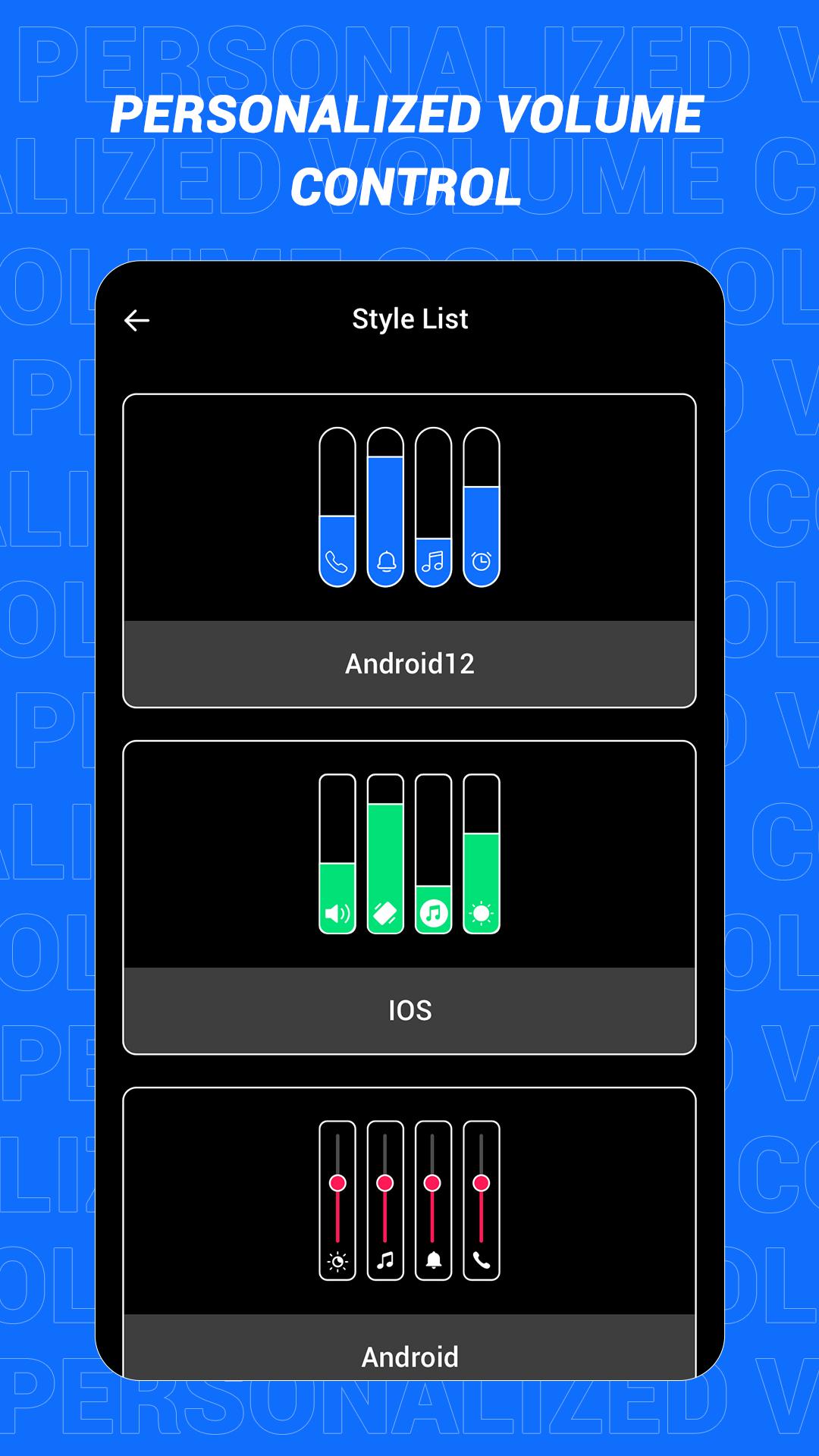
This is an app that can quickly change the style of the sound control panel. The volume control panel is to remind the user of the specific volume of the device and to adjust the volume more conveniently. In this software, a variety of panel styles are provided for users, and users can choose and set them at will. If you want a different color, you can choose your favorite color. In this app, users can also increase the brightness adjustment slider according to the actual situation!
Main features:
1. Provide a variety of volume panel styles to choose from
2. You can change the panel color to your favorite color
3. You can add shortcuts for multiple functions
4. Support more detailed function settings
Disclaimer: This application is only a tool application and will not collect any information from you, please rest assured!
ดูตัวอย่าง
แท็ก
เครื่องมือข้อมูล
นักพัฒนา
Kumar.Studio
เวอร์ชั่นล่าสุด
1.1
อัพเดทล่าสุด
2022-08-08
หมวดหมู่
เครื่องมือ
มีจำหน่ายที่
Google Play
แสดงมากขึ้น
วิธีเล่น Personalized Volume Control ด้วย GameLoop บน PC
1. ดาวน์โหลด GameLoop จากเว็บไซต์ทางการ จากนั้นเรียกใช้ไฟล์ exe เพื่อติดตั้ง GameLoop
2. เปิด GameLoop และค้นหา "Personalized Volume Control" ค้นหา Personalized Volume Control ในผลการค้นหาแล้วคลิก "ติดตั้ง"
3. สนุกกับการเล่น Personalized Volume Control บน GameLoop
Minimum requirements
OS
Windows 8.1 64-bit or Windows 10 64-bit
GPU
GTX 1050
CPU
i3-8300
Memory
8GB RAM
Storage
1GB available space
Recommended requirements
OS
Windows 8.1 64-bit or Windows 10 64-bit
GPU
GTX 1050
CPU
i3-9320
Memory
16GB RAM
Storage
1GB available space