Music Volume EQ Bass Booster PC
Cherish Tools
ดาวน์โหลด Music Volume EQ Bass Booster บนพีซีด้วย GameLoop Emulator
Music Volume EQ Bass Booster บน PC
Music Volume EQ Bass Booster มาจากผู้พัฒนา Cherish Tools ที่เคยรันบนระบบปฏิบัติการ Android มาก่อน
ตอนนี้คุณสามารถเล่น Music Volume EQ Bass Booster บนพีซีด้วย GameLoop ได้อย่างราบรื่น
ดาวน์โหลดในไลบรารี GameLoop หรือผลการค้นหา ไม่ต้องสนใจแบตเตอรี่หรือโทรผิดเวลาอีกต่อไป
เพียงเพลิดเพลินกับ Music Volume EQ Bass Booster PC บนหน้าจอขนาดใหญ่ฟรี!
Music Volume EQ Bass Booster บทนำ
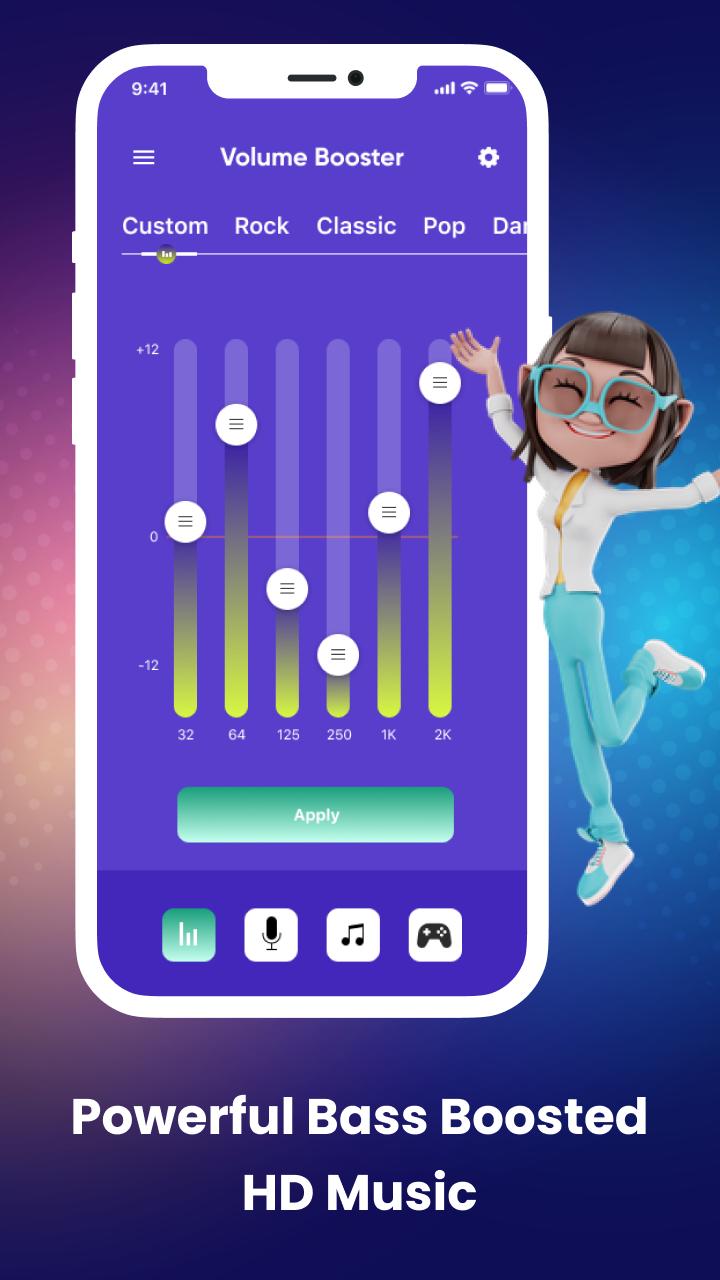
Start using Music Volume EQ - Bass Booster app to boost the volume frequency from low to high and make all sounds clearer than the previous sound!!! It’s worth noticing that the boost setting you choose within the volume changer app will apply system-wide, so you can enjoy louder audio!!!
This android phone sound enhancer app is FREE and you can change the maximum allowed boost for the system volume booster app and also allow the music volume booster app to power up on device start-up. You can also turn on the music player and play your favorite music and audiobooks with this loud booster app.
Features
Boost volume immediately
Best sound enhancer for android
Home screen widgets
No root required
Level up your music volume easily
Home screen sound button
Keeping the screen awake
Increase your video call audio
Sound up and down to suit your needs
Music booster for your headphones
Preventing the flat volume from being changed
Easy to play and control music
Phone with high sound ringtones
User-friendly interface
Quick to play music
Enjoy louder music volume
You can increase the sound maximizer by up to 40%, but if you want to increase the volume, even more, you will need to head over to the notification volume control settings by clicking on the top of the volume booster.
For any queries or problems regarding this audio enhancer app, please contact us at: charishmatools989@gmail.com.
ดูตัวอย่าง

แท็ก
เครื่องมือข้อมูล
นักพัฒนา
Cherish Tools
เวอร์ชั่นล่าสุด
1.8
อัพเดทล่าสุด
2022-08-12
หมวดหมู่
เครื่องมือ
มีจำหน่ายที่
Google Play
แสดงมากขึ้น
วิธีเล่น Music Volume EQ Bass Booster ด้วย GameLoop บน PC
1. ดาวน์โหลด GameLoop จากเว็บไซต์ทางการ จากนั้นเรียกใช้ไฟล์ exe เพื่อติดตั้ง GameLoop
2. เปิด GameLoop และค้นหา "Music Volume EQ Bass Booster" ค้นหา Music Volume EQ Bass Booster ในผลการค้นหาแล้วคลิก "ติดตั้ง"
3. สนุกกับการเล่น Music Volume EQ Bass Booster บน GameLoop
Minimum requirements
OS
Windows 8.1 64-bit or Windows 10 64-bit
GPU
GTX 1050
CPU
i3-8300
Memory
8GB RAM
Storage
1GB available space
Recommended requirements
OS
Windows 8.1 64-bit or Windows 10 64-bit
GPU
GTX 1050
CPU
i3-9320
Memory
16GB RAM
Storage
1GB available space