Korean Keyboard: Korean typing keypad PC
United Apps LLC.
ดาวน์โหลด Korean Keyboard: Korean typing keypad บนพีซีด้วย GameLoop Emulator
Korean Keyboard: Korean typing keypad บน PC
Korean Keyboard: Korean typing keypad มาจากผู้พัฒนา United Apps LLC. ที่เคยรันบนระบบปฏิบัติการ Android มาก่อน
ตอนนี้คุณสามารถเล่น Korean Keyboard: Korean typing keypad บนพีซีด้วย GameLoop ได้อย่างราบรื่น
ดาวน์โหลดในไลบรารี GameLoop หรือผลการค้นหา ไม่ต้องสนใจแบตเตอรี่หรือโทรผิดเวลาอีกต่อไป
เพียงเพลิดเพลินกับ Korean Keyboard: Korean typing keypad PC บนหน้าจอขนาดใหญ่ฟรี!
Korean Keyboard: Korean typing keypad บทนำ
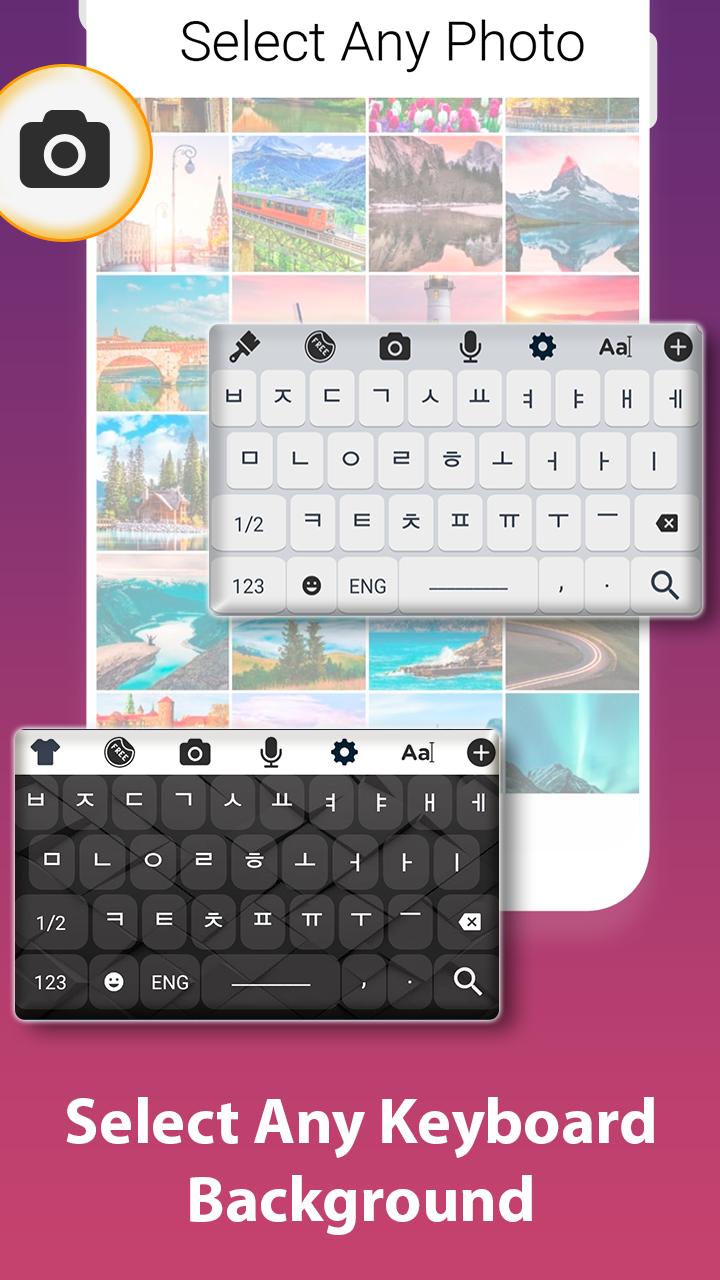
Set korean keyboard as a default input support with many of other features and options like theme selection, Background ideas with vast colour scheme. Simply enable the korean keyboard support in the system input settings.
Its user interface is so friendly and easy that any body can understand it, basically it is designed with the perspective of end user because the end user genuinely requires a keyboard to be easy and smooth.
You can communicate on many platforms like business, translator support for korean language, sending text, emails, posts to a specific person whose bilingual language is korean and many more.
One tap away is your official language keyboard so do have it on your device and communicate with multi cultural and multi language people using such keyboards.
We have other collections too so do visit our store and get any of the keyboard.
How to use:
Tap to start
Set it as default keyboard from input settings.
Change theme from collection of themes.
Set a background which gives you ease while typing in korean language.
Salient Features:
Large collection of keyboard themes.
Huge collection of backgrounds.
Korean keyboard typing support.
Emoji collection.
ดูตัวอย่าง

แท็ก
เครื่องมือข้อมูล
นักพัฒนา
United Apps LLC.
เวอร์ชั่นล่าสุด
1.9
อัพเดทล่าสุด
2020-06-04
หมวดหมู่
เครื่องมือ
มีจำหน่ายที่
Google Play
แสดงมากขึ้น
วิธีเล่น Korean Keyboard: Korean typing keypad ด้วย GameLoop บน PC
1. ดาวน์โหลด GameLoop จากเว็บไซต์ทางการ จากนั้นเรียกใช้ไฟล์ exe เพื่อติดตั้ง GameLoop
2. เปิด GameLoop และค้นหา "Korean Keyboard: Korean typing keypad" ค้นหา Korean Keyboard: Korean typing keypad ในผลการค้นหาแล้วคลิก "ติดตั้ง"
3. สนุกกับการเล่น Korean Keyboard: Korean typing keypad บน GameLoop
Minimum requirements
OS
Windows 8.1 64-bit or Windows 10 64-bit
GPU
GTX 1050
CPU
i3-8300
Memory
8GB RAM
Storage
1GB available space
Recommended requirements
OS
Windows 8.1 64-bit or Windows 10 64-bit
GPU
GTX 1050
CPU
i3-9320
Memory
16GB RAM
Storage
1GB available space