Jahhow Computer Remote PC
Jahhow
ดาวน์โหลด Jahhow Computer Remote บนพีซีด้วย GameLoop Emulator
Jahhow Computer Remote บน PC
Jahhow Computer Remote มาจากผู้พัฒนา Jahhow ที่เคยรันบนระบบปฏิบัติการ Android มาก่อน
ตอนนี้คุณสามารถเล่น Jahhow Computer Remote บนพีซีด้วย GameLoop ได้อย่างราบรื่น
ดาวน์โหลดในไลบรารี GameLoop หรือผลการค้นหา ไม่ต้องสนใจแบตเตอรี่หรือโทรผิดเวลาอีกต่อไป
เพียงเพลิดเพลินกับ Jahhow Computer Remote PC บนหน้าจอขนาดใหญ่ฟรี!
Jahhow Computer Remote บทนำ
Free
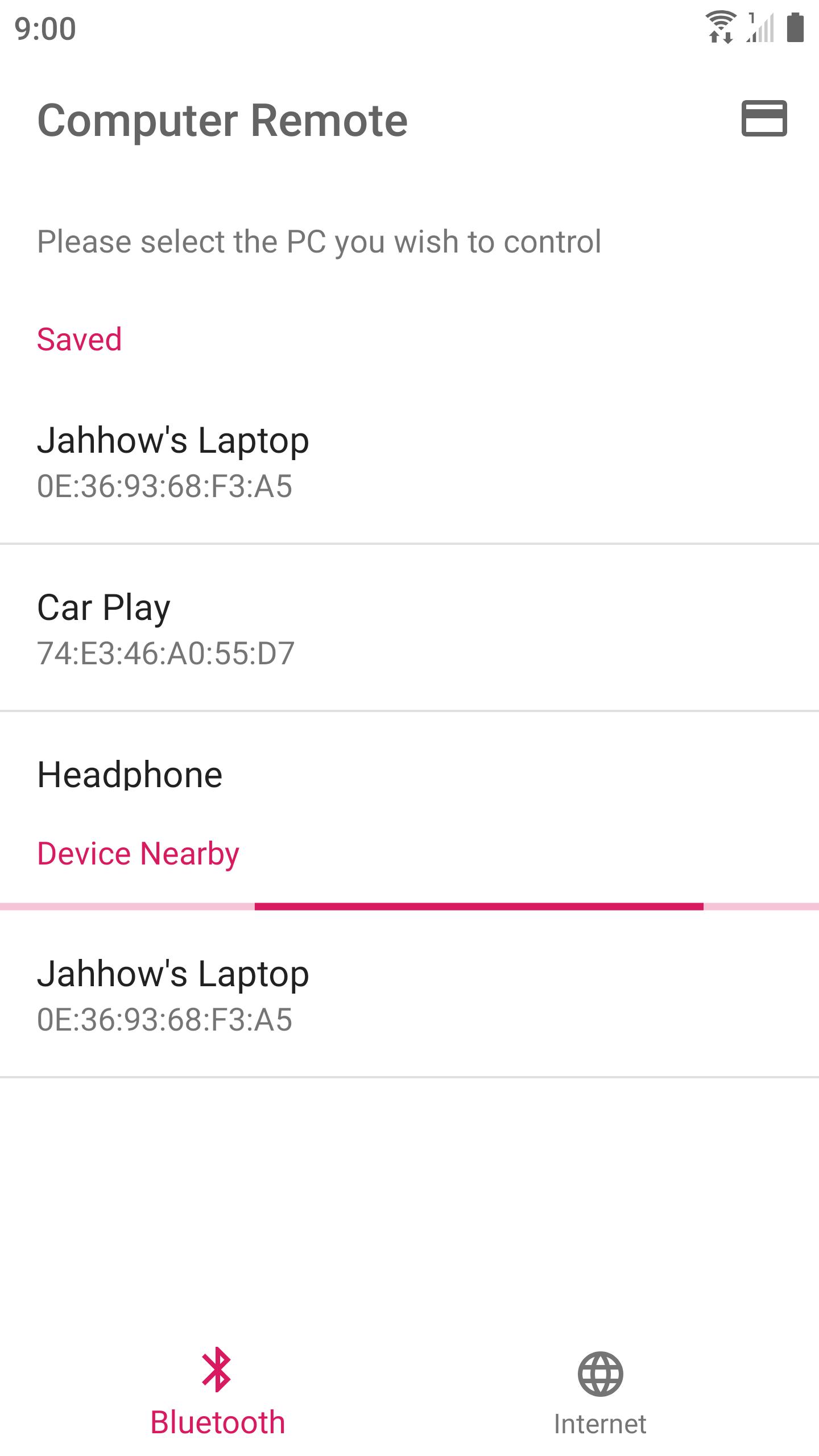
Use your device to control your computer via Bluetooth or Internet.
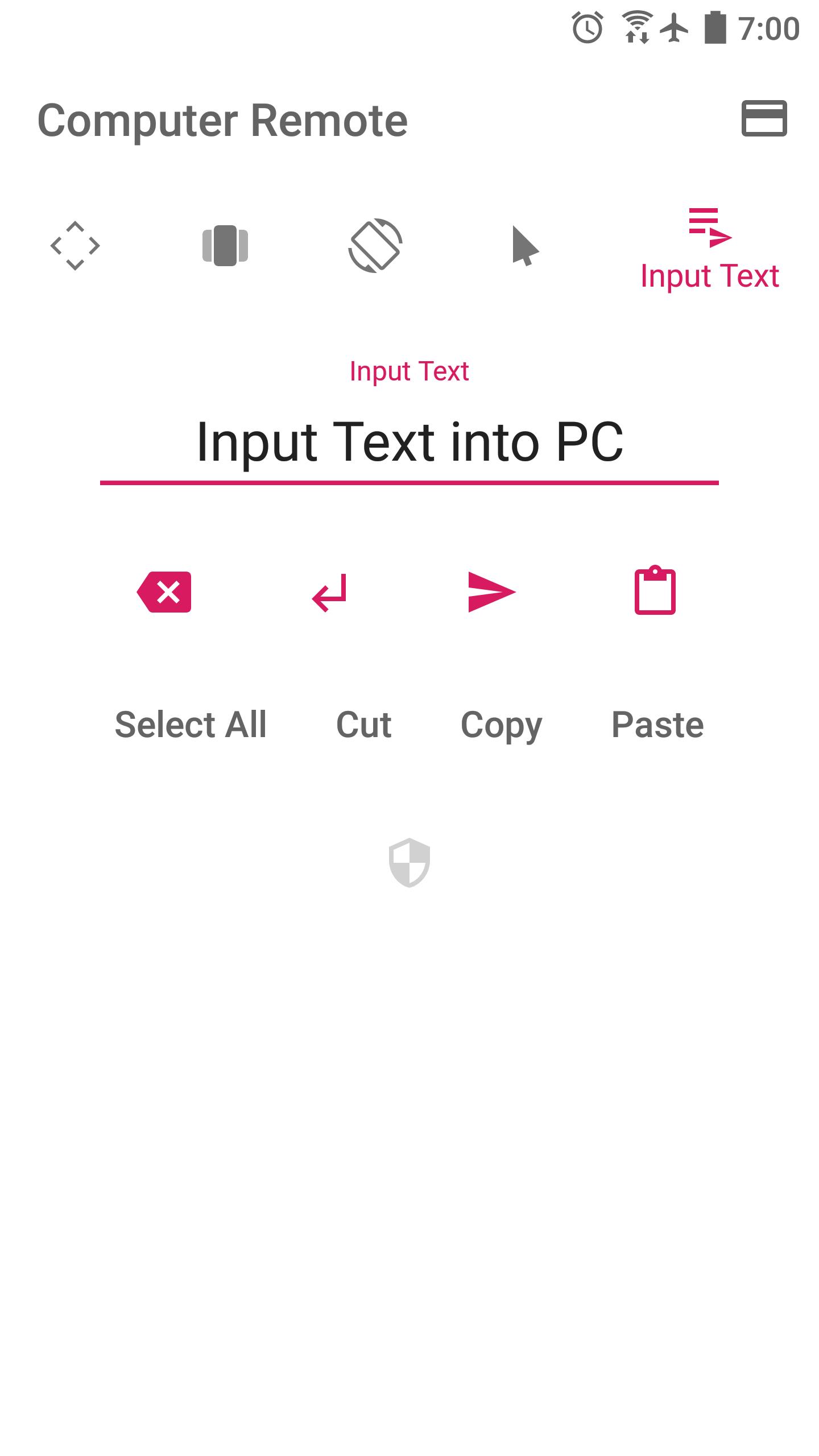
Turn your device into an Air Mouse, TouchPad, Keyboard, and Presentation Remote.
* Air Mouse — Rotate your device to control mouse. Together with a well-designed control UI, controlling computer is even more advanced.
* Swipe any where to control presentations
* Long pressing would perform repeating key stroke
* Fine-tuned TouchPad takes care of speed and precision
* Automatically connect to a PC running the receiver program in a Local Network
Currently works with Windows only.
Please run the receiver program on your PC (210 KB) :
http://jahhowapp.blogspot.com/2019/07/computer-remote-controller.html#receiver-program
Jahhow won't collect your location or any sensitive personal data.
The location permission is required for discovering nearby Bluetooth devices. This app would never read your location data.
Feeling like adding a new supported language for this app? Please contact us.
Source Code : https://github.com/Jahhow/Jahhow-Computer-Remote
ดูตัวอย่าง
แท็ก
เครื่องมือข้อมูล
นักพัฒนา
Jahhow
เวอร์ชั่นล่าสุด
33
อัพเดทล่าสุด
2020-02-15
หมวดหมู่
เครื่องมือ
มีจำหน่ายที่
Google Play
แสดงมากขึ้น
วิธีเล่น Jahhow Computer Remote ด้วย GameLoop บน PC
1. ดาวน์โหลด GameLoop จากเว็บไซต์ทางการ จากนั้นเรียกใช้ไฟล์ exe เพื่อติดตั้ง GameLoop
2. เปิด GameLoop และค้นหา "Jahhow Computer Remote" ค้นหา Jahhow Computer Remote ในผลการค้นหาแล้วคลิก "ติดตั้ง"
3. สนุกกับการเล่น Jahhow Computer Remote บน GameLoop
Minimum requirements
OS
Windows 8.1 64-bit or Windows 10 64-bit
GPU
GTX 1050
CPU
i3-8300
Memory
8GB RAM
Storage
1GB available space
Recommended requirements
OS
Windows 8.1 64-bit or Windows 10 64-bit
GPU
GTX 1050
CPU
i3-9320
Memory
16GB RAM
Storage
1GB available space