
GIF Capture: Screen to GIF PC
FJ Droid
ดาวน์โหลด GIF Capture: Screen to GIF บนพีซีด้วย GameLoop Emulator
GIF Capture: Screen to GIF บน PC
GIF Capture: Screen to GIF มาจากผู้พัฒนา FJ Droid ที่เคยรันบนระบบปฏิบัติการ Android มาก่อน
ตอนนี้คุณสามารถเล่น GIF Capture: Screen to GIF บนพีซีด้วย GameLoop ได้อย่างราบรื่น
ดาวน์โหลดในไลบรารี GameLoop หรือผลการค้นหา ไม่ต้องสนใจแบตเตอรี่หรือโทรผิดเวลาอีกต่อไป
เพียงเพลิดเพลินกับ GIF Capture: Screen to GIF PC บนหน้าจอขนาดใหญ่ฟรี!
GIF Capture: Screen to GIF บทนำ
Create GIFs on the fly by recording anything on your screen. Record a scene from a game, video or even from camera preview.This app can create GIFs of up to 15 seconds and allows instant sharing.
Acknowledgment: App icons provided by icons8.com
ดูตัวอย่าง
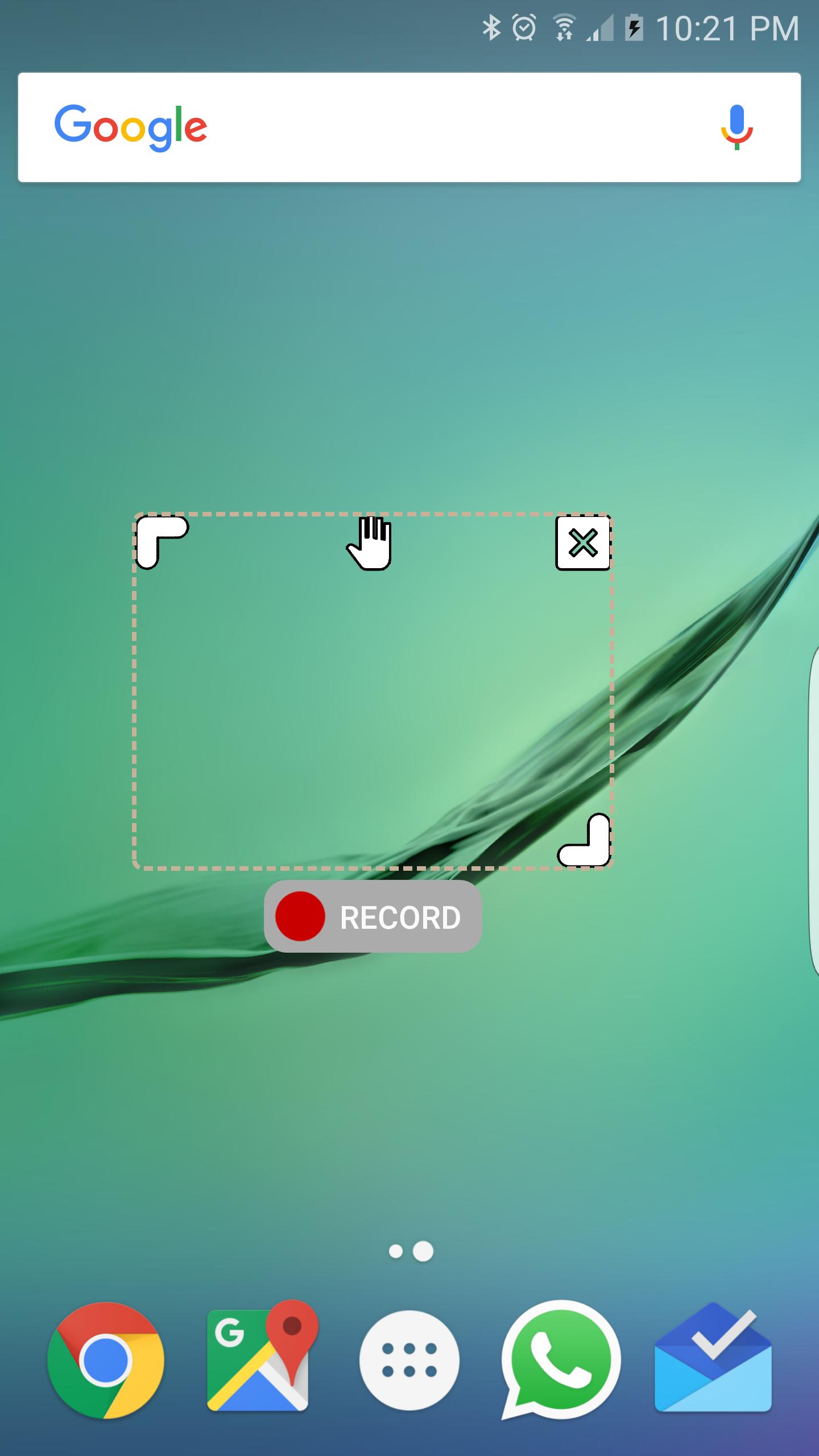
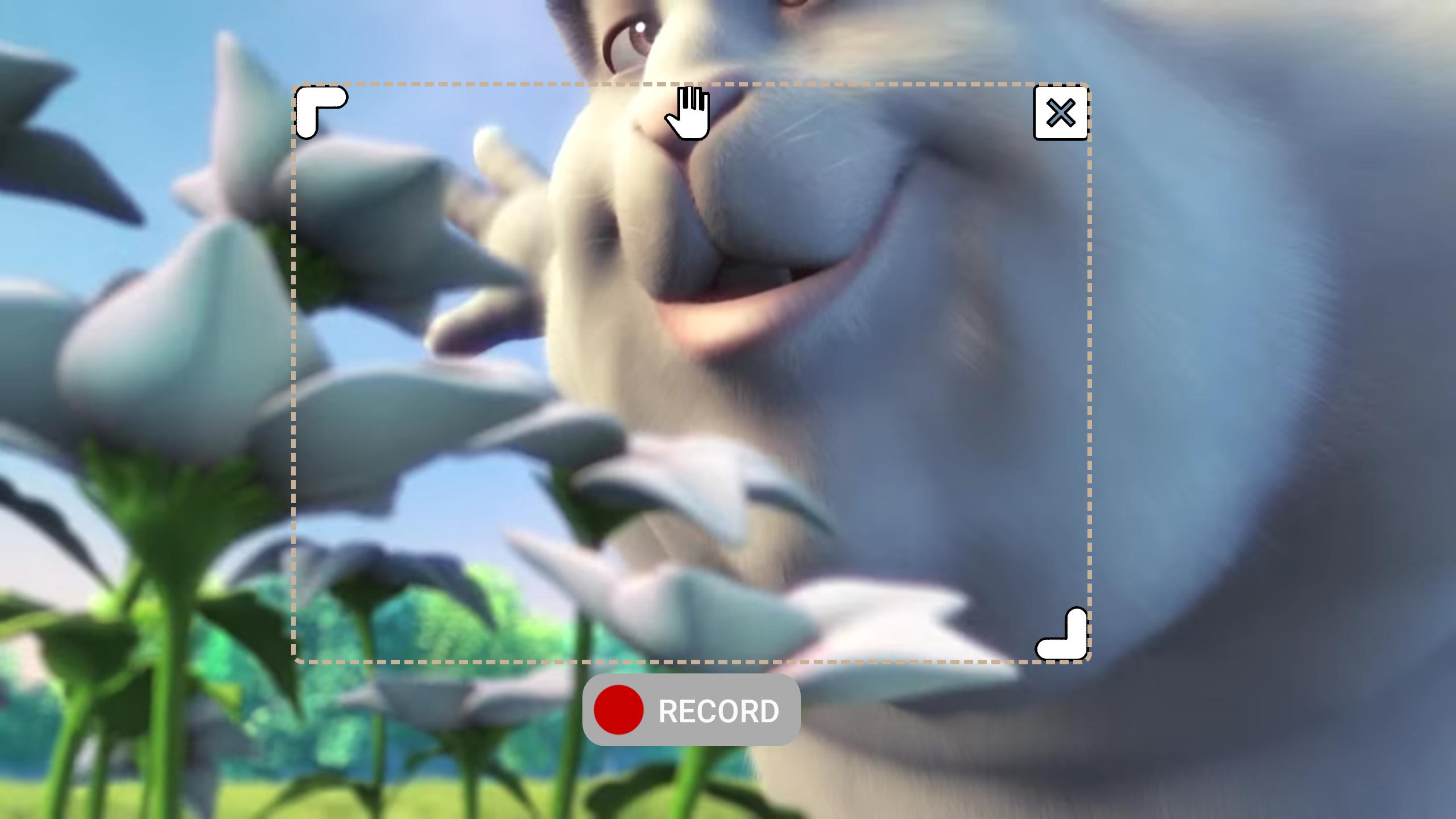
ข้อมูล
นักพัฒนา
FJ Droid
เวอร์ชั่นล่าสุด
1.1
อัพเดทล่าสุด
2016-08-24
หมวดหมู่
เครื่องมือ
มีจำหน่ายที่
Google Play
แสดงมากขึ้น
วิธีเล่น GIF Capture: Screen to GIF ด้วย GameLoop บน PC
1. ดาวน์โหลด GameLoop จากเว็บไซต์ทางการ จากนั้นเรียกใช้ไฟล์ exe เพื่อติดตั้ง GameLoop
2. เปิด GameLoop และค้นหา "GIF Capture: Screen to GIF" ค้นหา GIF Capture: Screen to GIF ในผลการค้นหาแล้วคลิก "ติดตั้ง"
3. สนุกกับการเล่น GIF Capture: Screen to GIF บน GameLoop
Minimum requirements
OS
Windows 8.1 64-bit or Windows 10 64-bit
GPU
GTX 1050
CPU
i3-8300
Memory
8GB RAM
Storage
1GB available space
Recommended requirements
OS
Windows 8.1 64-bit or Windows 10 64-bit
GPU
GTX 1050
CPU
i3-9320
Memory
16GB RAM
Storage
1GB available space