
esp32 remote PC
power control team
ดาวน์โหลด esp32 remote บนพีซีด้วย GameLoop Emulator
esp32 remote บน PC
esp32 remote มาจากผู้พัฒนา power control team ที่เคยรันบนระบบปฏิบัติการ Android มาก่อน
ตอนนี้คุณสามารถเล่น esp32 remote บนพีซีด้วย GameLoop ได้อย่างราบรื่น
ดาวน์โหลดในไลบรารี GameLoop หรือผลการค้นหา ไม่ต้องสนใจแบตเตอรี่หรือโทรผิดเวลาอีกต่อไป
เพียงเพลิดเพลินกับ esp32 remote PC บนหน้าจอขนาดใหญ่ฟรี!
esp32 remote บทนำ
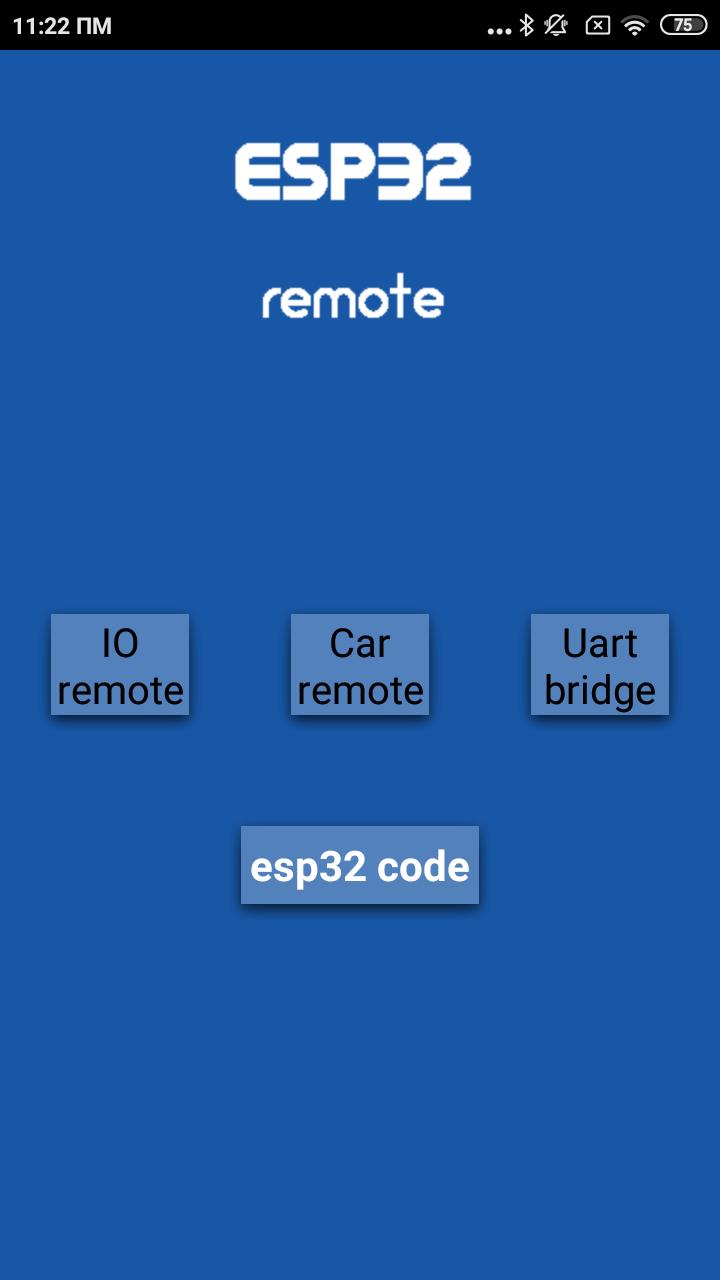
esp32 remote easy over wifi .
arduino remote over uart wifi bridge.
esp32 software included in app ,you can download it and start remote esp32 wifi or arduino
for wireless tcp communication.
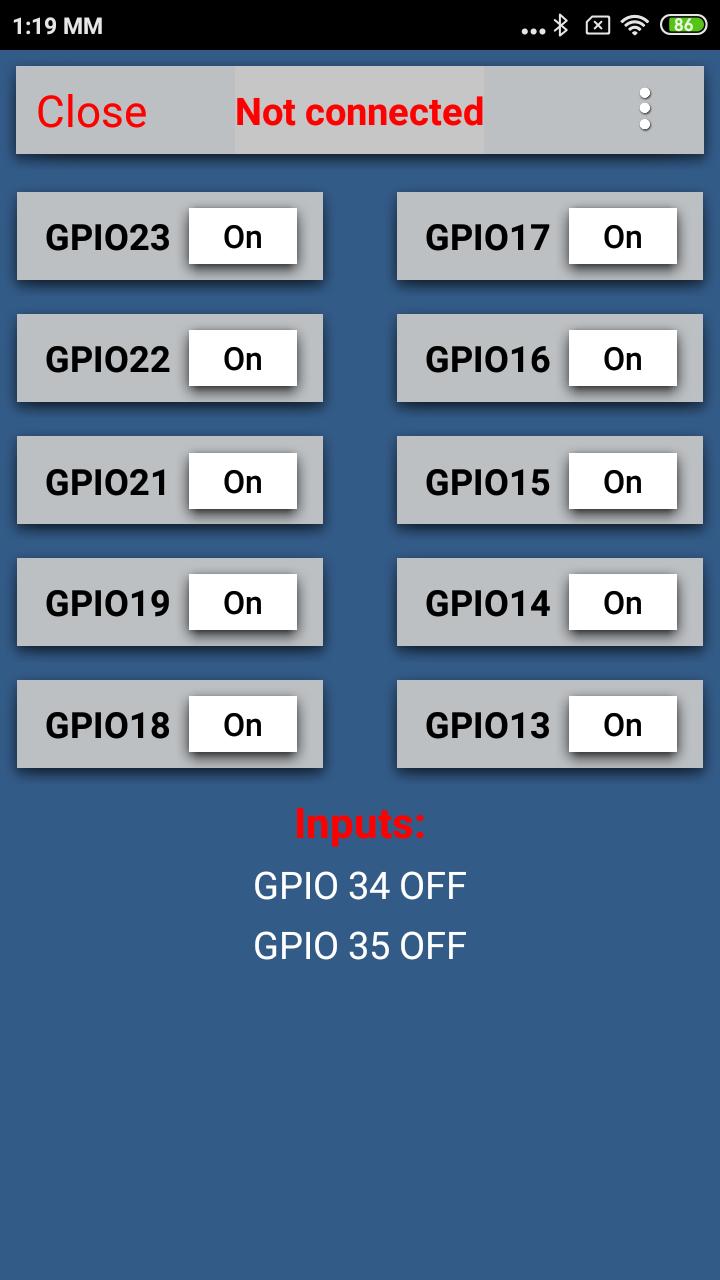
for watching inputs in esp32 remote application you need to place the 10k pull down resistors on GPIO34,35 pin of esp32
- Ιn the program you will find in the application ,
wifi name is "ESP" .
IP is "192.168.4.1"
port is "80"
baud rate for uart is 9600
you can change esp32 settings
- Auto connectivity with last selected device
- esp32 software included in app.
- arduino remote over wifi uart .
- remote any device over wifi uart .
- esp32 remote
ดูตัวอย่าง
แท็ก
เครื่องมือข้อมูล
นักพัฒนา
power control team
เวอร์ชั่นล่าสุด
1.3
อัพเดทล่าสุด
2022-07-25
หมวดหมู่
เครื่องมือ
มีจำหน่ายที่
Google Play
แสดงมากขึ้น
วิธีเล่น esp32 remote ด้วย GameLoop บน PC
1. ดาวน์โหลด GameLoop จากเว็บไซต์ทางการ จากนั้นเรียกใช้ไฟล์ exe เพื่อติดตั้ง GameLoop
2. เปิด GameLoop และค้นหา "esp32 remote" ค้นหา esp32 remote ในผลการค้นหาแล้วคลิก "ติดตั้ง"
3. สนุกกับการเล่น esp32 remote บน GameLoop
Minimum requirements
OS
Windows 8.1 64-bit or Windows 10 64-bit
GPU
GTX 1050
CPU
i3-8300
Memory
8GB RAM
Storage
1GB available space
Recommended requirements
OS
Windows 8.1 64-bit or Windows 10 64-bit
GPU
GTX 1050
CPU
i3-9320
Memory
16GB RAM
Storage
1GB available space