
Emoji Keyboard and Stickers PC
Smart Technologies Apps
ดาวน์โหลด Emoji Keyboard and Stickers บนพีซีด้วย GameLoop Emulator
Emoji Keyboard and Stickers บน PC
Emoji Keyboard and Stickers มาจากผู้พัฒนา Smart Technologies Apps ที่เคยรันบนระบบปฏิบัติการ Android มาก่อน
ตอนนี้คุณสามารถเล่น Emoji Keyboard and Stickers บนพีซีด้วย GameLoop ได้อย่างราบรื่น
ดาวน์โหลดในไลบรารี GameLoop หรือผลการค้นหา ไม่ต้องสนใจแบตเตอรี่หรือโทรผิดเวลาอีกต่อไป
เพียงเพลิดเพลินกับ Emoji Keyboard and Stickers PC บนหน้าจอขนาดใหญ่ฟรี!
Emoji Keyboard and Stickers บทนำ
Features
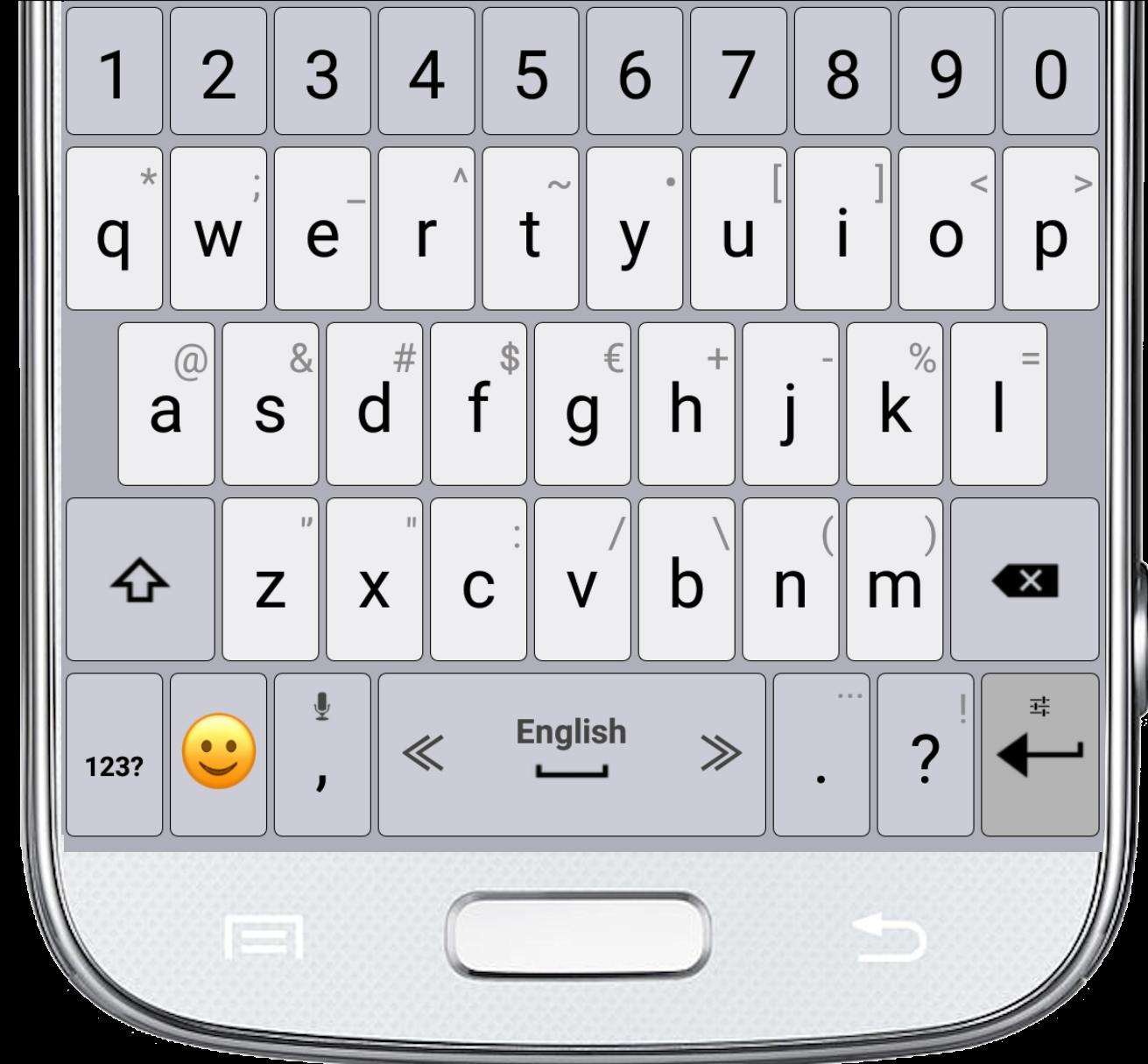
✔ Adjust the keyboard size.
✔ Select the typing sound and vibration.
✔ Select your favorite theme.
✔ Select the top and bottom rows of the Emoji Keyboard and Stickers.
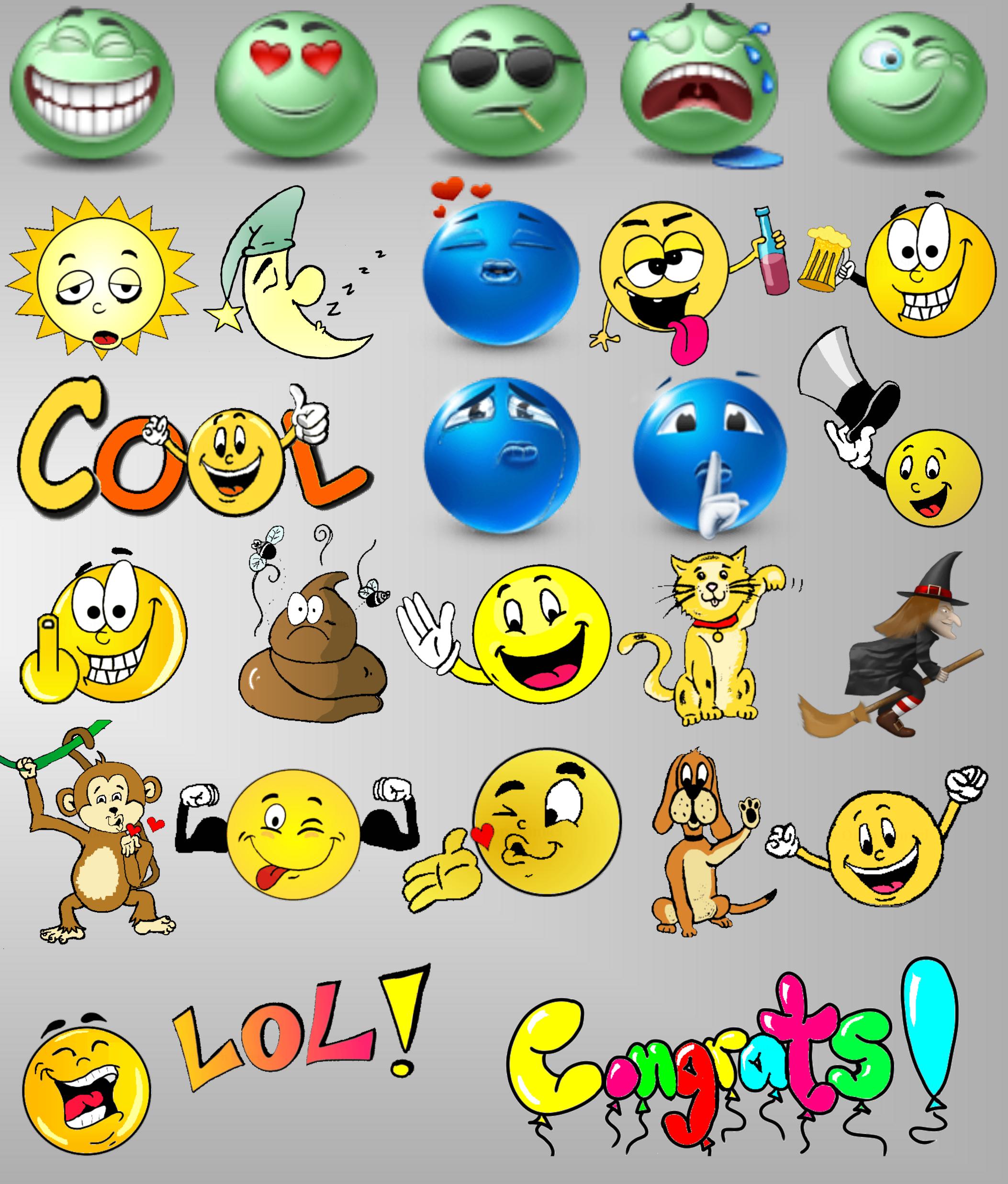
✔ The newest emojis.
✔ Emoji skin color.
✔ Microphone - translate speech into text.
✔ Settings of typing and display.
✔ Dictionary settings.
✔ Supports multiple languages.
Tips
• For switching between languages, swipe the spacebar from side to side.
• To open the keyboard settings, press and hold the "Enter" button.
• Press and hold the emoji button for textual emoji.
• Press and hold every key for additional characters.
• Microphone - Press and hold the comma button to translate your speech into text.
ดูตัวอย่าง
ข้อมูล
นักพัฒนา
Smart Technologies Apps
เวอร์ชั่นล่าสุด
6.1
อัพเดทล่าสุด
2019-12-23
หมวดหมู่
เครื่องมือ
มีจำหน่ายที่
Google Play
แสดงมากขึ้น
วิธีเล่น Emoji Keyboard and Stickers ด้วย GameLoop บน PC
1. ดาวน์โหลด GameLoop จากเว็บไซต์ทางการ จากนั้นเรียกใช้ไฟล์ exe เพื่อติดตั้ง GameLoop
2. เปิด GameLoop และค้นหา "Emoji Keyboard and Stickers" ค้นหา Emoji Keyboard and Stickers ในผลการค้นหาแล้วคลิก "ติดตั้ง"
3. สนุกกับการเล่น Emoji Keyboard and Stickers บน GameLoop
Minimum requirements
OS
Windows 8.1 64-bit or Windows 10 64-bit
GPU
GTX 1050
CPU
i3-8300
Memory
8GB RAM
Storage
1GB available space
Recommended requirements
OS
Windows 8.1 64-bit or Windows 10 64-bit
GPU
GTX 1050
CPU
i3-9320
Memory
16GB RAM
Storage
1GB available space