
Double Tap Screen On and Off Pro PC
4 mb
ดาวน์โหลด Double Tap Screen On and Off Pro บนพีซีด้วย GameLoop Emulator
Double Tap Screen On and Off Pro บน PC
Double Tap Screen On and Off Pro มาจากผู้พัฒนา 4 mb ที่เคยรันบนระบบปฏิบัติการ Android มาก่อน
ตอนนี้คุณสามารถเล่น Double Tap Screen On and Off Pro บนพีซีด้วย GameLoop ได้อย่างราบรื่น
ดาวน์โหลดในไลบรารี GameLoop หรือผลการค้นหา ไม่ต้องสนใจแบตเตอรี่หรือโทรผิดเวลาอีกต่อไป
เพียงเพลิดเพลินกับ Double Tap Screen On and Off Pro PC บนหน้าจอขนาดใหญ่ฟรี!
Double Tap Screen On and Off Pro บทนำ
Double Tap Screen On and Off Pro:
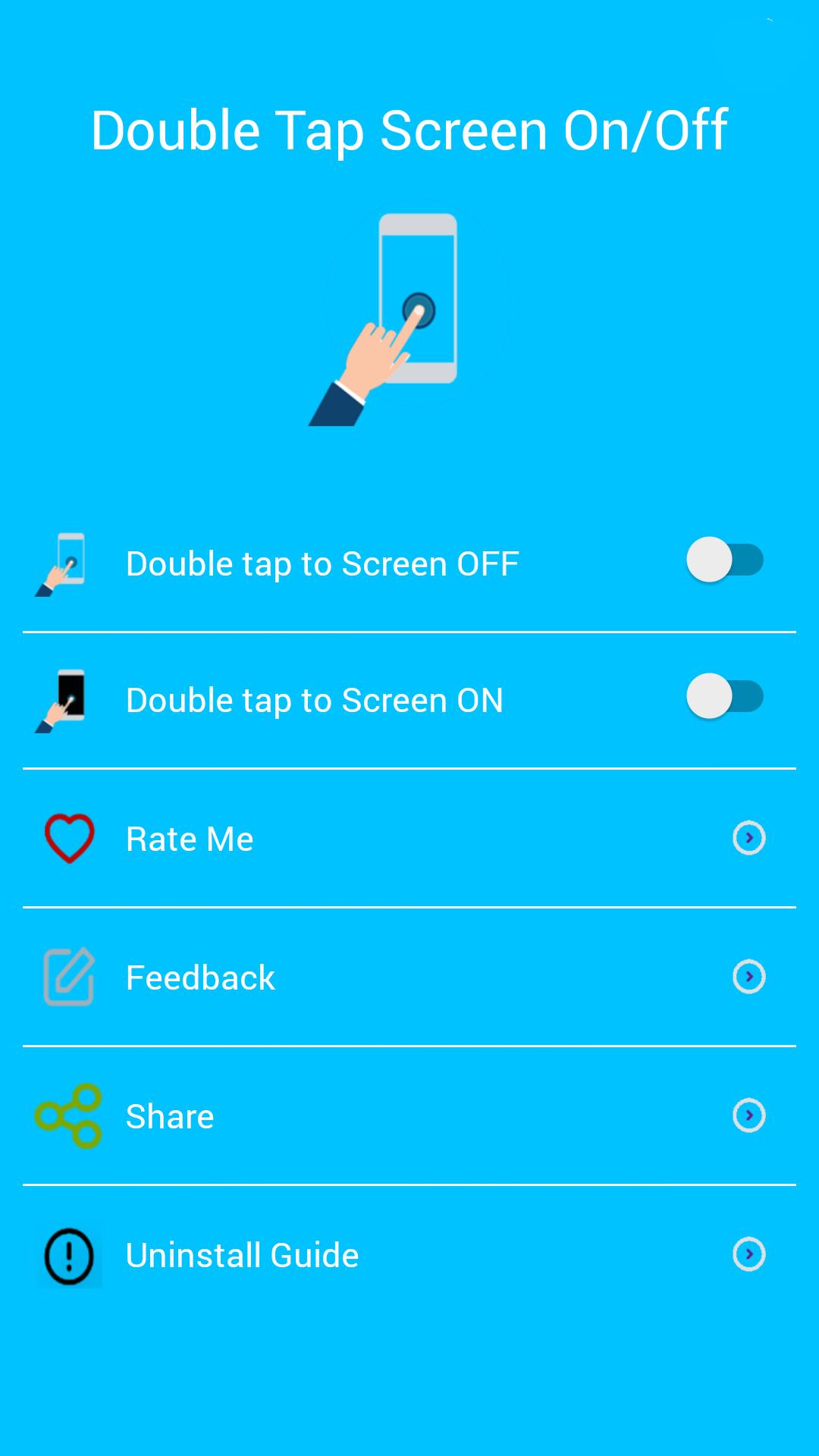
Double Tap Off / ON is an application that helps you protect the power button. Double Tap OFF also allows you to turn off the screen quickly by touching the Home screen twice. Just a touch to lock and turn off the screen.
Sometimes difficult to press the power button, or you want to preserve the physical power button. The Smart Screen On Off app and the feed head float can help minimize the use of the power button anytime and anywhere.
★ Different types of buttons:
- Show on the home screen
- Show in the notification
- Float on other apps!
★ CHARACTERISTICS:
- Double-tap the home screen to turn off the screen.
- Cover the proximity sensor to turn on the screen (if it is not, press Always visible).
- Double-tap the Always On power icon to activate the screen.
- Provide a lock screen shortcut on the home screen.
★ UNINSTALL INSTRUCTIONS DOUBLE TAP APPLICATION:
- Open the Double Tap Off application.
- Select the Uninstall button to uninstall the application.
Note:
This application uses Device Administrator authorization. It is needed and used only to lock the device when using the application. You must enable the administration before you can use it. In addition, you must disable administration before you can uninstall.
FEEDBACK:
If you encounter a problem while using the application, please give us some comments that we will check and update as soon as possible.
ดูตัวอย่าง

ข้อมูล
นักพัฒนา
4 mb
เวอร์ชั่นล่าสุด
6.0
อัพเดทล่าสุด
2019-10-31
หมวดหมู่
เครื่องมือ
มีจำหน่ายที่
Google Play
แสดงมากขึ้น
วิธีเล่น Double Tap Screen On and Off Pro ด้วย GameLoop บน PC
1. ดาวน์โหลด GameLoop จากเว็บไซต์ทางการ จากนั้นเรียกใช้ไฟล์ exe เพื่อติดตั้ง GameLoop
2. เปิด GameLoop และค้นหา "Double Tap Screen On and Off Pro" ค้นหา Double Tap Screen On and Off Pro ในผลการค้นหาแล้วคลิก "ติดตั้ง"
3. สนุกกับการเล่น Double Tap Screen On and Off Pro บน GameLoop
Minimum requirements
OS
Windows 8.1 64-bit or Windows 10 64-bit
GPU
GTX 1050
CPU
i3-8300
Memory
8GB RAM
Storage
1GB available space
Recommended requirements
OS
Windows 8.1 64-bit or Windows 10 64-bit
GPU
GTX 1050
CPU
i3-9320
Memory
16GB RAM
Storage
1GB available space