DNS Changer for IPv4 & IPv6 PC
Belay Apps
ดาวน์โหลด DNS Changer for IPv4 & IPv6 บนพีซีด้วย GameLoop Emulator
DNS Changer for IPv4 & IPv6 บน PC
DNS Changer for IPv4 & IPv6 มาจากผู้พัฒนา Belay Apps ที่เคยรันบนระบบปฏิบัติการ Android มาก่อน
ตอนนี้คุณสามารถเล่น DNS Changer for IPv4 & IPv6 บนพีซีด้วย GameLoop ได้อย่างราบรื่น
ดาวน์โหลดในไลบรารี GameLoop หรือผลการค้นหา ไม่ต้องสนใจแบตเตอรี่หรือโทรผิดเวลาอีกต่อไป
เพียงเพลิดเพลินกับ DNS Changer for IPv4 & IPv6 PC บนหน้าจอขนาดใหญ่ฟรี!
DNS Changer for IPv4 & IPv6 บทนำ
✔ DNS Changer is the simplest way to change your DNS server and find fastest DNS server with DNS server speed test.
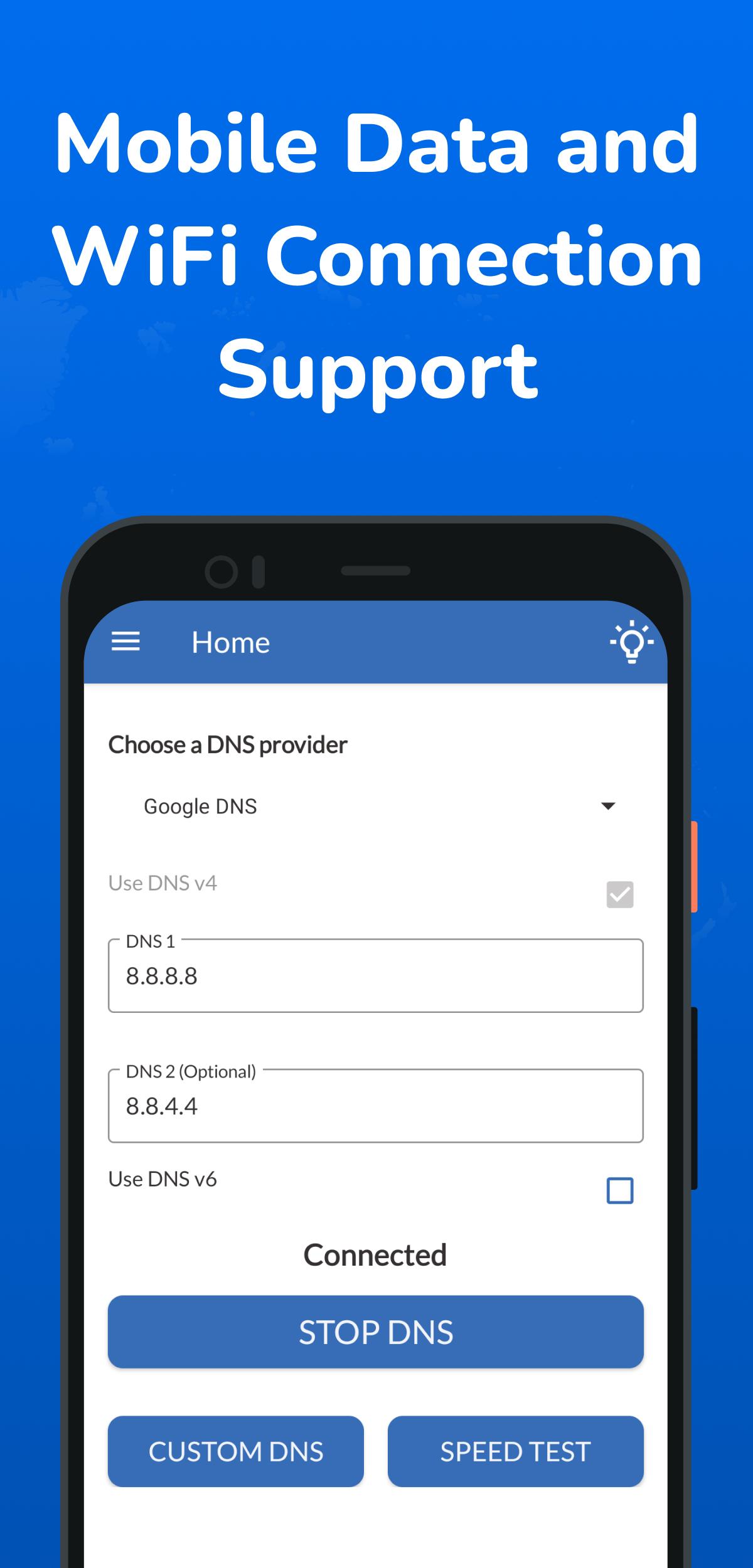
✔ It works for both Mobile network data and Wi-Fi connection without root and support IPv4 and IPv6 DNS servers.
✔ You can simply choose from a list of preconfigured public DNS Servers or add your own custom DNS Server.
✔ The DNS Changer change’s your device’s DNS address, not affecting your connection speed in any way. So, it is faster than a regular VPN. Install DNS Changer for Android and try it yourself!
Why to change DNS?
• Explore freely on your favorite sites & apps
• Browse privately
• Accessing restricted websites
• Stay secure on public Wi-Fi
• Enjoy the best net browsing performance
• Better online gaming experience
• Easy one tap to connect – no registration, login or password required
How does it improve my internet connection?
If you have a high-speed Internet connection but notice that your web browsing speed isn’t all that it’s cracked up to be, then your problem may lie in the DNS. By optimizing your device's DNS records, you can find the fastest routes for your data packets to take when traveling the Internet. It won’t boost your download/upload speed, but in some cases it can result in quite a noticeable improvement in web browsing time.
DNS Changer key features:
* No root required
* Enter your own DNS Servers
* Control over which app should use the Selected DNS Server
* Dark/Light mode
* DNS Speed Test to find the fastest DNS server
* Choose from Preconfigured public DNS server list
* Add your own custom DNS server
* Does not consume any system resources (RAM/CPU/Battery etc.)
* Nearly everything can be configured
* Use pre configured DNS lists or Use any custom IPv4 or IPv6 DNS server you want
* Compatible with all Android Devices (Smartphones, tablets, etc.)
* DNS Speed Test feature: Find the fastest DNS server for your connection.
* Apps can be excluded from having the DNS server applied to them
* Create shortcuts on your home screen to quickly change your DNS Server
* Use primary and secondary servers
* Secondary servers aren't a must (leave the fields blank)
* WiFi / Mobile Data Network (2G/3G/4G/5G) support
* Optional IPv4 & IPv6 DNS support
* Configure IPv4 and IPv6
* IPv6 can be disabled
* Nearly no RAM consumed
* Fast & Reliable
* Improve online gaming experience
* Browse faster on the net
* Fast, Reliable and Easy to use
With DNS Speed Test feature:
⚡ Find & Connect the fastest DNS server based on your location & network.
⚡ Improve web surfing speed with faster response time.
⚡ Fix lag and reduce latency (ping time) on online games for better gaming experience
EXTRA
✔ This app is a dns changer which supports WIFI, mobile connections, Ethernet and IPv6.
✔ Highly customizable, lots of features.
✔ While it is fairly easy to adjust the DNS servers used by your device when using wifi, android offers no option to change the used DNS servers when using a mobile connection (2G/3G/4G etc.)
✔ This App creates a VPN connection locally (No data leaves your phone using this VPN connection) to use your configured DNS servers on both wifi and mobile networks without needing root permissions.
✔ Both Ipv4 and Ipv6 are usable, a feature which isn't supported on many phones (Even Android doesn't offer IPv6 DNS configuration in your wifi settings).
ดูตัวอย่าง

แท็ก
เครื่องมือข้อมูล
นักพัฒนา
Belay Apps
เวอร์ชั่นล่าสุด
1.0.4
อัพเดทล่าสุด
2022-12-17
หมวดหมู่
เครื่องมือ
มีจำหน่ายที่
Google Play
แสดงมากขึ้น
วิธีเล่น DNS Changer for IPv4 & IPv6 ด้วย GameLoop บน PC
1. ดาวน์โหลด GameLoop จากเว็บไซต์ทางการ จากนั้นเรียกใช้ไฟล์ exe เพื่อติดตั้ง GameLoop
2. เปิด GameLoop และค้นหา "DNS Changer for IPv4 & IPv6" ค้นหา DNS Changer for IPv4 & IPv6 ในผลการค้นหาแล้วคลิก "ติดตั้ง"
3. สนุกกับการเล่น DNS Changer for IPv4 & IPv6 บน GameLoop
Minimum requirements
OS
Windows 8.1 64-bit or Windows 10 64-bit
GPU
GTX 1050
CPU
i3-8300
Memory
8GB RAM
Storage
1GB available space
Recommended requirements
OS
Windows 8.1 64-bit or Windows 10 64-bit
GPU
GTX 1050
CPU
i3-9320
Memory
16GB RAM
Storage
1GB available space