
Whats Web PC
ZeroBug00
ดาวน์โหลด Whats Web บนพีซีด้วย GameLoop Emulator
Whats Web บน PC
Whats Web มาจากผู้พัฒนา ZeroBug00 ที่เคยรันบนระบบปฏิบัติการ Android มาก่อน
ตอนนี้คุณสามารถเล่น Whats Web บนพีซีด้วย GameLoop ได้อย่างราบรื่น
ดาวน์โหลดในไลบรารี GameLoop หรือผลการค้นหา ไม่ต้องสนใจแบตเตอรี่หรือโทรผิดเวลาอีกต่อไป
เพียงเพลิดเพลินกับ Whats Web PC บนหน้าจอขนาดใหญ่ฟรี!
Whats Web บทนำ
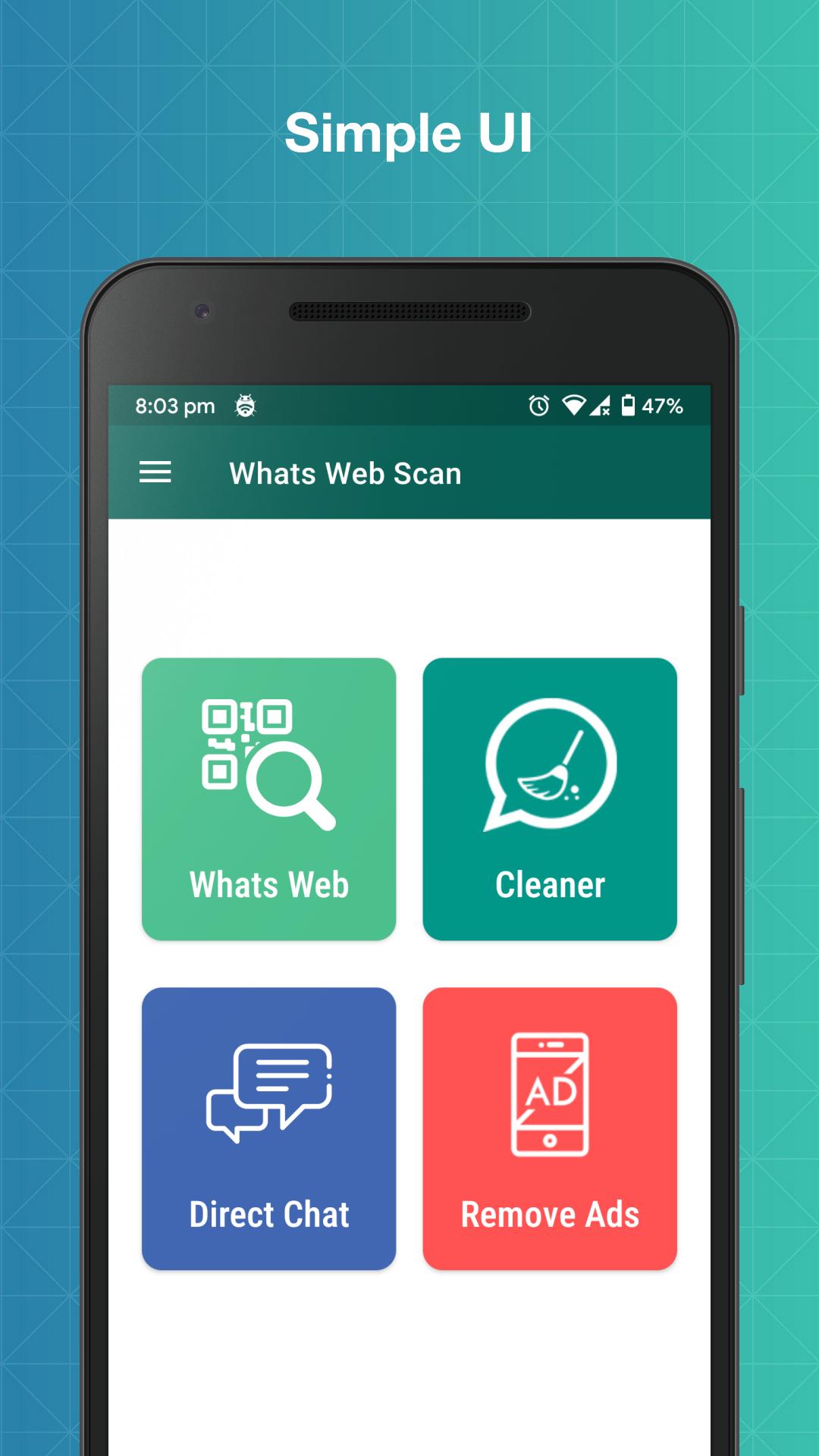
Whats Web for WhatsApp is an app which helps you to use multiple WA accounts on the same device. Using Whats Web for WhatsApp, you can also download statuses and directly message anyone without saving their contact number.
With Whats Web for WhatsApp, you can easily open two WA accounts on the same device or one account in many devices.
Key Features:
No Ads
Enjoy various Whats web for Whatsapp features without ads.
Whats Web for WhatsApp
Whats Web for WhatsApp app helps you to operate more than one WA accounts on the same device or same account on multiple devices by easily scanning the WA Web QR code.
Status Saver
Whats Web for WhatsApp app helps save other's WA status and use them at any time.
Direct Chat
Whats Web for WhatsApp app has a feature called Direct Chat that helps you to directly message other people without saving contact.
Dark Mode
Whats Web for WhatsApp app also has a dark mode that helps you in saving your eyes from burning :)
Note: - Whats Web for WhatsApp is created by ZeroBug00, and it is neither an official WhatsApp application nor associated with WhatsApp Inc.
ดูตัวอย่าง
แท็ก
เครื่องมือข้อมูล
นักพัฒนา
ZeroBug00
เวอร์ชั่นล่าสุด
1.5.2
อัพเดทล่าสุด
2022-08-28
หมวดหมู่
เครื่องมือ
มีจำหน่ายที่
Google Play
แสดงมากขึ้น
วิธีเล่น Whats Web ด้วย GameLoop บน PC
1. ดาวน์โหลด GameLoop จากเว็บไซต์ทางการ จากนั้นเรียกใช้ไฟล์ exe เพื่อติดตั้ง GameLoop
2. เปิด GameLoop และค้นหา "Whats Web" ค้นหา Whats Web ในผลการค้นหาแล้วคลิก "ติดตั้ง"
3. สนุกกับการเล่น Whats Web บน GameLoop
Minimum requirements
OS
Windows 8.1 64-bit or Windows 10 64-bit
GPU
GTX 1050
CPU
i3-8300
Memory
8GB RAM
Storage
1GB available space
Recommended requirements
OS
Windows 8.1 64-bit or Windows 10 64-bit
GPU
GTX 1050
CPU
i3-9320
Memory
16GB RAM
Storage
1GB available space