
Element TV Remote PC
Remote Control For All TV
ดาวน์โหลด Element TV Remote บนพีซีด้วย GameLoop Emulator
Element TV Remote บน PC
Element TV Remote มาจากผู้พัฒนา Remote Control For All TV ที่เคยรันบนระบบปฏิบัติการ Android มาก่อน
ตอนนี้คุณสามารถเล่น Element TV Remote บนพีซีด้วย GameLoop ได้อย่างราบรื่น
ดาวน์โหลดในไลบรารี GameLoop หรือผลการค้นหา ไม่ต้องสนใจแบตเตอรี่หรือโทรผิดเวลาอีกต่อไป
เพียงเพลิดเพลินกับ Element TV Remote PC บนหน้าจอขนาดใหญ่ฟรี!
Element TV Remote บทนำ
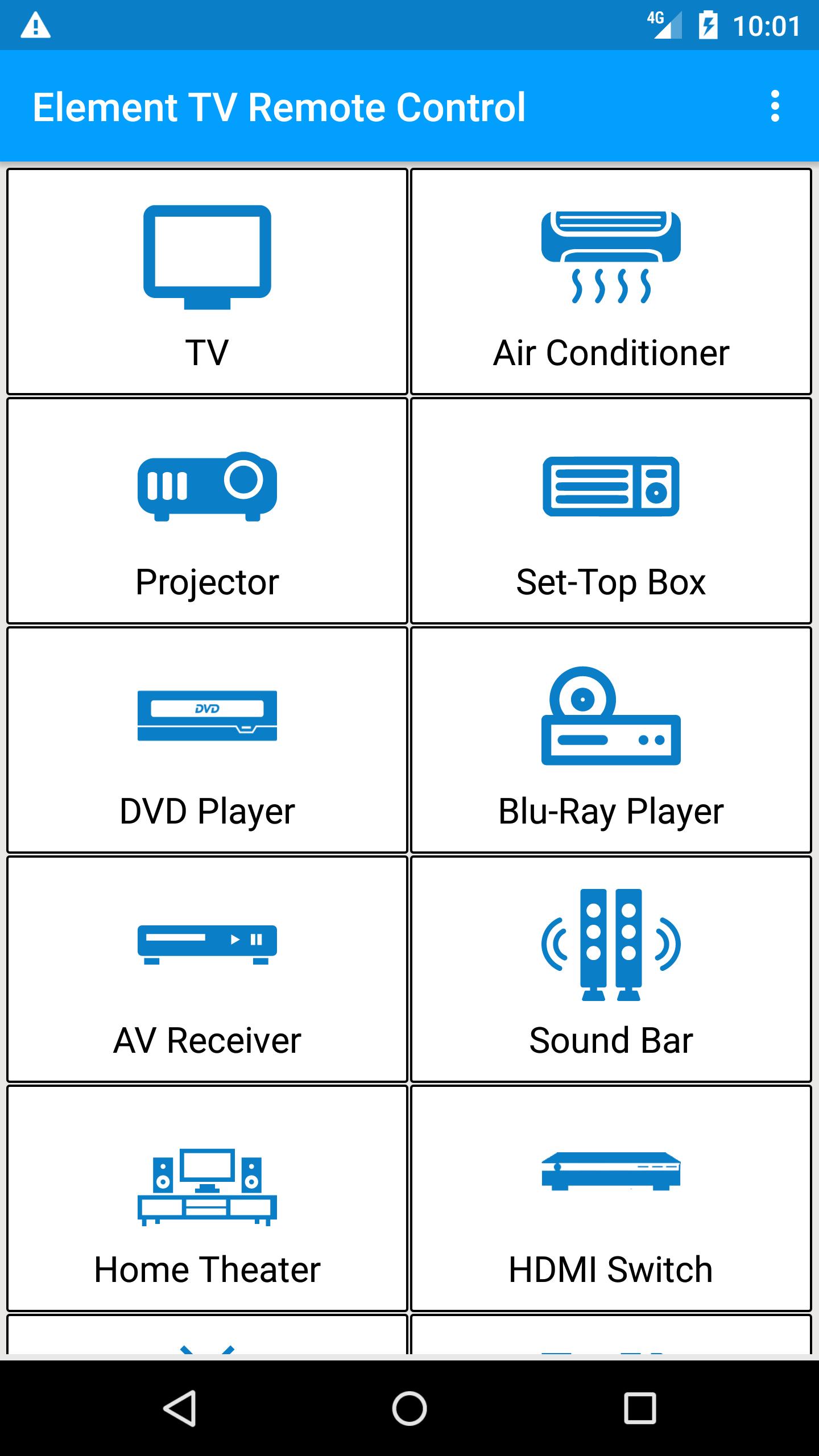
On users demand and successful launch of other remotes, CodeAcity presents Element TV Remote Control.
This remote has all the features that a traditional remote have, easily installed and smoothly controlled this Element Remote will bring comfort to your life.
Is your remote broken or lost, why you have to worry when you can simply use this app without any configuration.
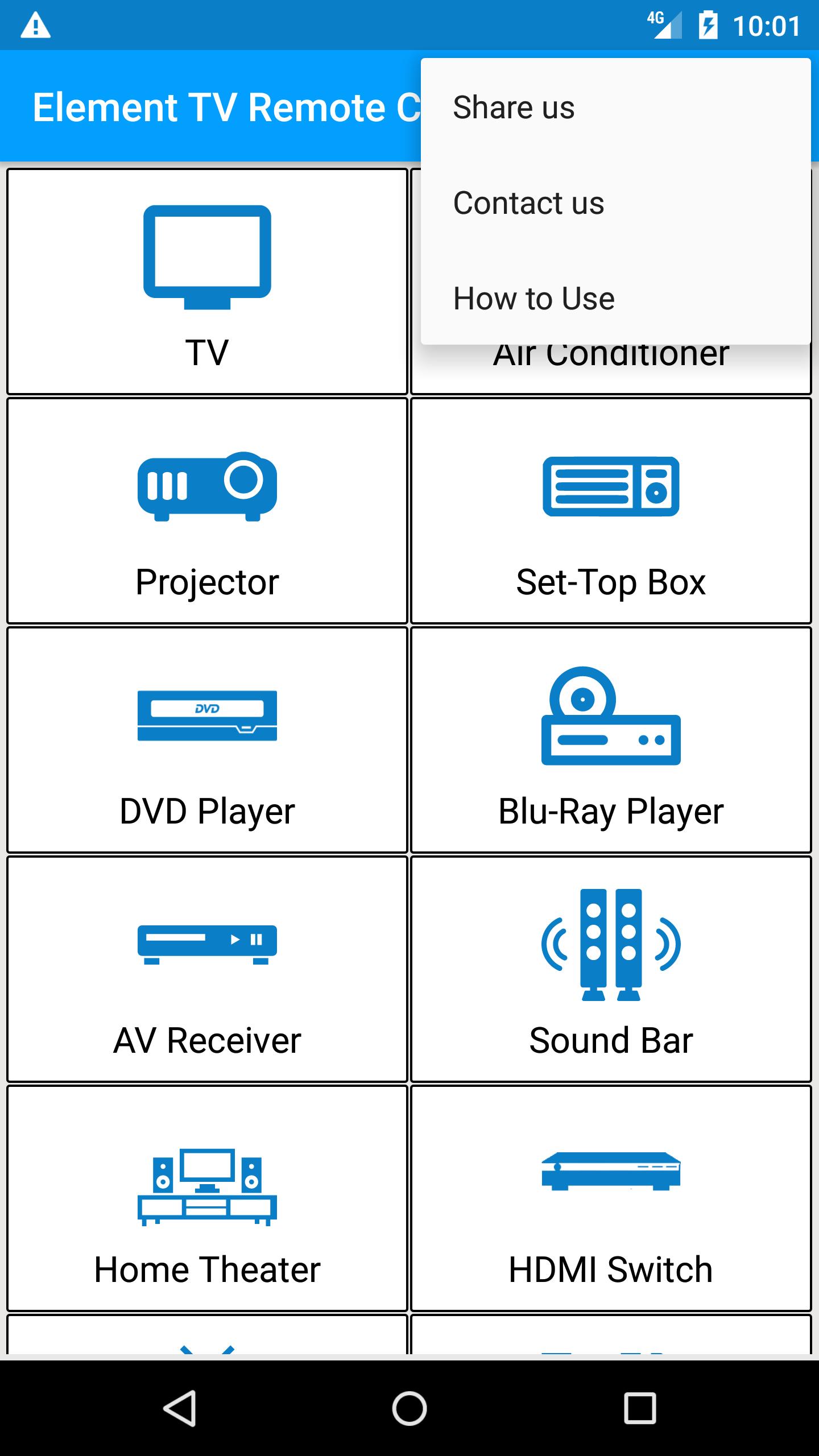
Simply select your TV remote and start controlling from your Android phone.
Do not miss your favorite Drama Seasons, Movies or sports enjoy controlling your TV with Element TV Remote.
How does it work?
> Point your Phone Towards TV
> Press Power Button, wait for 2 seconds and wait for Element TV to Turn ON or OFF
> IF it worked Press Working and Enjoy
> IF not then Press Not Working and try next remote
Some of Features:
> Channel Control
> Volume Control
> Menu
> Nevigation Down / Up / Left / Right
We have large database having all models of Element TV.
Still if your TV is not being controlled by this Element remote please let us know via email
help@remotecontrolforalltv.com
ดูตัวอย่าง
ข้อมูล
นักพัฒนา
Remote Control For All TV
เวอร์ชั่นล่าสุด
1.6
อัพเดทล่าสุด
2019-01-28
หมวดหมู่
เครื่องมือ
มีจำหน่ายที่
Google Play
แสดงมากขึ้น
วิธีเล่น Element TV Remote ด้วย GameLoop บน PC
1. ดาวน์โหลด GameLoop จากเว็บไซต์ทางการ จากนั้นเรียกใช้ไฟล์ exe เพื่อติดตั้ง GameLoop
2. เปิด GameLoop และค้นหา "Element TV Remote" ค้นหา Element TV Remote ในผลการค้นหาแล้วคลิก "ติดตั้ง"
3. สนุกกับการเล่น Element TV Remote บน GameLoop
Minimum requirements
OS
Windows 8.1 64-bit or Windows 10 64-bit
GPU
GTX 1050
CPU
i3-8300
Memory
8GB RAM
Storage
1GB available space
Recommended requirements
OS
Windows 8.1 64-bit or Windows 10 64-bit
GPU
GTX 1050
CPU
i3-9320
Memory
16GB RAM
Storage
1GB available space