
EcoStar TV Remote Control PC
Remote Control For All TV
ดาวน์โหลด EcoStar TV Remote Control บนพีซีด้วย GameLoop Emulator
EcoStar TV Remote Control บน PC
EcoStar TV Remote Control มาจากผู้พัฒนา Remote Control For All TV ที่เคยรันบนระบบปฏิบัติการ Android มาก่อน
ตอนนี้คุณสามารถเล่น EcoStar TV Remote Control บนพีซีด้วย GameLoop ได้อย่างราบรื่น
ดาวน์โหลดในไลบรารี GameLoop หรือผลการค้นหา ไม่ต้องสนใจแบตเตอรี่หรือโทรผิดเวลาอีกต่อไป
เพียงเพลิดเพลินกับ EcoStar TV Remote Control PC บนหน้าจอขนาดใหญ่ฟรี!
EcoStar TV Remote Control บทนำ
Do you want to control your EcoStar TV with your android smartphone?
Are you tired of broken Remote Control for EcoStar TV or some broken buttons?
Are your tired of the battery problems of plastic EcoStar TV Remote Control?
We introduce Remote Control for EcoStar TV which is a solution to all the above problems.
This TV remote Control will turn your android phone into a useful TV Remote Control.
This Remote Control has the following features:
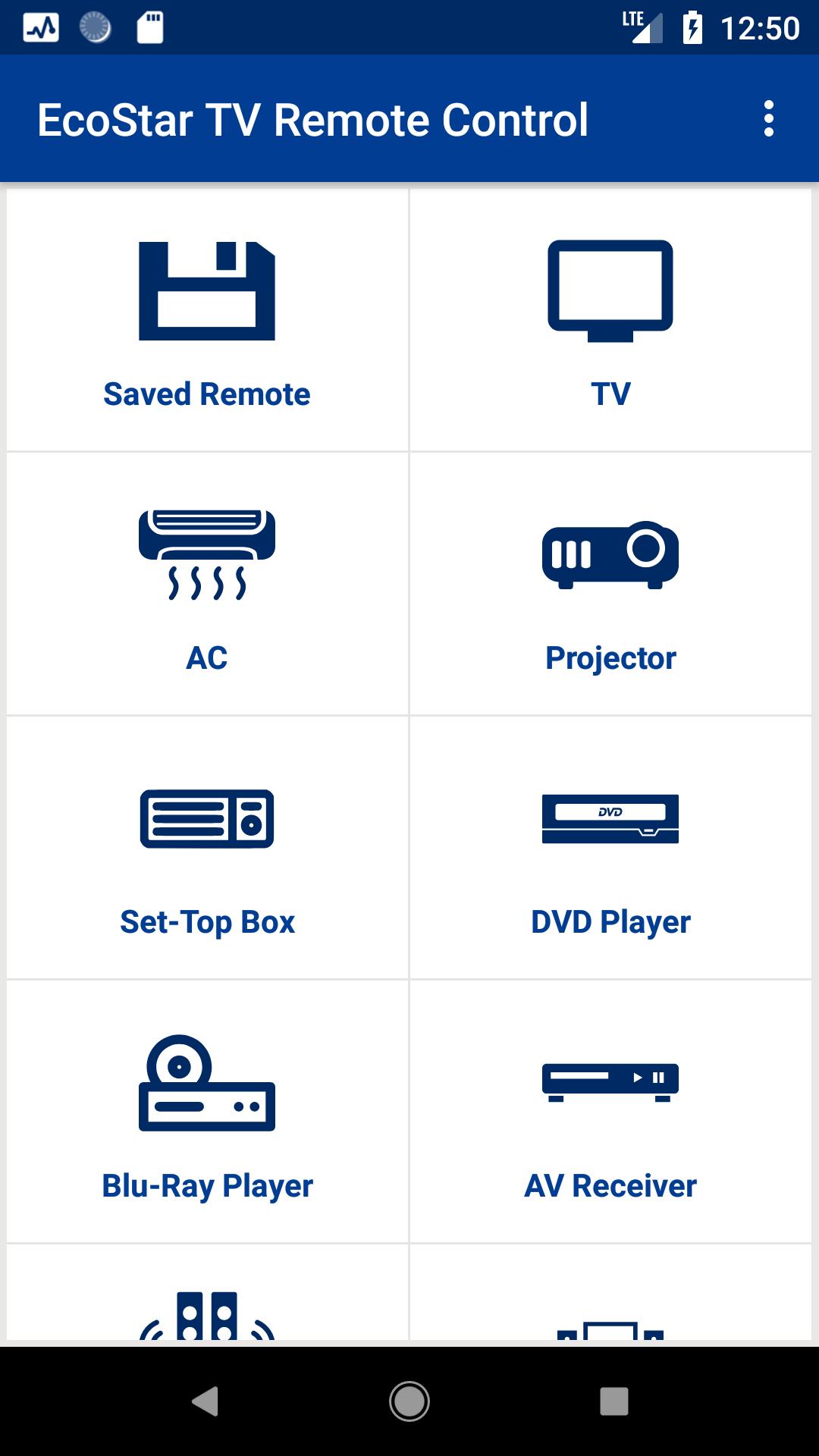
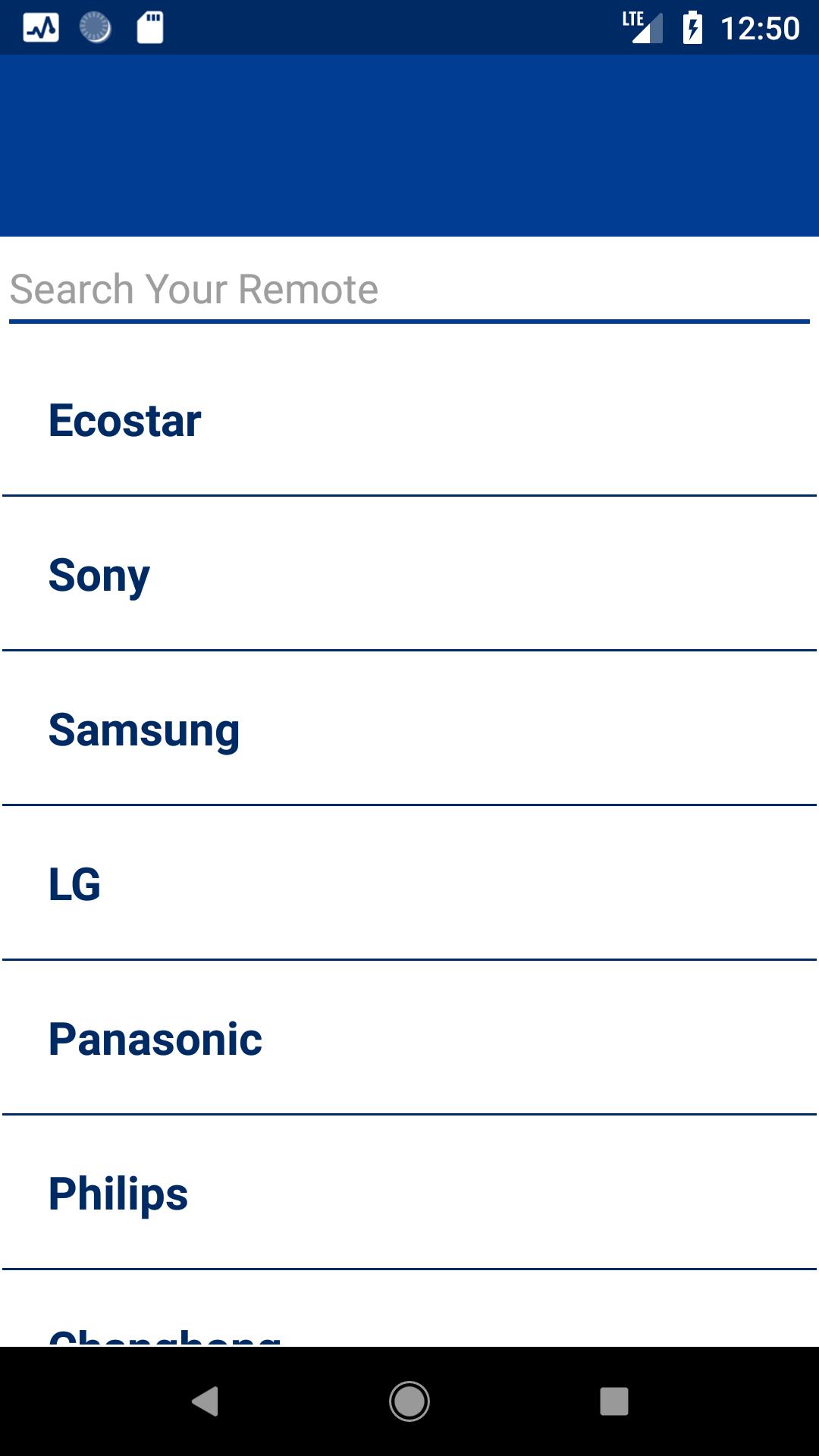
> You can easily configure your EcoStar TV by following the guidelines supported by Screenshots uploaded.
> Once configured Remote Control for EcoStar TV can easily be found in “Saved Devices”.
> Supports all EcoStar TV Devices.
> Performs all the functionalities which an ordinary Remote Control for EcoStar TV control can perform.
> Efficient and Easy to use for the Convenience of Users.
Disclaimer:
1. It is IR based remote controller, you should have a built-in IR transmitter or external infrared to control the TV.
2. This is not official remote control of EcoStar TV Company. This remote just controls the EcoStar TV.
Reach us at help@remotecontrolforalltv.com
ดูตัวอย่าง
ข้อมูล
นักพัฒนา
Remote Control For All TV
เวอร์ชั่นล่าสุด
1.1
อัพเดทล่าสุด
2019-01-12
หมวดหมู่
เครื่องมือ
มีจำหน่ายที่
Google Play
แสดงมากขึ้น
วิธีเล่น EcoStar TV Remote Control ด้วย GameLoop บน PC
1. ดาวน์โหลด GameLoop จากเว็บไซต์ทางการ จากนั้นเรียกใช้ไฟล์ exe เพื่อติดตั้ง GameLoop
2. เปิด GameLoop และค้นหา "EcoStar TV Remote Control" ค้นหา EcoStar TV Remote Control ในผลการค้นหาแล้วคลิก "ติดตั้ง"
3. สนุกกับการเล่น EcoStar TV Remote Control บน GameLoop
Minimum requirements
OS
Windows 8.1 64-bit or Windows 10 64-bit
GPU
GTX 1050
CPU
i3-8300
Memory
8GB RAM
Storage
1GB available space
Recommended requirements
OS
Windows 8.1 64-bit or Windows 10 64-bit
GPU
GTX 1050
CPU
i3-9320
Memory
16GB RAM
Storage
1GB available space