Sarimin File Manager PC
Oscar Perdanakusuma
ดาวน์โหลด Sarimin File Manager บนพีซีด้วย GameLoop Emulator
Sarimin File Manager บน PC
Sarimin File Manager มาจากผู้พัฒนา Oscar Perdanakusuma ที่เคยรันบนระบบปฏิบัติการ Android มาก่อน
ตอนนี้คุณสามารถเล่น Sarimin File Manager บนพีซีด้วย GameLoop ได้อย่างราบรื่น
ดาวน์โหลดในไลบรารี GameLoop หรือผลการค้นหา ไม่ต้องสนใจแบตเตอรี่หรือโทรผิดเวลาอีกต่อไป
เพียงเพลิดเพลินกับ Sarimin File Manager PC บนหน้าจอขนาดใหญ่ฟรี!
Sarimin File Manager บทนำ
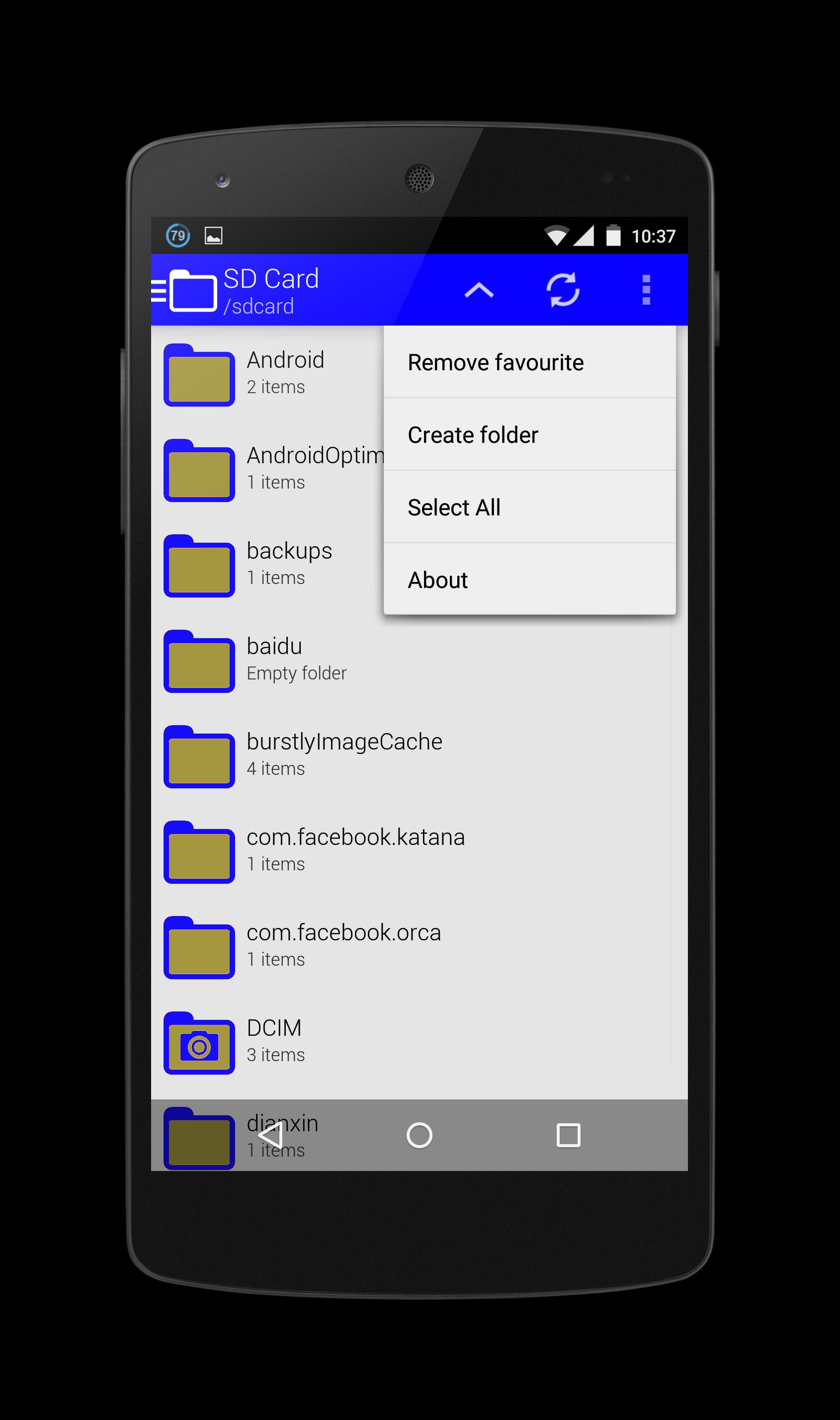
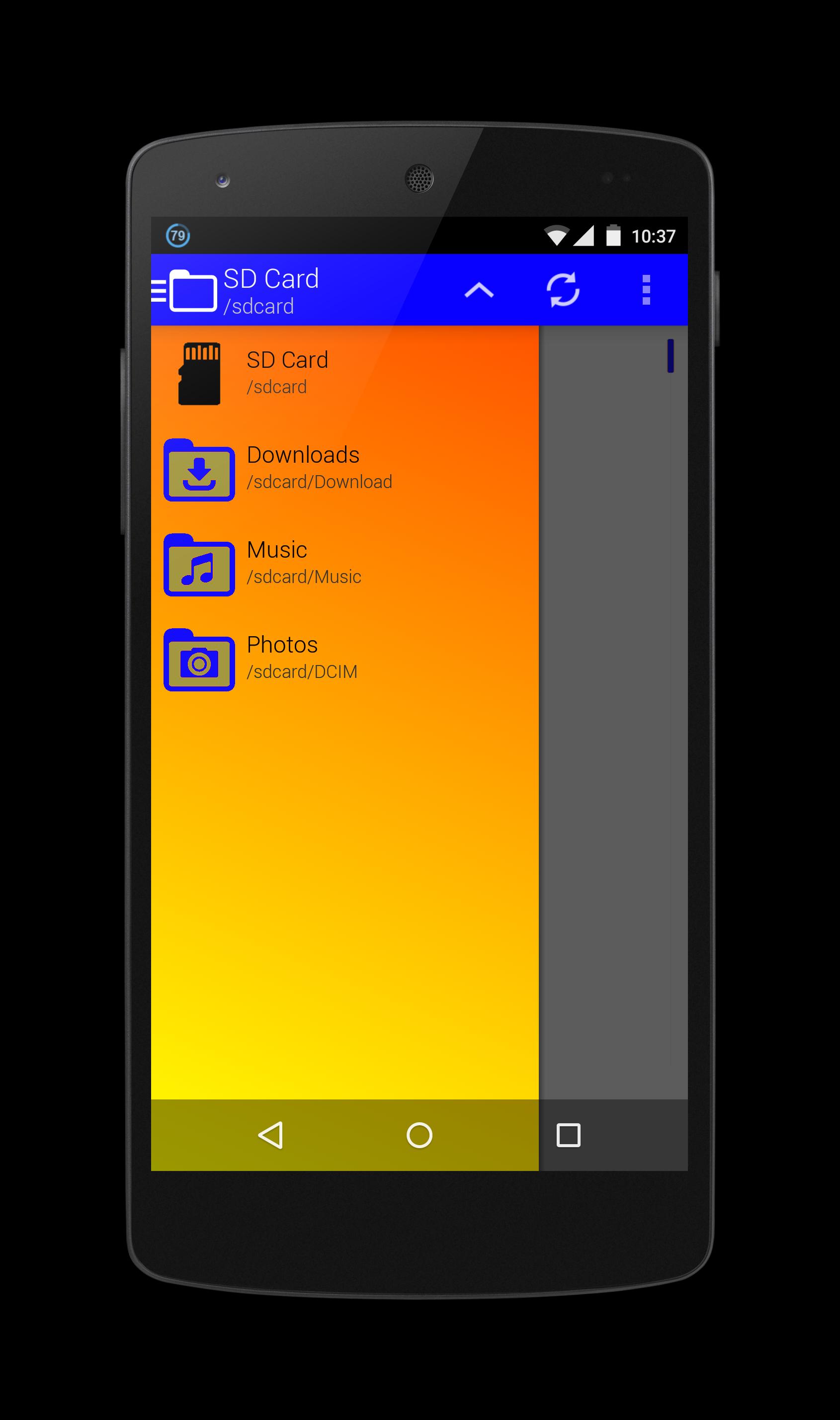
Sarimin file manager let user interaction with the files and can restrict access when required. In addition to functions of the user interface, they can carry out security functions in the background automatically. When operating on a network, such a program can let users share work, collaborate on projects and coordinate schedules.
Operation functions let the users interact with the files. These functions typically include "Open," "Save," "Close," "Copy," "Move," "Delete," "Rename," "New." A "Print" function is sometimes included if an associated printer is compatible with Sarimin file manager, and a "Manage" or "Properties" function lets users configure the program and how it stores the files.
The security aspects of a file management program include access and data integrity. The program can restrict access to itself or to particular files with log-in procedures. It can specify a user name and a password for program or folder access, or it can encrypt files and require a password to access the data. With regard to data integrity, it can keep track of modifications and deletions to make sure users can reverse unauthorized changes.
ดูตัวอย่าง
ข้อมูล
นักพัฒนา
Oscar Perdanakusuma
เวอร์ชั่นล่าสุด
1.0
อัพเดทล่าสุด
2015-07-15
หมวดหมู่
เครื่องมือ
มีจำหน่ายที่
Google Play
แสดงมากขึ้น
วิธีเล่น Sarimin File Manager ด้วย GameLoop บน PC
1. ดาวน์โหลด GameLoop จากเว็บไซต์ทางการ จากนั้นเรียกใช้ไฟล์ exe เพื่อติดตั้ง GameLoop
2. เปิด GameLoop และค้นหา "Sarimin File Manager" ค้นหา Sarimin File Manager ในผลการค้นหาแล้วคลิก "ติดตั้ง"
3. สนุกกับการเล่น Sarimin File Manager บน GameLoop
Minimum requirements
OS
Windows 8.1 64-bit or Windows 10 64-bit
GPU
GTX 1050
CPU
i3-8300
Memory
8GB RAM
Storage
1GB available space
Recommended requirements
OS
Windows 8.1 64-bit or Windows 10 64-bit
GPU
GTX 1050
CPU
i3-9320
Memory
16GB RAM
Storage
1GB available space