Wi-fi Keyboard PC
Ishwarya Prasanna
ดาวน์โหลด Wi-fi Keyboard บนพีซีด้วย GameLoop Emulator
Wi-fi Keyboard บน PC
Wi-fi Keyboard มาจากผู้พัฒนา Ishwarya Prasanna ที่เคยรันบนระบบปฏิบัติการ Android มาก่อน
ตอนนี้คุณสามารถเล่น Wi-fi Keyboard บนพีซีด้วย GameLoop ได้อย่างราบรื่น
ดาวน์โหลดในไลบรารี GameLoop หรือผลการค้นหา ไม่ต้องสนใจแบตเตอรี่หรือโทรผิดเวลาอีกต่อไป
เพียงเพลิดเพลินกับ Wi-fi Keyboard PC บนหน้าจอขนาดใหญ่ฟรี!
Wi-fi Keyboard บทนำ
1.Please install Wi-fi Keyboard receiver on your computer before using Wi-fi Keyboard.
2.Download the Wi-fi Keyboard receiver from the link below:
https://drive.google.com/open?id=10YXRhjvY0TDpOiX5ej2c1WCPVmOCs7Vh
Features:
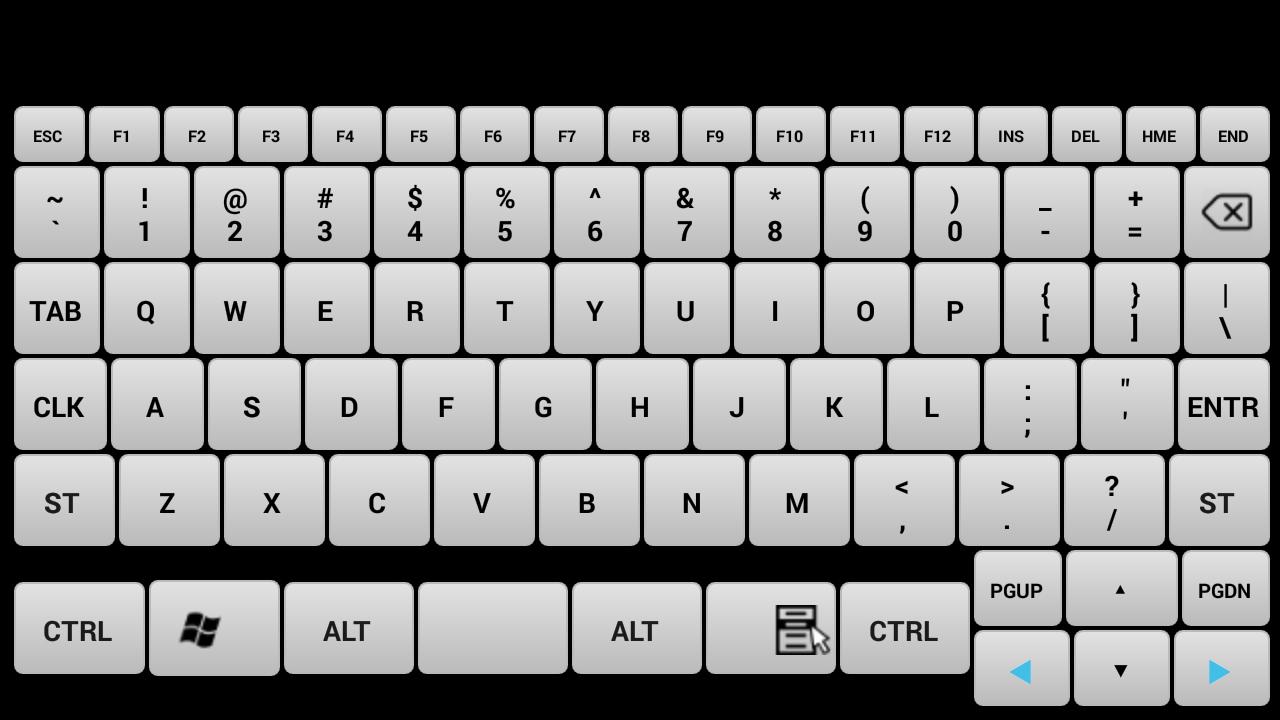
Device Simulation-Turn your mobile into a real keyboard.
Keys- All the keys are equal to your keyboard keys.
How to Connect:
1.Install Wi-fi Keyboard receiver from https://drive.google.com/open?id=10YXRhjvY0TDpOiX5ej2c1WCPVmOCs7Vhn the PC that you want to use.
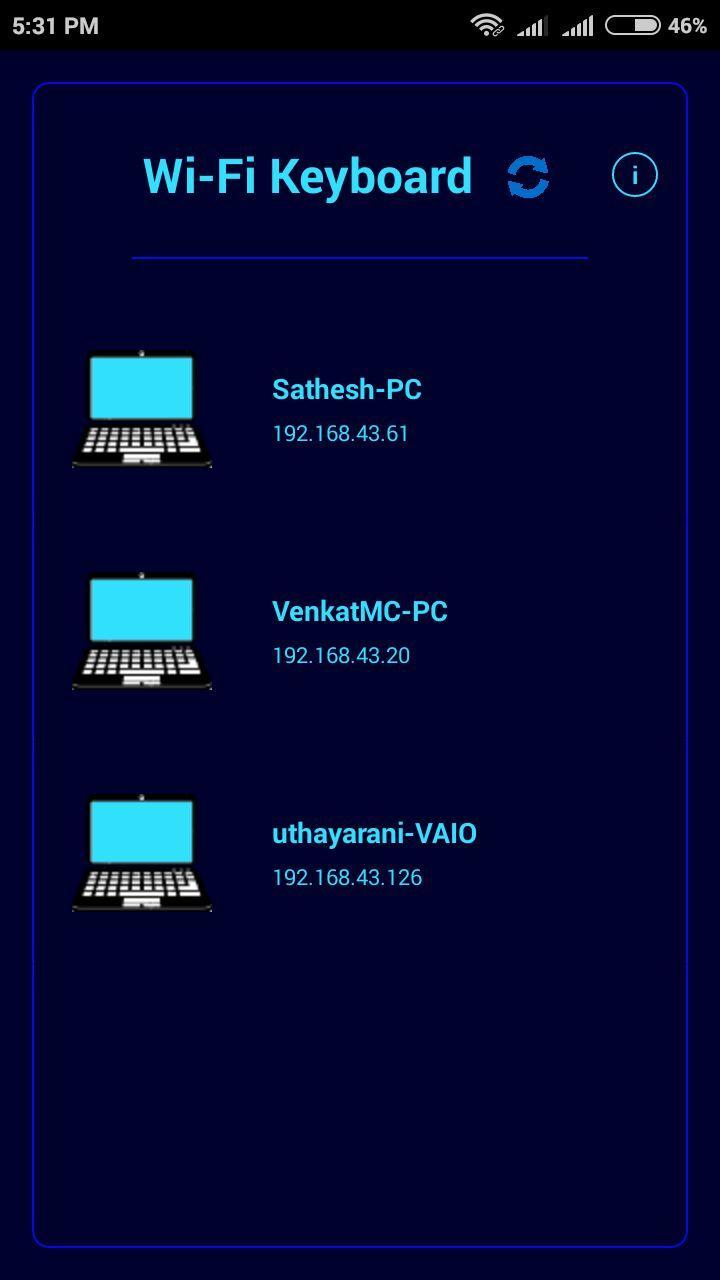
2.Open Wi-fi Keyboard app and connect to the PC on the same network.
System Requirements:
1.Wi-fi Keyboard receiver running on target PC(install from https://drive.google.com/open?id=10YXRhjvY0TDpOiX5ej2c1WCPVmOCs7Vh
2.Target PC must be connected to the same network(Wi-fi or Ethernet).
3.Target PC must be Windows.(If you want to use it for linux or mac with wine IP address shown in receiver is incorrect so you have to enter your pc ip address).
Note: If cannot connect, please make sure the phone and the pc are in the same network and check the firewall setting on pc. If you want to use it in linux or mac you need wine and you have to enter ip address of your device.
ดูตัวอย่าง
ข้อมูล
นักพัฒนา
Ishwarya Prasanna
เวอร์ชั่นล่าสุด
1.2
อัพเดทล่าสุด
2017-03-24
หมวดหมู่
เครื่องมือ
มีจำหน่ายที่
Google Play
แสดงมากขึ้น
วิธีเล่น Wi-fi Keyboard ด้วย GameLoop บน PC
1. ดาวน์โหลด GameLoop จากเว็บไซต์ทางการ จากนั้นเรียกใช้ไฟล์ exe เพื่อติดตั้ง GameLoop
2. เปิด GameLoop และค้นหา "Wi-fi Keyboard" ค้นหา Wi-fi Keyboard ในผลการค้นหาแล้วคลิก "ติดตั้ง"
3. สนุกกับการเล่น Wi-fi Keyboard บน GameLoop
Minimum requirements
OS
Windows 8.1 64-bit or Windows 10 64-bit
GPU
GTX 1050
CPU
i3-8300
Memory
8GB RAM
Storage
1GB available space
Recommended requirements
OS
Windows 8.1 64-bit or Windows 10 64-bit
GPU
GTX 1050
CPU
i3-9320
Memory
16GB RAM
Storage
1GB available space