Easy File Manager PC
cruises studio
ดาวน์โหลด Easy File Manager บนพีซีด้วย GameLoop Emulator
Easy File Manager บน PC
Easy File Manager มาจากผู้พัฒนา cruises studio ที่เคยรันบนระบบปฏิบัติการ Android มาก่อน
ตอนนี้คุณสามารถเล่น Easy File Manager บนพีซีด้วย GameLoop ได้อย่างราบรื่น
ดาวน์โหลดในไลบรารี GameLoop หรือผลการค้นหา ไม่ต้องสนใจแบตเตอรี่หรือโทรผิดเวลาอีกต่อไป
เพียงเพลิดเพลินกับ Easy File Manager PC บนหน้าจอขนาดใหญ่ฟรี!
Easy File Manager บทนำ
Easy File Manager is a powerful file manager & file explorer app, It’s free, fast and full-featured. help you manage files on local device & SD card very easily, you can quick to find files by browsing, Get the memory status and the same files so you can clear the extra files.
• Manage All Files
- Easy File Manager supports all file management action, include open, search, navigate directory, copy and paste, cut, delete, rename and organize.
• Easily to find files
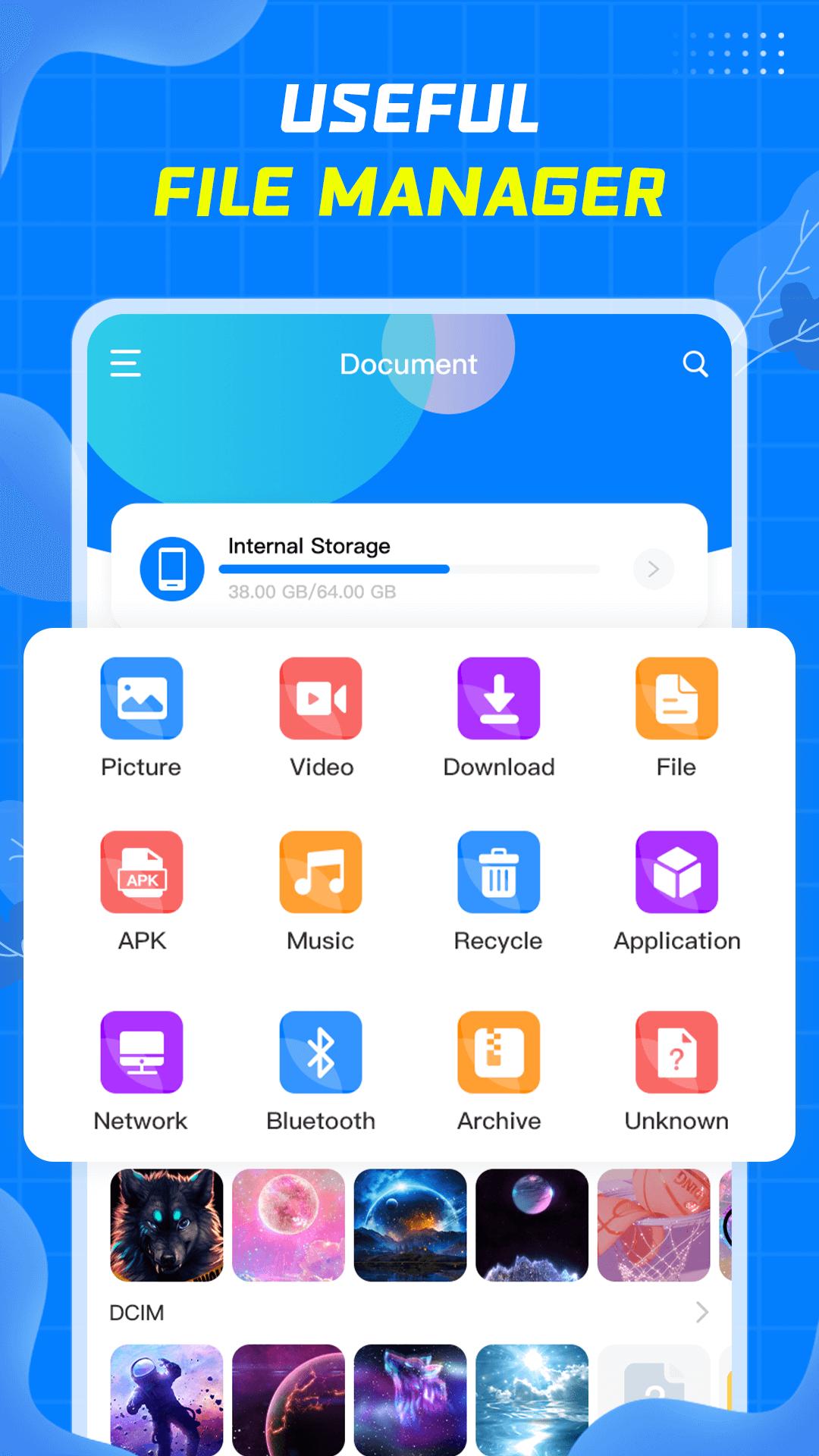
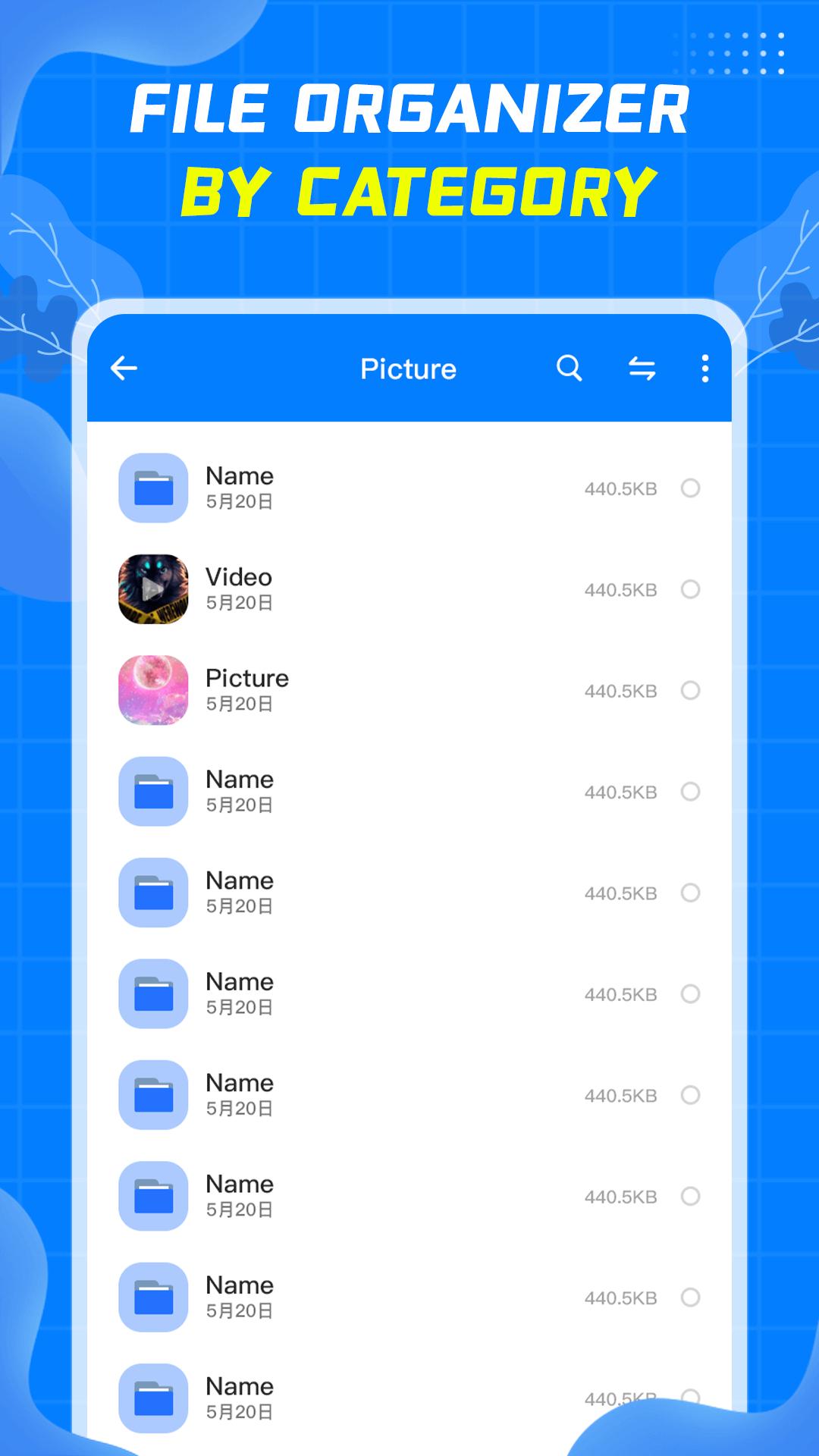
- Easy File Manager automatically categorizes files, including Picture, Video, Download, Apk, Music, Arctic, allowing you to quickly find the files you are looking for.
- You can search by file name in the search box, which is very convenient.
- Display the files you have recently operated on for your convenience.
• Clean up junk files
- Automatically compare similar files to facilitate users to delete unnecessary files.
- Quickly find large files, which is convenient for users to clean up space.
Easy File Manager is a good helper for your daily file management. If you encounter problems during use, please send an email to cruisebai2201@gmail.com to contact us, we will do better. Come and try it.
ดูตัวอย่าง
แท็ก
เครื่องมือข้อมูล
นักพัฒนา
cruises studio
เวอร์ชั่นล่าสุด
1.05
อัพเดทล่าสุด
2022-08-24
หมวดหมู่
เครื่องมือ
มีจำหน่ายที่
Google Play
แสดงมากขึ้น
วิธีเล่น Easy File Manager ด้วย GameLoop บน PC
1. ดาวน์โหลด GameLoop จากเว็บไซต์ทางการ จากนั้นเรียกใช้ไฟล์ exe เพื่อติดตั้ง GameLoop
2. เปิด GameLoop และค้นหา "Easy File Manager" ค้นหา Easy File Manager ในผลการค้นหาแล้วคลิก "ติดตั้ง"
3. สนุกกับการเล่น Easy File Manager บน GameLoop
Minimum requirements
OS
Windows 8.1 64-bit or Windows 10 64-bit
GPU
GTX 1050
CPU
i3-8300
Memory
8GB RAM
Storage
1GB available space
Recommended requirements
OS
Windows 8.1 64-bit or Windows 10 64-bit
GPU
GTX 1050
CPU
i3-9320
Memory
16GB RAM
Storage
1GB available space