Hindu Calendar, Panchang PC
B Town
ดาวน์โหลด Hindu Calendar, Panchang บนพีซีด้วย GameLoop Emulator
Hindu Calendar, Panchang บน PC
Hindu Calendar, Panchang มาจากผู้พัฒนา B Town ที่เคยรันบนระบบปฏิบัติการ Android มาก่อน
ตอนนี้คุณสามารถเล่น Hindu Calendar, Panchang บนพีซีด้วย GameLoop ได้อย่างราบรื่น
ดาวน์โหลดในไลบรารี GameLoop หรือผลการค้นหา ไม่ต้องสนใจแบตเตอรี่หรือโทรผิดเวลาอีกต่อไป
เพียงเพลิดเพลินกับ Hindu Calendar, Panchang PC บนหน้าจอขนาดใหญ่ฟรี!
Hindu Calendar, Panchang บทนำ
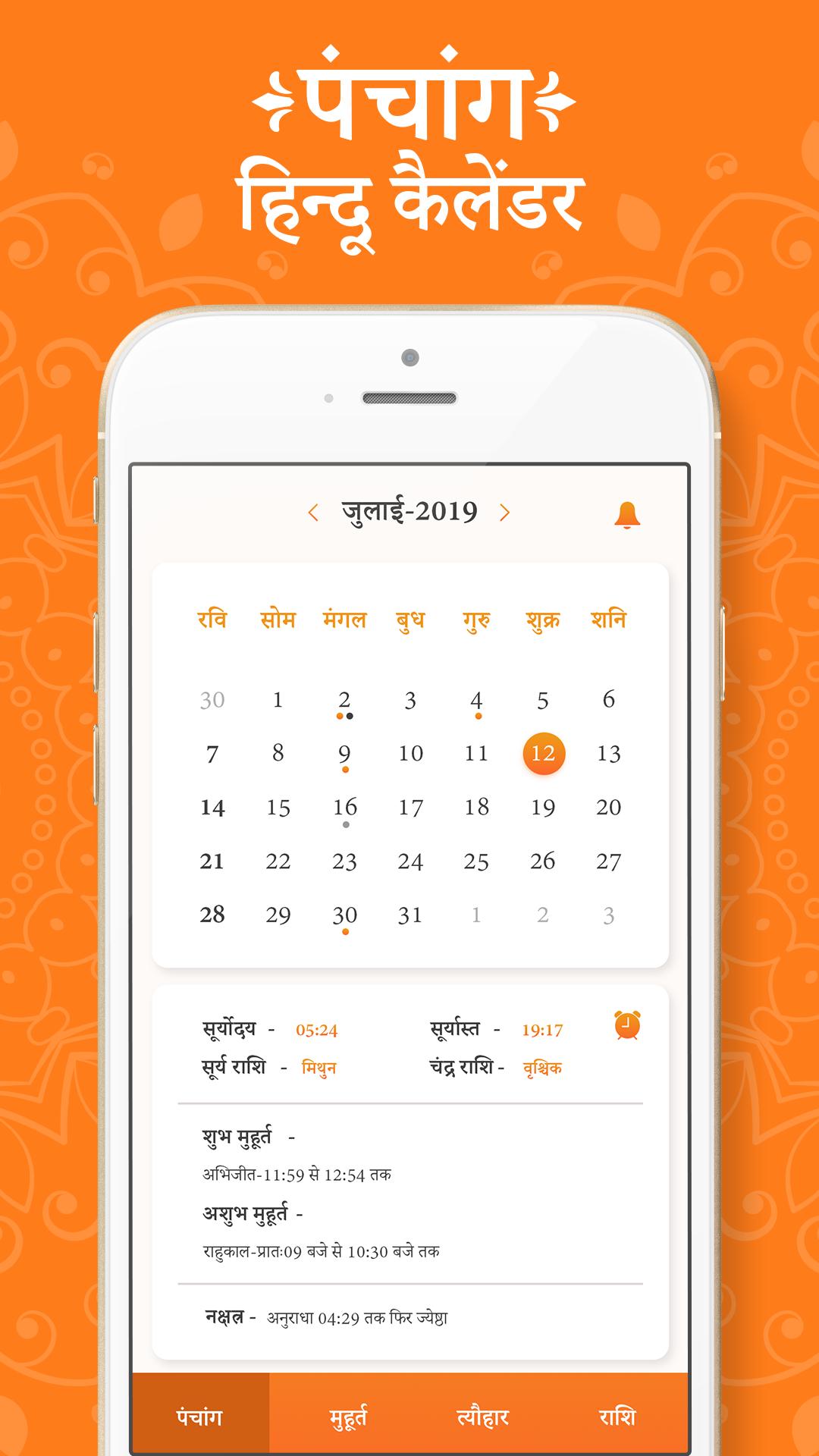
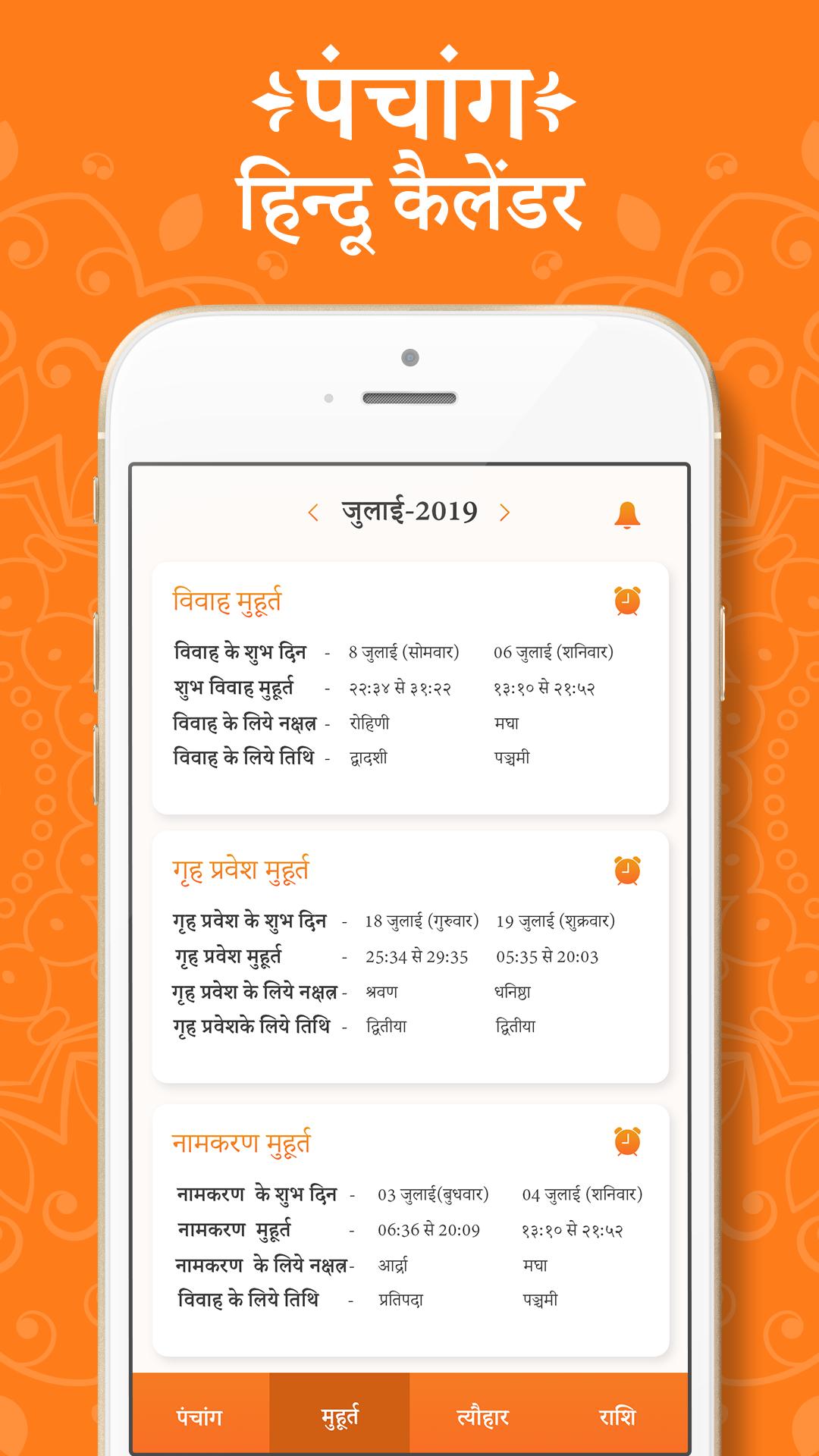
Hindu calendar is best to know Indian festivals, celebration, functions and all. Calendar is allow you to view Dinak, Maasik, Thithi, Nakshatra, Subha Muhurat, Vrath, Thyohar, Panchang and all holidays information for all days in the year.
- Detailed panchang view showing the padas, moon rise and moon set, sunrise and sunset for the chosen location. Day and Night Choghadiya, Rahukalam, Yama Ghantam, Guli Kalam, Dur Muhurt and Abhijit Muhurtam.
- Panchang comes with Kundali support and it can generate Lagna, Navamsha, Surya, Chandra and Shukra Kundali for any date, time and location. For Lagna Kundali it shows detailed planetary position for Sun, Moon, Mars, Mercury, Jupiter, Venus, Saturn, Rahu, Ketu, True Rahu, True Ketu, Uranus, Neptune and Pluto.
- Hindu Calendar App allows you to set reminders for important days. This way you never miss any Sankashti and Ekadashi fast. Carry this hindu calendar (hindu panchang) in your pocket everyday in your android device.
- Vedic time which is also known as Ishtakal is provided to track time as per Vedic Era of Hinduism. In Vedic time, each day (from sunrise to sunrise) is divided into Ghati, Pala and Vipala similar to Hour, Mins and Secs.
ดูตัวอย่าง
แท็ก
เครื่องมือข้อมูล
นักพัฒนา
B Town
เวอร์ชั่นล่าสุด
1.1
อัพเดทล่าสุด
2019-09-07
หมวดหมู่
เครื่องมือ
มีจำหน่ายที่
Google Play
แสดงมากขึ้น
วิธีเล่น Hindu Calendar, Panchang ด้วย GameLoop บน PC
1. ดาวน์โหลด GameLoop จากเว็บไซต์ทางการ จากนั้นเรียกใช้ไฟล์ exe เพื่อติดตั้ง GameLoop
2. เปิด GameLoop และค้นหา "Hindu Calendar, Panchang" ค้นหา Hindu Calendar, Panchang ในผลการค้นหาแล้วคลิก "ติดตั้ง"
3. สนุกกับการเล่น Hindu Calendar, Panchang บน GameLoop
Minimum requirements
OS
Windows 8.1 64-bit or Windows 10 64-bit
GPU
GTX 1050
CPU
i3-8300
Memory
8GB RAM
Storage
1GB available space
Recommended requirements
OS
Windows 8.1 64-bit or Windows 10 64-bit
GPU
GTX 1050
CPU
i3-9320
Memory
16GB RAM
Storage
1GB available space