
CloudWatch Logs Reader PC
Minian Software Ltd.
ดาวน์โหลด CloudWatch Logs Reader บนพีซีด้วย GameLoop Emulator
CloudWatch Logs Reader บน PC
CloudWatch Logs Reader มาจากผู้พัฒนา Minian Software Ltd. ที่เคยรันบนระบบปฏิบัติการ Android มาก่อน
ตอนนี้คุณสามารถเล่น CloudWatch Logs Reader บนพีซีด้วย GameLoop ได้อย่างราบรื่น
ดาวน์โหลดในไลบรารี GameLoop หรือผลการค้นหา ไม่ต้องสนใจแบตเตอรี่หรือโทรผิดเวลาอีกต่อไป
เพียงเพลิดเพลินกับ CloudWatch Logs Reader PC บนหน้าจอขนาดใหญ่ฟรี!
CloudWatch Logs Reader บทนำ
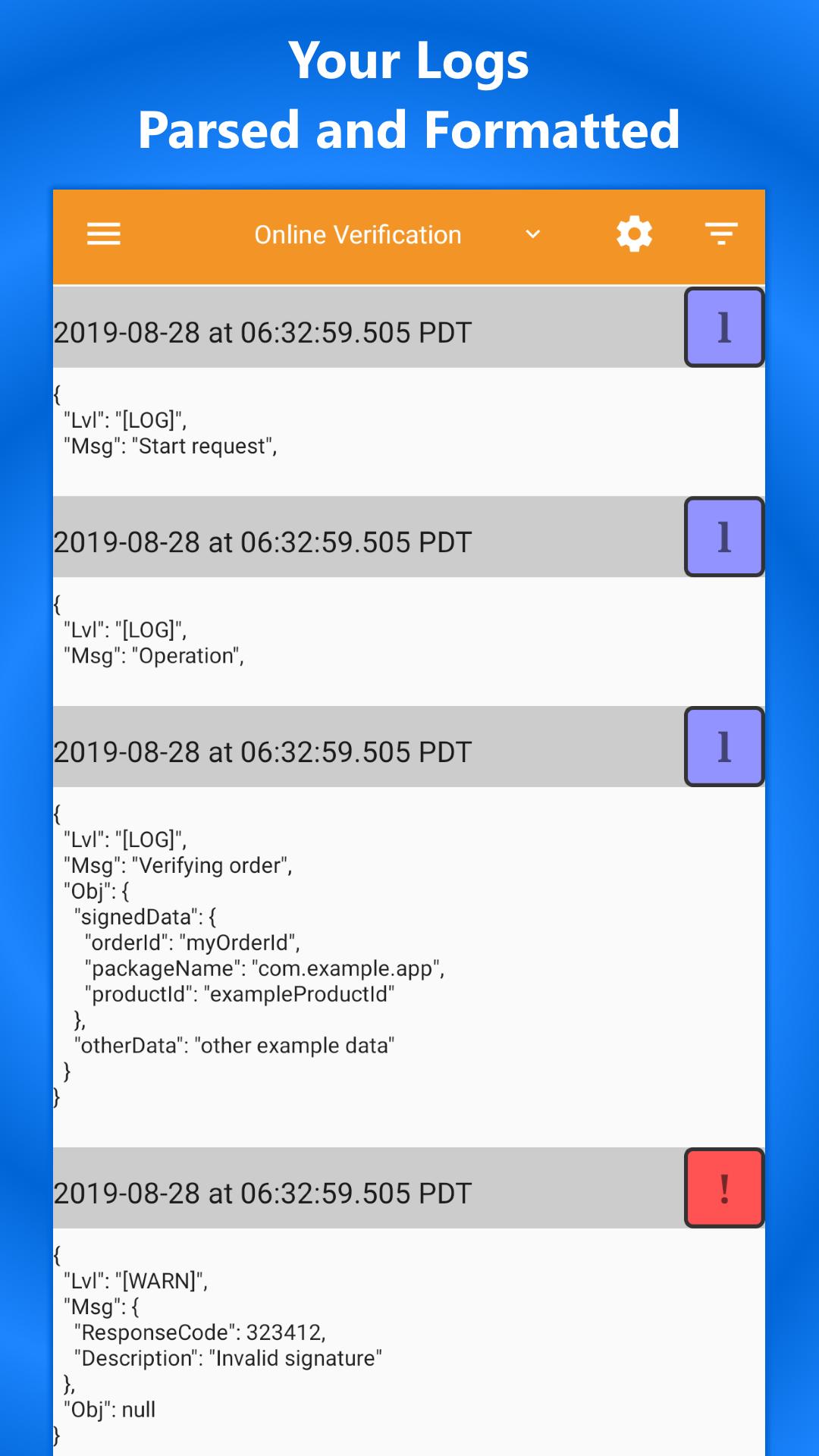
CloudWatch Logs Reader makes it easy to read your logs and quickly gain insight into key log events.
We know how frustrating it is to use the default tools to read your logs. Now you can get your logs in an easy-to-read format, on your mobile device.
With CloudWatch Logs Reader, you can:
✔ Group logs by request id
✔ Format logs and pretty-print JSON
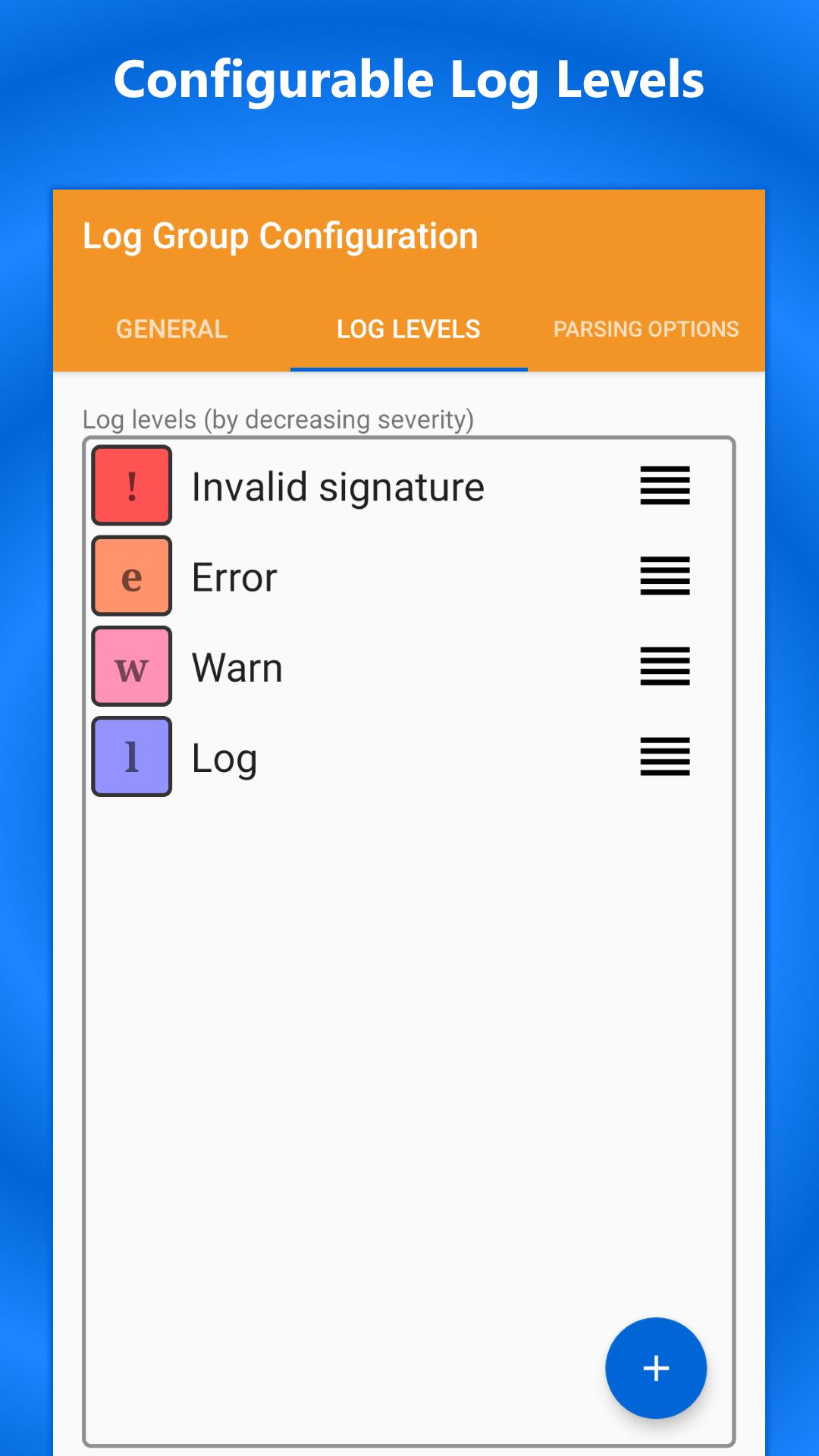
✔ Assign log levels to call out specific events
✔ Assign nicknames to your log groups
✔ Use multiple identities
Have you ever received a CloudWatch Alarm and wanted to know the specific reason for the alarm from your phone? CloudWatch Logs Reader makes it easy to find the logs related to that alarm.
Your access keys are stored encrypted on your device and are only transmitted to Amazon servers using their official APIs for the purpose of receiving logs you request through this app. For additional security, create an IAM User with just the CloudWatchLogsReadOnlyAccess permission.
If you have been looking for a solution to access your logs from your phone, give CloudWatch Logs Reader a try today!
ดูตัวอย่าง
แท็ก
เครื่องมือข้อมูล
นักพัฒนา
Minian Software Ltd.
เวอร์ชั่นล่าสุด
1.3.3
อัพเดทล่าสุด
2022-08-30
หมวดหมู่
เครื่องมือ
มีจำหน่ายที่
Google Play
แสดงมากขึ้น
วิธีเล่น CloudWatch Logs Reader ด้วย GameLoop บน PC
1. ดาวน์โหลด GameLoop จากเว็บไซต์ทางการ จากนั้นเรียกใช้ไฟล์ exe เพื่อติดตั้ง GameLoop
2. เปิด GameLoop และค้นหา "CloudWatch Logs Reader" ค้นหา CloudWatch Logs Reader ในผลการค้นหาแล้วคลิก "ติดตั้ง"
3. สนุกกับการเล่น CloudWatch Logs Reader บน GameLoop
Minimum requirements
OS
Windows 8.1 64-bit or Windows 10 64-bit
GPU
GTX 1050
CPU
i3-8300
Memory
8GB RAM
Storage
1GB available space
Recommended requirements
OS
Windows 8.1 64-bit or Windows 10 64-bit
GPU
GTX 1050
CPU
i3-9320
Memory
16GB RAM
Storage
1GB available space