
Cam Finder PC
Nextzen Limited
ดาวน์โหลด Cam Finder บนพีซีด้วย GameLoop Emulator
Cam Finder บน PC
Cam Finder มาจากผู้พัฒนา Nextzen Limited ที่เคยรันบนระบบปฏิบัติการ Android มาก่อน
ตอนนี้คุณสามารถเล่น Cam Finder บนพีซีด้วย GameLoop ได้อย่างราบรื่น
ดาวน์โหลดในไลบรารี GameLoop หรือผลการค้นหา ไม่ต้องสนใจแบตเตอรี่หรือโทรผิดเวลาอีกต่อไป
เพียงเพลิดเพลินกับ Cam Finder PC บนหน้าจอขนาดใหญ่ฟรี!
Cam Finder บทนำ
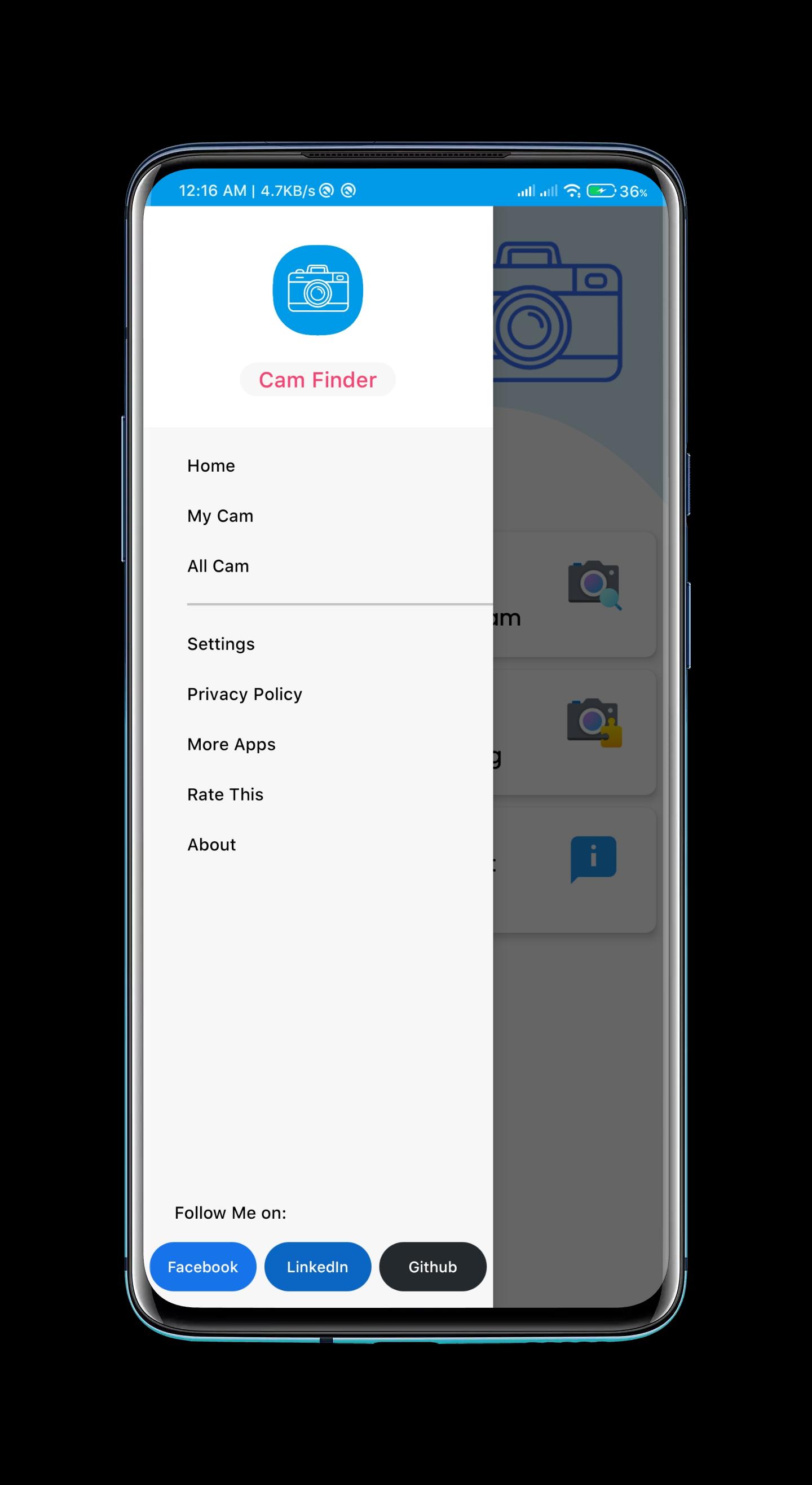
Cam Finder will help you to install the most compatible version of the Camera for your device!
Application has a remote database, where stored Camera applications for almost 500+ devices at that moment.
Features of Cam Finder:
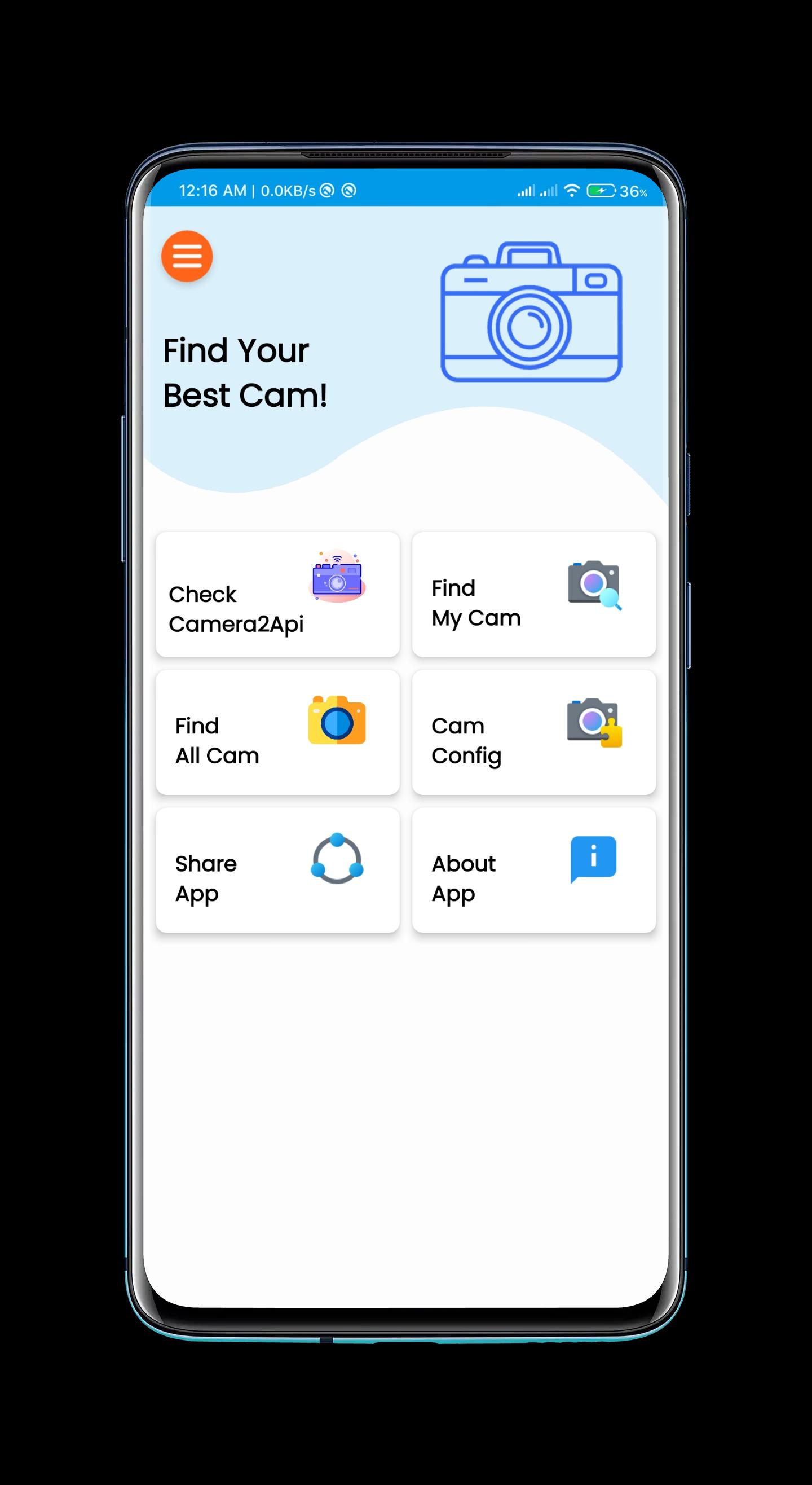
- User Can Check Camera2Api status
- Application will Auto Check your device information and gives you the Perfect Camera for your device
- If the application can't find a Camera for your Device then You can Email Us "Subscribe Notification". After that, your Device Infomation, Like Device Manufacturer, Model, and Android Version will be sent to the developer and then We will be added a Camera For your Device in about a few hours. And You will get a notification on your Mobile Phone about it
- You can Download Any Camera manually
- This Application doesn't require any root access and the Application will detect it automatically.
- User can Download the Camera Config File from the Application
ดูตัวอย่าง
แท็ก
เครื่องมือข้อมูล
นักพัฒนา
Nextzen Limited
เวอร์ชั่นล่าสุด
0.2.beta
อัพเดทล่าสุด
2021-04-16
หมวดหมู่
เครื่องมือ
มีจำหน่ายที่
Google Play
แสดงมากขึ้น
วิธีเล่น Cam Finder ด้วย GameLoop บน PC
1. ดาวน์โหลด GameLoop จากเว็บไซต์ทางการ จากนั้นเรียกใช้ไฟล์ exe เพื่อติดตั้ง GameLoop
2. เปิด GameLoop และค้นหา "Cam Finder" ค้นหา Cam Finder ในผลการค้นหาแล้วคลิก "ติดตั้ง"
3. สนุกกับการเล่น Cam Finder บน GameLoop
Minimum requirements
OS
Windows 8.1 64-bit or Windows 10 64-bit
GPU
GTX 1050
CPU
i3-8300
Memory
8GB RAM
Storage
1GB available space
Recommended requirements
OS
Windows 8.1 64-bit or Windows 10 64-bit
GPU
GTX 1050
CPU
i3-9320
Memory
16GB RAM
Storage
1GB available space