
AR 3D Model Viewer PC
Aryzon
ดาวน์โหลด AR 3D Model Viewer บนพีซีด้วย GameLoop Emulator
AR 3D Model Viewer บน PC
AR 3D Model Viewer มาจากผู้พัฒนา Aryzon ที่เคยรันบนระบบปฏิบัติการ Android มาก่อน
ตอนนี้คุณสามารถเล่น AR 3D Model Viewer บนพีซีด้วย GameLoop ได้อย่างราบรื่น
ดาวน์โหลดในไลบรารี GameLoop หรือผลการค้นหา ไม่ต้องสนใจแบตเตอรี่หรือโทรผิดเวลาอีกต่อไป
เพียงเพลิดเพลินกับ AR 3D Model Viewer PC บนหน้าจอขนาดใหญ่ฟรี!
AR 3D Model Viewer บทนำ
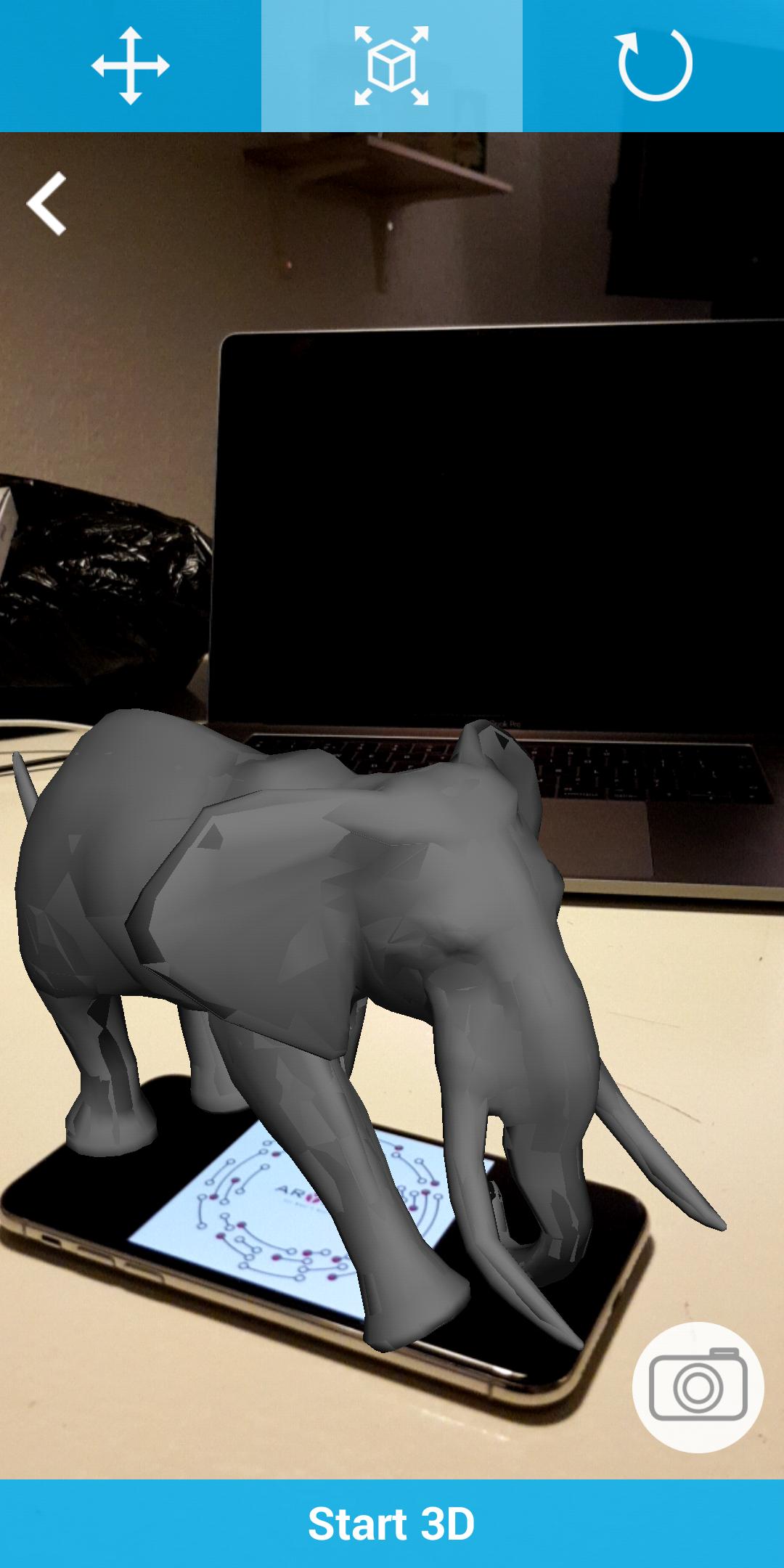
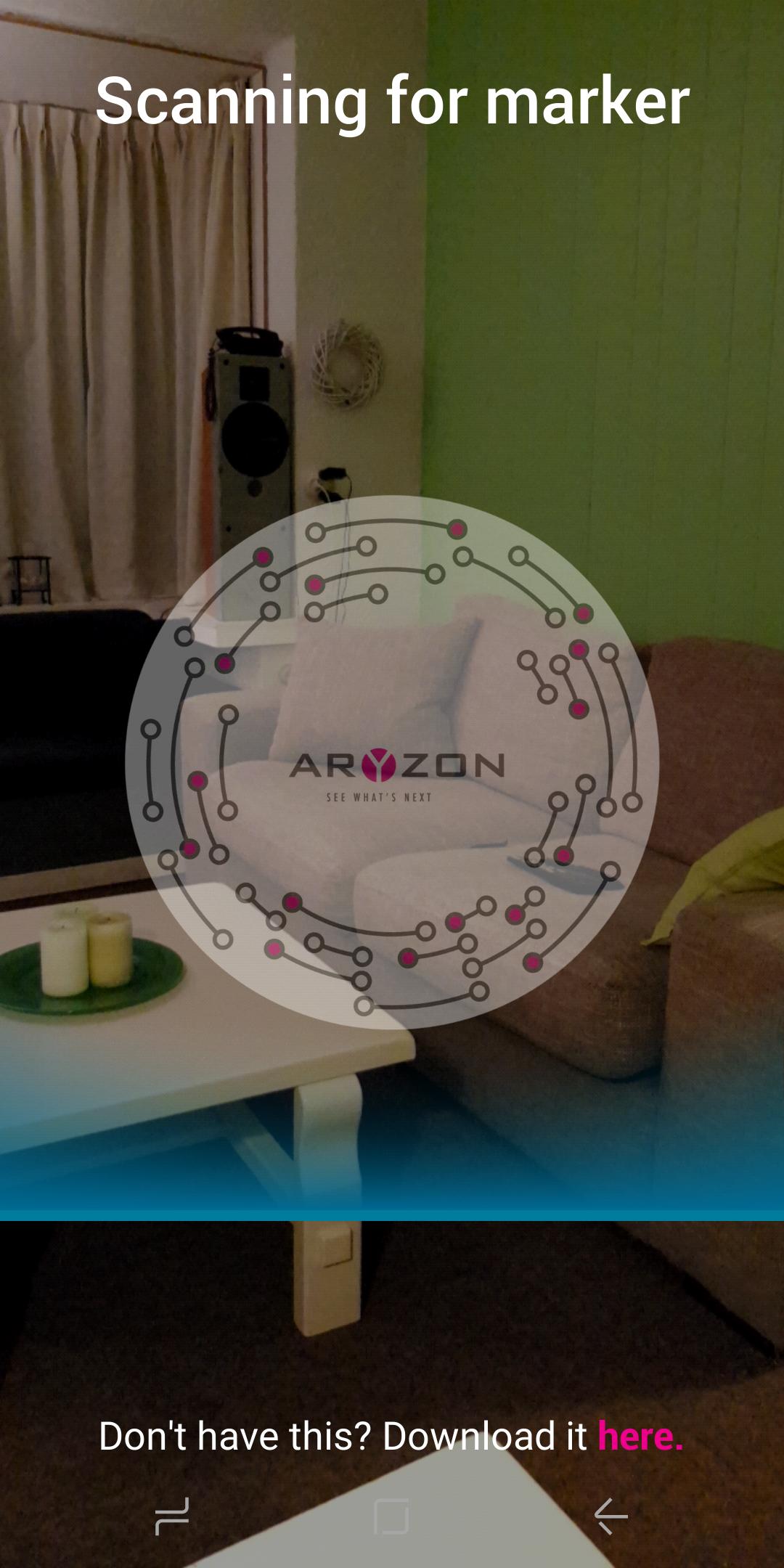
AR 3D Model Viewer uses Aryzon's marker image to view a large array of 3D models in any environment. 3D models can be imported with textures and animations, they can be scaled and rotated, and then placed in your immediate environment to create a truly seamless AR experience.
Take a snapshot of the 3D model in your environment!
**Use of the Aryzon AR Headset is advised, but not necessary, our AR headset advances the Augmented Reality effect into the 3rd dimension and allows you to truly visualize the volumetric 3D model in a real world environment.**
SUPPORTED FILE TYPES:
3D, 3DS, 3MF, AC, AMF, ASE, ASSBIN, ASSXML, B3D, BLEND, BSP, BVH, COB, CSM, DAE, DXF, FBX, GLTF, HMP, IFC, IRR, IRRMESH, LWO, LWS, MD2, MD3, MD5, MDC, MDL, MS3D, NDO, NFF, OBJ, OFF, OGEX, PLY, Q3D, Q3S, RAW, SCN, SIB, SMD, STL, TER, VTA, X, X3D, XGL, XML, ZGL.
ดูตัวอย่าง
ข้อมูล
นักพัฒนา
Aryzon
เวอร์ชั่นล่าสุด
1.1
อัพเดทล่าสุด
2018-01-06
หมวดหมู่
เครื่องมือ
มีจำหน่ายที่
Google Play
แสดงมากขึ้น
วิธีเล่น AR 3D Model Viewer ด้วย GameLoop บน PC
1. ดาวน์โหลด GameLoop จากเว็บไซต์ทางการ จากนั้นเรียกใช้ไฟล์ exe เพื่อติดตั้ง GameLoop
2. เปิด GameLoop และค้นหา "AR 3D Model Viewer" ค้นหา AR 3D Model Viewer ในผลการค้นหาแล้วคลิก "ติดตั้ง"
3. สนุกกับการเล่น AR 3D Model Viewer บน GameLoop
Minimum requirements
OS
Windows 8.1 64-bit or Windows 10 64-bit
GPU
GTX 1050
CPU
i3-8300
Memory
8GB RAM
Storage
1GB available space
Recommended requirements
OS
Windows 8.1 64-bit or Windows 10 64-bit
GPU
GTX 1050
CPU
i3-9320
Memory
16GB RAM
Storage
1GB available space