
AppStream Example Client PC
Amazon Mobile LLC
ดาวน์โหลด AppStream Example Client บนพีซีด้วย GameLoop Emulator
AppStream Example Client บน PC
AppStream Example Client มาจากผู้พัฒนา Amazon Mobile LLC ที่เคยรันบนระบบปฏิบัติการ Android มาก่อน
ตอนนี้คุณสามารถเล่น AppStream Example Client บนพีซีด้วย GameLoop ได้อย่างราบรื่น
ดาวน์โหลดในไลบรารี GameLoop หรือผลการค้นหา ไม่ต้องสนใจแบตเตอรี่หรือโทรผิดเวลาอีกต่อไป
เพียงเพลิดเพลินกับ AppStream Example Client PC บนหน้าจอขนาดใหญ่ฟรี!
AppStream Example Client บทนำ
Amazon AppStream is a flexible, low-latency service that lets you stream resource intensive applications from the cloud. Amazon AppStream deploys and renders your application on AWS infrastructure and streams the output to mass-market devices, such as personal computers, tablets, and mobile phones. Because your application is running in the cloud, it can scale to handle vast computational and storage needs, regardless of the devices your customers are using. You can choose to stream either all or parts of your application from the cloud. Amazon AppStream enables use cases for applications that wouldn’t be possible running natively on mass-market devices. Using Amazon AppStream, your applications are no longer constrained by the hardware in your customer’s hands.
Amazon AppStream includes a SDK that currently supports streaming applications from Microsoft Windows Server 2008 R2 to devices running FireOS, Android, iOS, Mac OSX, Microsoft Windows, and now Chromebooks and Chrome Web Browsers.
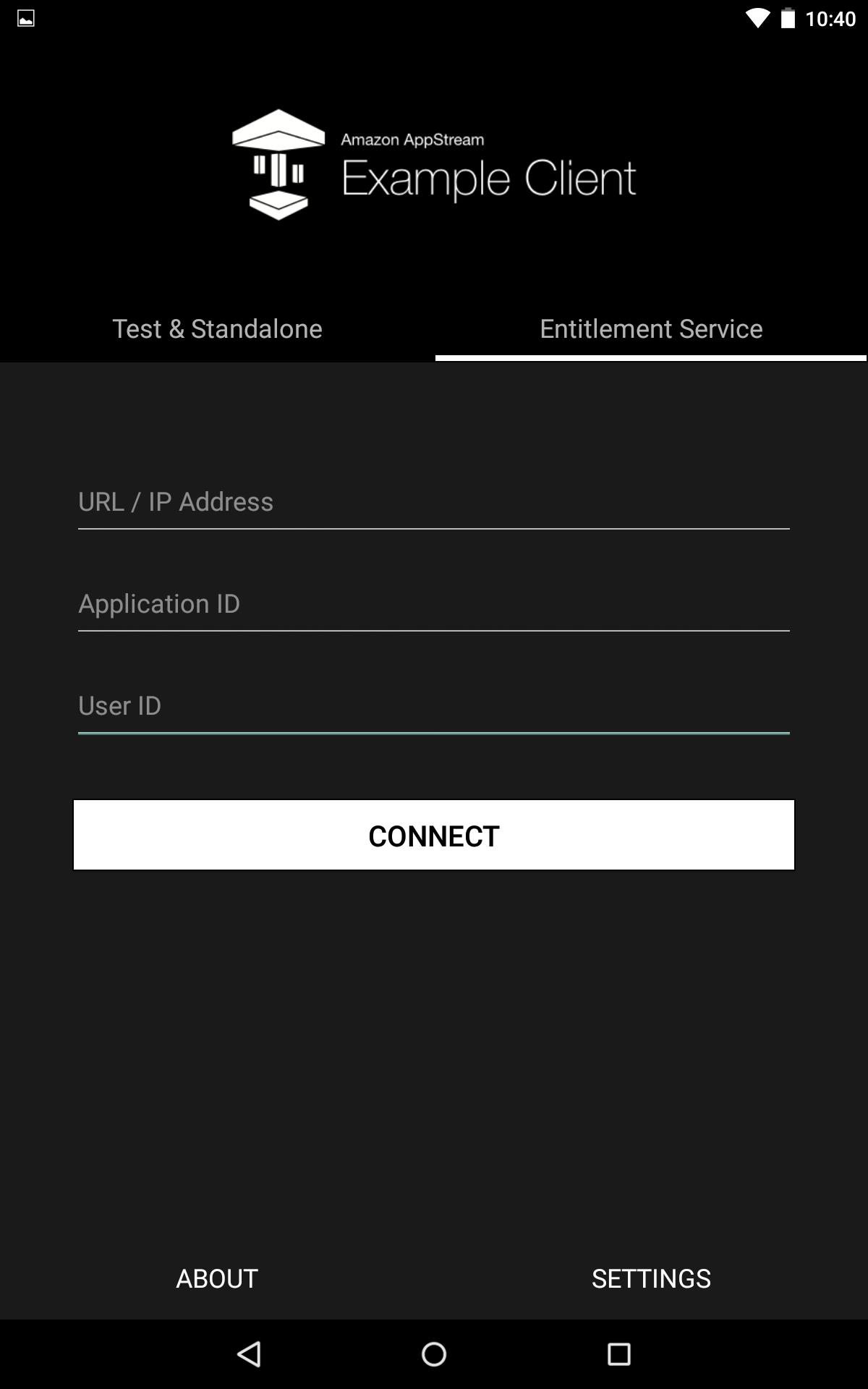
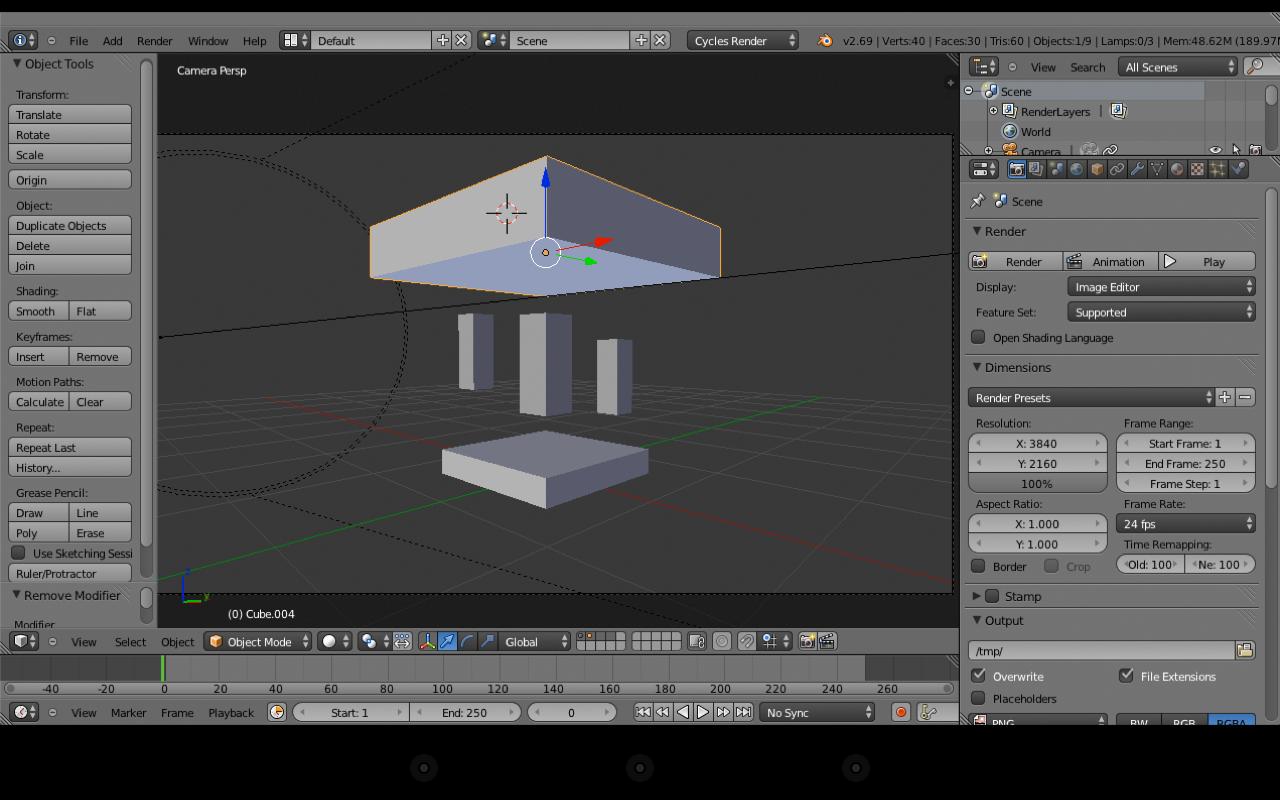
This is the example client for Android which allows you to connect to your deployed AppStream application.
ดูตัวอย่าง
ข้อมูล
นักพัฒนา
Amazon Mobile LLC
เวอร์ชั่นล่าสุด
1.0
อัพเดทล่าสุด
2015-03-06
หมวดหมู่
เครื่องมือ
มีจำหน่ายที่
Google Play
แสดงมากขึ้น
วิธีเล่น AppStream Example Client ด้วย GameLoop บน PC
1. ดาวน์โหลด GameLoop จากเว็บไซต์ทางการ จากนั้นเรียกใช้ไฟล์ exe เพื่อติดตั้ง GameLoop
2. เปิด GameLoop และค้นหา "AppStream Example Client" ค้นหา AppStream Example Client ในผลการค้นหาแล้วคลิก "ติดตั้ง"
3. สนุกกับการเล่น AppStream Example Client บน GameLoop
Minimum requirements
OS
Windows 8.1 64-bit or Windows 10 64-bit
GPU
GTX 1050
CPU
i3-8300
Memory
8GB RAM
Storage
1GB available space
Recommended requirements
OS
Windows 8.1 64-bit or Windows 10 64-bit
GPU
GTX 1050
CPU
i3-9320
Memory
16GB RAM
Storage
1GB available space