
Family Track - Online Status PC
Online/Offline status traker App.
ดาวน์โหลด Family Track - Online Status บนพีซีด้วย GameLoop Emulator
Family Track - Online Status บน PC
Family Track - Online Status มาจากผู้พัฒนา Online/Offline status traker App. ที่เคยรันบนระบบปฏิบัติการ Android มาก่อน
ตอนนี้คุณสามารถเล่น Family Track - Online Status บนพีซีด้วย GameLoop ได้อย่างราบรื่น
ดาวน์โหลดในไลบรารี GameLoop หรือผลการค้นหา ไม่ต้องสนใจแบตเตอรี่หรือโทรผิดเวลาอีกต่อไป
เพียงเพลิดเพลินกับ Family Track - Online Status PC บนหน้าจอขนาดใหญ่ฟรี!
Family Track - Online Status บทนำ
Family Track allows you to keep an eye on your children and their online activity.
It's past bedtime. Is your children asleep or browsing the internet?
You can't always physically track your children's internet usage. Is he or she online past bedtime?
With Family Track, you can monitor and follow your children's activity 24/7, even when you are not with them! Try for free now!
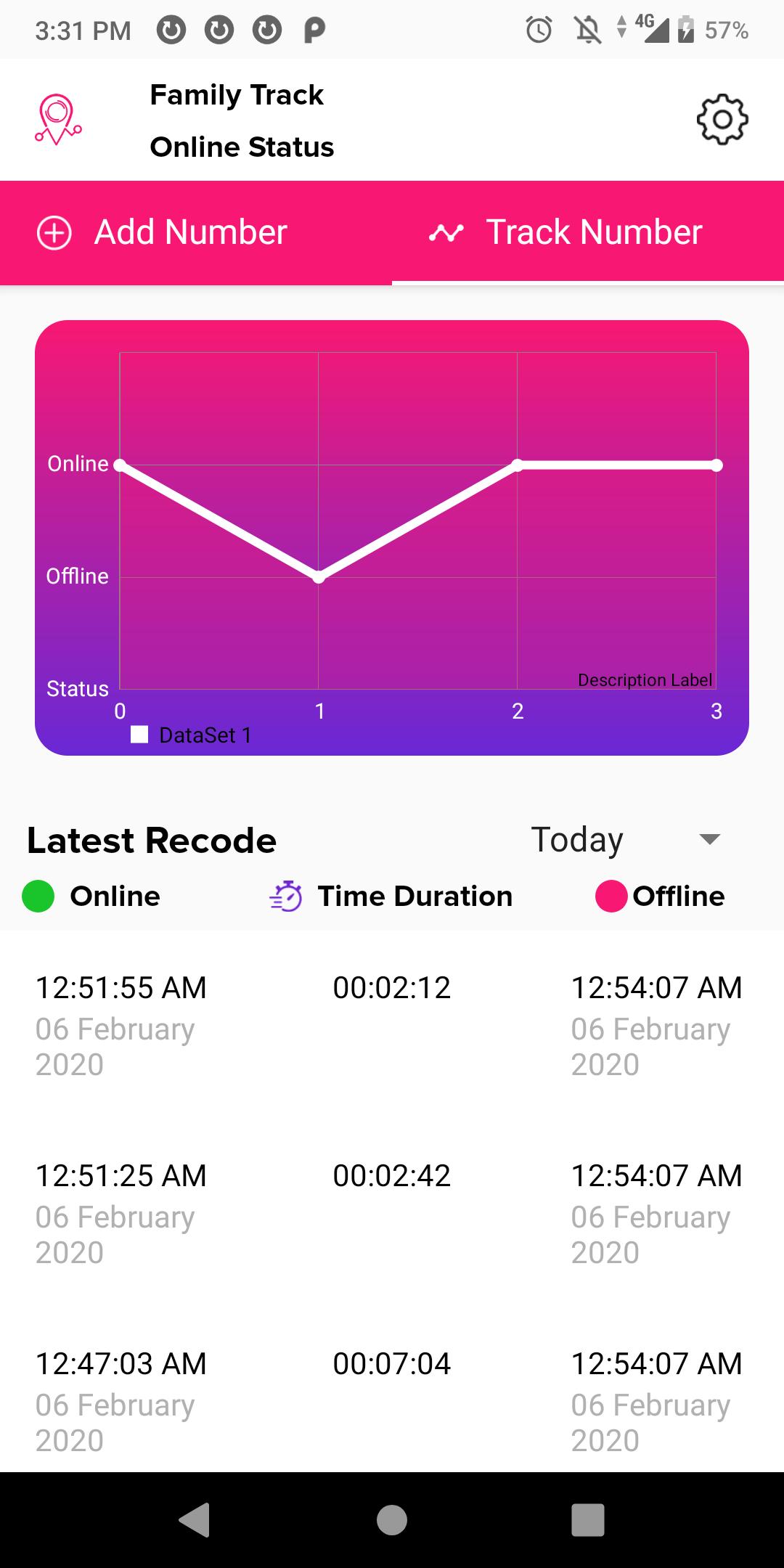
Family Track provides detailed reports of online activity of up to 3 numbers along with instant alerts and email reports.
With Family Track, you can filter reports by date and specific time frames (e.g. past bedtime) throughout the day.
You can also compare online activity of multiple individuals through easy to use visual graphs and compare patterns in the activity.
Exclusive Features of Family Track:
-Track up to 3 numbers
-Instant Notifications
-24/7 Tracking
-Last Seen Reports
ดูตัวอย่าง
ข้อมูล
นักพัฒนา
Online/Offline status traker App.
เวอร์ชั่นล่าสุด
1.7
อัพเดทล่าสุด
2020-02-26
หมวดหมู่
เครื่องมือ
มีจำหน่ายที่
Google Play
แสดงมากขึ้น
วิธีเล่น Family Track - Online Status ด้วย GameLoop บน PC
1. ดาวน์โหลด GameLoop จากเว็บไซต์ทางการ จากนั้นเรียกใช้ไฟล์ exe เพื่อติดตั้ง GameLoop
2. เปิด GameLoop และค้นหา "Family Track - Online Status" ค้นหา Family Track - Online Status ในผลการค้นหาแล้วคลิก "ติดตั้ง"
3. สนุกกับการเล่น Family Track - Online Status บน GameLoop
Minimum requirements
OS
Windows 8.1 64-bit or Windows 10 64-bit
GPU
GTX 1050
CPU
i3-8300
Memory
8GB RAM
Storage
1GB available space
Recommended requirements
OS
Windows 8.1 64-bit or Windows 10 64-bit
GPU
GTX 1050
CPU
i3-9320
Memory
16GB RAM
Storage
1GB available space