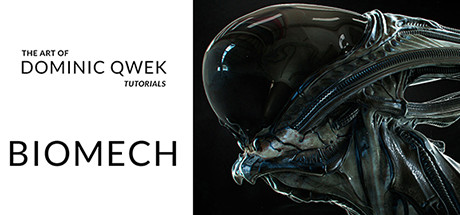
Sculpting and Rendering a Biomech Creature Bust
Dominic Qwek Art
ดาวน์โหลด Sculpting and Rendering a Biomech Creature Bust บนพีซีด้วย GameLoop Emulator
Sculpting and Rendering a Biomech Creature Bust เป็นเกม Steam ยอดนิยมที่พัฒนาโดย Dominic Qwek Art คุณสามารถดาวน์โหลด Sculpting and Rendering a Biomech Creature Bust และเกม Steam อันดับต้น ๆ ด้วย GameLoop เพื่อเล่นบนพีซี คลิกปุ่ม 'รับ' จากนั้นคุณจะได้รับข้อเสนอที่ดีที่สุดล่าสุดที่ GameDeal
รับ Sculpting and Rendering a Biomech Creature Bust เกมไอน้ำ
Sculpting and Rendering a Biomech Creature Bust เป็นเกม Steam ยอดนิยมที่พัฒนาโดย Dominic Qwek Art คุณสามารถดาวน์โหลด Sculpting and Rendering a Biomech Creature Bust และเกม Steam อันดับต้น ๆ ด้วย GameLoop เพื่อเล่นบนพีซี คลิกปุ่ม 'รับ' จากนั้นคุณจะได้รับข้อเสนอที่ดีที่สุดล่าสุดที่ GameDeal
Sculpting and Rendering a Biomech Creature Bust คุณสมบัติ
Steam Video
This content is only available in an online streaming format. More information about streaming videos can be found in the https://support.steampowered.com/kb_article.php?ref=8699-OASD-1871">Streaming Videos on Steam FAQ.
About the Video
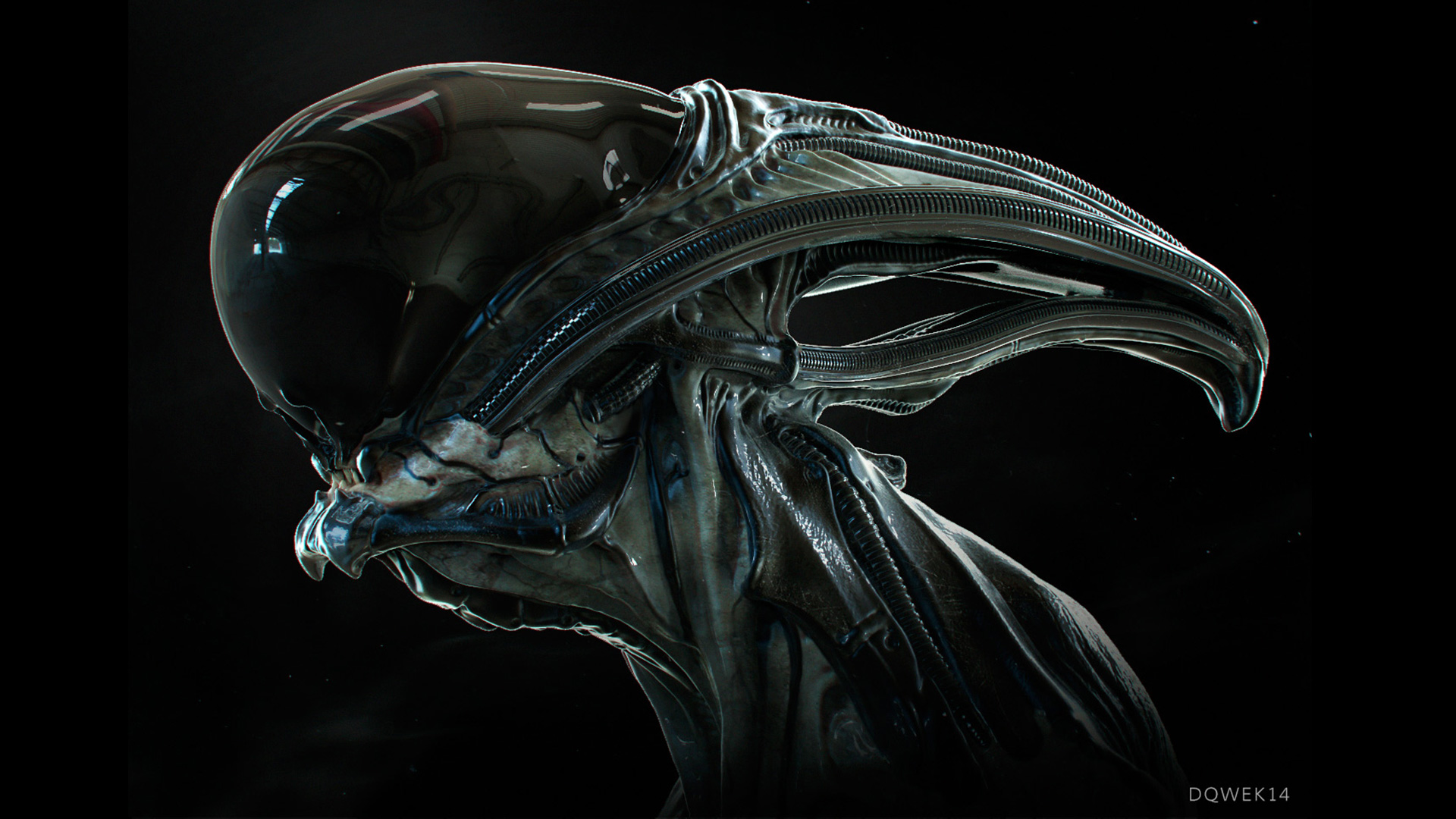
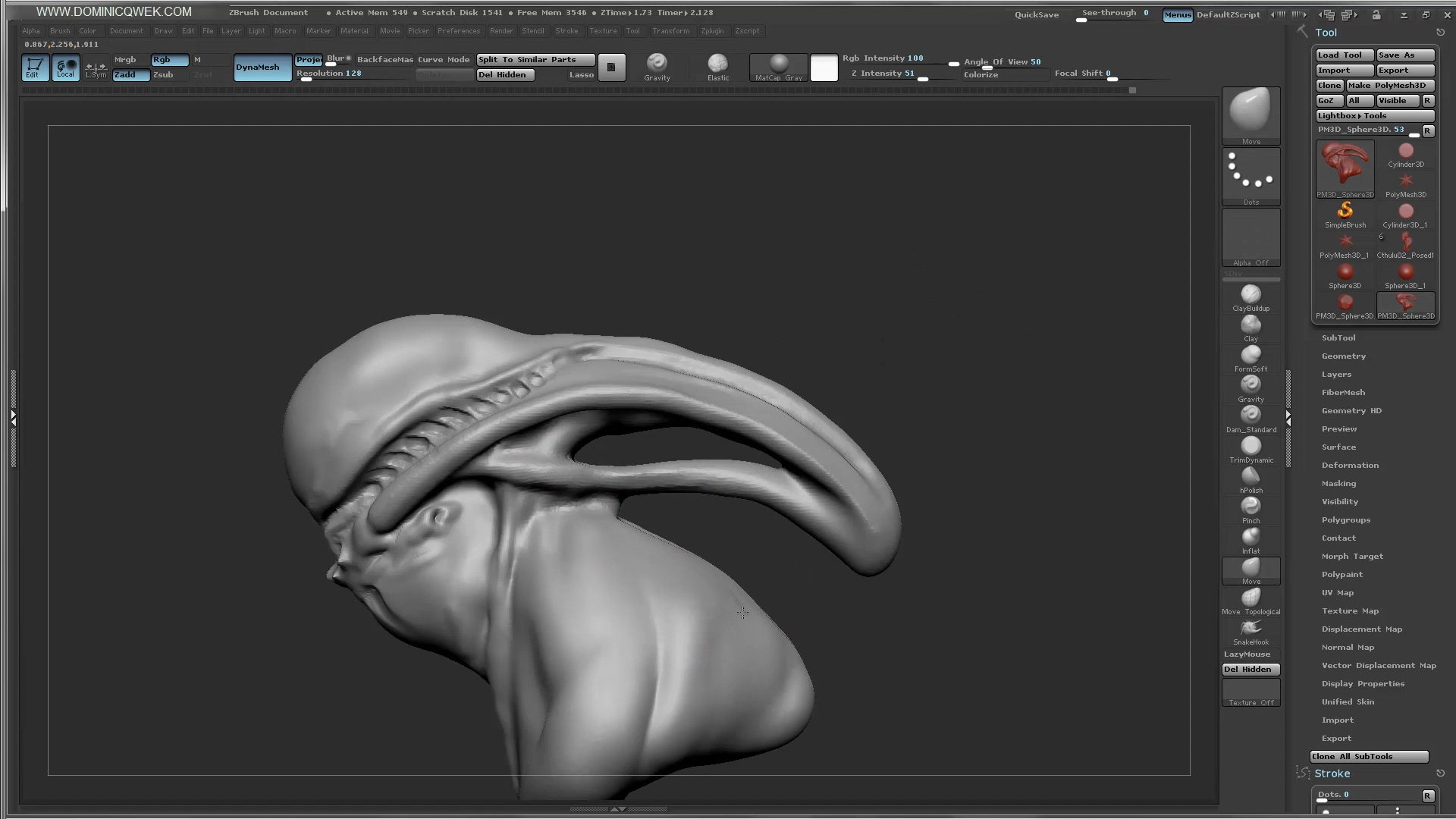
In this tutorial, we'll create a Biomech bust in ZBrush starting from a sphere. We'll use features like Dynamesh, Curve Brush and IMM Brushes. I'll show you every step of the process from designing in 3D, blocking out forms to adding realistic micro-detail. Learn how to use Keyshot to light, shade and render your Biomech bust. Then using Photoshop, we'll composite our renders and add finishing touches to create the final render. This is a live video demonstration covering every step of the process.Basic knowledge of Zbrush required. Average knowledge of Photoshop & Keyshot required.
Latest ZBrush UI configs available at http://www.dominicqwek.com/tutorials
Chapters:
- Sculpting with ZBrush
- Rendering with Keyshot and Photoshop
Files:
- ZBrush UI config + Gravity Brush
- BiomechTube Brush
- Decimated ZTL file for reference.
- Biomech OBJ files for Keyshot
- Working PSD file
- Final JPEG artwork
- 1 Hi-Res bone texture
ดาวน์โหลด Sculpting and Rendering a Biomech Creature Bust บนพีซีด้วย GameLoop Emulator
รับ Sculpting and Rendering a Biomech Creature Bust เกมไอน้ำ
Sculpting and Rendering a Biomech Creature Bust เป็นเกม Steam ยอดนิยมที่พัฒนาโดย Dominic Qwek Art คุณสามารถดาวน์โหลด Sculpting and Rendering a Biomech Creature Bust และเกม Steam อันดับต้น ๆ ด้วย GameLoop เพื่อเล่นบนพีซี คลิกปุ่ม 'รับ' จากนั้นคุณจะได้รับข้อเสนอที่ดีที่สุดล่าสุดที่ GameDeal
Sculpting and Rendering a Biomech Creature Bust คุณสมบัติ
Steam Video
This content is only available in an online streaming format. More information about streaming videos can be found in the https://support.steampowered.com/kb_article.php?ref=8699-OASD-1871">Streaming Videos on Steam FAQ.
About the Video
In this tutorial, we'll create a Biomech bust in ZBrush starting from a sphere. We'll use features like Dynamesh, Curve Brush and IMM Brushes. I'll show you every step of the process from designing in 3D, blocking out forms to adding realistic micro-detail. Learn how to use Keyshot to light, shade and render your Biomech bust. Then using Photoshop, we'll composite our renders and add finishing touches to create the final render. This is a live video demonstration covering every step of the process.Basic knowledge of Zbrush required. Average knowledge of Photoshop & Keyshot required.
Latest ZBrush UI configs available at http://www.dominicqwek.com/tutorials
Chapters:
- Sculpting with ZBrush
- Rendering with Keyshot and Photoshop
Files:
- ZBrush UI config + Gravity Brush
- BiomechTube Brush
- Decimated ZTL file for reference.
- Biomech OBJ files for Keyshot
- Working PSD file
- Final JPEG artwork
- 1 Hi-Res bone texture
ดูตัวอย่าง
ข้อมูล
นักพัฒนา
Dominic Qwek Art
เวอร์ชั่นล่าสุด
1.0.0
อัพเดทล่าสุด
2015-12-02
หมวดหมู่
Steam-game
แสดงมากขึ้น
คำถามที่พบบ่อย
PC Games Cheaper On Gamedeal | Find The Best Deals of Games Here!
Finding the right place to get the best game deals can prove to be quite a hassle when comparing game prices on multiple sites. However, you can skip through all the trouble by letting Gamedeal handle the price comparisons and grab only the best deal prices for you!
We compare game prices on all the trusted storefronts and list game deals starting with the lowest price possible at the moment. Looking for something more specific? Search it on Gamedeal and find all the best deals and cd keys discount codes to make the most out of your bucks.
Not sure what you looking for? Browse through our massive library of games from different genres to find epic deals for your favorite games from the biggest retailers in the market. Can’t afford the game you are looking for? Make sure to wishlist it and stay up-to-date with all the price changes in the future.
Say Bye to Hefty Game Deals!
Gamedeal is your one-stop shop to find all the best deals from your favorite retailers including Steam, Epic Games, Gamestop, and many more under one roof. Looking for games that cost you nothing? We have got you covered with our free games list that includes free PC and Playstation games.
We help you stay on top of the news with upcoming Steam sales and Gamestop promo codes to ensure you get the game of your choice at the lowest price possible. From old-school classics to modern AAA titles, there is something for everyone to play here.