
Saver Hub - Downloader PC
Ztore Business
ดาวน์โหลด Saver Hub - Downloader บนพีซีด้วย GameLoop Emulator
Saver Hub - Downloader บน PC
Saver Hub - Downloader มาจากผู้พัฒนา Ztore Business ที่เคยรันบนระบบปฏิบัติการ Android มาก่อน
ตอนนี้คุณสามารถเล่น Saver Hub - Downloader บนพีซีด้วย GameLoop ได้อย่างราบรื่น
ดาวน์โหลดในไลบรารี GameLoop หรือผลการค้นหา ไม่ต้องสนใจแบตเตอรี่หรือโทรผิดเวลาอีกต่อไป
เพียงเพลิดเพลินกับ Saver Hub - Downloader PC บนหน้าจอขนาดใหญ่ฟรี!
Saver Hub - Downloader บทนำ
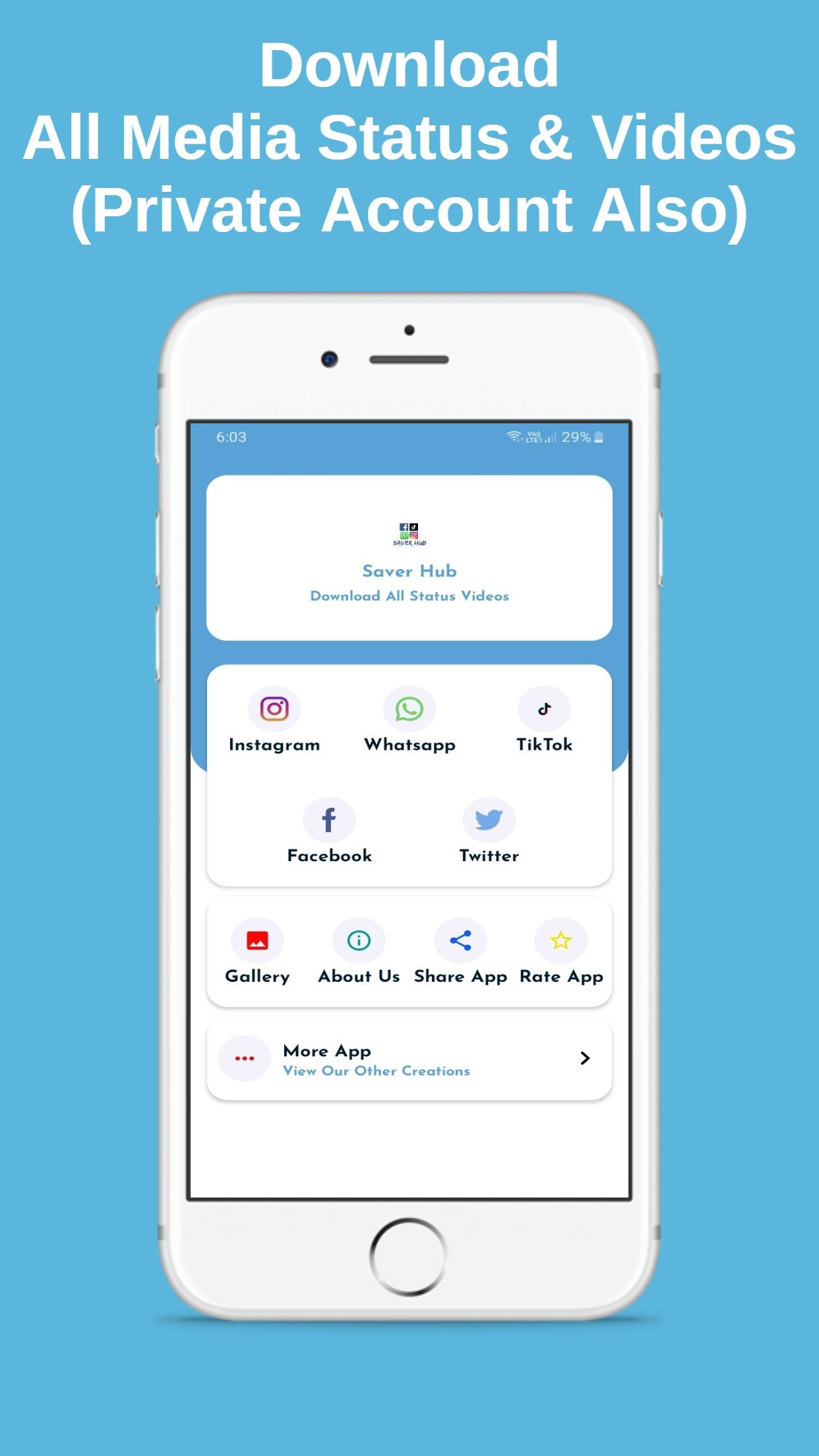
Saver Hub application allows you to saved Whatsapp status, Instagram story, Instagram & Twitter post from the link and Facebook videos easily. Saver Hub application is very helpful for the peoples who want to save their favorite images and videos from Whatsapp, Instagram, Twitter & Facebook.
Main Features
Whatsapp Status Saver
TikTok Video Saver Without Watermark
TikTok Video Saver With Watermark
Facebook Video Saver
Twitter Video and Image Saver
Instagram Private Videos and Images Download
How To Use Saver Hub for WhatsApp?
- just open "Saver Hub" app and save your favorite status from Saver Hub app.
- WhatsApp video status and image status show in an application tab to easily find out your favorite Whatsapp status.
How To Use Saver Hub for Instagram & download post from the link?
- Open the Instagram app
- Share with Saver Hub
Or Download using copied link
- Click three dots icon of post's top right corner and click Copy Share URL or Copy Link option
- Open this "Saver Hub" app and go to the Instagram tab and click on the Paste button
- Download Image or Video
How To Use Saver Hub for Facebook & download post from the link?
- Open the Facebook app
- Share with Saver Hub and Download Directly
Or Download using copied link
- Click on post's share button and click Copy Share URL or Copy Link option
- Open this "Saver Hub" app and go to the Facebook tab and click on the Paste button
- Download Image or Video
How To Use Saver Hub for Twitter & download post from the link?
- Open the Twitter app
- Share with Saver Hub and Download Directly
Or Download using copied link
- Click on post's share button and click Copy Share URL or Copy Link option
- Open this "Saver Hub" app and go to the Twitter tab and click on the Paste button
- Download Image or Video
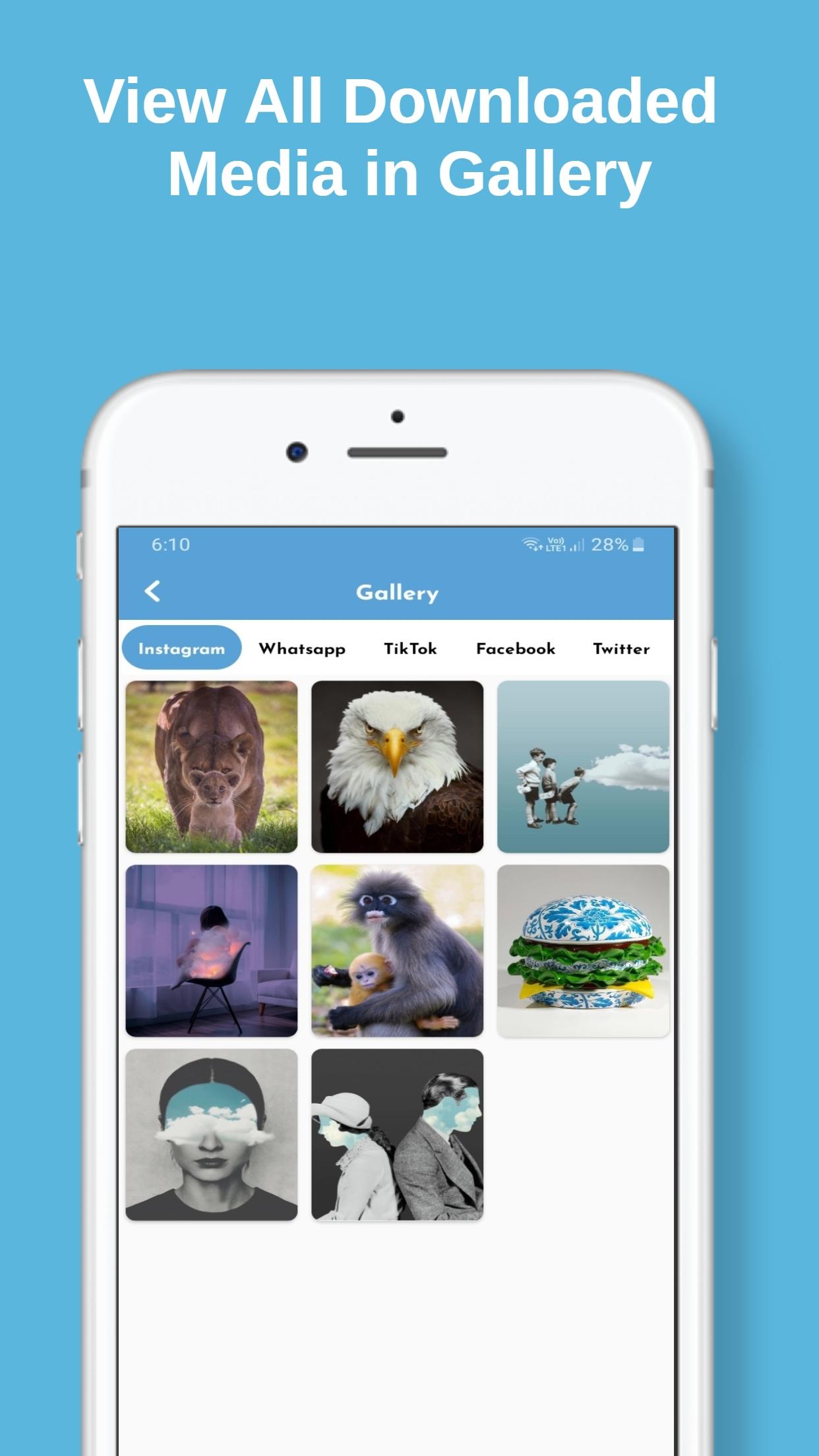
The Status & Videos is Instantly saved to your Phone Gallery and in Application Gallery go and check it out
*Rate it if you liked the App
*Probably a valuable 5 Star Rating
Your Feedback is as important as you so we can provide more content to you.
Disclaimer note:
- This application is an independent one and is not affiliated with any 3rd Party including Whatsapp inc.
- App did not use to clone or hack Anything it just displays downloaded files in-app.
- Re-uploading image/video stories and is NOT encouraged, please seek owner approval.
- This app is not affiliated with Instagram and Twitter.
- Any unauthorized downloading or re-uploading of contents and/or violations of Intellectual property rights is the sole responsibility of the user.
- This app is NOT affiliated with or endorsed by the Facebook official network.
ดูตัวอย่าง
ข้อมูล
นักพัฒนา
Ztore Business
เวอร์ชั่นล่าสุด
2.0
อัพเดทล่าสุด
2021-01-09
หมวดหมู่
สังคม
มีจำหน่ายที่
Google Play
แสดงมากขึ้น
วิธีเล่น Saver Hub - Downloader ด้วย GameLoop บน PC
1. ดาวน์โหลด GameLoop จากเว็บไซต์ทางการ จากนั้นเรียกใช้ไฟล์ exe เพื่อติดตั้ง GameLoop
2. เปิด GameLoop และค้นหา "Saver Hub - Downloader" ค้นหา Saver Hub - Downloader ในผลการค้นหาแล้วคลิก "ติดตั้ง"
3. สนุกกับการเล่น Saver Hub - Downloader บน GameLoop
Minimum requirements
OS
Windows 8.1 64-bit or Windows 10 64-bit
GPU
GTX 1050
CPU
i3-8300
Memory
8GB RAM
Storage
1GB available space
Recommended requirements
OS
Windows 8.1 64-bit or Windows 10 64-bit
GPU
GTX 1050
CPU
i3-9320
Memory
16GB RAM
Storage
1GB available space