
Profile picture Downloader for Instagram PC
Simple Design Dev
ดาวน์โหลด Profile picture Downloader for Instagram บนพีซีด้วย GameLoop Emulator
Profile picture Downloader for Instagram บน PC
Profile picture Downloader for Instagram มาจากผู้พัฒนา Simple Design Dev ที่เคยรันบนระบบปฏิบัติการ Android มาก่อน
ตอนนี้คุณสามารถเล่น Profile picture Downloader for Instagram บนพีซีด้วย GameLoop ได้อย่างราบรื่น
ดาวน์โหลดในไลบรารี GameLoop หรือผลการค้นหา ไม่ต้องสนใจแบตเตอรี่หรือโทรผิดเวลาอีกต่อไป
เพียงเพลิดเพลินกับ Profile picture Downloader for Instagram PC บนหน้าจอขนาดใหญ่ฟรี!
Profile picture Downloader for Instagram บทนำ
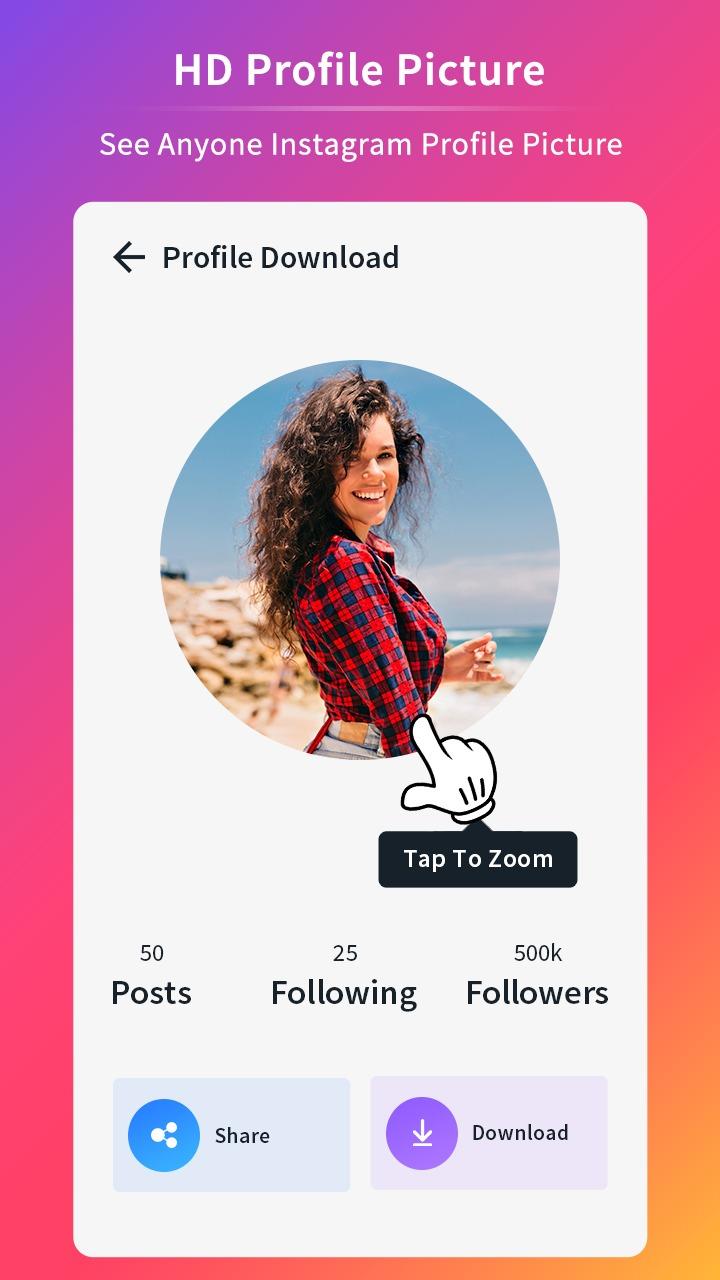
Have you ever tried to see anyone's Instagram Profile Picture in Full Size but you failed to do that? Do you wonder how to see anyone Instagram Profile Picture in Full Size? Then don't need to worry you are in the right place. With this Insta DP Download you can zoom in on any Instagram profile picture to see it in high quality and even download it. We completely help you to see to Insta DP Viewer in full Size. Instagram is become one of the most famous Social Media App because of its excellent features and very attractive and easy to use interface.
How to download profile photo from Instagram?
1. The first thing you need to do is to open the Instagram app.
2. Now open the Instagram users profile which you want to download.
3. Now the next and most important thing you need to do is copy the Username from URL.
4. Paste the username in Insta dp saver app.
5. Now Click on Search.
6. Click Download to Download it.
All HD profile pictures are saved on your phone!
Features HD Profile Picture Downloader for Instagram
* Download any profile picture from Instagram.
* View any profile picture without download.
* Share Insta profile photo of the user without downloading.
* Search any user name for pictures.
* Copy & Paste user profile from Instagram.
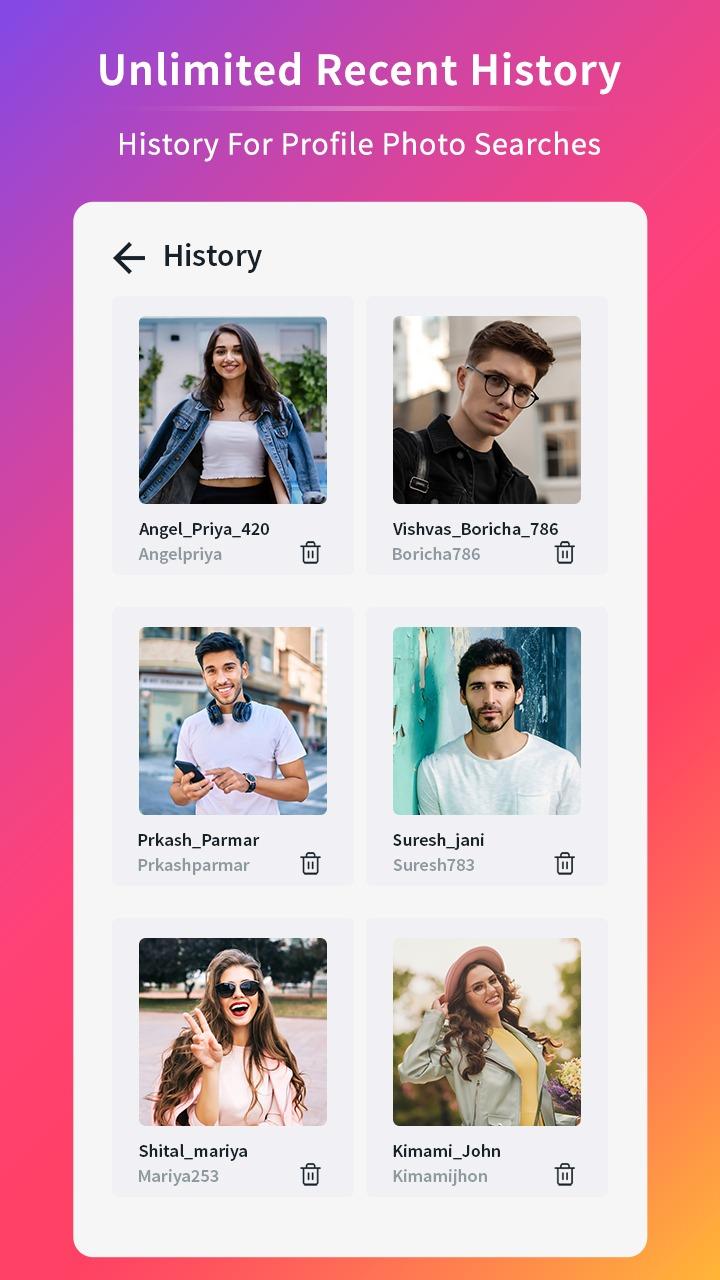
* History for profile photo searches.
* Quick access and easy to use
* No login required
Many users like this app because of its incredible features 💕 because you can quickly enter the person's profile name in question and see the profile picture in a larger size. You can zoom in and out of the photo anywhere without changing the image quality. With this app, you can even download Private profile photos at high speed 🚀.
Why should you download this app?
When someone you don't know tries to follow you the first thing you do is try to look at their tiny, massively compressed, pixelated picture. With Profile Picture Downloader for Instagram app, you can enlarge the image by up to 400%! Now you can see that cute girl or handsome man that is trying to follow you in HD.
Profile picture Downloader for Instagram and enjoy social media anywhere, anytime.
Disclaimer:
- Profile Picture Downloader for Instagram is not affiliated with Instagram. It is a tool to download Instagram profile photos.
- This app does not enable you to see any private pictures. It only enhances publicly available profile pictures.
ดูตัวอย่าง
แท็ก
สังคมข้อมูล
นักพัฒนา
Simple Design Dev
เวอร์ชั่นล่าสุด
1.4
อัพเดทล่าสุด
2022-04-26
หมวดหมู่
สังคม
มีจำหน่ายที่
Google Play
แสดงมากขึ้น
วิธีเล่น Profile picture Downloader for Instagram ด้วย GameLoop บน PC
1. ดาวน์โหลด GameLoop จากเว็บไซต์ทางการ จากนั้นเรียกใช้ไฟล์ exe เพื่อติดตั้ง GameLoop
2. เปิด GameLoop และค้นหา "Profile picture Downloader for Instagram" ค้นหา Profile picture Downloader for Instagram ในผลการค้นหาแล้วคลิก "ติดตั้ง"
3. สนุกกับการเล่น Profile picture Downloader for Instagram บน GameLoop
Minimum requirements
OS
Windows 8.1 64-bit or Windows 10 64-bit
GPU
GTX 1050
CPU
i3-8300
Memory
8GB RAM
Storage
1GB available space
Recommended requirements
OS
Windows 8.1 64-bit or Windows 10 64-bit
GPU
GTX 1050
CPU
i3-9320
Memory
16GB RAM
Storage
1GB available space