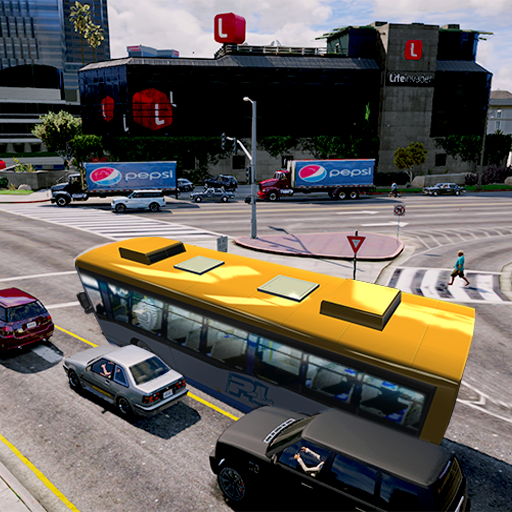
Real Coach Bus Simulator 3D 2019 PC
Fun Game Sim Publishing
ดาวน์โหลด Real Coach Bus Simulator 3D 2019 บนพีซีด้วย GameLoop Emulator
Real Coach Bus Simulator 3D 2019 บน PC
Real Coach Bus Simulator 3D 2019 มาจากผู้พัฒนา Fun Game Sim Publishing ที่เคยรันบนระบบปฏิบัติการ Android มาก่อน
ตอนนี้คุณสามารถเล่น Real Coach Bus Simulator 3D 2019 บนพีซีด้วย GameLoop ได้อย่างราบรื่น
ดาวน์โหลดในไลบรารี GameLoop หรือผลการค้นหา ไม่ต้องสนใจแบตเตอรี่หรือโทรผิดเวลาอีกต่อไป
เพียงเพลิดเพลินกับ Real Coach Bus Simulator 3D 2019 PC บนหน้าจอขนาดใหญ่ฟรี!
Real Coach Bus Simulator 3D 2019 บทนำ
Real Coach Bus Simulator 3D 2018 is the latest simulation game that will give you the chance to become a real Bus Driver! Realistic maps, incredible vehicles, wonderful interiors will make you feel like driving a real bus!
It's time to get on board and drive the bus to complete all the routes! Next-gen graphics including people animations, articulated, double and school buses will make this bus game the best on the market!
Take care of your clutch ,handbrake and blinker. when you overtake, when you are at night ,remember not use horns usually.
Real Coach Bus Simulator 3D 2018 Features:
- Realistic Maps
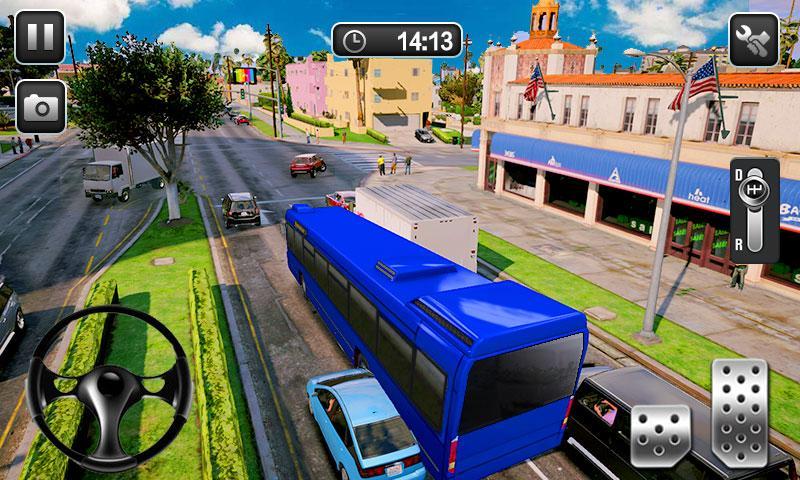
- 15 Buses (articulated, double-decker, school, etc...)
- Open/Close Doors button
- Animated people entering/exiting the bus
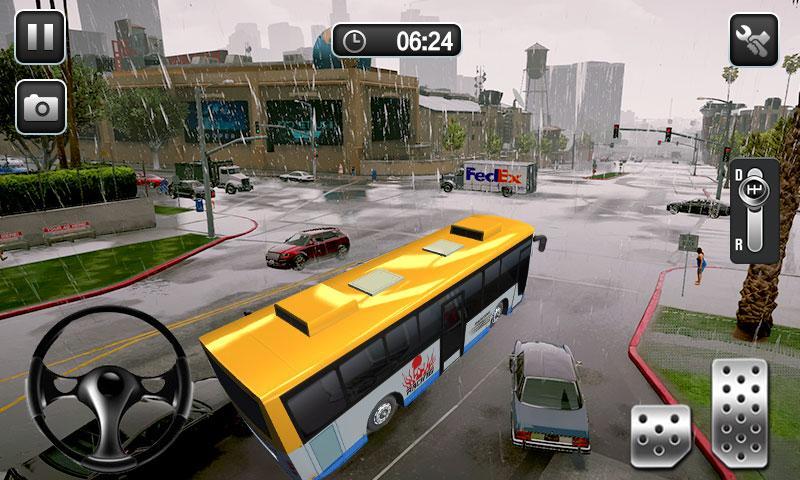
- Custom weather conditions in Free Ride mode
- Locations of any kind: city, countryside, mountain, desert and snow
- Realistic visual damage
- Steering Wheel, Buttons or Tilting controls
- Detailed Interiors
- Intelligent Traffic System
ดูตัวอย่าง
แท็ก
จำลองเหตุการณ์ข้อมูล
นักพัฒนา
Fun Game Sim Publishing
เวอร์ชั่นล่าสุด
1.11
อัพเดทล่าสุด
2019-03-20
หมวดหมู่
จำลองเหตุการณ์
มีจำหน่ายที่
Google Play
แสดงมากขึ้น
วิธีเล่น Real Coach Bus Simulator 3D 2019 ด้วย GameLoop บน PC
1. ดาวน์โหลด GameLoop จากเว็บไซต์ทางการ จากนั้นเรียกใช้ไฟล์ exe เพื่อติดตั้ง GameLoop
2. เปิด GameLoop และค้นหา "Real Coach Bus Simulator 3D 2019" ค้นหา Real Coach Bus Simulator 3D 2019 ในผลการค้นหาแล้วคลิก "ติดตั้ง"
3. สนุกกับการเล่น Real Coach Bus Simulator 3D 2019 บน GameLoop
Minimum requirements
OS
Windows 8.1 64-bit or Windows 10 64-bit
GPU
GTX 1050
CPU
i3-8300
Memory
8GB RAM
Storage
1GB available space
Recommended requirements
OS
Windows 8.1 64-bit or Windows 10 64-bit
GPU
GTX 1050
CPU
i3-9320
Memory
16GB RAM
Storage
1GB available space