Play for Angry Teacher Part 2 PC
Awecom Games
ดาวน์โหลด Play for Angry Teacher Part 2 บนพีซีด้วย GameLoop Emulator
Play for Angry Teacher Part 2 บน PC
Play for Angry Teacher Part 2 มาจากผู้พัฒนา Awecom Games ที่เคยรันบนระบบปฏิบัติการ Android มาก่อน
ตอนนี้คุณสามารถเล่น Play for Angry Teacher Part 2 บนพีซีด้วย GameLoop ได้อย่างราบรื่น
ดาวน์โหลดในไลบรารี GameLoop หรือผลการค้นหา ไม่ต้องสนใจแบตเตอรี่หรือโทรผิดเวลาอีกต่อไป
เพียงเพลิดเพลินกับ Play for Angry Teacher Part 2 PC บนหน้าจอขนาดใหญ่ฟรี!
Play for Angry Teacher Part 2 บทนำ
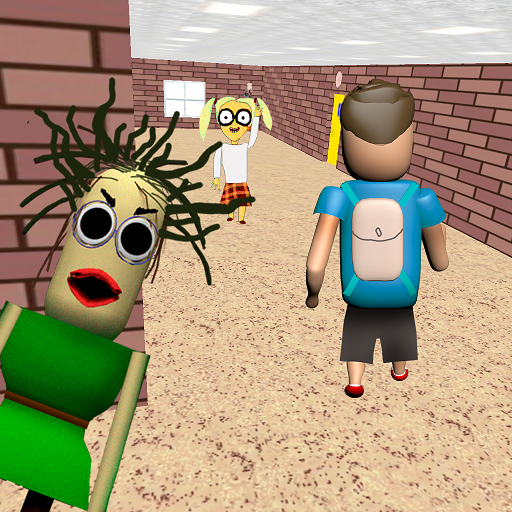
After the student managed to escape from the bald teacher, he went to a new school, where he will have to face a new scary teacher!
Now it's your turn to be a scary angry teacher. Your students are behaving badly, you need to punish them.
Catch up with the student until he has completed his mission and escaped from you.
Being a scary angry teacher is not easy, but you will definitely succeed!
Control
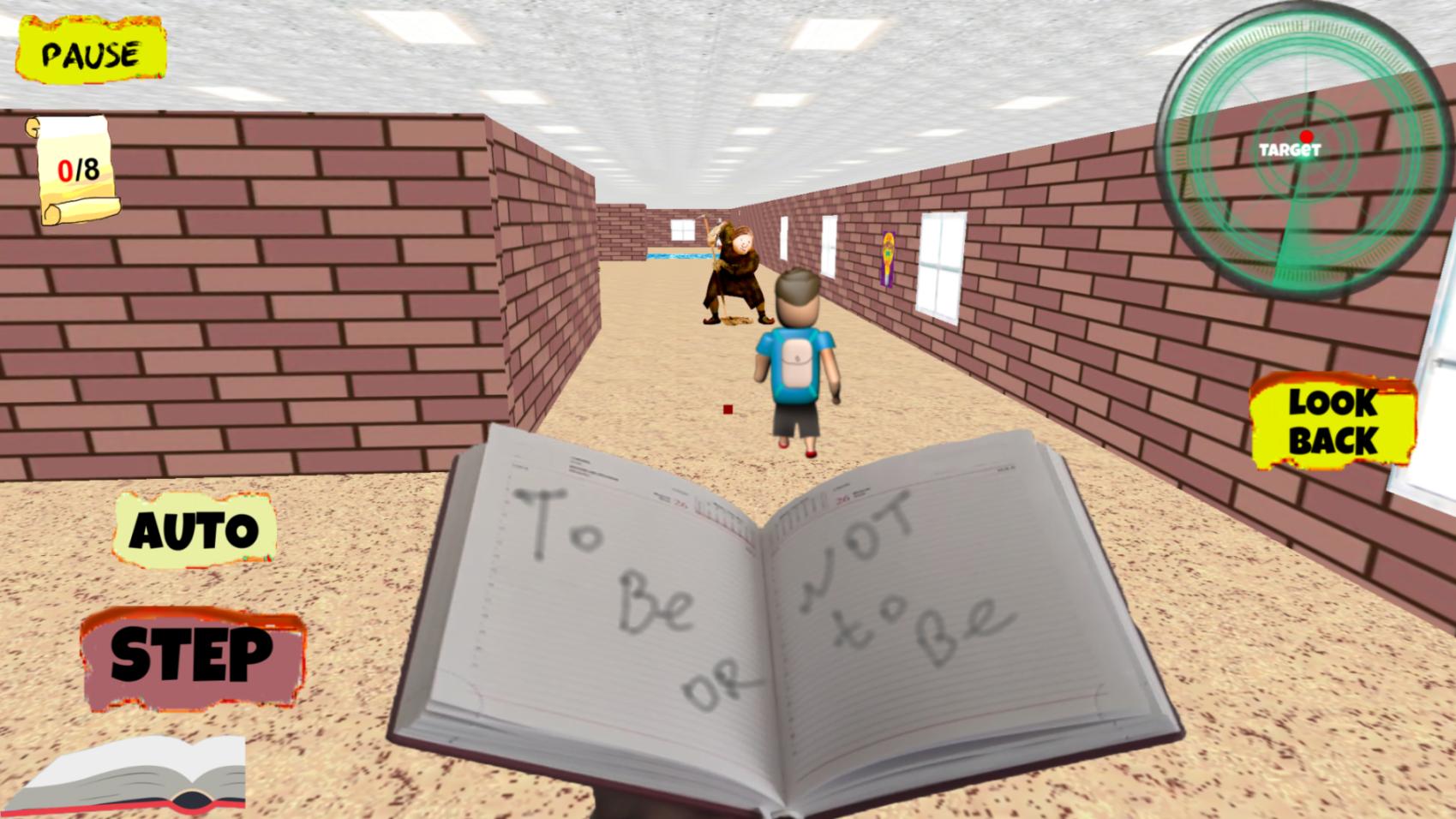
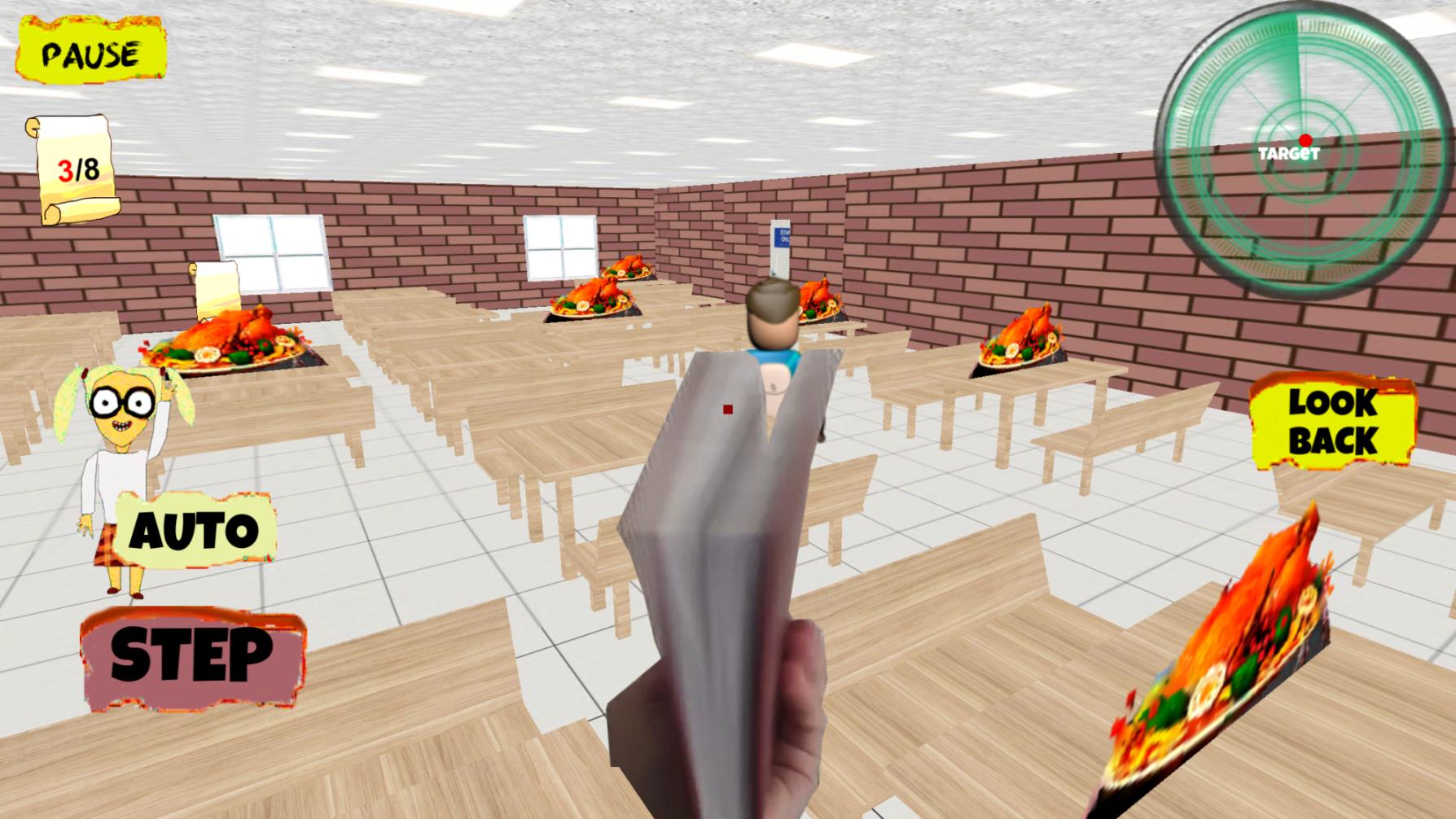
Your scary teacher can move independently, your task is to guide him using the touch panel on the right or using the slider.
Also in the Control menu, you can choose the method in which the character moves by pressing the "step" button,
when filling the scale from the bottom left, or it will move automatically when you select a switch, and you just have to direct its movement.
ดูตัวอย่าง
แท็ก
จำลองเหตุการณ์ข้อมูล
นักพัฒนา
Awecom Games
เวอร์ชั่นล่าสุด
1.0.7
อัพเดทล่าสุด
2025-09-22
หมวดหมู่
จำลองเหตุการณ์
มีจำหน่ายที่
Google Play
แสดงมากขึ้น
วิธีเล่น Play for Angry Teacher Part 2 ด้วย GameLoop บน PC
1. ดาวน์โหลด GameLoop จากเว็บไซต์ทางการ จากนั้นเรียกใช้ไฟล์ exe เพื่อติดตั้ง GameLoop
2. เปิด GameLoop และค้นหา "Play for Angry Teacher Part 2" ค้นหา Play for Angry Teacher Part 2 ในผลการค้นหาแล้วคลิก "ติดตั้ง"
3. สนุกกับการเล่น Play for Angry Teacher Part 2 บน GameLoop
Minimum requirements
OS
Windows 8.1 64-bit or Windows 10 64-bit
GPU
GTX 1050
CPU
i3-8300
Memory
8GB RAM
Storage
1GB available space
Recommended requirements
OS
Windows 8.1 64-bit or Windows 10 64-bit
GPU
GTX 1050
CPU
i3-9320
Memory
16GB RAM
Storage
1GB available space