
Fake Video Call Simulator PC
StarApps7
ดาวน์โหลด Fake Video Call Simulator บนพีซีด้วย GameLoop Emulator
Fake Video Call Simulator บน PC
Fake Video Call Simulator มาจากผู้พัฒนา StarApps7 ที่เคยรันบนระบบปฏิบัติการ Android มาก่อน
ตอนนี้คุณสามารถเล่น Fake Video Call Simulator บนพีซีด้วย GameLoop ได้อย่างราบรื่น
ดาวน์โหลดในไลบรารี GameLoop หรือผลการค้นหา ไม่ต้องสนใจแบตเตอรี่หรือโทรผิดเวลาอีกต่อไป
เพียงเพลิดเพลินกับ Fake Video Call Simulator PC บนหน้าจอขนาดใหญ่ฟรี!
Fake Video Call Simulator บทนำ
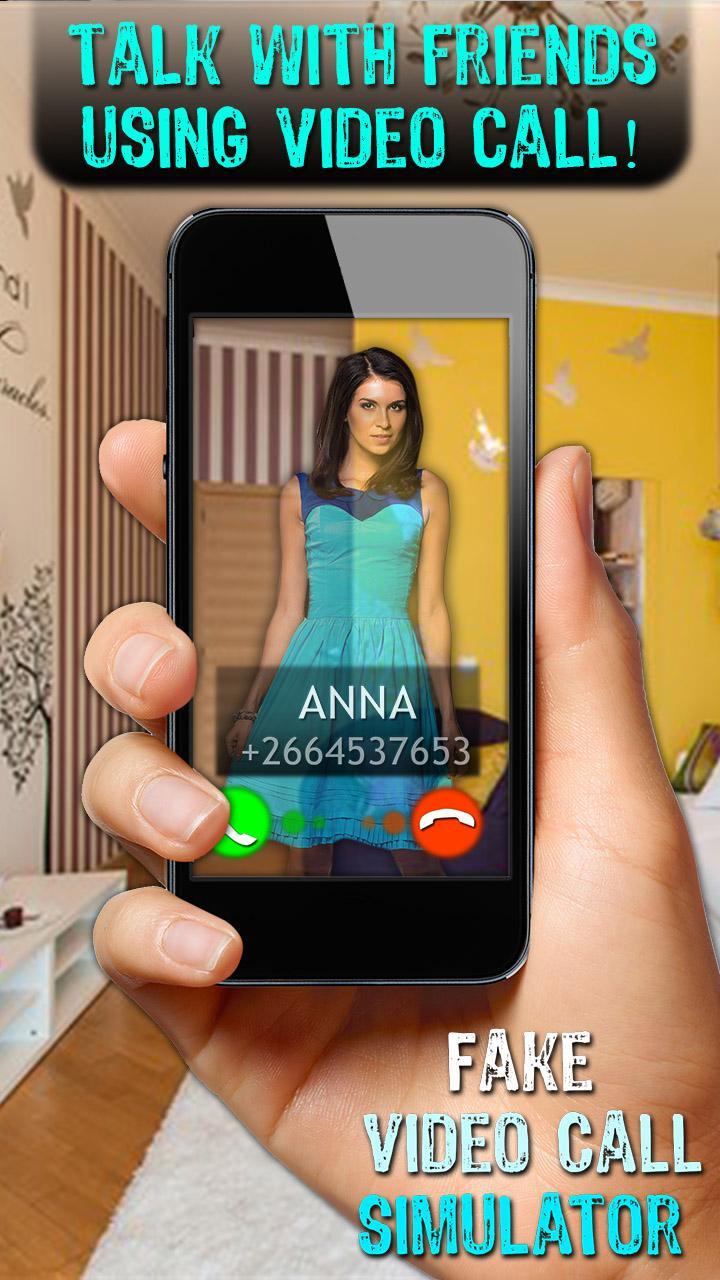
Fake Video Call simulator - this game is a joke where you can chat with a boyfriend or girlfriend through a video call. For a more realistic effect, the camera is connected. Communicate via SMS text message or video through the camera and photo. You will present each virtual robot. He will always answer you.
ATTENTION ! This is a game designed for entertainment and jokes, and does not bear any harm!
Thank you for playing with us, leave us your ratings and reviews, and we'll make our game better and more fun for you and your friends!
ดูตัวอย่าง

ข้อมูล
นักพัฒนา
StarApps7
เวอร์ชั่นล่าสุด
1.3
อัพเดทล่าสุด
2016-08-05
หมวดหมู่
จำลองเหตุการณ์
มีจำหน่ายที่
Google Play
แสดงมากขึ้น
วิธีเล่น Fake Video Call Simulator ด้วย GameLoop บน PC
1. ดาวน์โหลด GameLoop จากเว็บไซต์ทางการ จากนั้นเรียกใช้ไฟล์ exe เพื่อติดตั้ง GameLoop
2. เปิด GameLoop และค้นหา "Fake Video Call Simulator" ค้นหา Fake Video Call Simulator ในผลการค้นหาแล้วคลิก "ติดตั้ง"
3. สนุกกับการเล่น Fake Video Call Simulator บน GameLoop
Minimum requirements
OS
Windows 8.1 64-bit or Windows 10 64-bit
GPU
GTX 1050
CPU
i3-8300
Memory
8GB RAM
Storage
1GB available space
Recommended requirements
OS
Windows 8.1 64-bit or Windows 10 64-bit
GPU
GTX 1050
CPU
i3-9320
Memory
16GB RAM
Storage
1GB available space