
WordCross Puzzle : WordScape S PC
BRAIN TEST PUZZLE GAME
ดาวน์โหลด WordCross Puzzle : WordScape S บนพีซีด้วย GameLoop Emulator
WordCross Puzzle : WordScape S บน PC
WordCross Puzzle : WordScape S มาจากผู้พัฒนา BRAIN TEST PUZZLE GAME ที่เคยรันบนระบบปฏิบัติการ Android มาก่อน
ตอนนี้คุณสามารถเล่น WordCross Puzzle : WordScape S บนพีซีด้วย GameLoop ได้อย่างราบรื่น
ดาวน์โหลดในไลบรารี GameLoop หรือผลการค้นหา ไม่ต้องสนใจแบตเตอรี่หรือโทรผิดเวลาอีกต่อไป
เพียงเพลิดเพลินกับ WordCross Puzzle : WordScape S PC บนหน้าจอขนาดใหญ่ฟรี!
WordCross Puzzle : WordScape S บทนำ
DOWNLOAD the latest word puzzle game for FREE!
Great new exciting Word Search!!!
"Word Wow 2020" is the ultimate word puzzle game, and it is totally AWESOME AND FREE!!
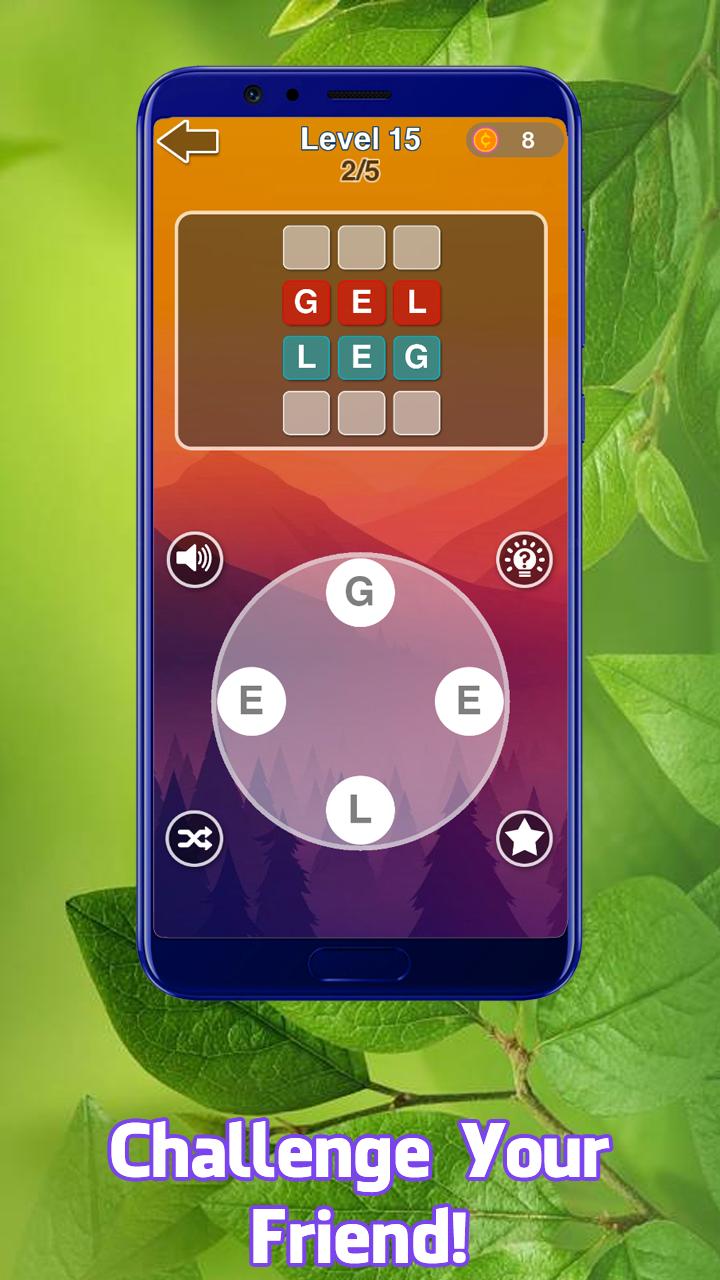
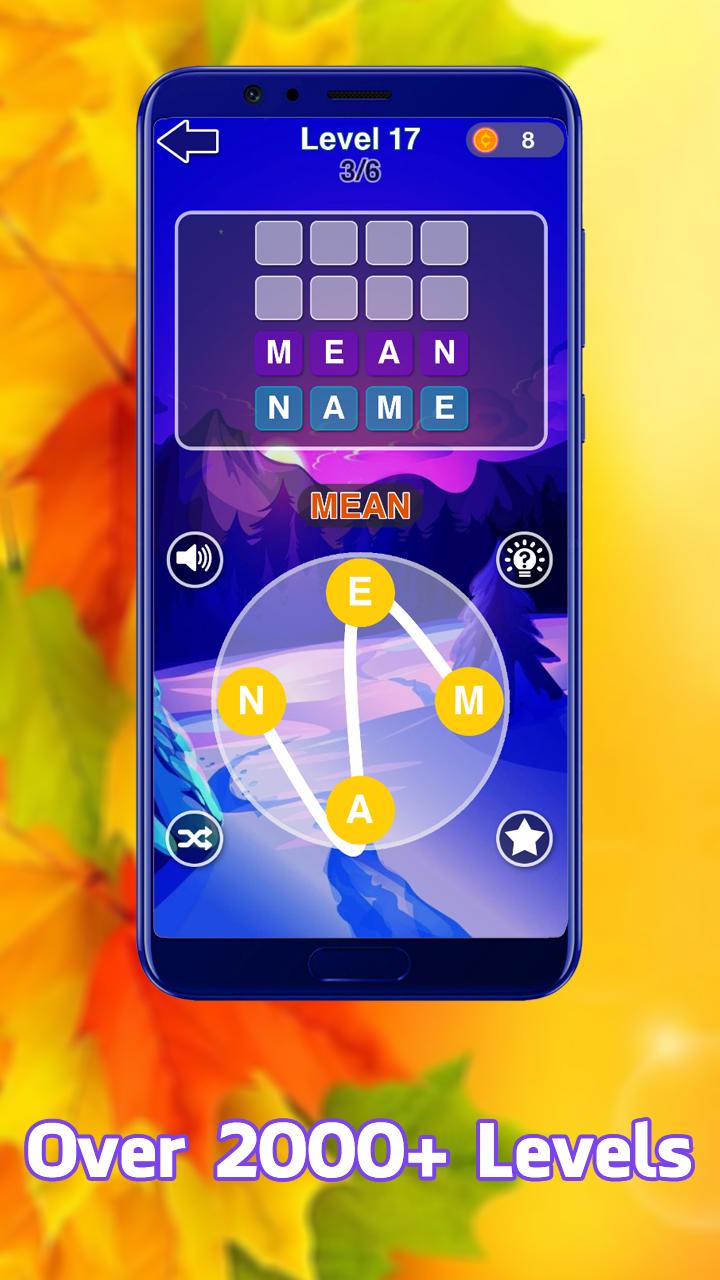
The game is easy to play, slide the letter up, down, left, right, diagonal in any of the eight directions. Search and find all hidden words in the grid. Increase your vocabulary and exercise your brain!
Endless Word search puzzles to challenge your brain. Play a fun word search game which will sharpen your brain, and improve your vocabulary! Word Search is a connect-the-letters word finding game that puts a fun vocabulary spin on this brain training classic. Word Search Blast is really easy to play, all you need to do is search for hidden words in the puzzle. Word Search Blast is both a relaxing mystery word puzzle game and a stimulating brain training crossword experience!
ดูตัวอย่าง
แท็ก
คำศัพท์ข้อมูล
นักพัฒนา
BRAIN TEST PUZZLE GAME
เวอร์ชั่นล่าสุด
2.0
อัพเดทล่าสุด
2020-02-16
หมวดหมู่
ปริศนา
มีจำหน่ายที่
Google Play
แสดงมากขึ้น
วิธีเล่น WordCross Puzzle : WordScape S ด้วย GameLoop บน PC
1. ดาวน์โหลด GameLoop จากเว็บไซต์ทางการ จากนั้นเรียกใช้ไฟล์ exe เพื่อติดตั้ง GameLoop
2. เปิด GameLoop และค้นหา "WordCross Puzzle : WordScape S" ค้นหา WordCross Puzzle : WordScape S ในผลการค้นหาแล้วคลิก "ติดตั้ง"
3. สนุกกับการเล่น WordCross Puzzle : WordScape S บน GameLoop
Minimum requirements
OS
Windows 8.1 64-bit or Windows 10 64-bit
GPU
GTX 1050
CPU
i3-8300
Memory
8GB RAM
Storage
1GB available space
Recommended requirements
OS
Windows 8.1 64-bit or Windows 10 64-bit
GPU
GTX 1050
CPU
i3-9320
Memory
16GB RAM
Storage
1GB available space