DARK VPN PRO SSH PROXY VPN PC
Dark net technology
ดาวน์โหลด DARK VPN PRO SSH PROXY VPN บนพีซีด้วย GameLoop Emulator
DARK VPN PRO SSH PROXY VPN บน PC
DARK VPN PRO SSH PROXY VPN มาจากผู้พัฒนา Dark net technology ที่เคยรันบนระบบปฏิบัติการ Android มาก่อน
ตอนนี้คุณสามารถเล่น DARK VPN PRO SSH PROXY VPN บนพีซีด้วย GameLoop ได้อย่างราบรื่น
ดาวน์โหลดในไลบรารี GameLoop หรือผลการค้นหา ไม่ต้องสนใจแบตเตอรี่หรือโทรผิดเวลาอีกต่อไป
เพียงเพลิดเพลินกับ DARK VPN PRO SSH PROXY VPN PC บนหน้าจอขนาดใหญ่ฟรี!
DARK VPN PRO SSH PROXY VPN บทนำ
A World Wide High Speed SSH HTTP types for Android Vpn
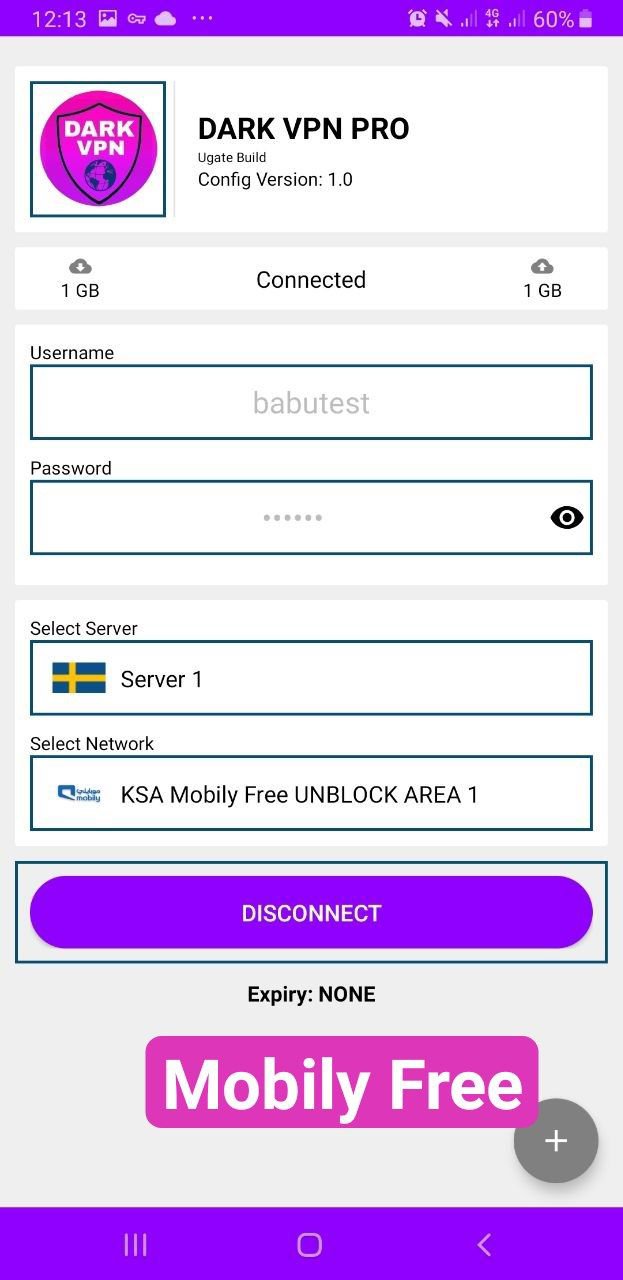
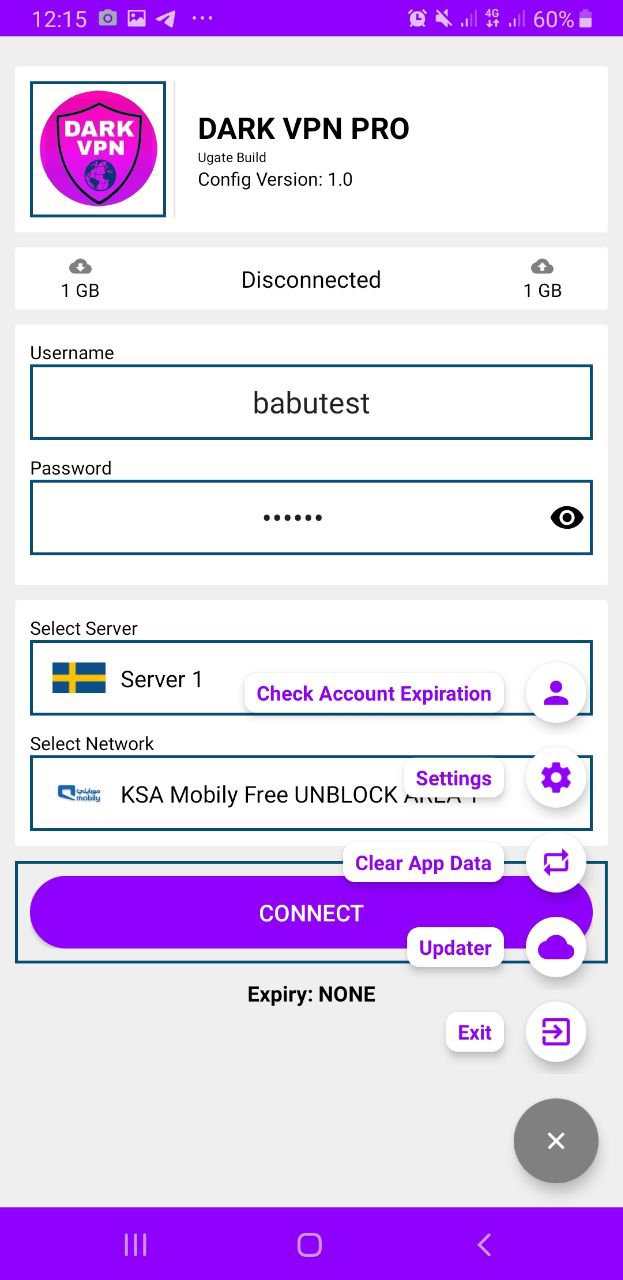
Dark Vpn Pro app to browse the internet privately & securely with multiple tunnel tech, SSH ,SSL, HTTP, UDP, SECURE SOCKETS, WEBSOCKET
DARK VPN PRO Main Features
• Clean and neat design with super user-friendly
• registration needed
• NO ROOT required
• It’s fast, free and secure
• No Bandwidth limitation (Unlimited Bandwidth)
• Support all device for Android
• SSL Tunnel, SSH Tunnel and UDP Tunnel , WS Tunnel
• Bypass any type of restriction
So, Dark Vpn Pro offers everything you should expect from such VPN apps, and if you live in a country with several restrictions by the ISP, or you want to bypass the firewall, or looking for a secure connection, then make sure to give this free tunnel app a try. All the features are available for free and you don’t need to root your Android device to be able to have access to the free cloud proxy servers.
We are always monitoring our proxy servers to make sure to deliver fast, reliable and secure connections. This smart VPN app automatically connects you to the nearest and fastest server, so you’ll experience high-speed and secure connection through the tunnel.
Download Drk Vpn Pro SSH PROXY Vpn for free and let us know about any bugs, questions, feature requests or any other suggestions.
And if you have any issues please mail us first before leaving a negative review.
Thank You
ดูตัวอย่าง
แท็ก
ประสิทธิภาพการทำงานข้อมูล
นักพัฒนา
Dark net technology
เวอร์ชั่นล่าสุด
1.4
อัพเดทล่าสุด
2022-03-27
หมวดหมู่
ประสิทธิภาพการทำงาน
มีจำหน่ายที่
Google Play
แสดงมากขึ้น
วิธีเล่น DARK VPN PRO SSH PROXY VPN ด้วย GameLoop บน PC
1. ดาวน์โหลด GameLoop จากเว็บไซต์ทางการ จากนั้นเรียกใช้ไฟล์ exe เพื่อติดตั้ง GameLoop
2. เปิด GameLoop และค้นหา "DARK VPN PRO SSH PROXY VPN" ค้นหา DARK VPN PRO SSH PROXY VPN ในผลการค้นหาแล้วคลิก "ติดตั้ง"
3. สนุกกับการเล่น DARK VPN PRO SSH PROXY VPN บน GameLoop
Minimum requirements
OS
Windows 8.1 64-bit or Windows 10 64-bit
GPU
GTX 1050
CPU
i3-8300
Memory
8GB RAM
Storage
1GB available space
Recommended requirements
OS
Windows 8.1 64-bit or Windows 10 64-bit
GPU
GTX 1050
CPU
i3-9320
Memory
16GB RAM
Storage
1GB available space