Thai Keyboard : Thai Keys PC
Ryk Tech Studio
ดาวน์โหลด Thai Keyboard : Thai Keys บนพีซีด้วย GameLoop Emulator
Thai Keyboard : Thai Keys บน PC
Thai Keyboard : Thai Keys มาจากผู้พัฒนา Ryk Tech Studio ที่เคยรันบนระบบปฏิบัติการ Android มาก่อน
ตอนนี้คุณสามารถเล่น Thai Keyboard : Thai Keys บนพีซีด้วย GameLoop ได้อย่างราบรื่น
ดาวน์โหลดในไลบรารี GameLoop หรือผลการค้นหา ไม่ต้องสนใจแบตเตอรี่หรือโทรผิดเวลาอีกต่อไป
เพียงเพลิดเพลินกับ Thai Keyboard : Thai Keys PC บนหน้าจอขนาดใหญ่ฟรี!
Thai Keyboard : Thai Keys บทนำ
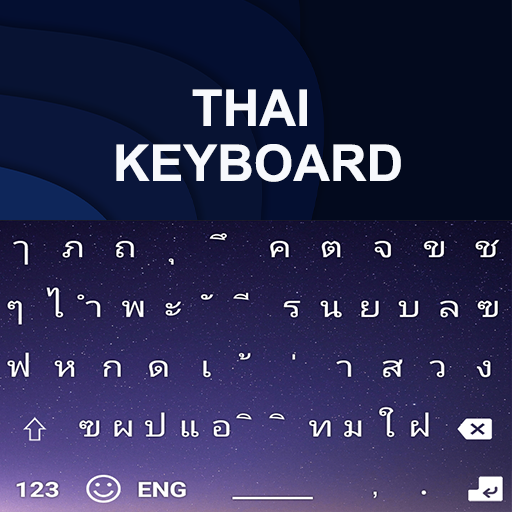
Most demanding “Thai Typing Keyboard” application designed for English to Thai content users. This is the best and latest Thai typing keyboard with all Thai letters.
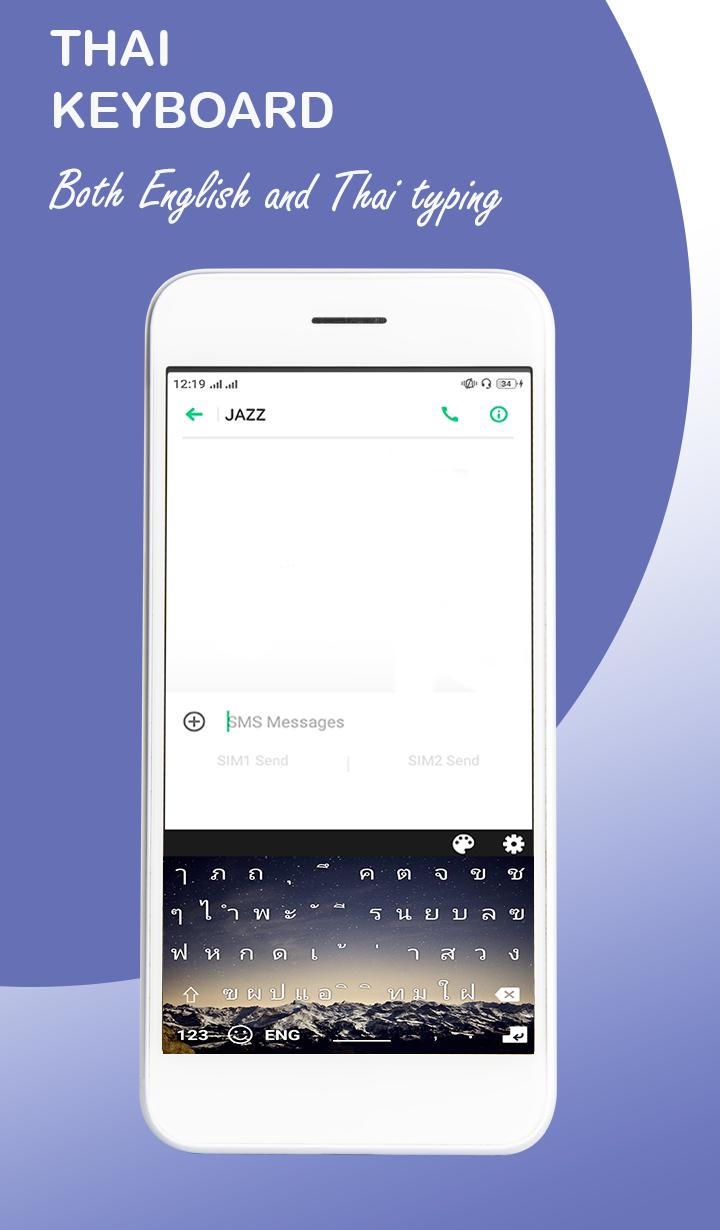
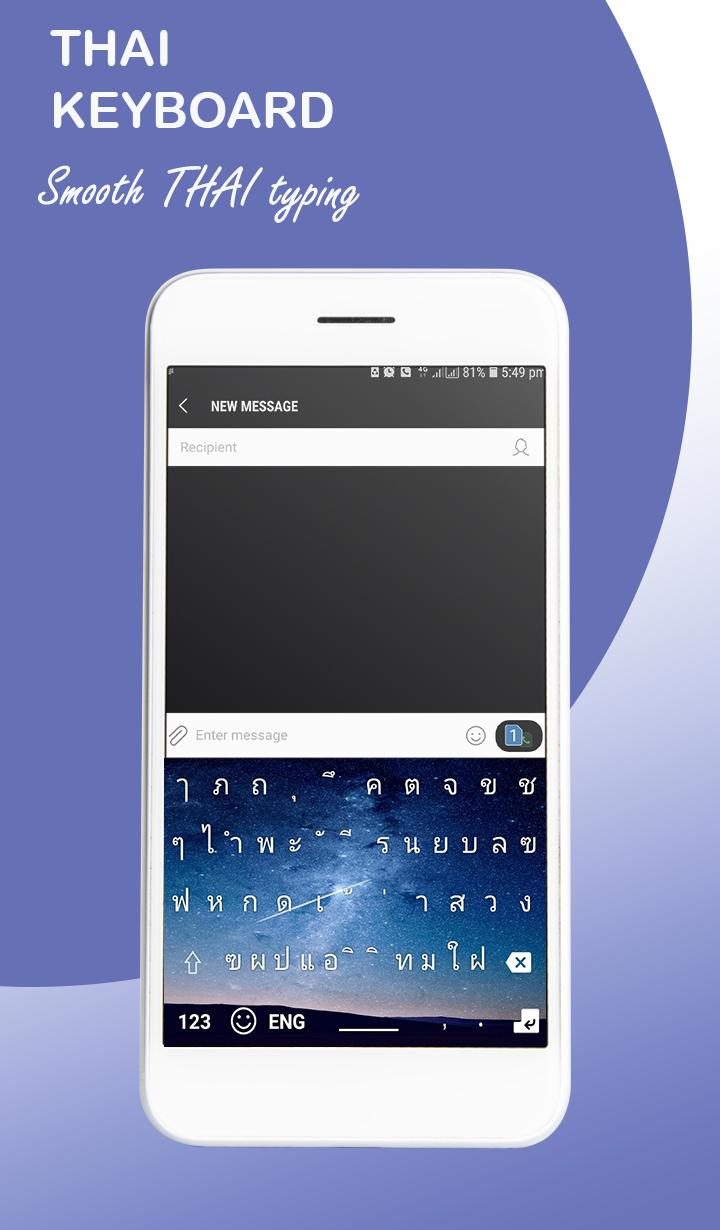
This English Thai keyboard will allow the users to write and type Thai language easily,user can type in specific native language of easy Thai. All the users will be witnessing the best keyboard in Thai with all the punctuation and conventional signs for the better understanding and the correct reading of Thai language.
The hesitation you felt while texting in Thai and making long detailed Thai documentations will no more freeze your hand typing, best latest and stylish keypad with amazing features like 1000+ emoji’sfor the conversations in Thai and English. Easy and friendly user interface you can easily use the app without facing any difficulties.
This Latest Thai and English keyboard also allows background vibration and keyboard tone in Thai phonics feature. It works, when user press any key on keyboard, the device will vibrate or play some sound of click. User can also enable best keyboard background theme as well.
In this Thai conversation application, user can customize the theme by users own style or choice. The Thai keyboard with fascinating features helps you write correct words in Thai.
How to use:
★ Download and install
★ Open the App
★ Click to start
★ Enable the keyboard in the settings
★ Select the keyboard (Choose the keyboard)
★ Enjoy the fast keyboard with amazing features
Some basic guidelines of fast typing application are described below:
★ Click to start Thai easy keyboard
★ Enable keyboard
★ Experience free and easy app
Communicate with friends by sending colorful smiles characters with your messages. It has most trusted built-in dictionary to choose correct words in Thai easy keyboard.
Key Features:
★ Numerous collection of emoji’s
★ Free & easy to use and install
★ Friendly and easy user interface
★ Totally supported Thai keyboard
★ New user guidance
★ Keys with vibration and sound background
★ Updated built-in dictionary
★ Customized themes collection
ดูตัวอย่าง
แท็ก
ประสิทธิภาพการทำงานข้อมูล
นักพัฒนา
Ryk Tech Studio
เวอร์ชั่นล่าสุด
1.0.0
อัพเดทล่าสุด
2022-08-14
หมวดหมู่
ประสิทธิภาพการทำงาน
มีจำหน่ายที่
Google Play
แสดงมากขึ้น
วิธีเล่น Thai Keyboard : Thai Keys ด้วย GameLoop บน PC
1. ดาวน์โหลด GameLoop จากเว็บไซต์ทางการ จากนั้นเรียกใช้ไฟล์ exe เพื่อติดตั้ง GameLoop
2. เปิด GameLoop และค้นหา "Thai Keyboard : Thai Keys" ค้นหา Thai Keyboard : Thai Keys ในผลการค้นหาแล้วคลิก "ติดตั้ง"
3. สนุกกับการเล่น Thai Keyboard : Thai Keys บน GameLoop
Minimum requirements
OS
Windows 8.1 64-bit or Windows 10 64-bit
GPU
GTX 1050
CPU
i3-8300
Memory
8GB RAM
Storage
1GB available space
Recommended requirements
OS
Windows 8.1 64-bit or Windows 10 64-bit
GPU
GTX 1050
CPU
i3-9320
Memory
16GB RAM
Storage
1GB available space